More and more videos are made start to finish on a phone: you type an idea, get a clip or a finished video, and post it to TikTok, Reels, or Shorts without touching a laptop. The App Store and Google Play are full of apps that promise exactly that, and many of them are look-alike wrappers that charge a weekly subscription for someone else's model.
The best AI video apps are a shorter list. Some generate cinematic clips, some are editors with AI built in, and one of the most useful tools here is not a store app at all, but a web app that runs in your phone browser.
This guide compares the 8 best AI video apps in 2026 for making videos on your phone: what each one does best, the price of its main paid plan, output quality, and which platforms it runs on. If you mostly work on a computer, our roundup of the best AI video generators covers the browser-first tools.
Best AI video apps: a brief overview
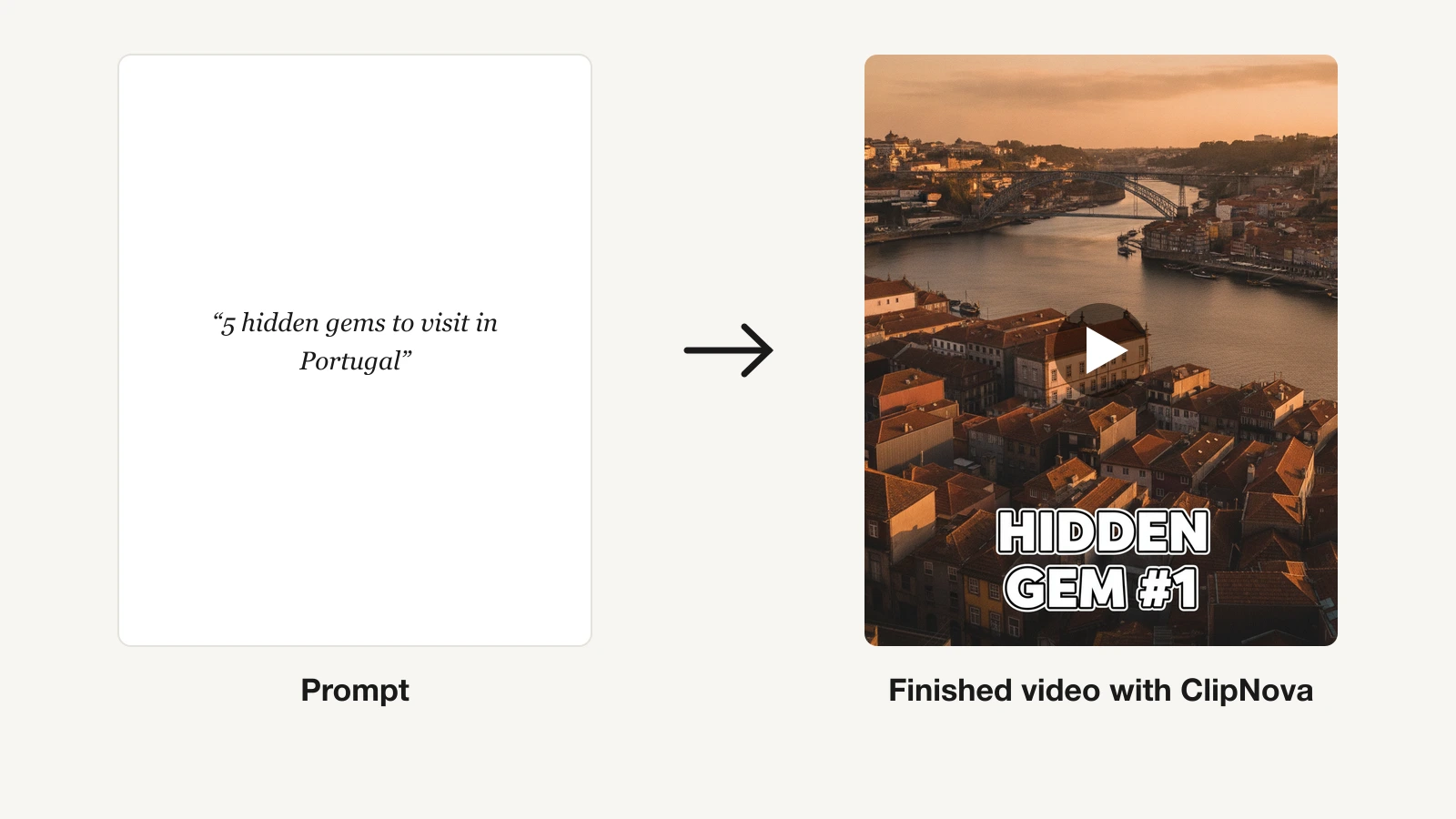
Finished videos from one prompt
- ClipNova: Best for finished, captioned videos from your phone browser. Type an idea and get a voiced, subtitled vertical video; plans from $39/mo.
AI clip generators
- Kling AI: Best for cinematic AI clips on iPhone, with some of the strongest motion in this list.
- Dreamina: Best for using several top video models (Seedance and Veo) from one iPhone app.
- Adobe Firefly: Best for commercially safe AI video on iPhone and Android.
- PixVerse: Best for viral effects and templates applied to your own photos.
- Hailuo AI: Best Android app for realistic human motion with native audio.
Editing apps with AI built in
- CapCut: Best AI video editing app for footage you already have, on every platform.
- Captions: Best for talking-head videos you film yourself.
| Tool | Best for | Platforms | Main paid plan | Output |
|---|---|---|---|---|
| ClipNova | Long finished videos with consistent characters | Web app (any phone browser) | From $39/mo | Narrated video with captions and music |
| Kling AI | Cinematic clips on iPhone | iPhone, web | $10/mo (Standard) | Clips up to 15 s, 1080p or 4K |
| Dreamina | Several models in one app | iPhone, web | $15/mo (Basic) | Clips up to 30 s on Seedance 2.5 |
| Adobe Firefly | Commercially safe video | iPhone, Android, web | $4.99/mo (Firefly Mobile) | Clips up to 8 s, some 15 s |
| PixVerse | Effects and templates | iPhone (PixVerse Lite), Android, web | About $10/mo (Standard) | Effect clips and V6 prompt clips |
| Hailuo AI | Realistic motion on Android | Android, web | $14.99/mo (Standard) | Clips up to 15 s with native audio |
| CapCut | Editing your own footage | iPhone, Android, web, desktop | $9.99/mo (Standard) | Your footage, edited and captioned |
| Captions | Talking-head edits | iPhone, web | $9.99/mo (Basic) | Your recording, captioned and cleaned up |
Reading the table: only ClipNova returns a video with a script, narration, music, and captions in one generation. The clip generators return a few seconds of footage you still have to assemble, and CapCut and Captions polish footage you bring. Prices are US in-app or web prices as of October 2026.
Want a finished video from one idea, right on your phone? Open ClipNova's AI Video Creator in Safari or Chrome: describe the video, pick a format, and get a voiced, captioned video with music, ready for TikTok, Reels, and Shorts. Plans from $39/mo.
1. ClipNova, best for finished, captioned videos from your phone
ClipNova is the only tool on this list without a store app, and that is worth saying up front: there is nothing to download from the App Store or Google Play. You open app.clipnova.io in Safari or Chrome on your phone, and the whole studio runs there, including the composer, the character library that keeps your cast consistent, the video library, and downloads.
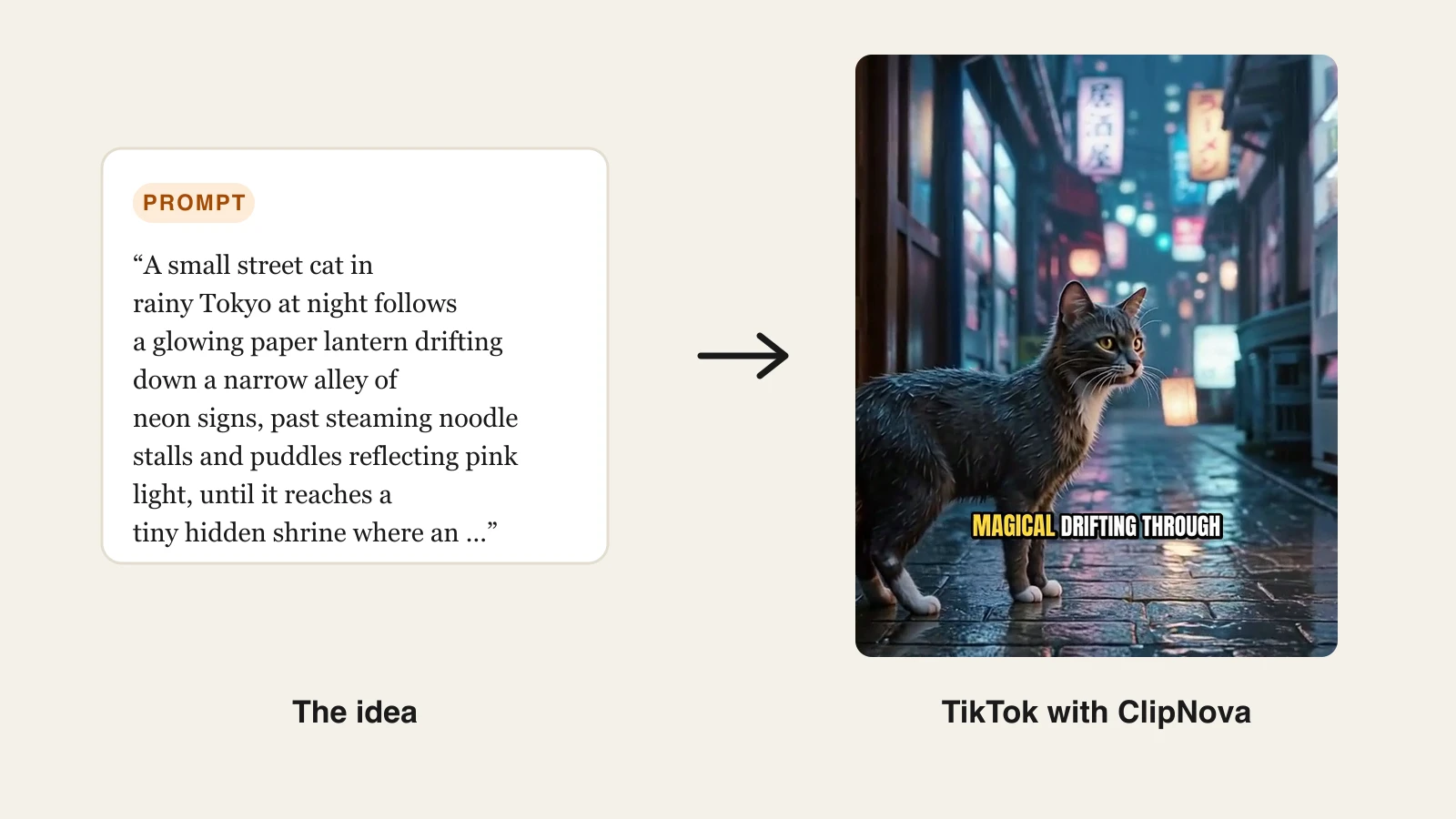
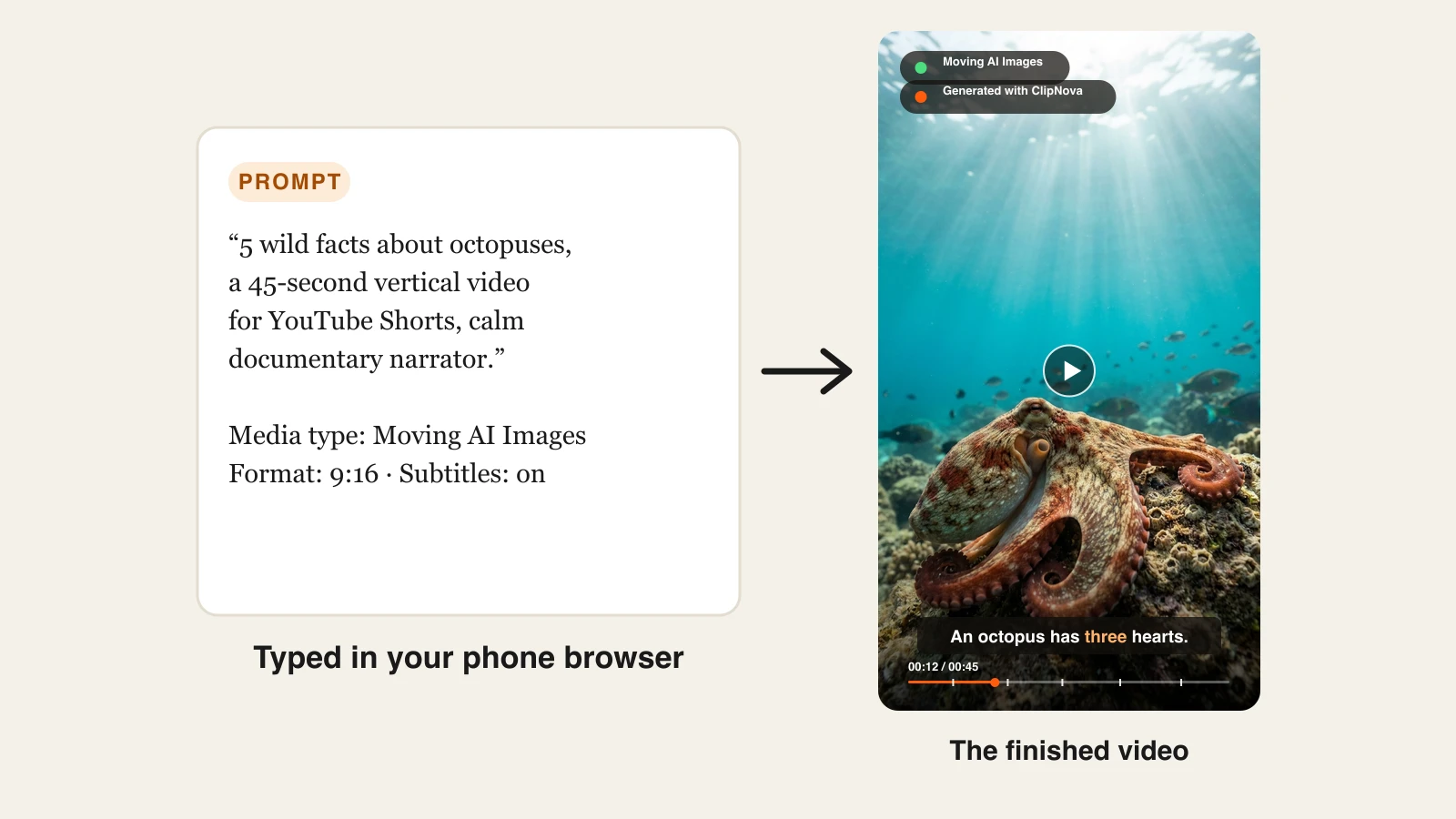
What you get in return is a finished video instead of a clip. You type an idea ("5 wild facts about octopuses, 45 seconds, calm narrator") and ClipNova writes the script, generates the visuals, records an AI voiceover, adds music, and burns in captions, formatted 9:16 for Shorts, Reels, and TikTok. Every other app here either gives you five to thirty seconds of footage or asks you to bring your own.
Behind that phone-friendly workflow, ClipNova makes finished long videos with consistent characters.
- Long: when a quick vertical idea grows into a full story, the same project goes up to 5 minutes, all from the phone browser.
- Consistent characters: save a character once, with a picture and a locked look, and the same face and outfit appear in every scene; with Series, the same cast and story memory carry into each new episode.
- Finished: script, scenes, voiceover, captions, and music come back in one pass, and you can fix any single scene in Studio before you download.
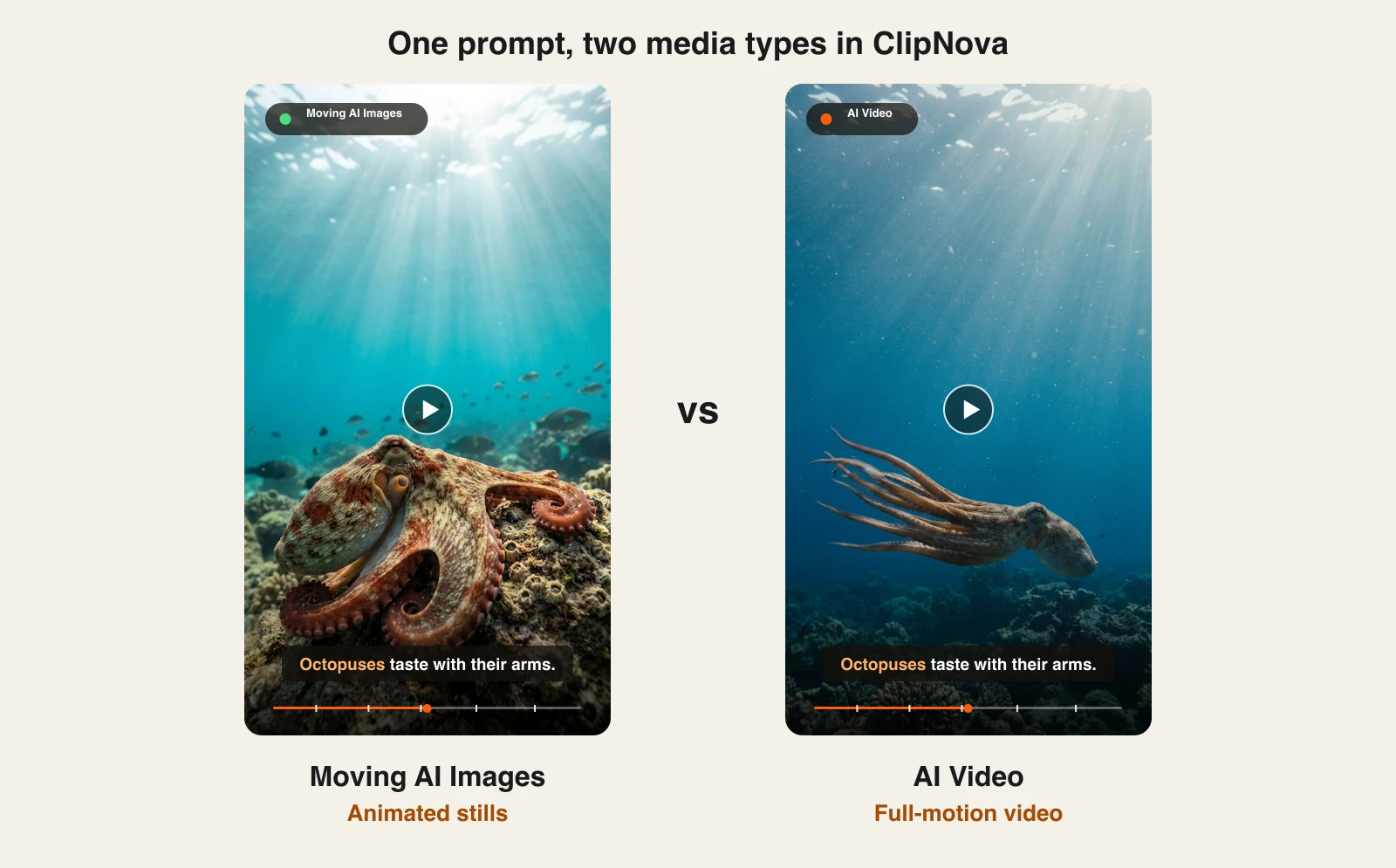
Prompt to Video offers two media types. Moving AI Images turns AI-generated images into motion with voiceover, music, and captions. AI Video renders real motion. Both are included on every plan from $39 a month, with downloads that carry no watermark.
How to make an AI video with ClipNova on your phone
- Open app.clipnova.io in your phone browser, sign up, and pick a plan (plans from $39/mo).
- Tap AI Video Studio, then Prompt to Video.
- Describe the video in a sentence or two: the topic, the length, and the tone of the narrator.
- Under Choose media type, pick AI Video for real motion or Moving AI Images for animated stills.
- Pick 9:16, leave subtitles on, and generate. The video lands in your library with a preview.
- When the preview looks right, download the file and post it.
Key features
- One prompt to a complete video: script, visuals, voiceover, music, and burned-in captions
- Vertical-first output for Shorts, Reels, and TikTok, plus 16:9 and 1:1
- Narration in 18 languages from the same prompt
- Base, Pro, and Ultra quality tiers, from quick drafts to 1080p finals
- Downloads without a watermark and with commercial rights on every plan
Best for
- Faceless channels posting facts, stories, or explainers several times a week
- Small businesses that need a captioned promo from a phone, with no editing app to learn
Pricing
- Starter $49/mo (2,600 credits, $39 the first month), Growth $99/mo (5,750), Ultra from $199/mo (12,000, up to 145,000 credits for $1,999/mo)
- Every plan includes every feature and model; yearly billing is 20% off
Pros
- The only option here that returns a narrated, captioned video ready to publish
- Works on any phone, tablet, or computer through the browser, with nothing to install
Cons
- No native iPhone or Android app, so no home-screen widget or offline drafts (store apps named "ClipNova" come from other developers)
- Plans start at $39/mo, while the clip apps here start around $10/mo
2. Kling AI, best for cinematic AI clips on iPhone
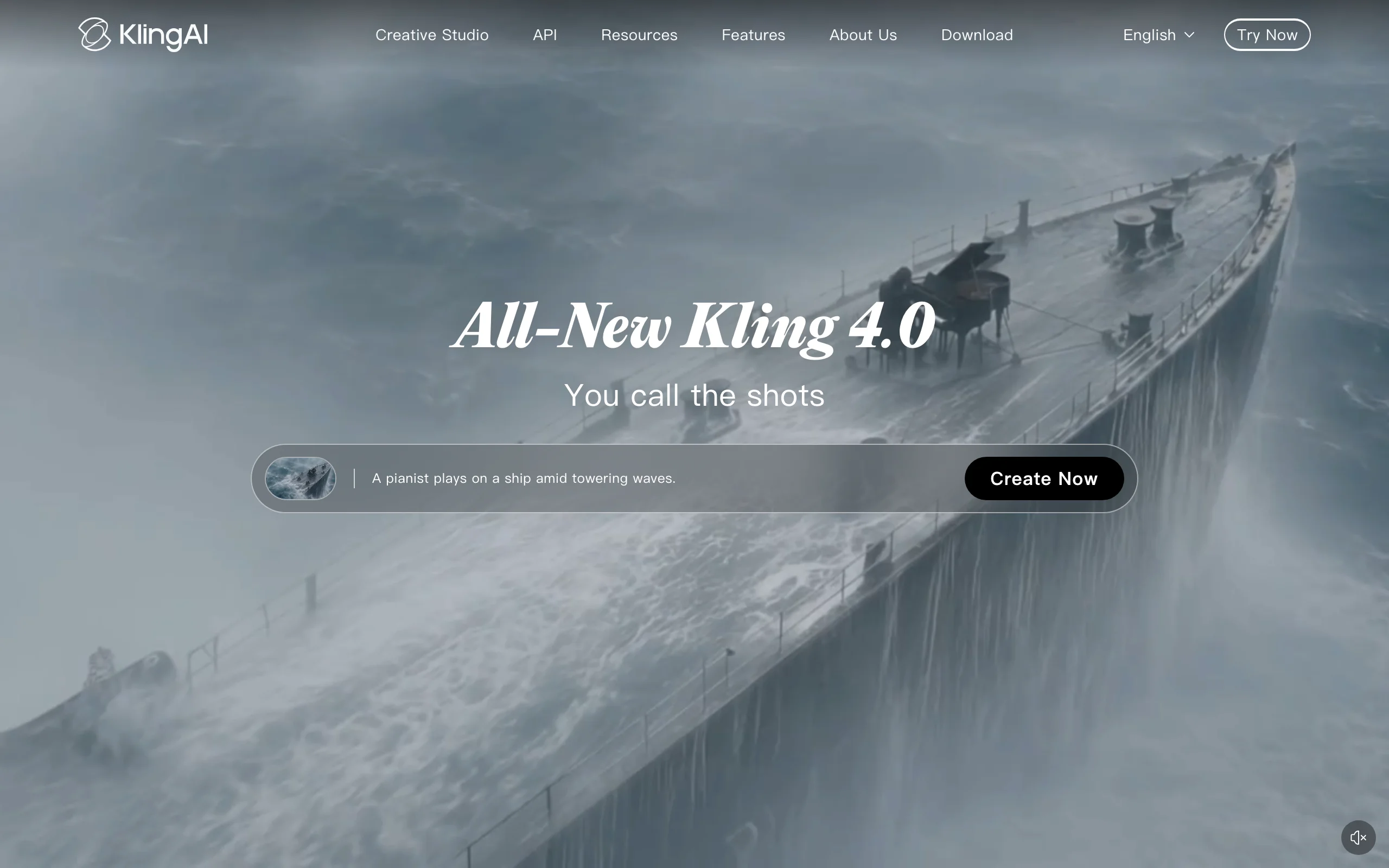
Kling AI has an official iPhone app with the same models as its website, and its homepage now leads with Kling 4.0. Type a prompt or upload a photo and it renders a clip of up to 15 seconds, in native 1080p or 4K, with Video Extension to stretch a sequence to as long as three minutes. Motion and physics are among the best in this list.
It is the app to reach for when the shot itself matters most: a camera move, a crowd, water, or a product spinning in light.
Key features
- Text-to-video and image-to-video up to 15 seconds per clip
- Video Extension for sequences up to 3 minutes
- AI image generation with 4K output in the same app
- Community feed with one-tap "Clone & Try" on other creators' prompts
Best for
- Cinematic shots and photo animations made on the phone
- Creators who will cut clips together in CapCut afterward
Pricing
- In-app subscriptions: Standard $10/mo, Pro $37/mo, Premier $92/mo
- Credit packs from $5 for 330 credits
Pros
- Top-tier motion quality and 4K output
- Low entry price for a frontier video model
Cons
- Clips, not finished videos: narration, captions, and assembly happen elsewhere
- No official Kling app on Google Play in the US; Android users work in the browser
3. Dreamina, best for several top models from one app
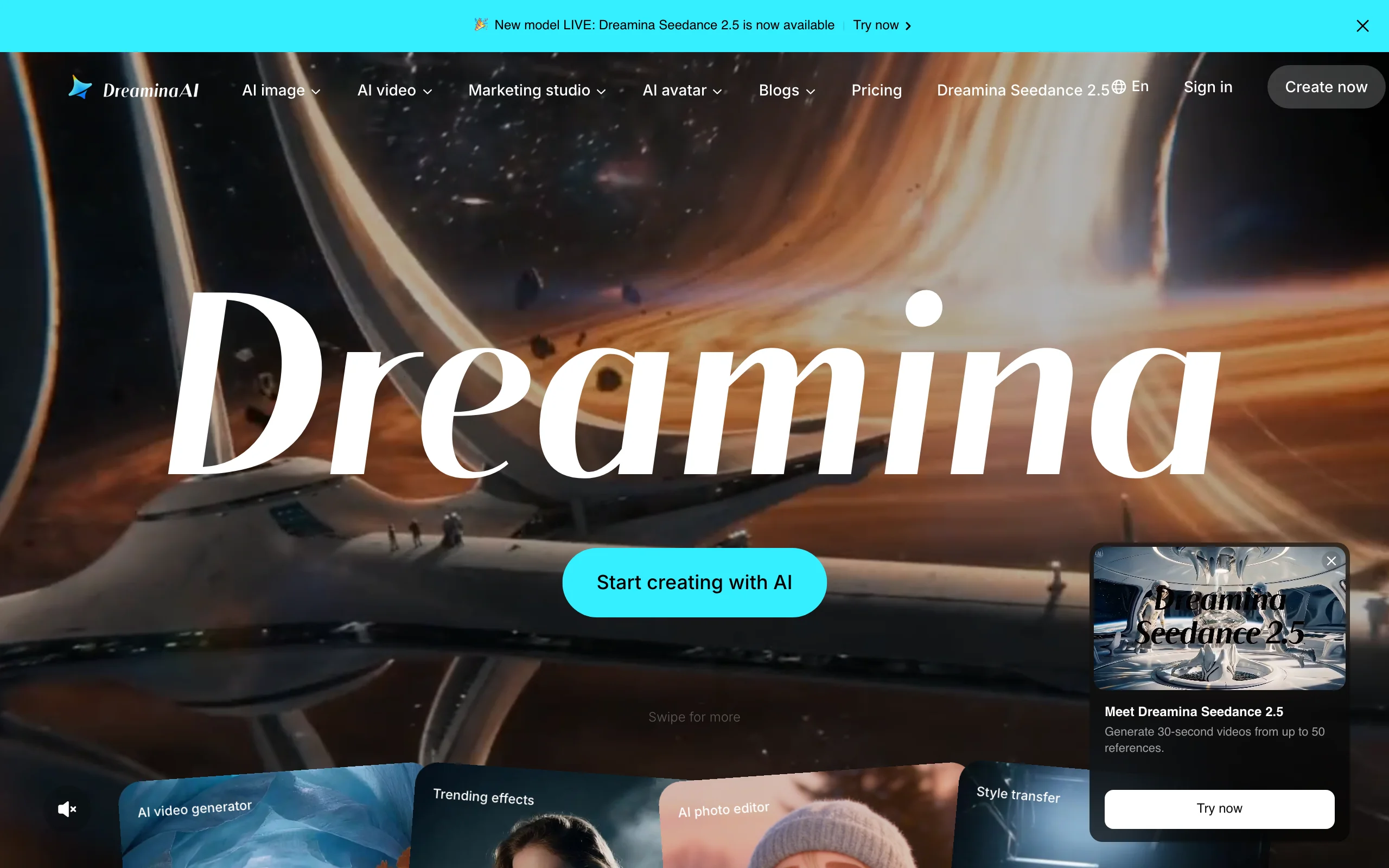
Dreamina is ByteDance's AI creation app, sister to CapCut. Its iPhone app and website give you text-to-video and image-to-video on Dreamina Seedance 2.5 (which generates up to 30-second videos) and Seedance 2.0, and the platform also lists Google's Veo 3.1. Images run on Seedream 5.0 and Nano Banana models.
The appeal is breadth: one subscription, very different models, so you can run the same prompt through each and keep the one that suits your style.
Key features
- Seedance 2.5 video up to 30 seconds, with up to 50 reference inputs
- Several third-party models on one account
- Reference images to steer composition and style
- Poster and image generation with readable text
Best for
- Comparing models on the same prompt from your phone
- Creators already in the CapCut ecosystem
Pricing
- In-app: Basic $15/mo, Standard $36/mo, Advanced $79/mo
- Credit packs from $10
Pros
- One app, several frontier video models
- Long 30-second clips on Seedance 2.5
Cons
- Credit costs differ by model, so a month of credits goes much faster on premium models
- No official Dreamina app on Google Play in the US at the time of writing
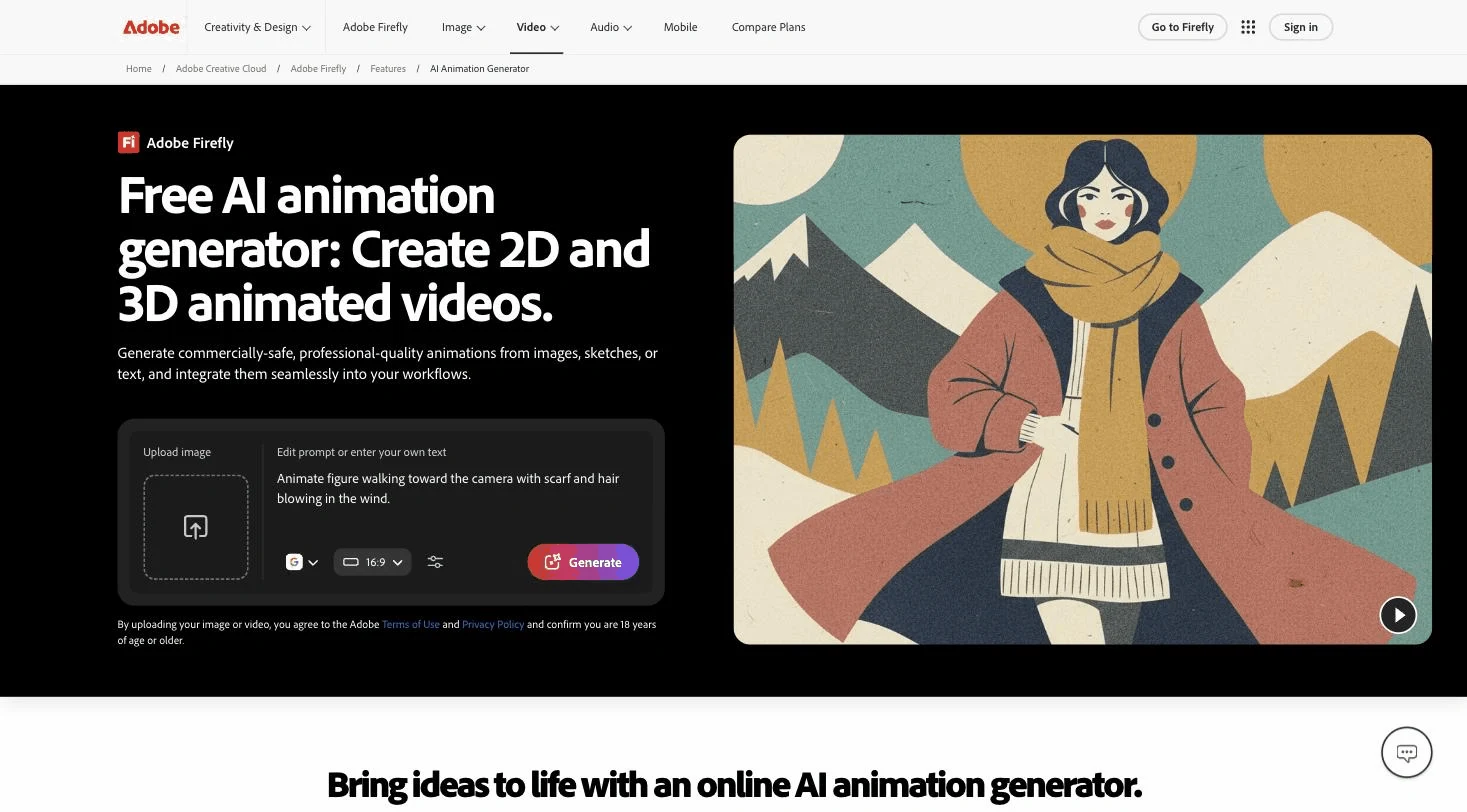
4. Adobe Firefly, best for commercially safe AI video
Adobe Firefly has native apps on both iPhone and Android. It gives you the Adobe Firefly Video Model plus selected partner models for text-to-video and image-to-video, with most clips up to 8 seconds and some up to 15, alongside image generation, sound effects, and generative edits.
The reason to pick Firefly is rights. Adobe trains its own video model on licensed and public-domain content and markets the output as safe for commercial use, which matters if you make videos for clients.
Key features
- Native apps on iPhone and Android, plus the web
- Firefly Video Model and partner models (Adobe lists Google, OpenAI, Luma, and Runway)
- Text-to-video, image-to-video, sound effects, and generative image edits
- Content Credentials attached to outputs for transparency
Best for
- Freelancers and brands that need clean usage rights
- Existing Adobe users who want mobile generation that syncs with their account
Pricing
- Mobile in-app: Firefly Mobile $4.99/mo (or $49.99/yr), plus credit packs from $4.99
- Web plans: Standard $9.99/mo (2,000 credits, up to 20 five-second videos) and Pro $19.99/mo (4,000 credits)
Pros
- The clearest commercial-use story among the AI generators here
- The lowest entry price, on both mobile platforms
Cons
- Short clips, mostly up to 8 seconds
- Partner models carry their own terms, so "commercially safe" applies to Adobe's model
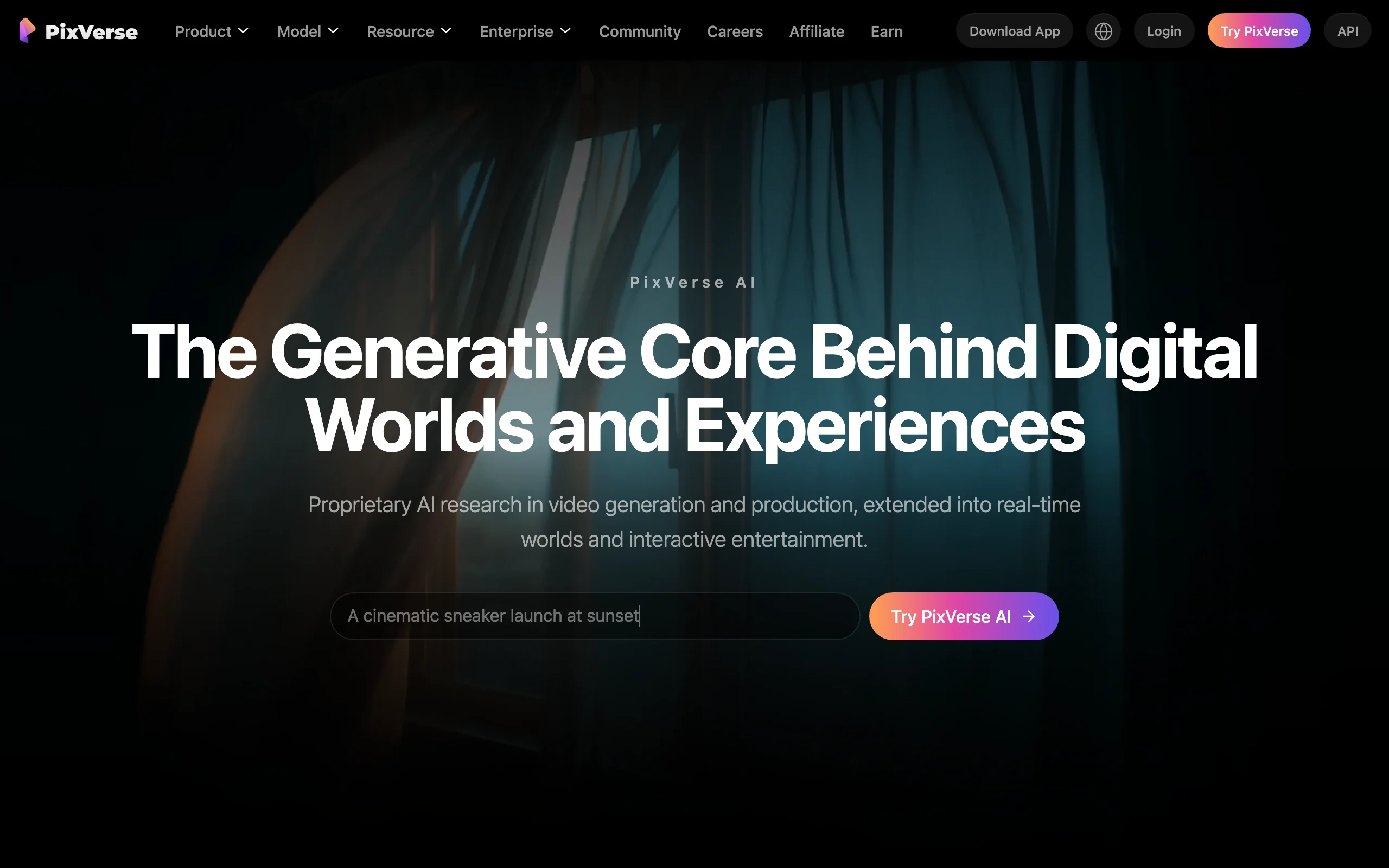
5. PixVerse, best for viral effects and templates
PixVerse built its audience on effects: one-tap templates that hug, inflate, morph, or restyle a photo, alongside regular text-to-video and image-to-video on its own V6 model. The official iPhone app is called PixVerse Lite, and the full PixVerse app is on Google Play.
It is the most "social" generator in the list, built for clips that ride a trend rather than tell a story.
Key features
- Trending effect templates you apply to your own photos
- PixVerse V6 text-to-video and image-to-video, plus external models
- Talking avatars, sound effects, and music video tools in the app
- Android app and iPhone app (PixVerse Lite)
Best for
- Quick trend videos from a selfie or a pet photo
- Android users who want effects without a desktop
Pricing
- Standard about $10/mo on the web, with commercial use
- PixVerse Lite on iPhone: Elite plan $49.99/yr or $5.99/week, plus credit packs from $5
Pros
- Fastest route from a photo to a shareable effect clip
- Apps on both platforms
Cons
- Effects are fun but templated, so they age quickly
- The Android app shows ads
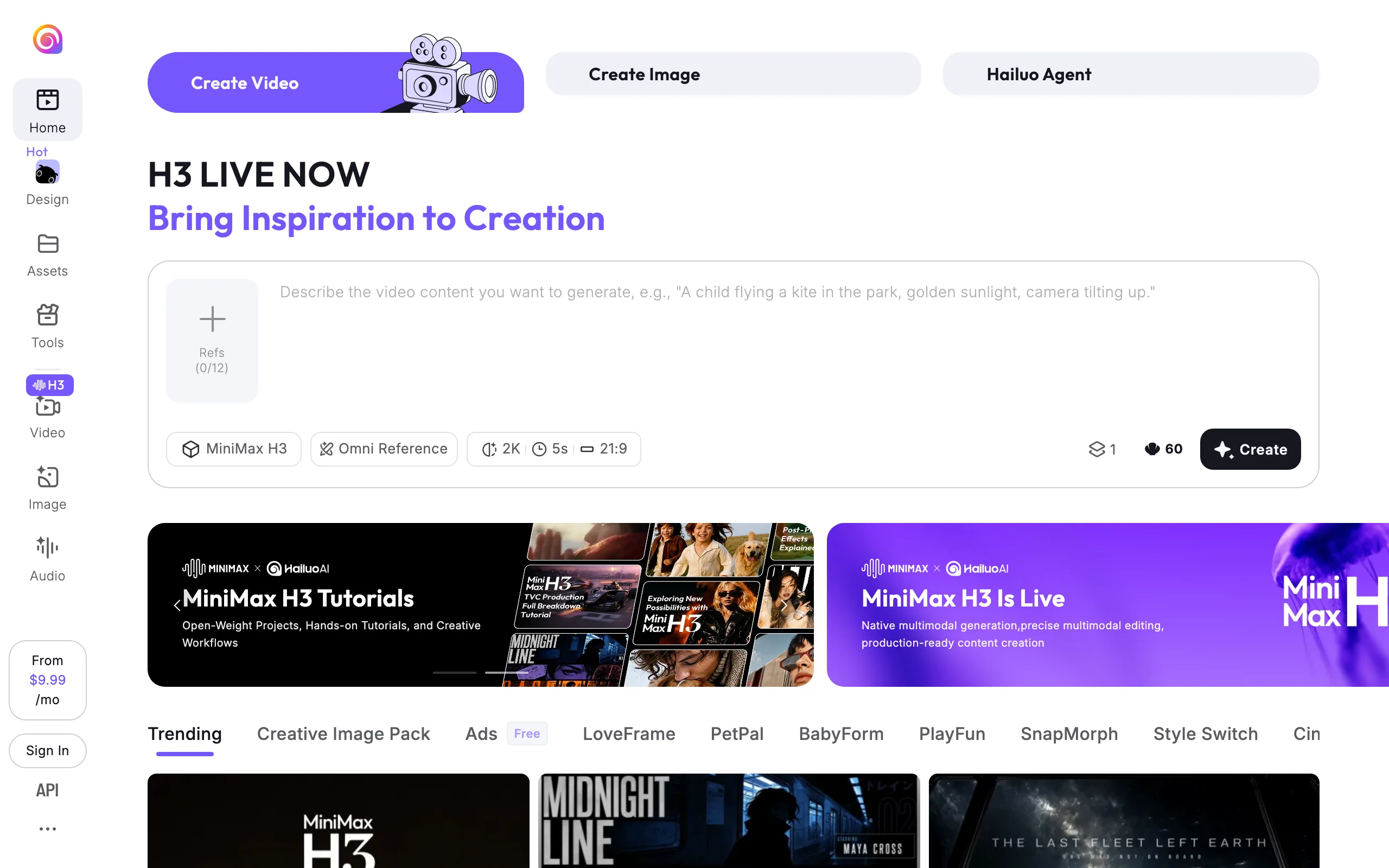
6. Hailuo AI, best Android app for realistic motion
Hailuo AI is MiniMax's video app, and on Google Play it is published by MiniMax AI itself. It runs the H3 model, which is strong on human motion and realistic scenes and can render clips with native audio. Up to 12 reference images help keep a character consistent between generations.
On iPhone, we could not find an official Hailuo listing in the US App Store (the "Hailuo" apps there are third-party wrappers), so iPhone users should use the website.
Key features
- MiniMax H3 video with native audio, clips up to 15 seconds
- Up to 12 reference images for consistent characters
- Image and audio generation in the same app
- Trending templates alongside open-ended prompts
Best for
- Android users who want realistic people and motion
- Short story clips with a recurring character
Pricing
- Standard $14.99/mo (often discounted to $7.99)
- Pro $54.99/mo, Master $94.99/mo
Pros
- Realistic motion and audio at a low entry price
- Official Android app from the model maker
Cons
- No official US iPhone app; beware look-alike apps
- Promotional pricing makes the real monthly cost easy to misread
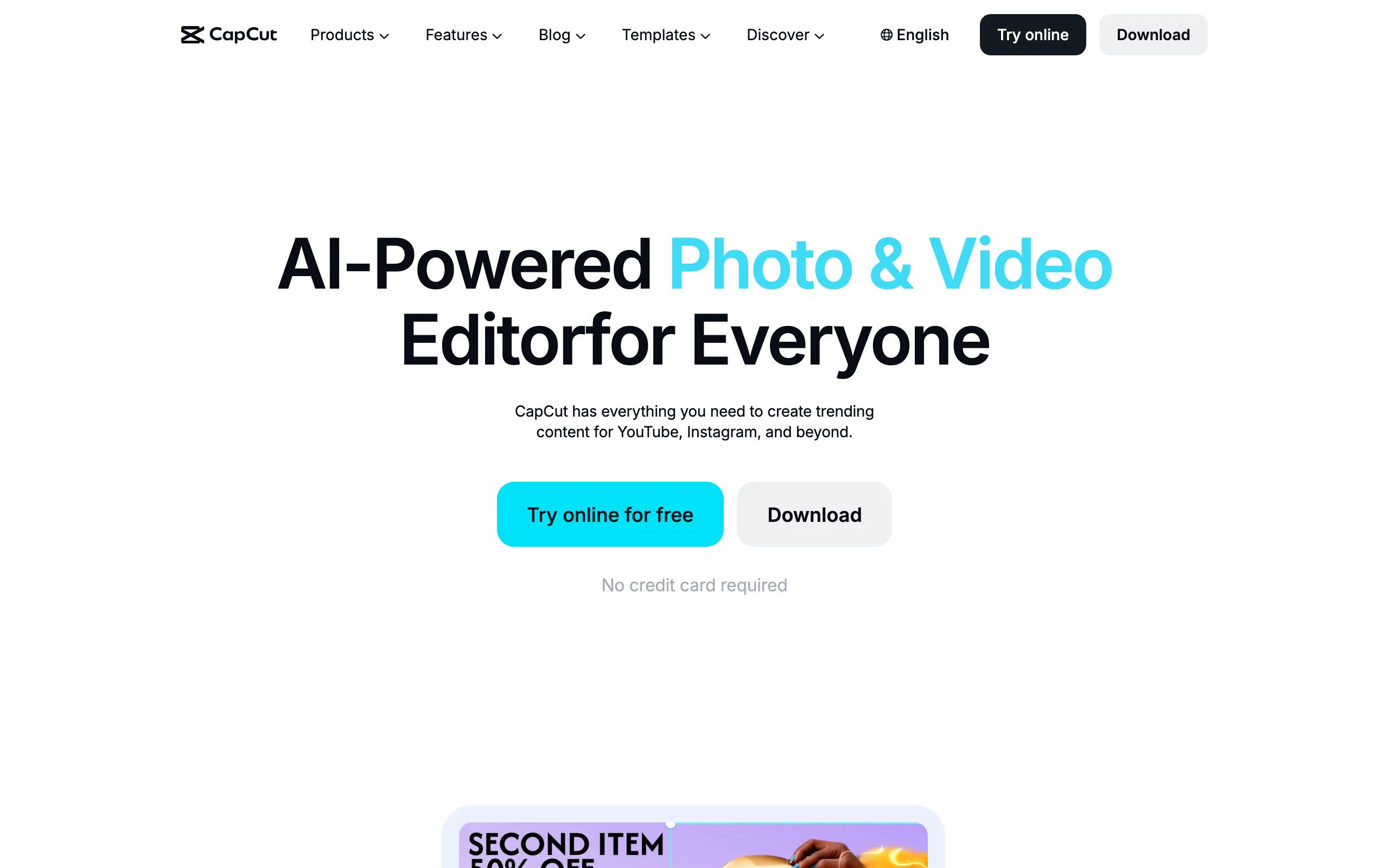
7. CapCut, best AI video editing app for your own footage
CapCut is the default video editor on phones for a reason. The app gives you a multi-track timeline, keyframes, speed curves, chroma key, auto captions, text-to-speech in several languages and voices, and background removal, on iPhone, Android, web, and desktop, with projects that sync between them.
It is an editor first. You bring the footage, and CapCut's AI tools help you cut, caption, and voice it. Its generative tools (text-to-video and AI avatars) sit in the Standard and Pro plans.
Key features
- Auto captions with speech recognition, editable on the timeline
- Text-to-speech voices in multiple languages
- Keyframe animation, speed curves, stabilization, and chroma key
- Thousands of trending templates and effects, updated weekly
Best for
- Creators who film their own clips and want them captioned and polished on the phone
- Anyone finishing a clip generated elsewhere (Kling, Hailuo, Dreamina) before posting
Pricing
- Standard $9.99/mo and Pro $19.99/mo in the App Store
- Yearly subscription listed at $89.99
Pros
- The most capable editor on a phone, by a wide margin
- Same project on phone, browser, and desktop
Cons
- Built to edit footage, not to write and produce a video from an idea
- Pro templates and effects need the $19.99 Pro plan
8. Captions, best for talking-head videos you film yourself
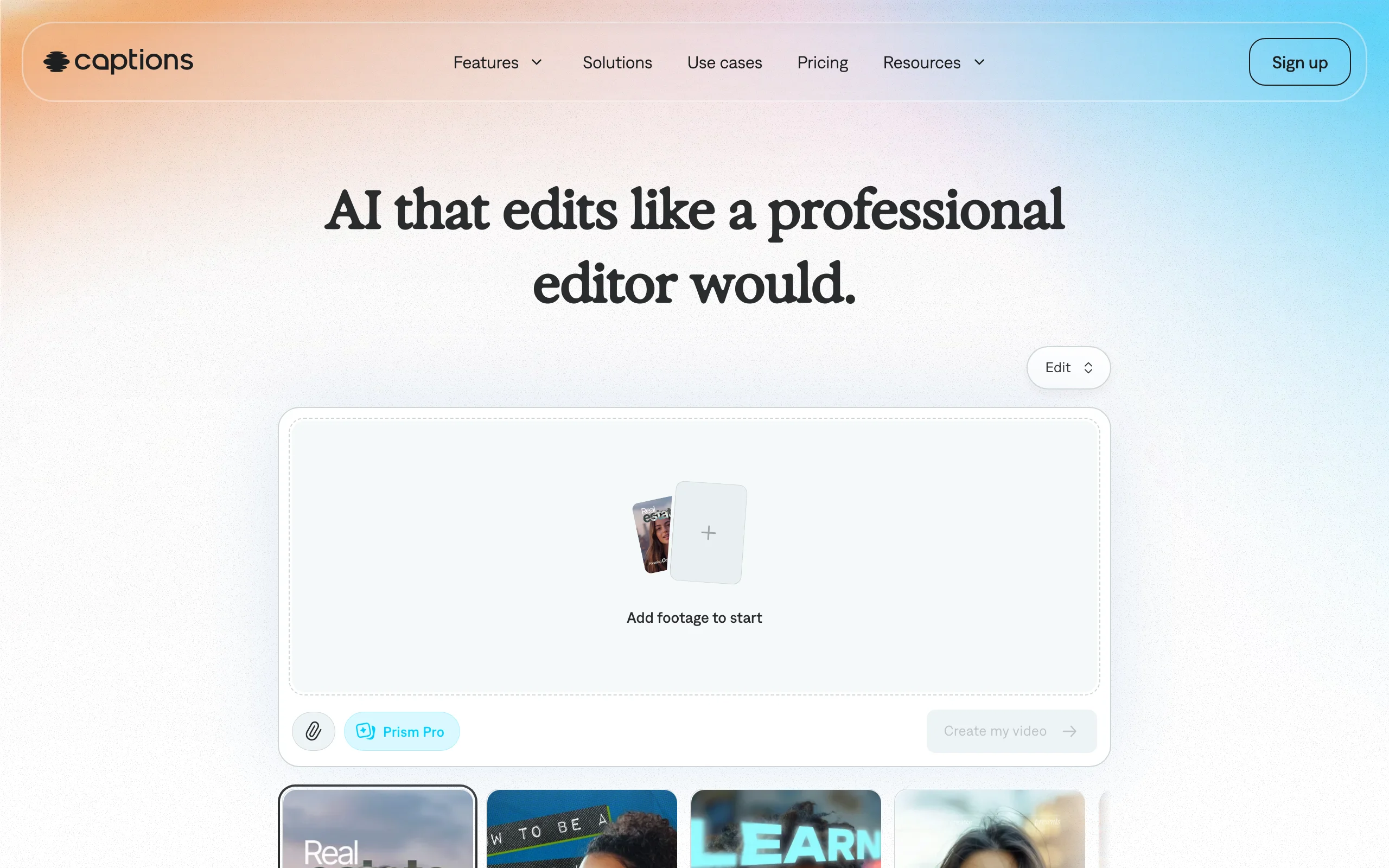
Captions (made by Mirage) is the app for people who talk to the camera. It cleans up your recording, removes filler, adds animated captions, zooms, B-roll, and sound, and can generate AI actors or an AI twin of you from a selfie. Its chat-based editor lets you describe changes in plain language.
Key features
- Animated captions and one-tap AI edits on your own footage
- AI Denoise, AI Zoom, and AI Scale for quick fixes
- AI actors and an AI twin generated from a selfie
- Chat to edit: describe the change and the app applies it
Best for
- Coaches, founders, and educators who record talking-head content
- Creators who want captions that look designed, not default
Pricing
- Basic $9.99/mo (200 credits) or $64.99/yr
- Max $24.99/mo (500 credits)
Pros
- The most polished captions and talking-head edits on a phone
- AI twin saves re-recording simple updates
Cons
- Credit allowances are small for heavy AI use
- Built for footage you film, not for faceless or generated videos
How to choose the best AI video app for your workflow
Start with what you want to post, then pick the app that gets you there with the fewest steps.
1) Do you need a finished video or a clip?
- A finished, voiced, captioned video from an idea: ClipNova
- A short AI clip you will edit: Kling AI, Dreamina, Hailuo AI, Adobe Firefly, or PixVerse
- An edit of footage you filmed: CapCut or Captions
A 5-second clip of an octopus is a nice shot. A 45-second Short with a hook, narration, and captions is what grows a channel. If you go the clip route, plan for an editor too, which is why so many people pair Kling or Hailuo with CapCut.
2) iPhone, Android, or both?
- Both, natively: CapCut, Adobe Firefly, and PixVerse (PixVerse Lite on iPhone)
- iPhone app: Kling AI, Dreamina, and Captions
- Android app: Hailuo AI
- Any phone through the browser: ClipNova, plus the web versions of every tool here
Search the developer name, not just the app name. Both stores are full of look-alike "Hailuo", "Sora", and "Kling" apps from unrelated publishers that charge weekly subscriptions.
3) Do you need commercial rights?
- Commercial use included on paid plans: ClipNova and PixVerse
- Trained on licensed content and positioned as commercially safe: Adobe Firefly's own video model
- Everyone else: read the plan terms before you post for a client or a monetized channel
If the video is for a client, a shop, or a monetized channel, pick the tool for rights first and features second.
4) What does one published video cost?
Weekly in-app subscriptions are the most expensive way to buy any of these; monthly or yearly plans on the web are usually cheaper. For finished videos, ClipNova's Starter plan, $39 the first month, covers regular Shorts with voice, captions, and downloads included. For raw clips, Kling's $10 Standard plan and PixVerse's roughly $10 tier are the cheapest ways in, but add the time it takes to narrate, caption, and assemble each clip. Compare plans on the ClipNova pricing page, and generate two or three videos in your niche before you commit to a yearly plan anywhere.
An app we left out: OpenAI shut down the standalone Sora app in April 2026, so it no longer belongs on a list of AI video apps you can use today.
Frequently asked
What is the best AI video app?
It depends on what you want to make. For a finished, voiced, captioned video from one idea, ClipNova is the strongest option, though it runs in your phone browser rather than as a store app. For cinematic clips, Kling AI on iPhone and Hailuo AI on Android lead on motion quality, and for editing footage you already have, CapCut is the best app.
What is the difference between an AI video generator app and an AI video editing app?
A generator app such as Kling AI, Dreamina, or Hailuo AI creates new footage from a prompt or a photo, usually a clip of 5 to 30 seconds. An editing app such as CapCut or Captions works on footage you already have, adding captions, cuts, and voices. ClipNova sits between them: it generates the visuals and also writes, narrates, and captions the whole video.
Which AI video apps work on Android?
CapCut, Adobe Firefly, PixVerse, and Hailuo AI have official Android apps on Google Play. Kling AI, Dreamina, and Captions did not have official US Google Play listings when we checked, but their websites work in Chrome on Android, and so does ClipNova.
Does ClipNova have an app for iPhone or Android?
No. ClipNova is a web app at app.clipnova.io that runs in Safari or Chrome on your phone, so there is nothing to install, and apps named ClipNova in the App Store or Google Play come from other developers. Every plan, from $39 a month, includes Prompt to Video with both Moving AI Images and AI Video models, plus downloads without a watermark.
Can I use videos from AI video apps commercially?
It depends on the app and the plan. ClipNova and PixVerse include commercial use on their paid plans, and Adobe positions its own Firefly Video Model as safe for commercial use. For every other app, read the plan terms before posting for a client or a monetized channel.
Are weekly AI video app subscriptions worth it?
Usually not. Weekly in-app plans cost far more per month than the same tool's monthly or yearly plan, and many look-alike apps in the stores are wrappers that charge weekly for someone else's model. Check the developer name, compare the monthly price on the official website, and subscribe to the official app or site.
Can I make YouTube Shorts with an AI video app?
Yes. Every app here exports vertical 9:16 video. Clip generators give you a few seconds of footage that you then caption and assemble in an editor such as CapCut, while ClipNova returns the whole Short, with script, narration, music, and captions, in one generation.
If I want to post AI videos every week from my phone, what should I use?
Use ClipNova if you want finished videos without editing. Every plan, from $39/mo, includes narration, captions, and downloads without a watermark. If you prefer to direct each shot, pair a clip generator like Kling AI or Hailuo AI with CapCut for the edit.