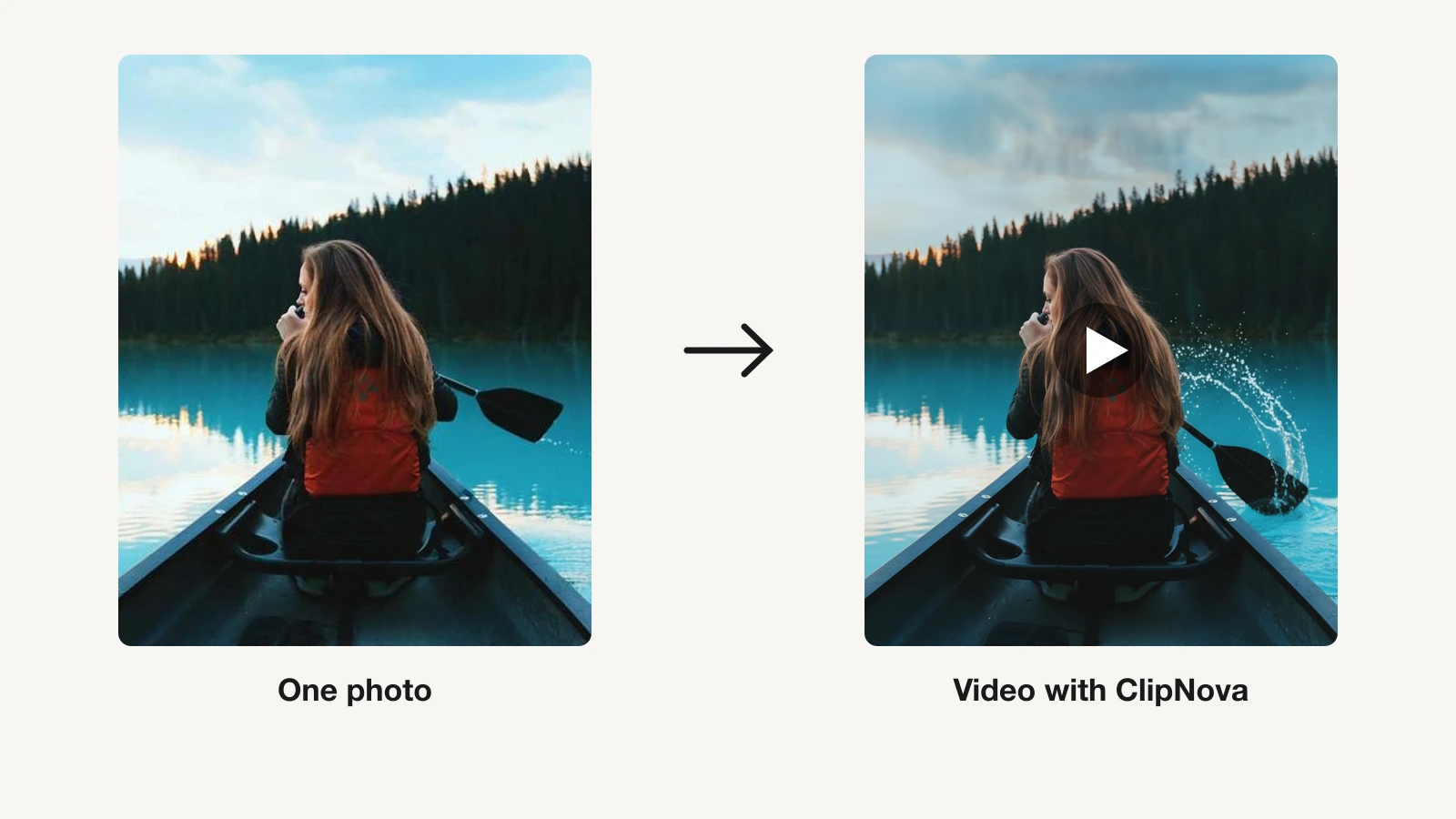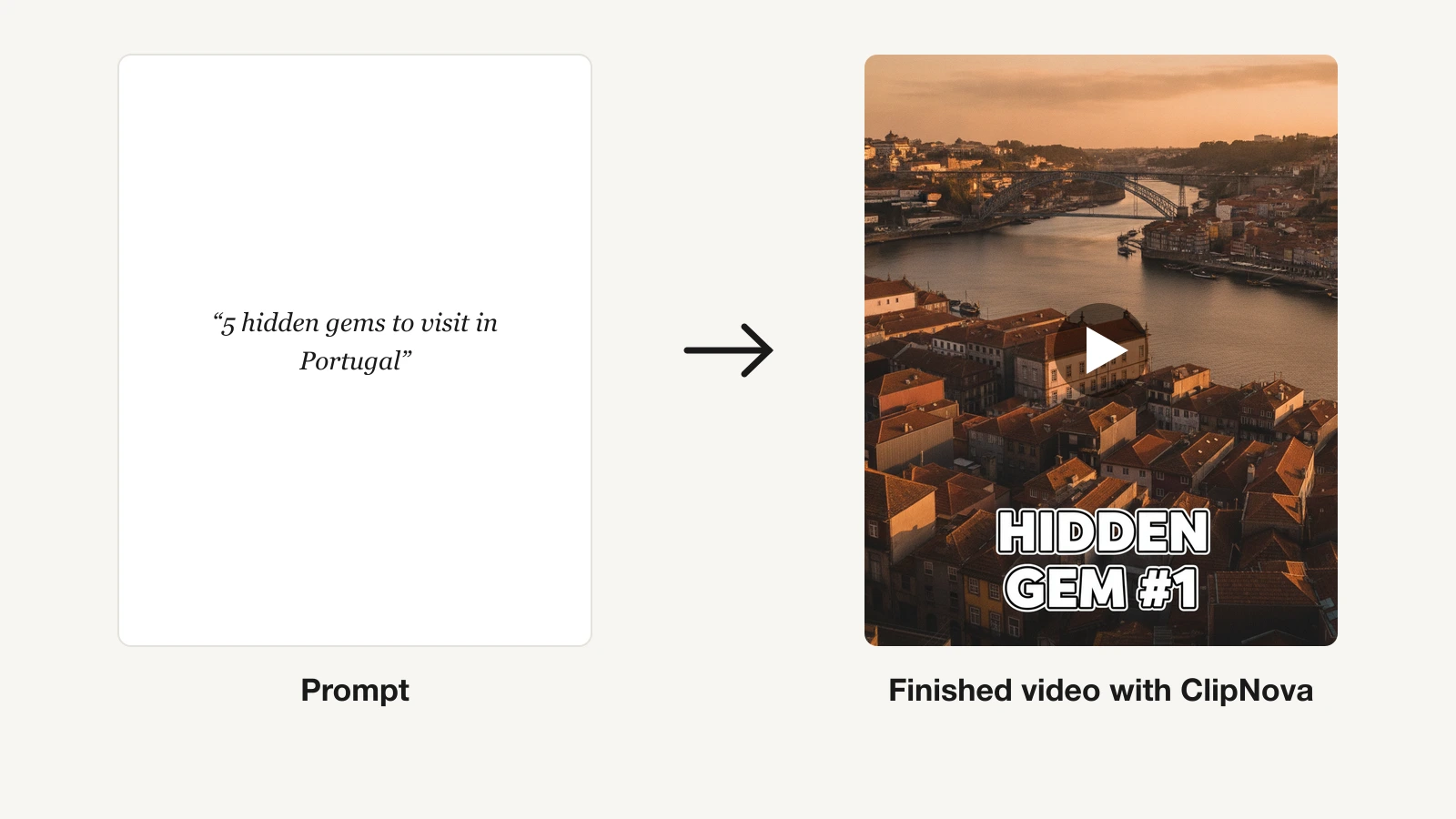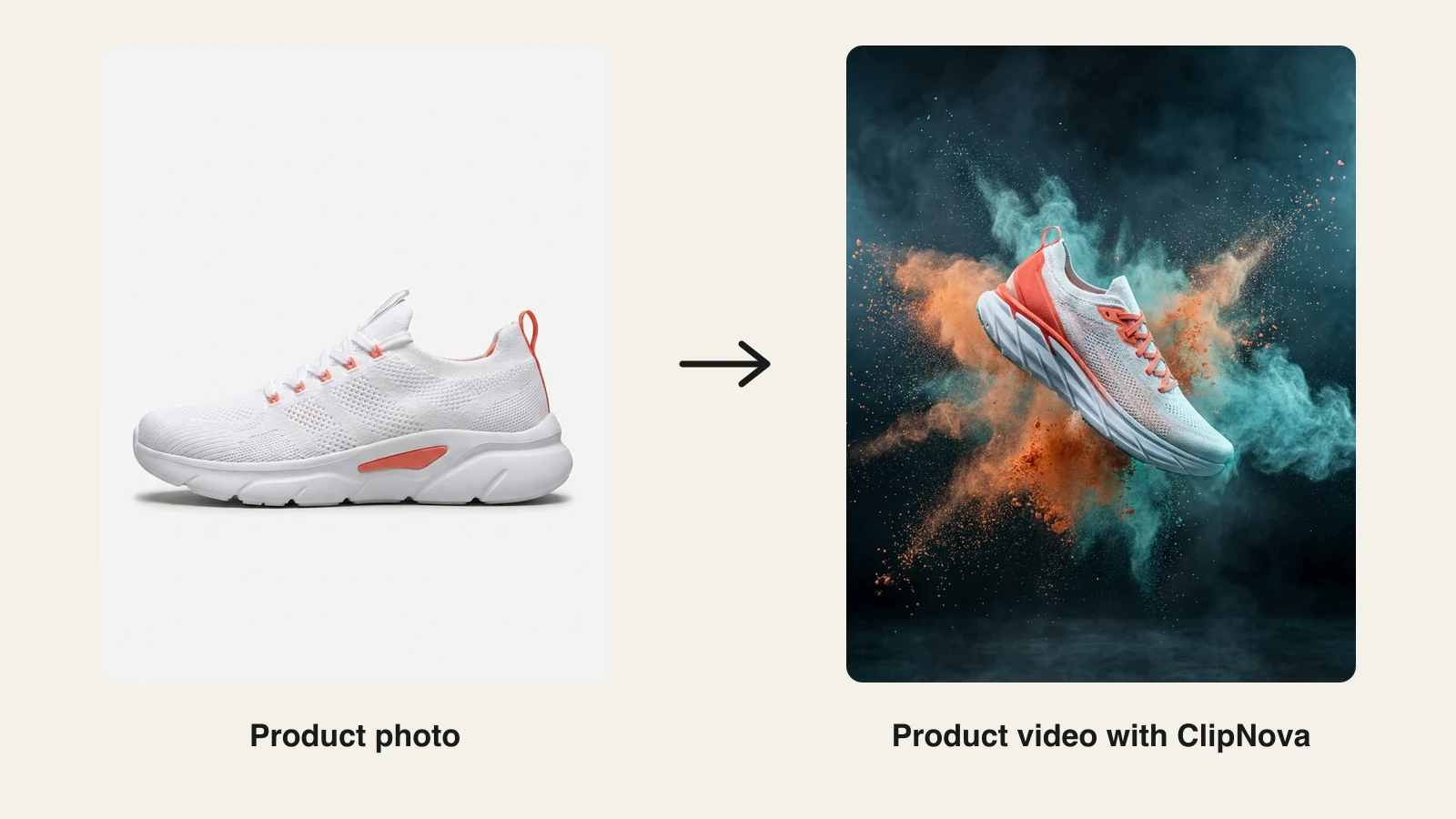
An AI product video generator turns a product photo, link, or description into a finished marketing video: motion, voiceover, captions, and music included, no studio shoot required. ClipNova is the best overall pick in 2026 because a single product photo becomes a polished ad clip in minutes, in 9:16, 16:9, or 1:1, from $19/mo with full commercial rights. Creatify, Topview, and Pippit are the strongest specialists, covering UGC-style ad variations, link-to-video, and budget photo-to-video workflows.
That matters because product video is no longer optional. Listings and ads with video outsell static images, but a traditional shoot costs hundreds of dollars per SKU and takes weeks. These tools collapse that to one photo and a few minutes.
This guide compares the 7 best AI product video generators on pricing, photo-to-video quality, and output, with a dedicated section on how the product photo to video workflow actually works.
Best AI product video generators: a brief overview
- ClipNova: Best overall. Drop one product photo and get a finished ad clip back: camera motion, timed beats, and music, in 9:16, 16:9, or 1:1.
- Creatify: Best for UGC-style ad variations at scale. Paste a product link and batch-generate avatar-fronted ad variants for testing.
- Topview: Best for product avatars from a photo. Turns a product shot into an AI presenter that holds and demos the item.
- Pippit: Best budget pick for high-volume sellers. CapCut's commerce suite generates product videos and posters from a link for about $10/mo.
- InVideo AI: Best for prompt-to-video with frontier models. Access to Sora 2, Veo 3.1, and Kling 3 inside a prompt-driven video maker.
- HeyGen: Best for spokesperson product videos. Realistic avatars present your product, with strong translation for localized campaigns.
- Pictory: Best for repurposing product content. Turns product pages, blogs, and long recordings into short videos.
| Tool | Best for | Starting price | Product photo to video |
|---|---|---|---|
| ClipNova | Finished product video ads | From $19/mo | One photo to finished ad clip, 3 ratios |
| Creatify | UGC ad variations at scale | $39/mo | Via product link or upload |
| Topview | Product avatars from a photo | $16/mo (billed yearly) | Photo to avatar-held demo |
| Pippit | Budget e-commerce volume | About $10/mo (billed yearly) | Link or photo to video |
| InVideo AI | Prompt-to-video with top models | $17/mo (billed yearly) | Via prompts and uploads |
| HeyGen | Spokesperson product videos | $29/mo ($24 yearly) | Avatar presents the product |
| Pictory | Repurposing product content | $29/mo ($25 yearly) | No, script and stock based |
Reading the table: most rows generate a piece of a product video, an avatar clip, ad variants, or a repurposed cut. ClipNova's price covers the whole deliverable: one photo in, a finished ad clip with music out.
1. ClipNova, best overall AI product video generator
Product videos stall on production, not ideas: every SKU needs a shoot, and every new angle means another studio day. ClipNova removes that step. Drop one high-resolution product photo into its AI product video generator with a one-line brief, and it returns a polished ad clip: your product animated with camera motion and timed beats, keeping its shape, colours, and label in every frame, with music laid in.
Across a catalog, the result is finished video ads with the same product in every version, and the same face too once you add a spokesperson through the UGC ad generator.
- Finished: one product photo becomes a 3 to 12 second ad clip with music (up to 30 seconds on Ultra quality), ready for a listing, a feed, or a story.
- Same face, same product: the item keeps its shape, colours, and label from your photo in each render, and UGC ads reuse one creator photo so the person holding it never changes.
- More versions to test: re-run the same photo with a new brief or in another ratio for each placement, or turn it into creator ads in four tones.
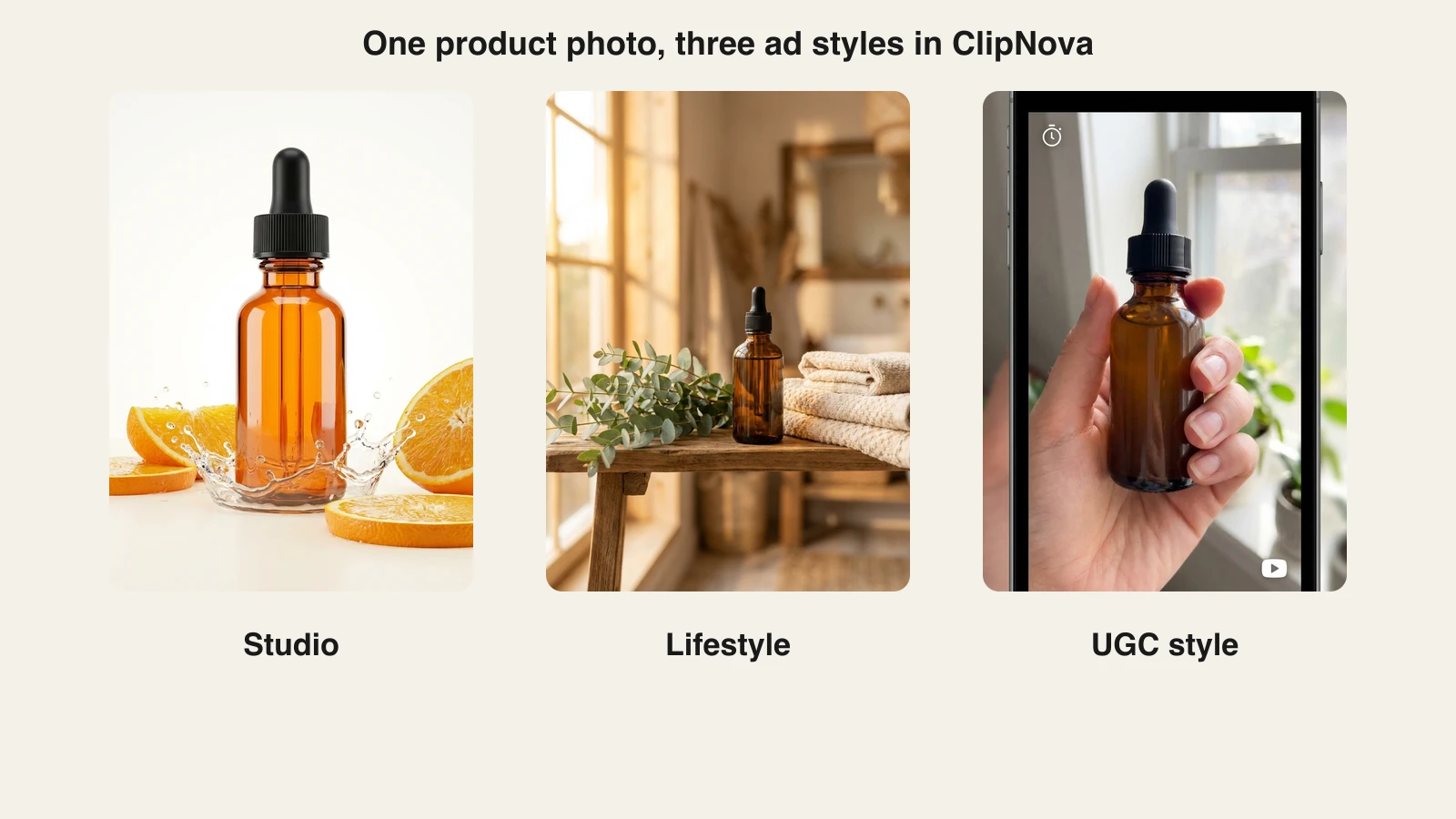
The look comes from your brief: write a studio, lifestyle, or creator-style direction and the same photo re-renders in that mood, so testing a studio look against a UGC feel costs a few credits instead of a re-shoot. Here is one serum photo rendered three ways:
How to make a product video with ClipNova
- Log in to the ClipNova app.
- Open the AI Product Video Generator tool.
- Upload one sharp product photo. A clean angle on a simple background works best; ClipNova keeps the product's shape, colours, and label as in the photo.
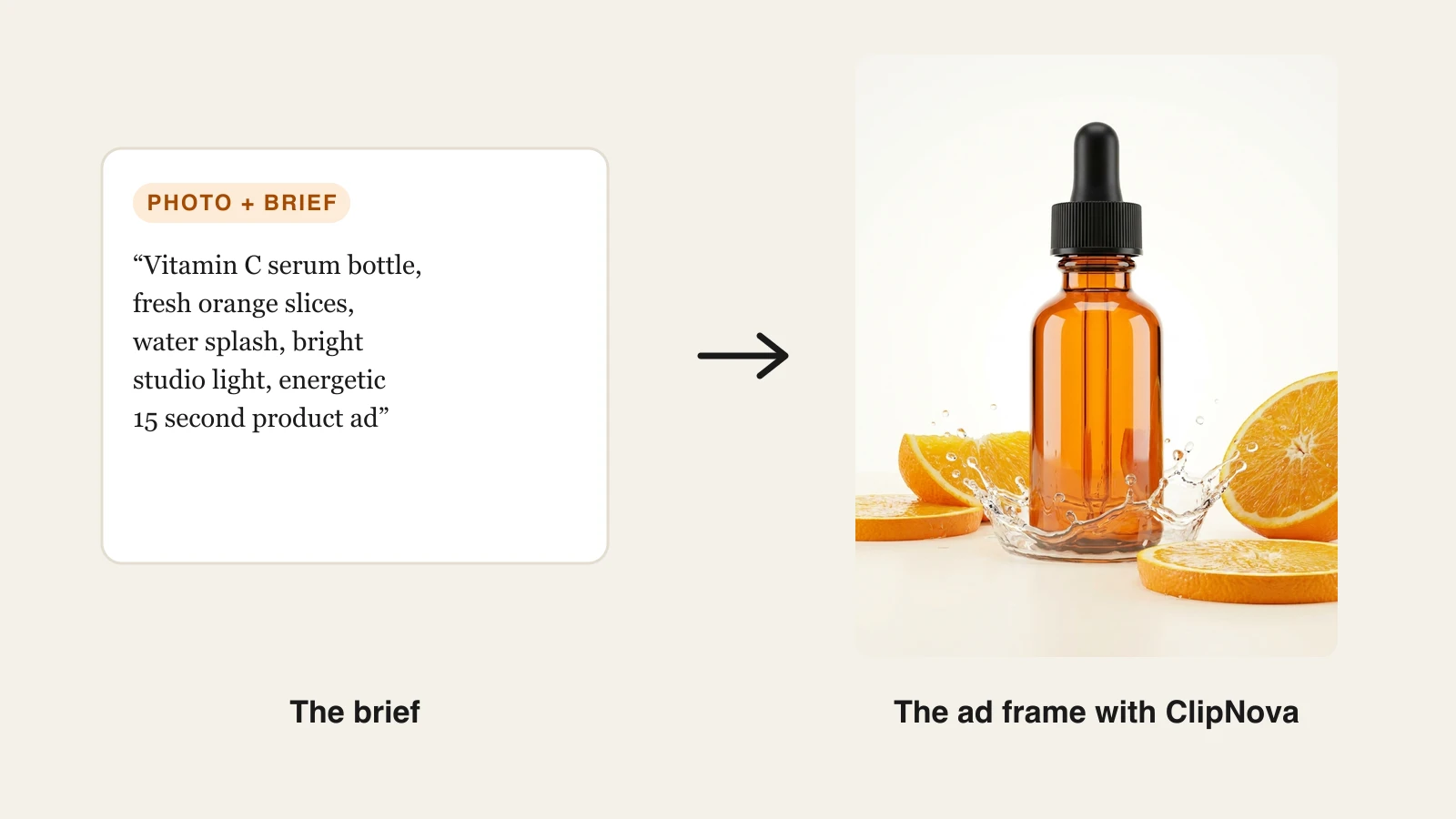
- Write a one-line brief. The example above used: "Vitamin C serum bottle, fresh orange slices, water splash, bright studio light, energetic 15 second product ad."
- Pick the aspect ratio (9:16, 16:9, or 1:1) and the length, 3 to 12 seconds, or up to 30 seconds on Ultra quality.
- Generate, then re-run in another ratio if the same ad also needs a feed or listing version.
Product clips stay short by design, and when you need a longer narrated piece, ClipNova's prompt-to-video makes finished videos of up to 5 minutes from a script. And because it also covers AI UGC-style ads from a creator photo, the same subscription handles both the polished catalog ad and the creator-style hook. If you are demoing software rather than a physical product, see our guide to AI product demo makers, which covers interactive walkthrough tools.
Key features
- One product photo to a finished ad clip: camera motion, timed beats, and music in one pass
- Brief-driven looks (studio, lifestyle, luxury), re-renderable in minutes
- 9:16, 16:9, or 1:1, chosen per render
- Clips of 3 to 12 seconds, up to 30 seconds on Ultra quality
- UGC ads from a creator photo when the product needs a spokesperson
- Watermark-free 1080p with full commercial rights on every plan
Best for
- DTC brands and stores that need a video for every SKU without booking shoots
- Marketers A/B testing ad styles and hooks at a few credits per variant
Pricing
- Hobby $19/mo (1,000 credits) and Starter $49/mo (2,600 credits)
- Growth $99/mo (5,750 credits) and Ultra $199/mo (12,000 credits); yearly billing is 20% off (see ClipNova's plans)
- Every plan has the identical feature set, only monthly credits differ
Pros
- The only tool here that outputs a finished product ad with music from one photo, not a raw clip you still have to edit
- Commercial rights and watermark-free export start on the $19 entry plan
Cons
- Built for generating finished videos, not for frame-level manual editing of an existing cut
- Credits are consumed per generation, so heavy multi-variant testing fits the higher tiers better
2. Creatify, best for UGC-style ad variations at scale
Creatify starts from your store instead of your camera roll. Paste a product URL and it pulls the images and copy, writes scripts, and generates UGC-style video ads fronted by AI actors. The point is volume: batch-generating hook, script, and actor variants of the same product ad for testing, with a competitor ad tracker and ad launcher on the Pro plan closing the loop for performance teams.
Key features
- URL-to-video: assets and copy pulled straight from the product page
- Realistic AI actors (300 on Starter, 1,500 plus 3 custom avatars on Pro)
- Batch variant generation for hooks, scripts, and actors
- 200+ ad templates and 75+ languages on paid plans
- Competitor ad tracker and ad launcher on Pro
Best for
- E-commerce and DTC performance teams testing many ad variants weekly
- Agencies producing UGC-style ads for multiple client catalogs
Pricing
- Starter $39/mo (100 credits, watermark removal); Pro $99/mo (300 credits, custom avatars, 5 seats); annual billing discounts up to 50%
- Video generation costs 5 credits per 15 seconds, so Starter covers roughly 20 fifteen-second ads a month
Pros
- The strongest batch-variation workflow of any tool in this list
- Ad-specific extras (tracking, launching) that generic video tools skip
Cons
- Ads-only scope: no organic content, demos beyond ad formats, or long-form
- Credit math gets expensive for longer videos at 5 credits per 15 seconds
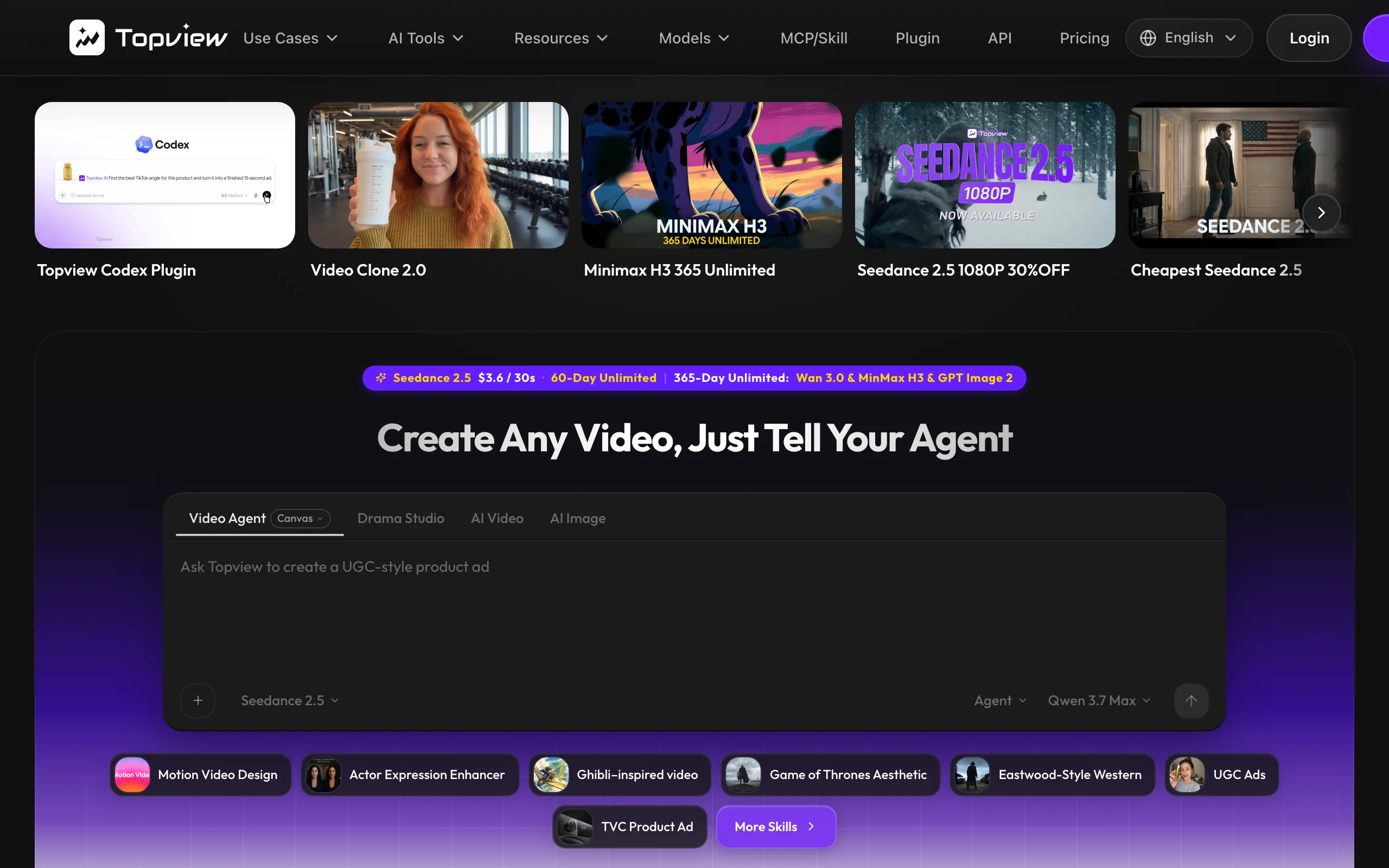
3. Topview, best for product avatars from a photo
Topview is built around a specific trick: turn a product photo into a "product avatar," an AI presenter that holds, wears, or demos your item on camera. Feed it a photo, a product link, or raw clips and it scripts, edits, and captions a publish-ready vertical for TikTok, Reels, Shorts, or paid placements. You can save unlimited product avatars, which suits stores with deep catalogs.
Key features
- Product avatars: an AI presenter holds and demos the product from a photo
- Link-to-video with automatic script and edit from the listing
- Unlimited saved product avatars, plus photo-as-avatar support
- Voice cloning and multi-language output
- API access on Pro and Business plans
Best for
- Sellers who want "creator holding the product" content without hiring creators
- Catalogs with many SKUs that each need a presenter-style demo
Pricing
- Pro $16/mo billed annually ($192/year) with 960 credits per year
- Business $44/mo billed annually ($528/year, 3,000 credits/year); Ultra $50/mo with 500 monthly credits
Pros
- The most convincing photo-to-presenter pipeline in this roundup
- Aggressive entry price on annual billing
Cons
- Headline prices are annual-billing rates, and Pro's credit allowance is per year, not per month
- Output is presenter-format vertical video; polished catalog-style product films are not the focus
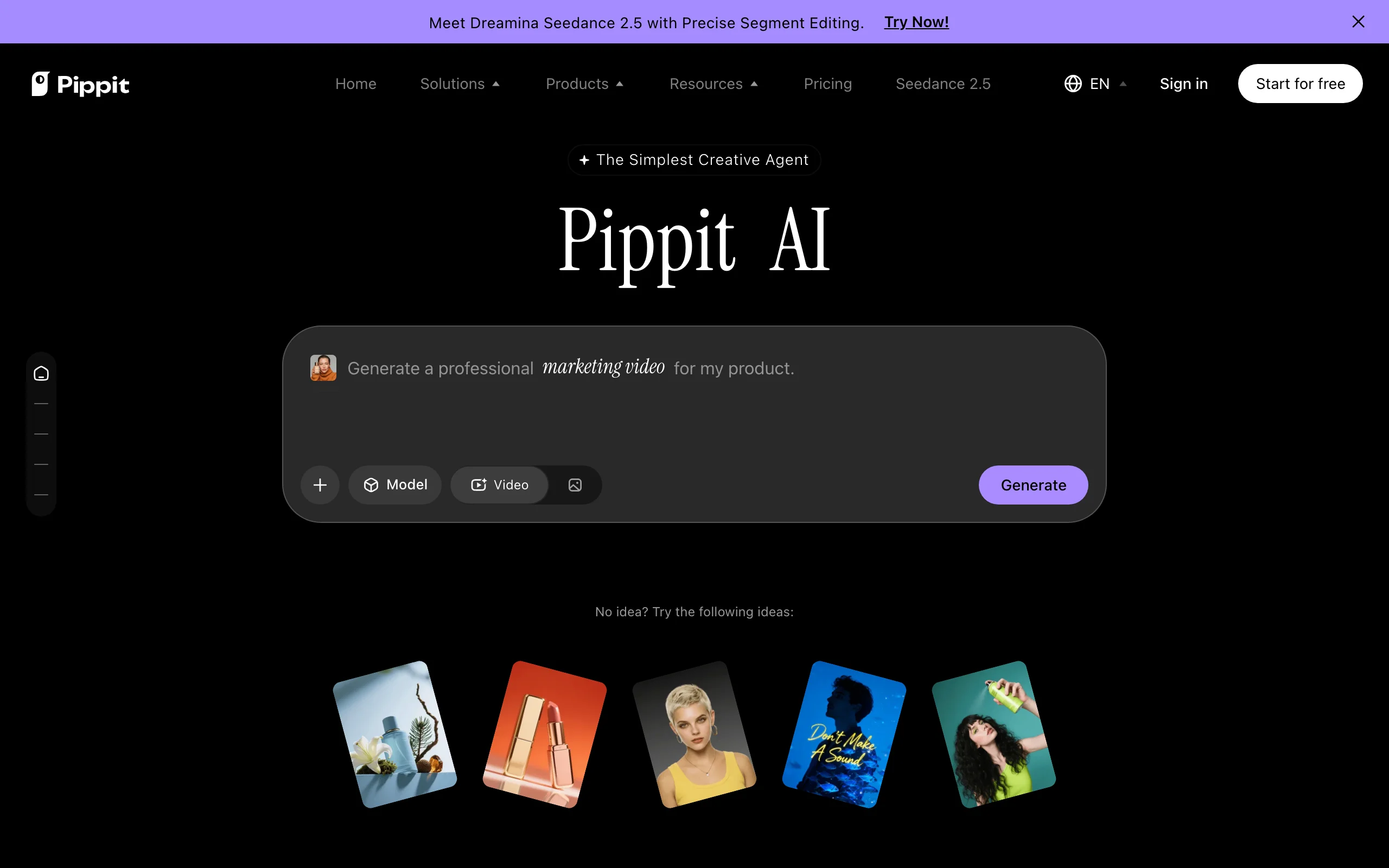
4. Pippit, best budget pick for high-volume sellers
Pippit is CapCut's commerce arm (a ByteDance product), and it shows: the workflow is built for sellers who need product videos, talking-photo avatars, and sales posters in bulk. Paste a product link or upload photos, and its video agent assembles ready-to-post promos with trending, TikTok-native pacing. Its Starter plan is the cheapest serious plan in this list.
Key features
- Link-to-video and photo-to-video for product promos
- AI product photos, sales posters, and talking-photo avatars in one suite
- Video agent that remixes viral formats around your product
- CapCut-grade editing tools underneath every generation
Best for
- TikTok Shop and marketplace sellers pushing many SKUs on a tight budget
- Teams already living in the CapCut ecosystem
Pricing
- Starter $120/year, about $10/mo, with 2,100 monthly credits and watermark removal; roughly $12/mo billed monthly
- Plus $360/year (6,700 monthly credits) for heavier volume
Pros
- The best price per video of any paid plan here
- Genuinely broad commerce toolkit: video, posters, product photos, avatars
Cons
- Output leans heavily into TikTok-style templates; premium or cinematic looks are harder to reach
- Pricing page displays yearly totals against struck-through list prices, which makes real costs confusing at a glance
5. InVideo AI, best for prompt-to-video with frontier models
InVideo AI approaches product video from the prompt side: describe the video you want, and it scripts, assembles, and voices it, pulling from stock, your uploads, and a claimed 200+ generative models including Sora 2, Veo 3.1, and Kling 3. For product work that means you can mix real product shots with generated B-roll and avatar presenters in one project, at any length.
Key features
- Prompt-to-video with script, voiceover, and edit generated together
- Access to frontier video models (Sora 2, Veo 3.1, Kling 3) for generated footage
- Avatars and voice clones (4 on Plus, more on higher tiers)
- Large stock integration with iStock credits included
- Unlimited watermark-free exports on all paid plans
Best for
- Marketers who want one tool for product promos, explainers, and brand films
- Longer product stories that mix real footage, stock, and generated shots
Pricing
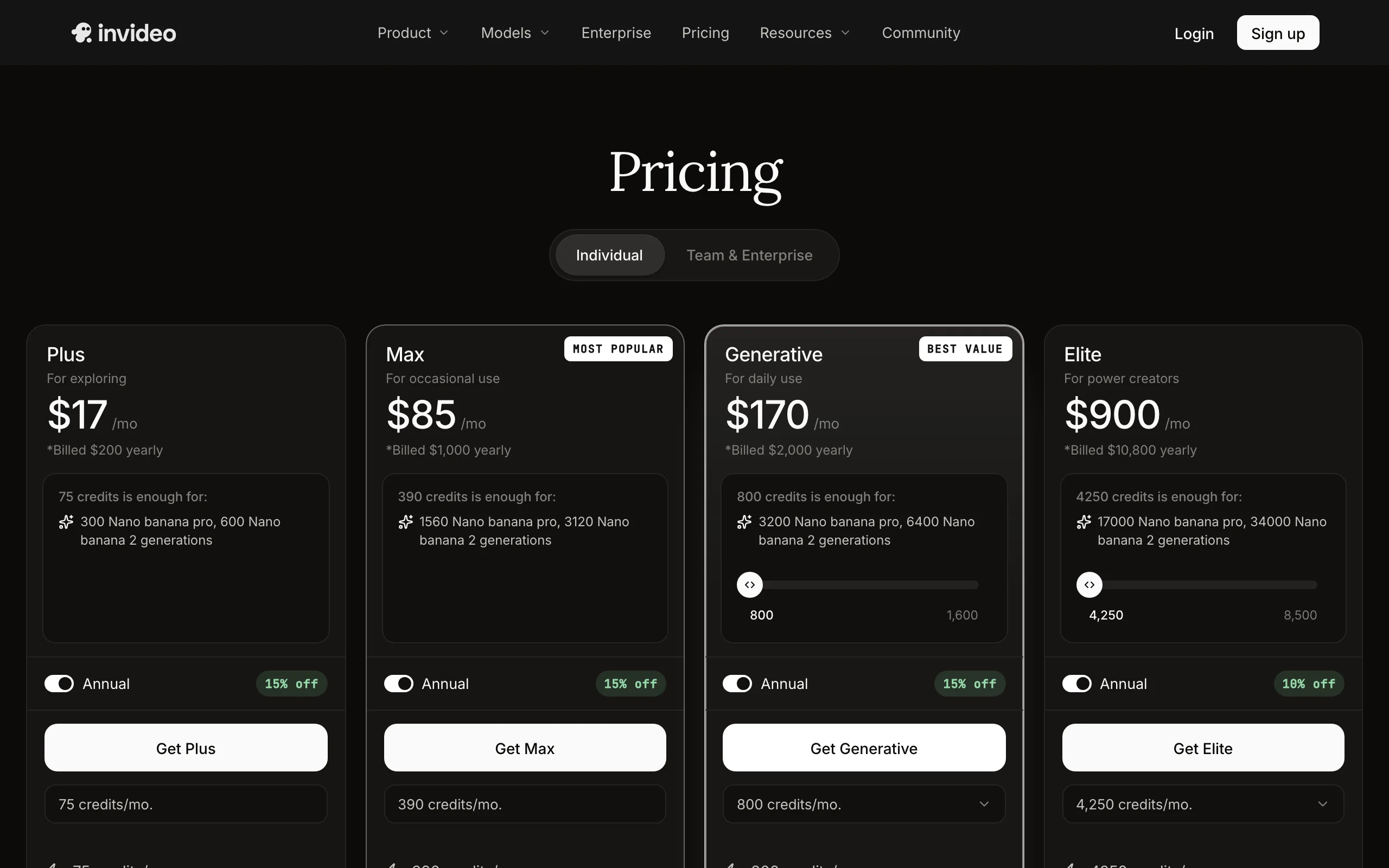
- Plus $200/year, about $17/mo, with 75 credits/mo; monthly billing costs about 15% more
- Max $1,000/year with 390 credits/mo for heavier generative use
Pros
- The widest model access of any tool in this list
- Flexible length and format, from 15-second ads to long explainers
Cons
- Not product-aware: it will not rebuild lighting around your SKU or keep packaging pixel-accurate the way dedicated product tools do
- 75 credits on Plus run out fast once you lean on frontier models
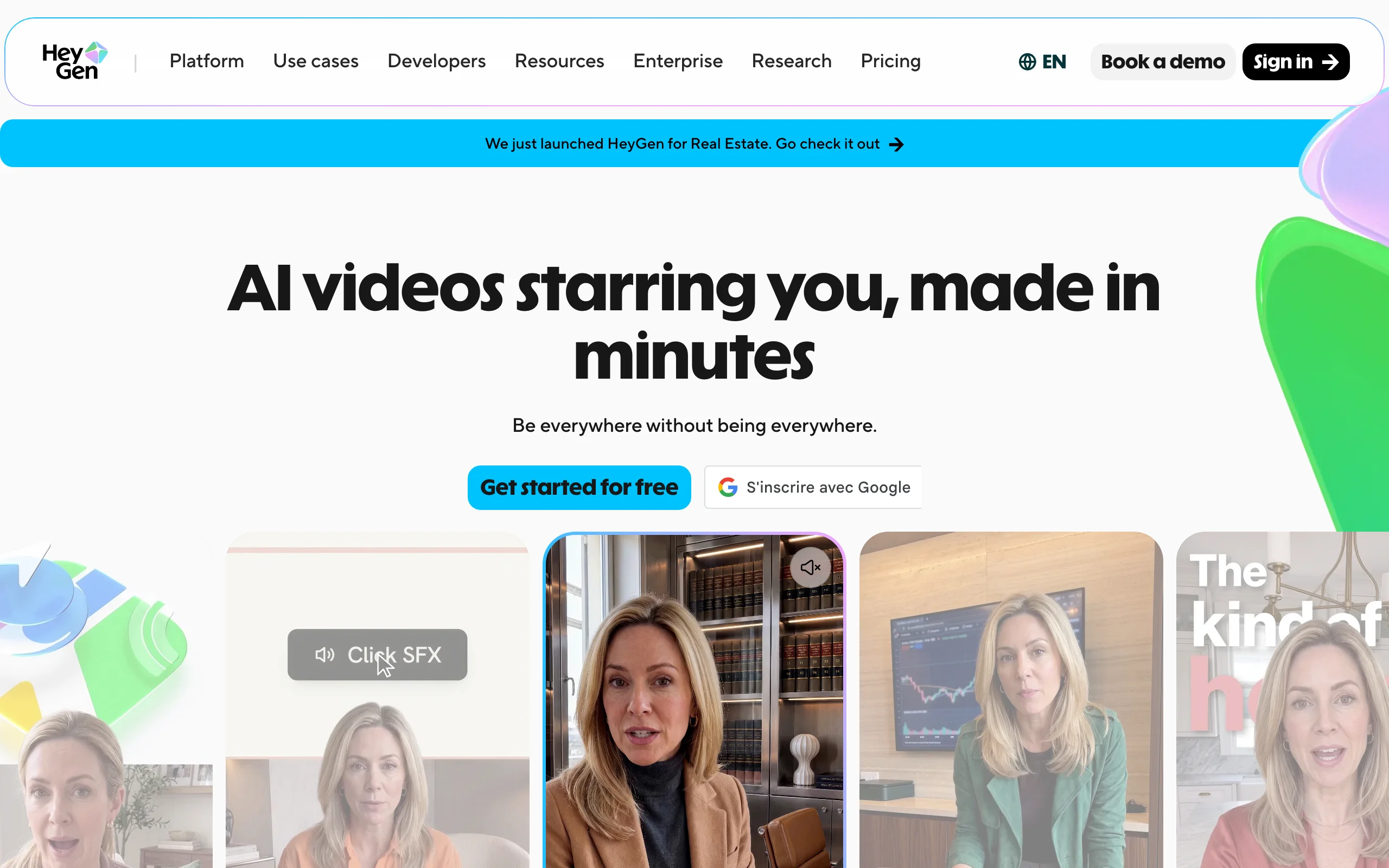
6. HeyGen, best for spokesperson product videos
HeyGen makes the most realistic AI presenters in the category, and its Avatar IV engine adds gesture control that sells the "person actually holding your product" illusion. Script a pitch, pick from 700+ stock avatars or build a custom one, and you get a spokesperson-style product video, then translate it into dozens of languages with lip-sync for localized campaigns. If HeyGen's per-minute avatar credits stack up against your volume, our HeyGen alternative breakdown covers the trade-offs in detail.
Key features
- 700+ realistic stock avatars plus custom digital twins
- Avatar IV gesture control for natural product-in-hand presentation
- Video translation with lip-sync for localized product campaigns
- Photo avatars: turn a portrait into a talking presenter
- Team workspaces on Business ($149/mo plus seats)
Best for
- Brands that want a consistent on-camera spokesperson without filming one
- Localizing one product pitch across many markets
Pricing
- Creator $29/mo, or $24/mo billed yearly, removes the watermark
- Newest avatar engines are credit-metered (Avatar IV/V at 20 credits per minute)
Pros
- The most natural avatar delivery and best translation quality here
- Custom digital twins let founders "present" every product video
Cons
- Avatar-first: the product itself is a prop, not the subject, and catalog-style product animation is out of scope
- Minute-based avatar credits make high-volume output expensive
7. Pictory, best for repurposing product content
Pictory solves a different product-video problem: you already have content, a product page, a blog post, a webinar, a demo recording, and need video cuts of it. Paste a URL or script and it assembles a stock-backed video with captions and voiceover; upload a long recording and it clips highlights. For product marketing teams sitting on content libraries, that is a fast way to feed social channels.

Key features
- URL, blog, and script to video with auto-selected stock scenes
- Long-form to short clips with auto-captioning
- AI credits for generated images, video, and avatars (100/mo on Starter)
- Voice cloning and brand kits on higher tiers
- Team workspace on the Team plan
Best for
- Content and SEO teams turning product articles and webinars into social video
- Brands that need volume from existing material rather than new shoots
Pricing
- Starter $29/mo, or $25/mo billed annually, with 200 video minutes/mo
- Professional $59/mo, or $35/mo billed annually, with 600 video minutes/mo
Pros
- The fastest route from existing text and recordings to publishable video
- Generous minute allowances compared to credit-based rivals
Cons
- It does not animate your product photo; visuals come from stock and templates, so the product itself rarely appears in motion
- Output looks editorial rather than ad-native
Product photo to video: how the AI workflow actually works
Product photo to video is the workflow behind most of this list, and knowing the pipeline helps you pick a tool and prep better inputs. When ClipNova turns a photo into an ad, it keeps the product as the hero, holding its shape, colours, and label as in your photo, generates camera motion and timed beats around it, and lays music under the clip.
Two practical consequences follow. First, the source photo matters more than the tool settings: a sharp, well-lit, straight-on shot with the full product in frame gives the AI clean geometry to work with, while blurry or cropped photos produce warped labels and mushy edges. Second, product-aware tools beat generic animators for anything with packaging or text on it, because they treat the product as untouchable and animate around it.
Generic photo animation still has its place: for animating lifestyle imagery, team photos, or backgrounds, a general AI photo to video tool is the right category. For anything you sell, use a product-specific generator so the label, colors, and proportions survive the motion.
How to choose the best AI product video generator for your workflow
1) What should the output be: a finished ad, a presenter clip, or a repurposed cut?
- A complete, postable product ad from a photo: ClipNova generates the whole clip, motion to music, in one pass.
- A person presenting the product: Topview for photo-based product avatars, HeyGen for the most realistic spokesperson delivery, Creatify for ad-variant volume.
- Video from content you already have: Pictory for pages and recordings, InVideo AI for prompt-driven mixes of stock and generated footage.
2) How many SKUs and variants do you actually need per month?
Translate plans into output before paying. ClipNova's $19 Hobby (1,000 credits) covers regular per-SKU videos with rights included. Creatify's $39 Starter is about 20 fifteen-second ads. Topview's cheap Pro tier is 960 credits per year, fine for a trickle, tight for a catalog. Pippit's $10/mo is the volume bargain if TikTok-style output fits your brand.
3) Where will the videos run?
- Paid social and feeds: native-feeling vertical wins, which favors ClipNova's UGC Ad Generator, Creatify, and Topview.
- Product pages and marketplaces: cleaner studio and demo styles convert better, a studio-look ClipNova product clip and HeyGen's presenter format fit here.
- Multi-market campaigns: weigh localization, where HeyGen's translation is best in class.
4) Watch the licensing and watermark fine print
Watermark removal often starts on a specific paid tier, and several tools quote annual-billing prices that jump 15% or more month to month. ClipNova keeps this simple: watermark-free export and full commercial rights on every plan, including the entry tier.
Before committing anywhere, run the same product photo through two or three of these tools and put the results side by side. Product categories react differently to studio polish versus UGC energy, and a $19 test month tells you more than any comparison table.
Related reading: Best AI video generators for agencies in 2026.
Frequently asked
What is an AI product video generator?
An AI product video generator turns a product photo, link, or description into a finished marketing video with motion, voiceover, captions, and music, no filming required. Tools like ClipNova animate a single product shot into a polished ad, while others like Creatify and Topview build UGC-style ads around your product from a store link.
How do I turn a product photo into a video with AI?
Upload one high-resolution product photo to a tool like ClipNova, add a one-line brief describing the mood and format, pick the aspect ratio and length, and generate. The AI keeps the product's shape, colours, and label, adds camera motion and timed beats, and lays music under the clip. A clean, sharp photo on a simple background gives the best results.
Can AI make a product video from just one photo?
Yes. Single-photo workflows are now standard. ClipNova generates a complete video ad from one product shot, and Topview can turn one photo into a product avatar that holds and presents the item. More angles help for complex products, but for most SKUs one good photo is enough.
How much does an AI product video cost?
Between roughly ten cents and a few dollars per video, depending on the tool and plan. ClipNova starts at $19/mo for 1,000 credits, Pippit's Starter works out to about $10/mo billed yearly, and Creatify's $39/mo Starter includes 100 credits at 5 credits per 15 seconds of video. That compares to $500 or more for a single studio-shot product video.
What is the difference between an AI product video generator and a photo to video tool?
A generic photo to video tool animates any image into a moving clip and stops there. A product video generator is built for selling: it understands the product is the subject, keeps it accurate and centered, and outputs a complete ad with hook, captions, voiceover, and a call to action in platform-ready formats.
Do AI product videos actually convert in paid ads?
They can perform on par with filmed content when they look native to the feed, which is why UGC-style and vertical-first output matters. The bigger advantage is iteration: generating ten variants of a hook or style for a few credits lets you A/B test your way to a winner instead of betting the budget on one shoot.
Can I use AI product videos commercially and in ads?
Check each tool's license before running paid campaigns. ClipNova includes full commercial rights and watermark-free export on every plan, including the $19 Hobby tier. Elsewhere, watch the fine print: watermark removal and rights can vary by plan.
If I mainly need video ads from product photos, which tool should I use?
ClipNova is the strongest pick. One photo becomes a finished ad clip with motion and music in minutes, in 9:16, 16:9, or 1:1, with commercial rights from $19/mo. If you specifically want avatar-held product demos at scale, look at Topview or Creatify alongside it.