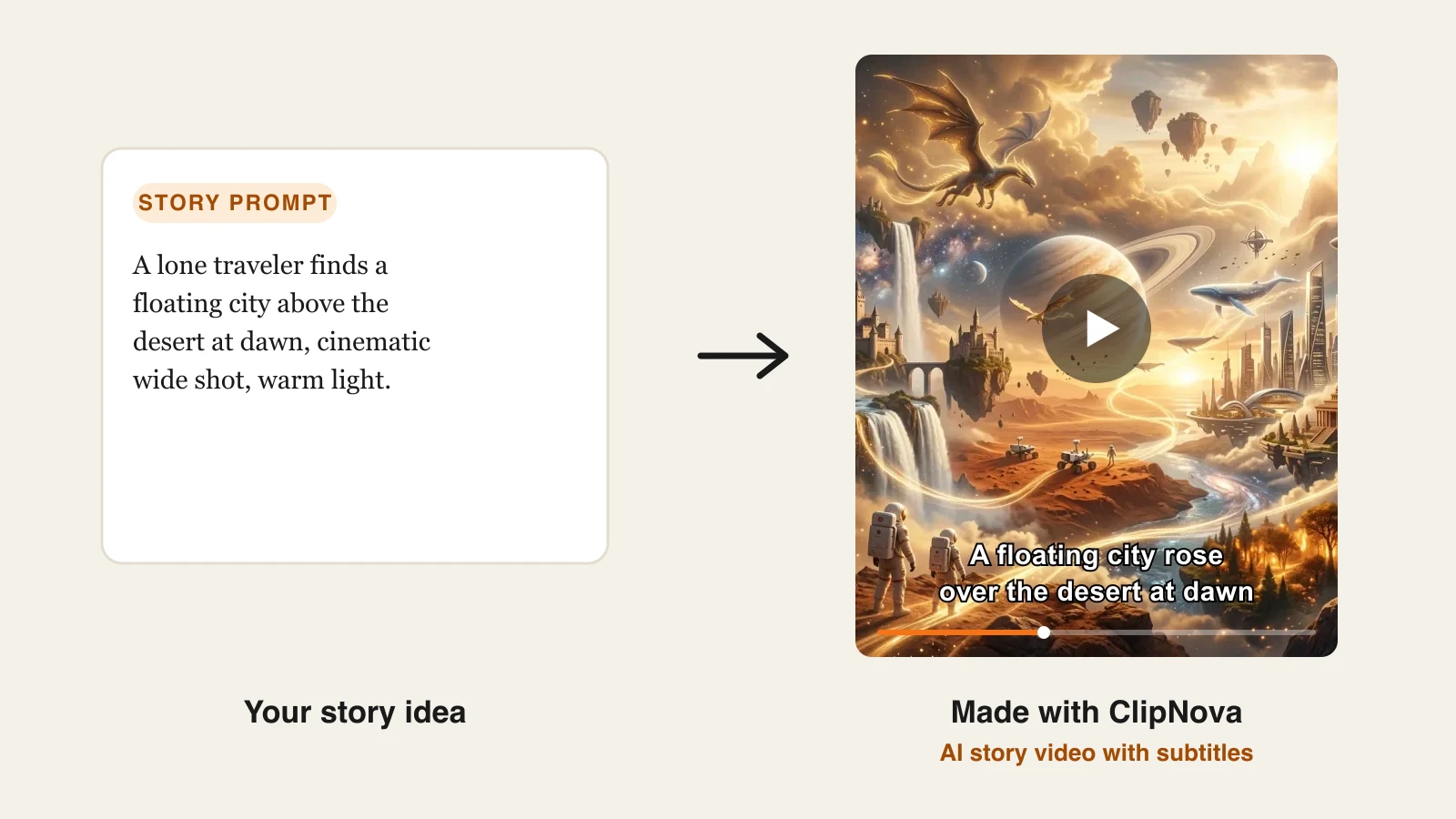
An AI drama series lives or dies on one thing: viewers have to recognize the lead in episode 12 as the same person they met in episode 1. Short dramas on TikTok, Reels, and Shorts run one to three minutes an episode and end on a hook, so a creator can need dozens of episodes for a single season. If the face drifts between clips, the audience stops caring.
That is why a new group of tools sells itself on recurring characters. Some, like ClipNova (its AI series generator), Topview, and Picsart, now have dedicated series workspaces that remember your cast from one episode to the next. Others give you the building blocks (a saved character plus reference-based video) and leave the season plan to you.
This guide compares the 6 best AI drama series makers, with pricing and features checked on each vendor's own pages in October 2026, and is honest about which ones actually manage episodes for you.
Want the same cast in every episode? Use ClipNova's AI short drama generator: start a show in Series from the Drama series template, cast your characters once, and every episode keeps their faces and remembers the story so far. For single scenes, use the Consistent Character AI Video Generator. Plans from $39/mo.
Best AI drama series makers: a brief overview
All-in-one creation with a recurring cast
- ClipNova: Best overall for creators who want a saved cast, story memory between episodes, and finished, narrated episodes up to 5 minutes, all inside one plan.
- Higgsfield: Best for cinematic, film-look series; it is the company behind Higgsfield Original Series, and Cinema Studio 3.0 takes up to 9 character and location references.
Dedicated series and microdrama workspaces
- Topview Drama Studio: Best for script to storyboard to episode workflows, with a Single Episode or Series switch.
- Picsart (Saga): Best for planning a whole season of 60 to 90 second vertical episodes with an AI showrunner.
- OpenArt: Best for turning a novel chapter or script into ReelShort-style episodes with voiceover and captions.
- ImagineArt AI Drama Studio: Best for multilingual microdramas, with each character's face and voice saved for reuse.
| Tool | Best for | Starting price | Series features |
|---|---|---|---|
| ClipNova | Long finished episodes with a consistent cast | From $39/mo | Series workspace: cast of up to 8, story memory, episodes up to 5 min, 1080p |
| Higgsfield | Cinematic film-look series | $9/mo (Basic) | Cinema Studio 3.0 references, Soul ID, Original Series platform |
| Topview Drama Studio | Script to storyboard to episode | $18/mo (Basic, monthly) | Single Episode or Series mode, reusable character records |
| Picsart (Saga) | Planning full seasons | $10.50/mo billed yearly | Seasons of 20, 40, or 80 episodes, character bible |
| OpenArt | Adapting stories into episodes | $14/mo (Starter) | Leads locked from a reference image, hooks, voiceover |
| ImagineArt AI Drama Studio | Multilingual microdramas | $5/mo (Basic) | Saved face and voice per character, dubbing |
Reading the table: five of the six tools have a series mode that keeps your characters between episodes. ClipNova's Series carries the cast and a story memory into each new episode and returns a finished video. Higgsfield gives you the consistency tools and the video quality, and you run the season yourself, which is more work per episode but more control over every shot.
1. ClipNova, best overall for AI drama series with a recurring cast
ClipNova is #1 here because it has a Series workspace built for exactly this job. You name your show, set the look and voice once, cast your characters, and then make episode after episode with the same faces. After each episode, ClipNova writes a short summary into a Story memory, and the last five summaries feed the next episode, so episode 6 knows what happened in episode 2. You can edit that memory whenever the plot needs a correction.
For a drama, that is the heart of the job: finished long episodes where your cast never changes face.
- Long: one episode becomes a finished video of up to 5 minutes, not a 5 to 10 second clip.
- Consistent characters: cast up to 8 characters in a Series, each with a picture and a look "Locked in every episode", and the same faces carry into every episode.
- Finished: script, scenes, voiceover, captions and music come back together, and Studio lets you fix one scene before you post.
How to make a drama series in ClipNova
- Sign in to the ClipNova app (plans from $39/mo), click Series in the sidebar, then New series.
- Under What's your show?, pick the Drama series template (one of 7) and name your show.
- Under How should it look and sound?, set the style, the narration language (18 languages), the format, and the episode length (30 s, 1, 2, 3, or 5 minutes). These apply to every episode.
- Under Cast your characters, add up to 8 characters. Give each a name, role, look, personality, and catchphrase, and a picture from My characters, Create new, or Upload. Then click Create series.
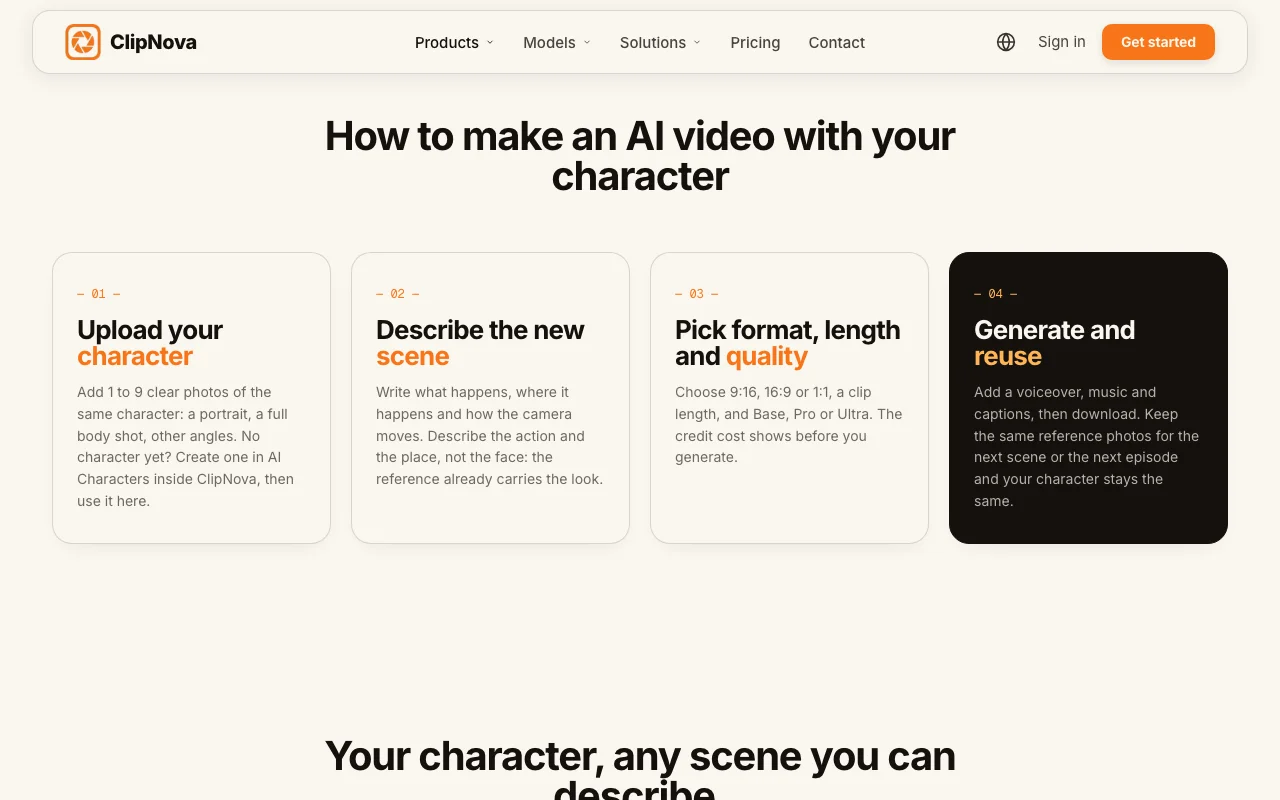
- Click Make episode 1, write what happens, and type @ to mention a character. Choose AI Video for fully animated shots or Moving AI Images (marked "Low cost") for images with camera motion.
- When the episode is done, check its Story memory, then click Make episode 2. The cast and the story so far carry over.
Voices and cost. With AI Video, you choose who speaks in each episode: one narrator voice, or your characters on screen with lip sync, each in their own voice, on Base (768p) or Pro (1080p). Moving AI Images episodes use one narrator. By the app's own estimate, a 60 second episode with captions costs about 189 credits as Moving AI Images and 550 credits as Base AI Video with a narrator; talking characters have their own price, shown before you generate. Starter ($49/mo, $39 the first month) includes 2,600 credits.
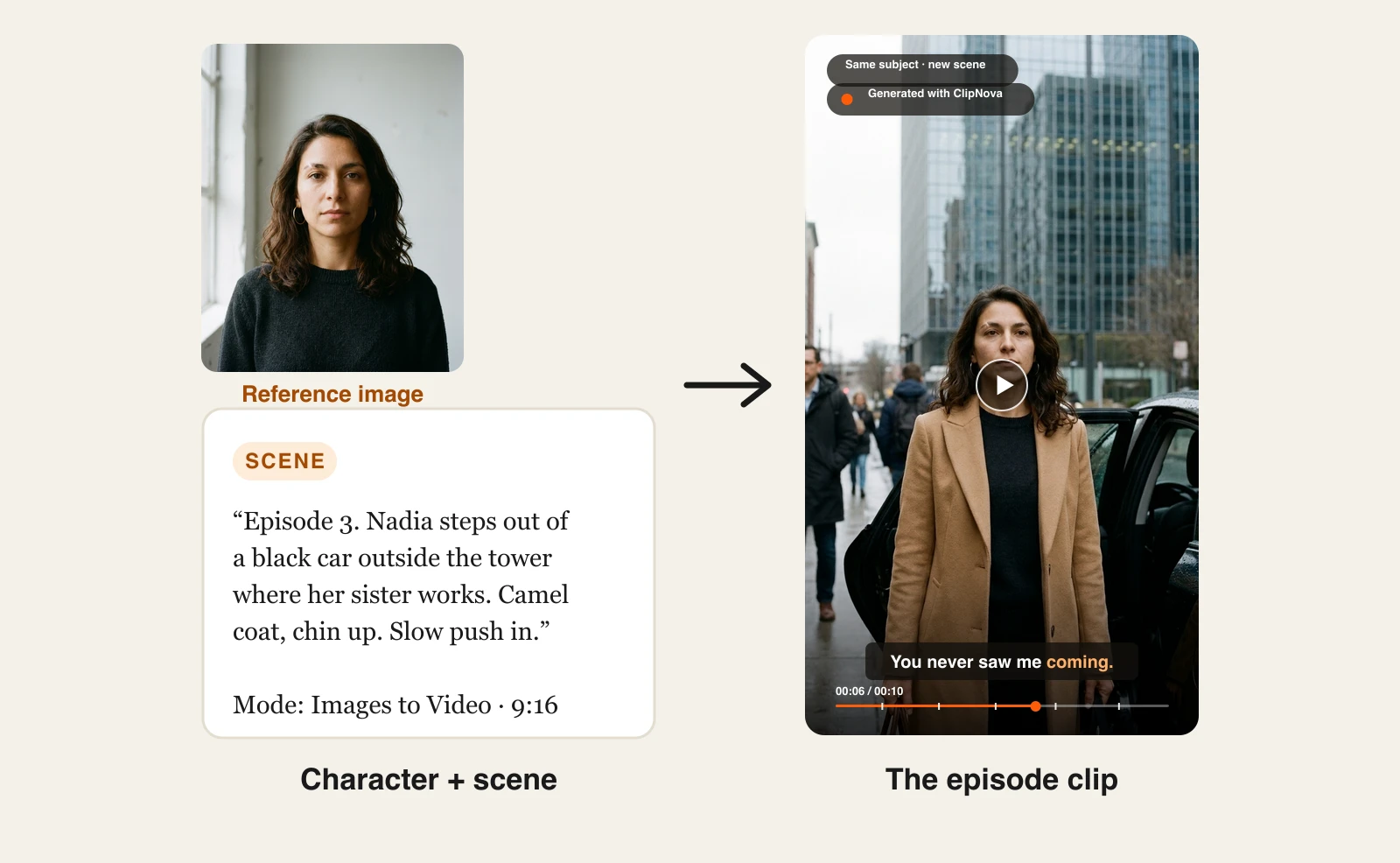
You can also build single scenes outside a Series. Create your lead in AI Characters (realistic, anime, Pixar, Ghibli and other looks), and the image is saved to your character library. For each scene, open Image to Video and pick Images to Video, the reference mode labelled "same subject, new scene": upload your character, describe the scene, and the model renders a new clip that keeps the face, wardrobe, and proportions. For longer episodes, start Prompt to Video from your character image under Visual context and let it build a narrated video of up to 5 minutes.
Here is the reference method in practice. We created one fictional lead, Nadia, for a family betrayal drama (revenge and family conflict are two of the most repeated short drama genres in our research), and used her portrait as the reference for each episode:
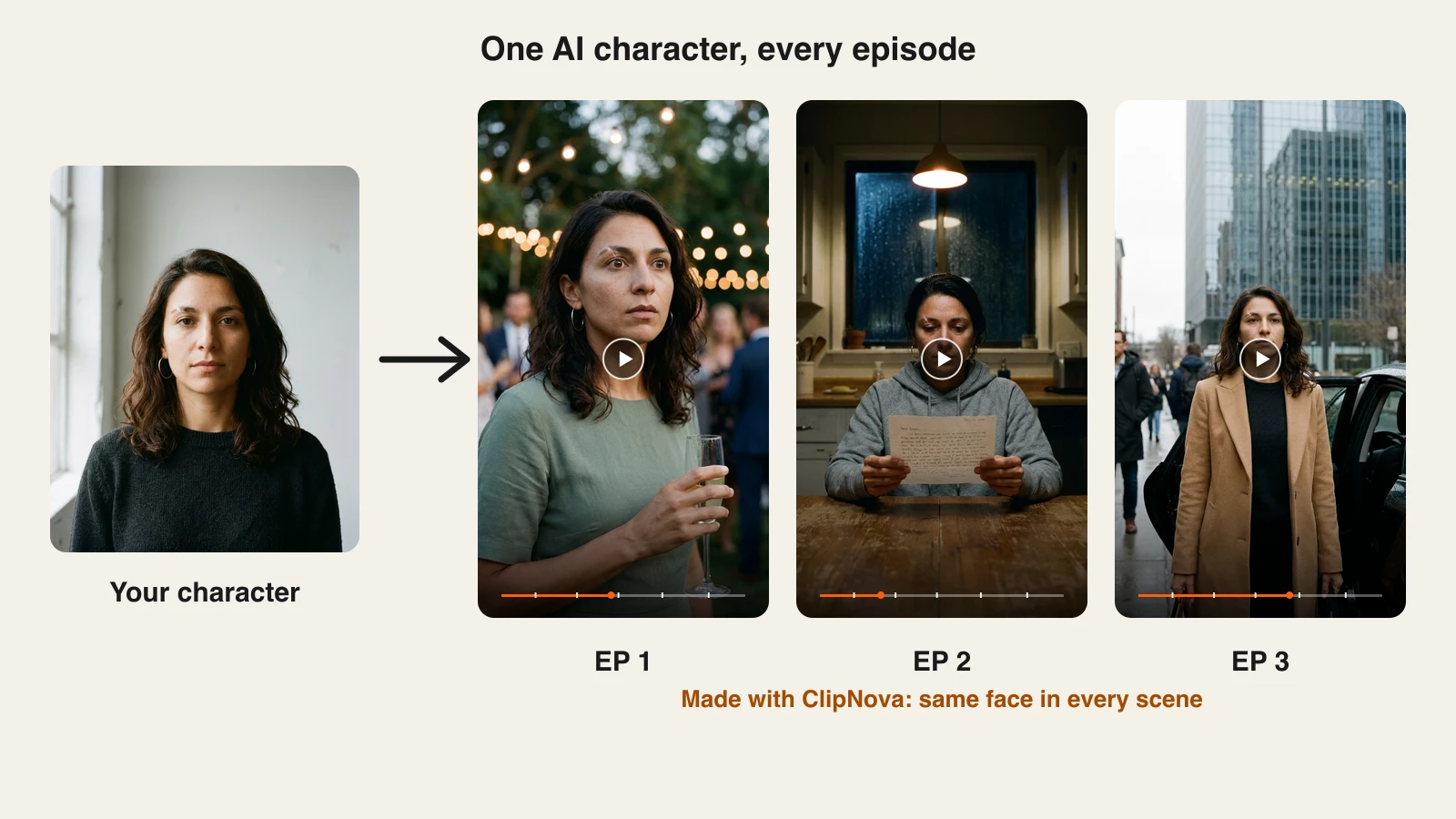
Each episode is a scene prompt plus the same reference image. You write the beat, the reference keeps the actor:
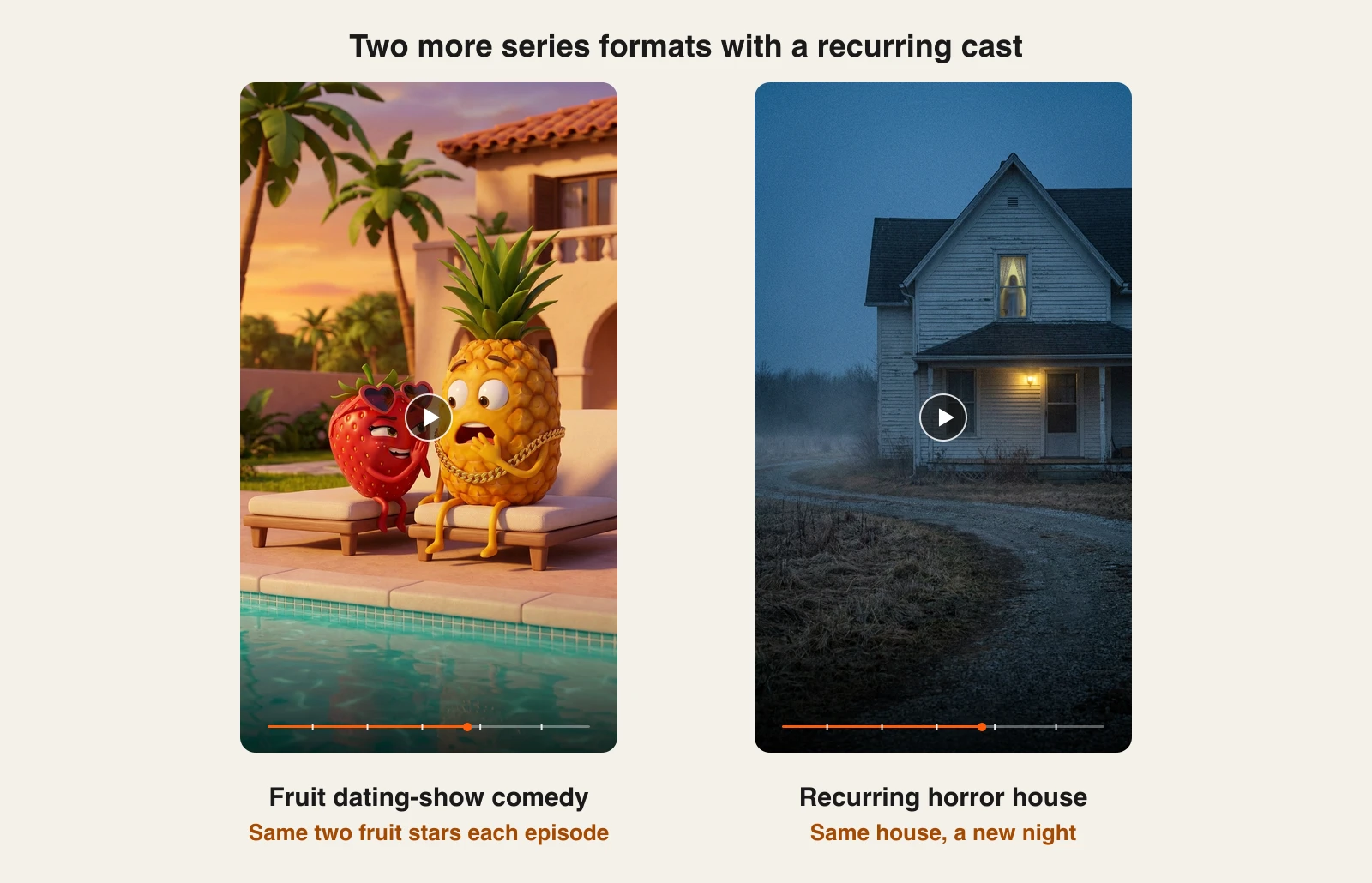
The same method carries other formats that our research kept surfacing: talking fruit dating-show comedies (the format behind the viral Fruit Love Island series) and horror series built around one recurring house:
Key features
- Series: a saved show with a cast of up to 8 characters, 7 templates including Drama series, and @ mentions in each episode
- Story memory: a summary of each episode, with the last 5 feeding the next one, editable at any time
- Two ways to make each episode: AI Video, or Moving AI Images at about a third of the AI Video cost
- Character dialogue with lip sync and a separate voice per character, with AI Video on Base or Pro
- AI Characters and Images to Video (up to 8 reference images per video) for single scenes
- Prompt to Video from a character image, with script, narration, music, and captions, up to 5 minutes
- Narration in 18 languages, 1080p with no watermark, full commercial rights
Best for
- Creators starting a recurring-cast drama or comedy series who want the tool to remember the story
- Creators who want finished, narrated episodes instead of loose clips
- Anyone who wants consistent characters and other AI video tools under one subscription
Pricing
- Starter $49/mo (2,600 credits, $39 the first month), Growth $99/mo (5,750), Ultra from $199/mo (12,000)
- Every plan includes every feature; plans differ only in credits. Yearly billing saves 20%
Pros
- The same cast and the story so far carry into every episode, with no model training
- One tool takes you from cast to finished, captioned episode
- Moving AI Images makes long seasons affordable at about a third of the AI Video cost
Cons
- Characters only speak on screen with lip sync in AI Video episodes; Moving AI Images episodes use one narrator
- Talking-character episodes cost more credits than Moving AI Images, so a dialogue-heavy season needs a bigger plan
- Episodes top out at 5 minutes and 1080p
2. Higgsfield, best for cinematic film-look series
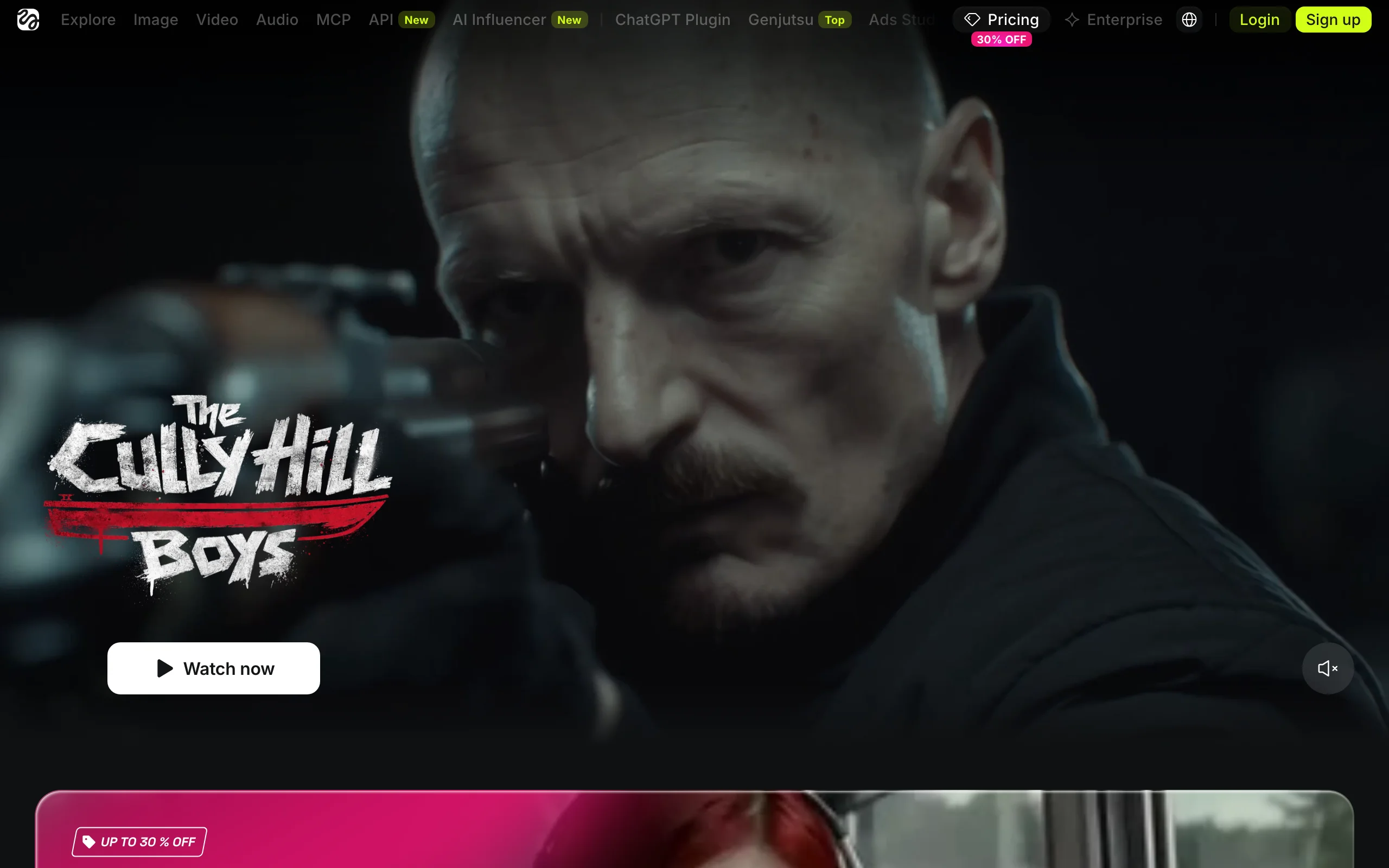
When people search "Higgsfield AI series," they usually mean one of two things. The first is Higgsfield Original Series, which Higgsfield describes as an AI streaming platform where full episodes are made with generative AI; independent creators get onto it through its contests. The second is making your own series with Higgsfield's tools, and that runs through Cinema Studio.
Cinema Studio 3.0 accepts up to 9 reference images (characters and locations combined), and Higgsfield pitches it as a production environment for episodic content: build a cast, set locations, and keep continuity from one installment to the next. Soul ID trains a reusable identity from 20 or more photos in 3 to 5 minutes for 25 credits. One creator profiled by Higgsfield ships a 1 to 3 minute animated episode every day or two, using one saved element per character and recurring saved locations.
Key features
- Cinema Studio 3.0 with up to 9 character and location references
- Soul ID character training from 20+ photos
- Native audio generation in Cinema Studio 3.0
- Access to Kling 3.0, Seedance, Veo 3.1, and more on paid plans
Best for
- Filmmakers chasing a live-action, cinematic look
- Creators who want to pitch work to Higgsfield's contests and streaming platform
Pricing
- Basic $9/mo (120 credits), Pro $29/mo or $23/mo billed yearly (600 credits), Max $79/mo or $59/mo billed yearly (1,800 credits)
Pros
- Strong cinematic output and character locking
- Large model lineup under one plan
Cons
- Basic plan credits run out fast on video (about 7 Seedance 2.0 Fast clips a month, per Higgsfield)
- No narrated, captioned episode assembly; you edit episodes together yourself
If you like the Higgsfield approach but want finished videos with voice, music, and captions, see our best Higgsfield alternative page.
3. Topview Drama Studio, best for script to storyboard to episode
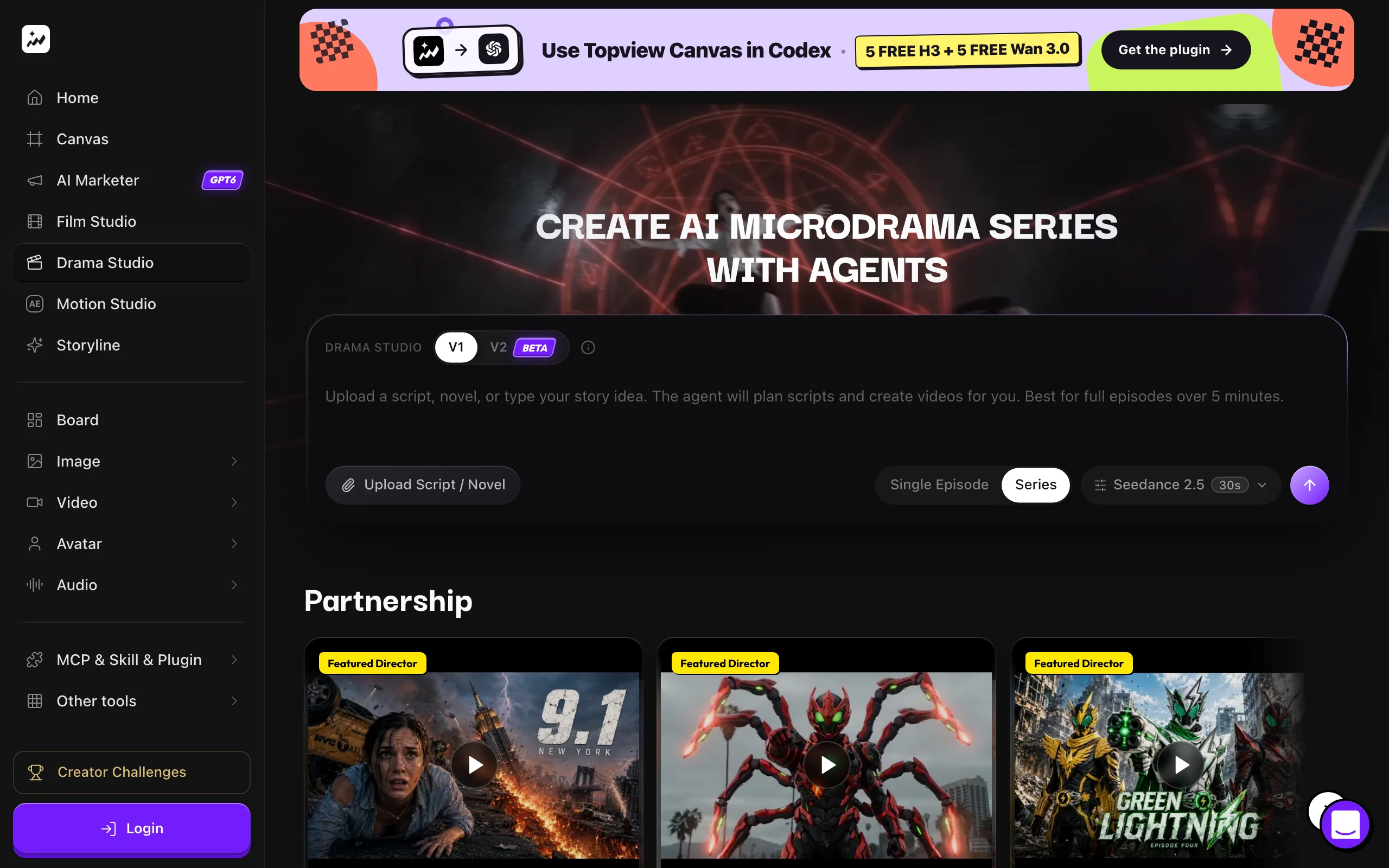
Topview Drama Studio is a workspace built for drama: you upload a script or a novel, paste a story idea, or let the agent brainstorm a plot, then choose Single Episode or Series. It writes the script with dialogue and emotional beats, turns approved scenes into storyboard panels, and only then generates video, which saves credits on scenes you would have thrown away.
Characters, locations, and props are stored as editable records with visual references that you reuse across beats and episodes. Output is vertical 9:16 with auto captions, and the generator runs on Seedance 2.5.
Key features
- Single Episode and Series modes
- Script, beat sheet, and storyboard before video
- Reusable character, location, and prop records
- Vertical export with auto captions
Best for
- Writers adapting web fiction or novels into vertical episodes
- Creators who want to approve storyboards before spending credits
Pricing
- Basic $18/mo billed monthly (50 credits); annual billing was discounted to about $6.70/mo at the time of checking
- Business ($75/mo, or $44/mo billed yearly) is pitched for films, short series, and bulk creation
Pros
- The most complete writing-to-storyboard flow in this list
- Character memory between episodes
Cons
- Small monthly credit allowances on entry plans
- Built around vertical microdramas, less flexible for other formats
4. Picsart (Saga), best for planning full seasons
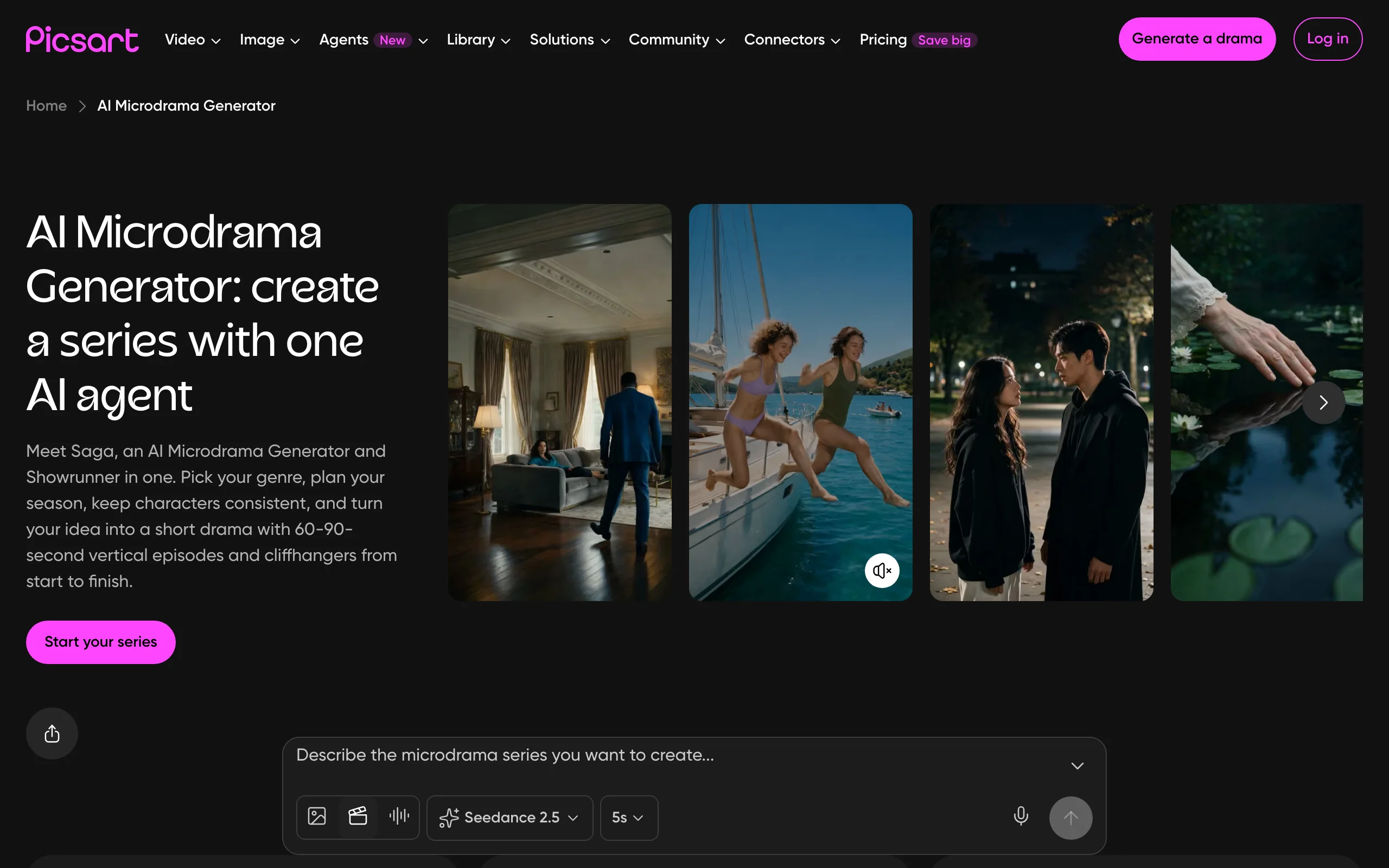
Picsart's AI Microdrama Generator is powered by Saga, an agent that acts as microdrama generator and showrunner. You pick a genre or a story template, and it maps an episode-by-episode arc for a season of 20, 40, or 80 episodes, or just the first three to test an idea.
Each episode runs 60 to 90 seconds in portrait and ends on a cliffhanger. A character bible locks faces and voices, and shots with faces are checked for drift. You approve storyboard frames, with the credit cost shown, before video generation starts.
Key features
- Season planning for 20, 40, or 80 episodes
- Character bible that locks faces and voices
- Drift checks on face shots
- Storyboard approval with visible credit cost
Best for
- Creators who want an AI showrunner to plan the arc
- Testing a series concept with three episodes before committing
Pricing
- Pro $10.50/mo billed yearly; Ultra $24.50/mo per seat billed yearly; Enterprise custom
Pros
- The most structured season planning here
- Face and voice consistency built into the workflow
Cons
- Fixed 60 to 90 second episode format
- Template-led stories can feel similar to other Saga series
5. OpenArt, best for adapting stories into episodes
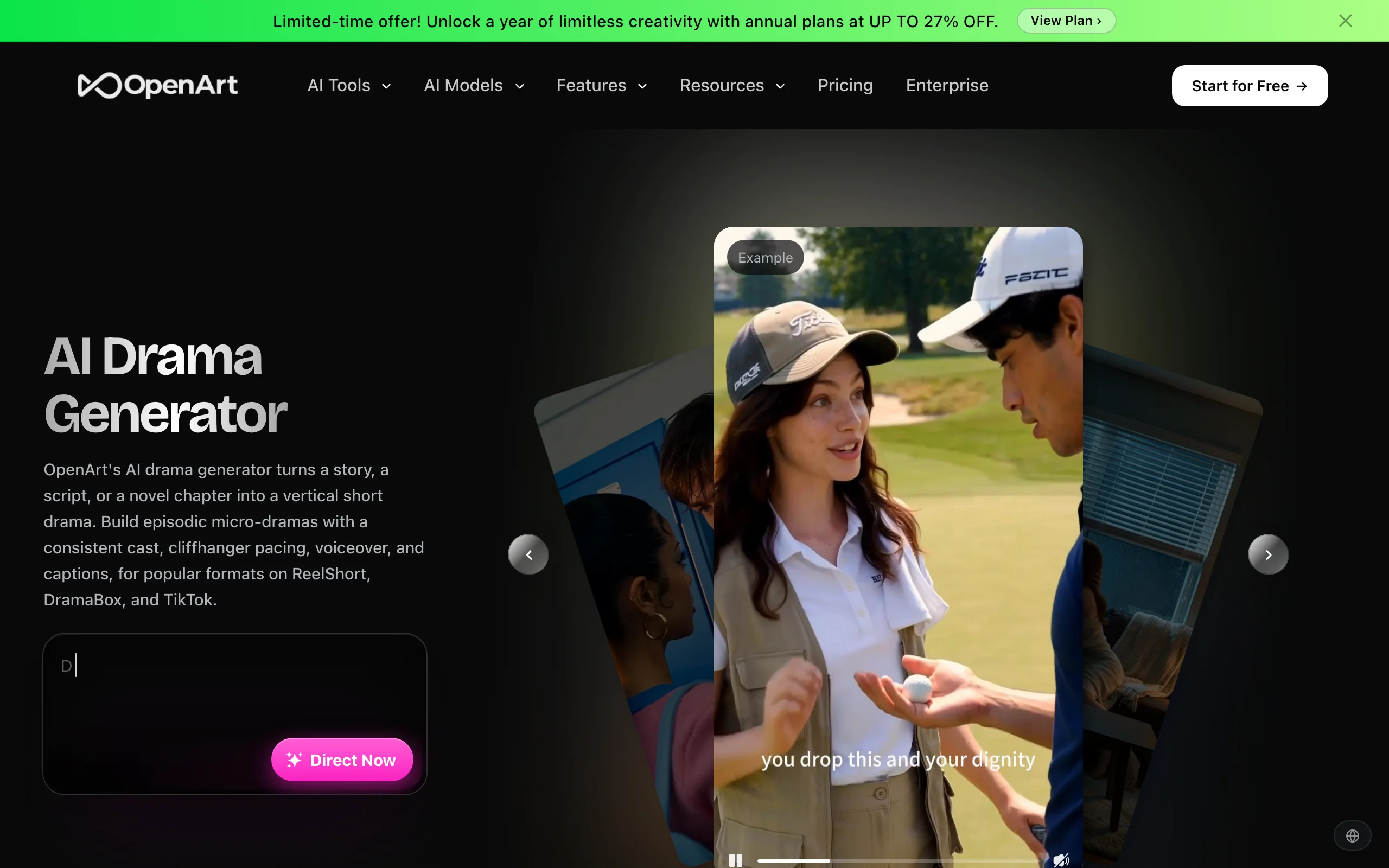
OpenArt's AI drama generator turns a story, a script, or a novel chapter into a vertical short drama aimed at platforms like ReelShort, DramaBox, and TikTok. You lock your leads from a reference image or the OpenArt Characters library, and the same cast carries every episode.
Episodes are paced to end on a hook and arrive with voiceover (multiple languages, with lip sync) and captions for muted autoplay. Genre presets cover romance, revenge, billionaire, fantasy, and thriller stories.
Key features
- Leads locked from a reference image or saved character
- Hook-ending episode pacing
- Voiceover with lip sync and captions
- Genre presets for common short drama tropes
Best for
- Writers with existing stories to adapt
- Creators targeting short drama app formats
Pricing
- Starter $14/mo (4,000 credits), Plus $34/mo, Pro $56/mo, Wonder $240/mo, with lower prices on annual billing
Pros
- Fast route from written story to captioned episodes
- Good genre coverage for the tropes short drama audiences watch
Cons
- Less shot-by-shot control than a reference video workflow
- Credit costs vary by model, which makes per-episode budgeting harder
6. ImagineArt AI Drama Studio, best for multilingual microdramas
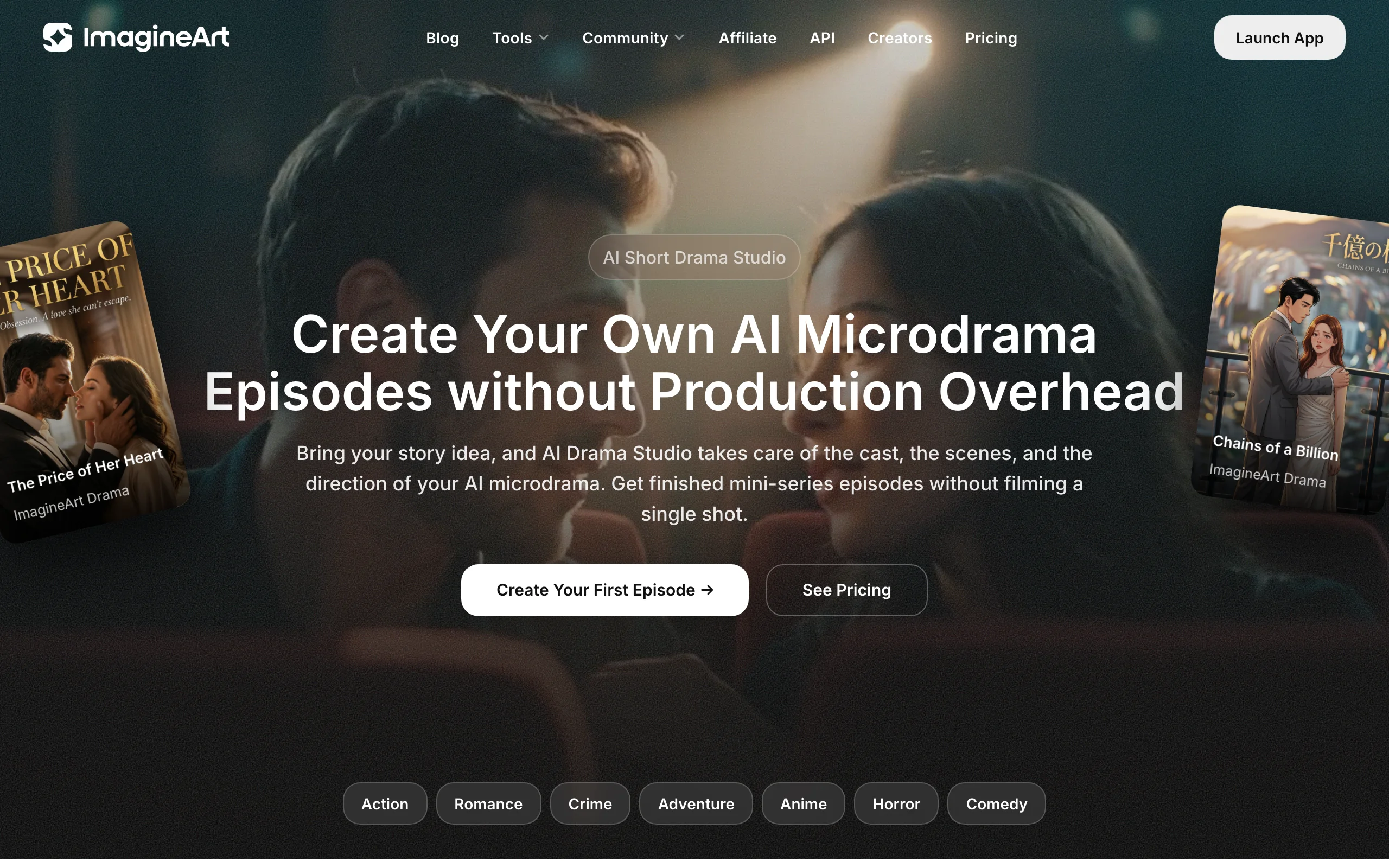
ImagineArt AI Drama Studio develops a story idea into a microdrama script with an opening hook and cliffhanger, then saves each character's appearance and AI voice as a reusable element for every scene and episode. Its standout is dubbing: it translates dialogue while keeping each character's voice and timing.
Episodes are 9:16 and ImagineArt says a typical microdrama season runs 60 to 70 episodes of 1 to 3 minutes each. Models include Seedance 2.0 and Kling 3.0, depending on plan.
Key features
- Saved face and voice per character
- Multi-language dubbing that keeps each voice
- Script generation with hooks and cliffhangers
- Seedance 2.0 and Kling 3.0 access
Best for
- Creators publishing the same series in several languages
- Teams producing long microdrama seasons
Pricing
- Basic $5/mo (1,500 credits), Standard $30/mo or $20/mo yearly, Ultimate $50/mo or $34/mo yearly, Creator $120/mo or $83/mo yearly
Pros
- Low entry price
- Voice consistency, not just face consistency
Cons
- Basic plan credits are thin for a full season
- Model access varies by tier
How to choose the best AI drama series maker for your workflow
1) Do you want the tool to plan the season, or do you want to direct it?
- If you want an AI showrunner to map the arc and episode count, Picsart (Saga) or Topview Drama Studio do the planning for you.
- If you already know your story and want to write each episode yourself while the tool keeps the cast and plot straight, ClipNova Series does that.
- If you want control of every shot and will assemble episodes yourself, Higgsfield gives you the consistency tools and lets you direct.
2) What does one episode need to include?
- If each episode must be a finished video with narration, music, and captions, ClipNova builds that in one generation, up to 5 minutes.
- If characters must speak their own lines on screen, ClipNova Series with talking characters (AI Video, any quality), Higgsfield Cinema Studio 3.0, and OpenArt all generate dialogue audio.
- If you plan to cut episodes in an editor anyway, any tool on this list works; pick on look and price.
3) Which look are you going for?
- Live-action, cinematic drama: Higgsfield or ClipNova with a realistic character.
- Animated comedy, like talking fruit dating shows: ClipNova's Pixar-style characters or Higgsfield.
- Classic short drama app style (romance, revenge, billionaire): OpenArt, Picsart, or ImagineArt.
4) How many episodes, and in how many languages?
- A long season means credit math matters more than headline price. In ClipNova, Moving AI Images episodes cost about a third of AI Video. Generate three test episodes on your real story before you subscribe for a year.
- For several languages, ImagineArt dubs with the same voices; ClipNova narrates in 18 languages.
For more tools focused on narrative video in general, see our guide to the best AI video generators for storytelling.
Frequently asked
What is an AI drama series?
An AI drama series is a serialized story, usually vertical, where the characters, scenes, and often the voices are generated with AI. Most run one to three minutes per episode and end on a cliffhanger, the same format as short drama apps like ReelShort and DramaBox. The hard part is keeping the same characters recognizable from episode to episode.
What is Higgsfield AI series?
The phrase usually refers to Higgsfield Original Series, Higgsfield's streaming platform for AI-made shows, where independent creators get featured through contests. It can also mean making your own series with Higgsfield's Cinema Studio 3.0, which takes up to 9 character and location references, and Soul ID, which trains a reusable character from 20 or more photos.
How do I keep the same character in every episode of an AI series?
Create the character once and reuse it for every episode. In ClipNova, start a Series and cast up to 8 characters, each with a picture and a locked look, and every new episode keeps those faces. For single scenes, save the character in AI Characters and use Images to Video, which keeps the face, outfit, and proportions in a new scene. Series tools such as Picsart Saga, Topview Drama Studio, and ImagineArt also store a character record for you.
What is the difference between an AI short drama and an AI micro drama?
They are mostly the same format. Micro drama usually means episodes of about 60 to 90 seconds with a hook at the end, made for phones, while short drama is the broader term used by apps and platforms for serialized vertical stories of a few minutes or less.
Does ClipNova have a series or episode feature?
Yes. ClipNova has a Series workspace (Series in the app sidebar). You pick a template such as Drama series, set the style, narration language, format, and episode length once, and cast up to 8 characters. Each episode keeps the same faces, and a story memory of the last 5 episodes feeds the next one. Episodes run up to 5 minutes, as AI Video or lower-cost Moving AI Images.
Which AI short drama genres work best?
Romance, especially billionaire or CEO romance, revenge, family betrayal, werewolf and fantasy romance, and horror come up again and again in short drama research. Comedy formats like talking fruit dating shows have also gone viral, with one series passing 300 million views in under a month.
How long should an AI drama episode be?
Most vertical dramas run one to three minutes. Picsart Saga uses 60 to 90 seconds, ImagineArt cites 1 to 3 minutes, and some creators make longer episodes for YouTube. Short episodes with a clear cliffhanger keep viewers moving to the next one.
Can I monetize an AI drama series?
Yes, as long as your plan includes commercial rights and the story and characters are original. ClipNova includes full commercial rights on every plan. Avoid copying characters from existing shows, and add a real story arc so the series is not seen as repetitive mass-produced content.
If I want one character across many episodes without a series subscription, what should I use?
ClipNova fits that case. Series is part of every plan: you cast your characters once, and each episode comes back as a finished video with narration in 18 languages, music, and captions. Plans start at $39 a month, and every plan includes every feature.