01
Describe your vision
Write a detailed prompt, subject, style, lighting and any text to render. Add reference images to guide the look.
Write a detailed prompt, subject, style, lighting and any text to render. Add reference images to guide the look.
Wan 2.7 returns a high-quality render in about 3-5s, tuned for fast, cost-efficient high-volume generation.
Adjust in plain language instead of starting over, then export watermark-free and reframe to every format.
 Speed 11/3
Lifelike scenes, portraits and lighting that look shot, not generated.
Try now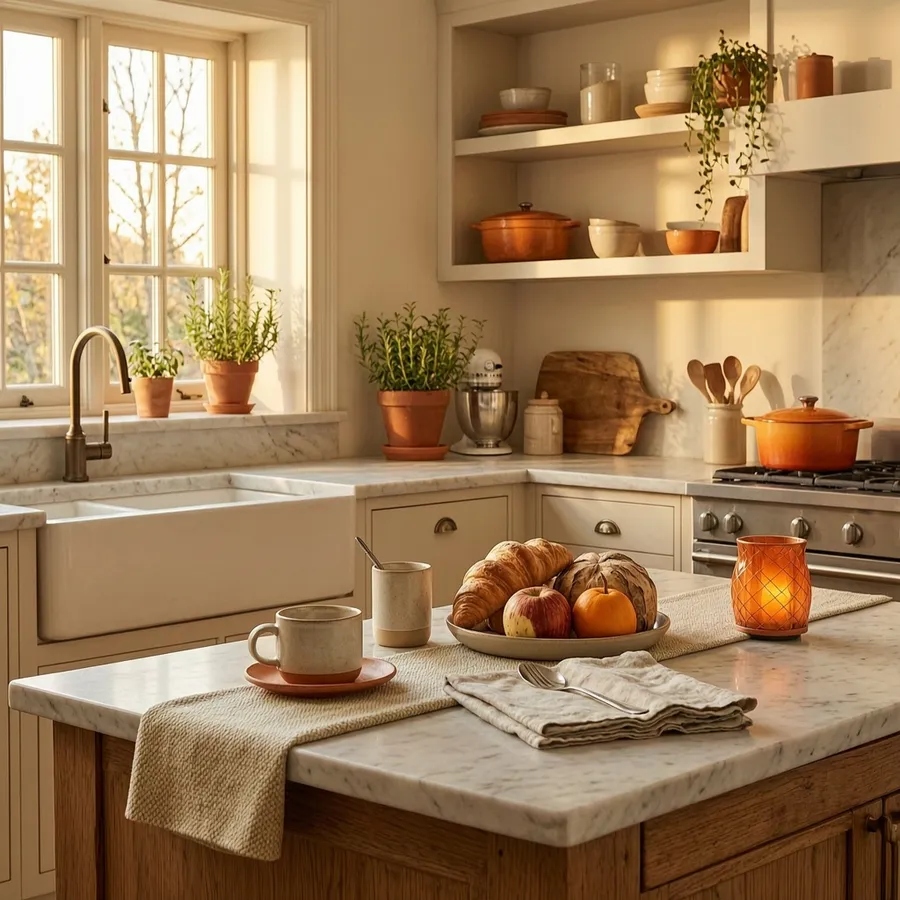
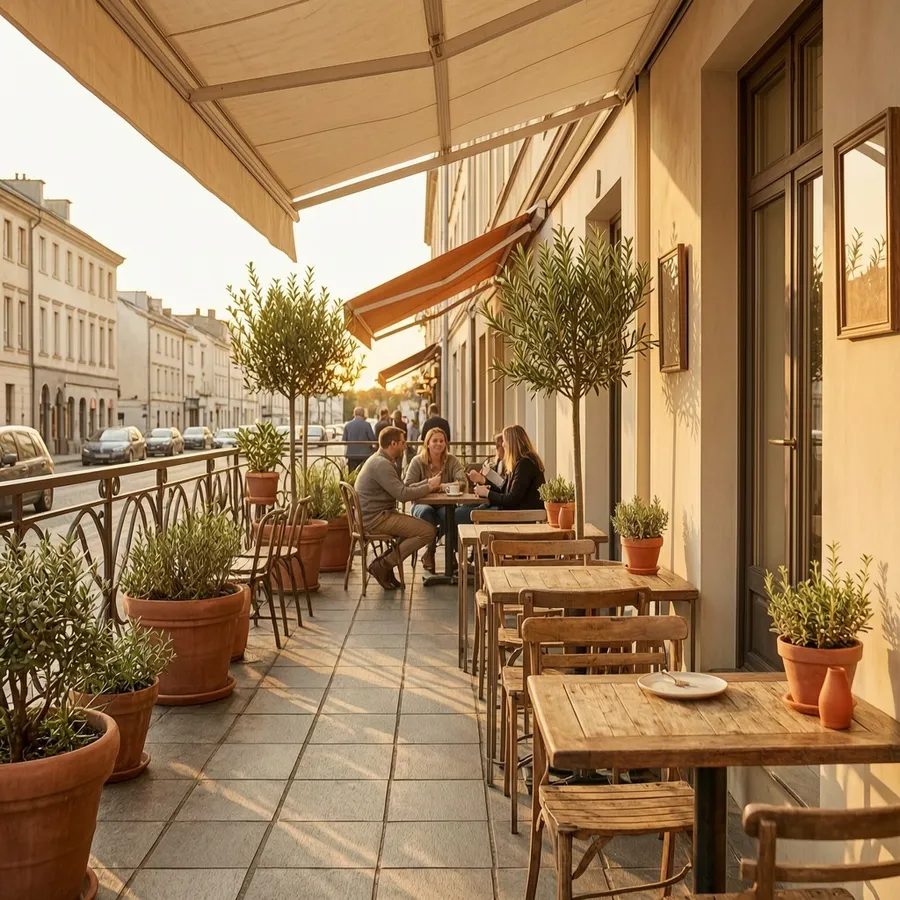
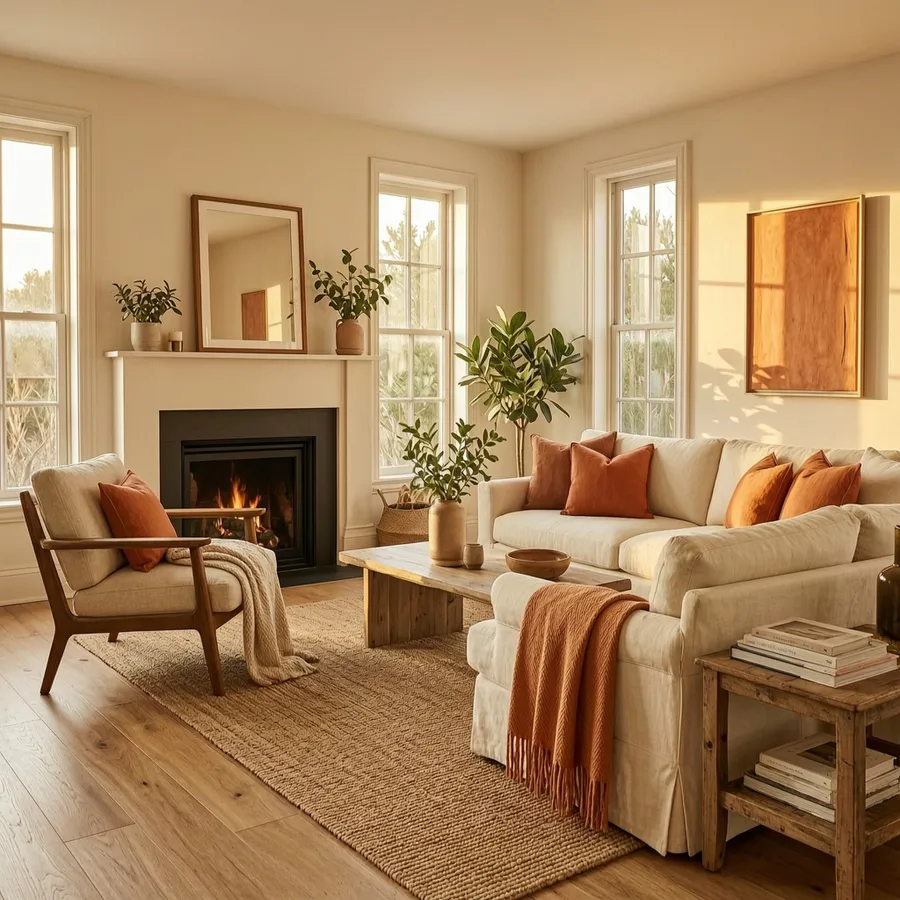 Photoreal 11/3
Punchy, scroll-stopping visuals tuned for feeds and fast turnarounds.
Try now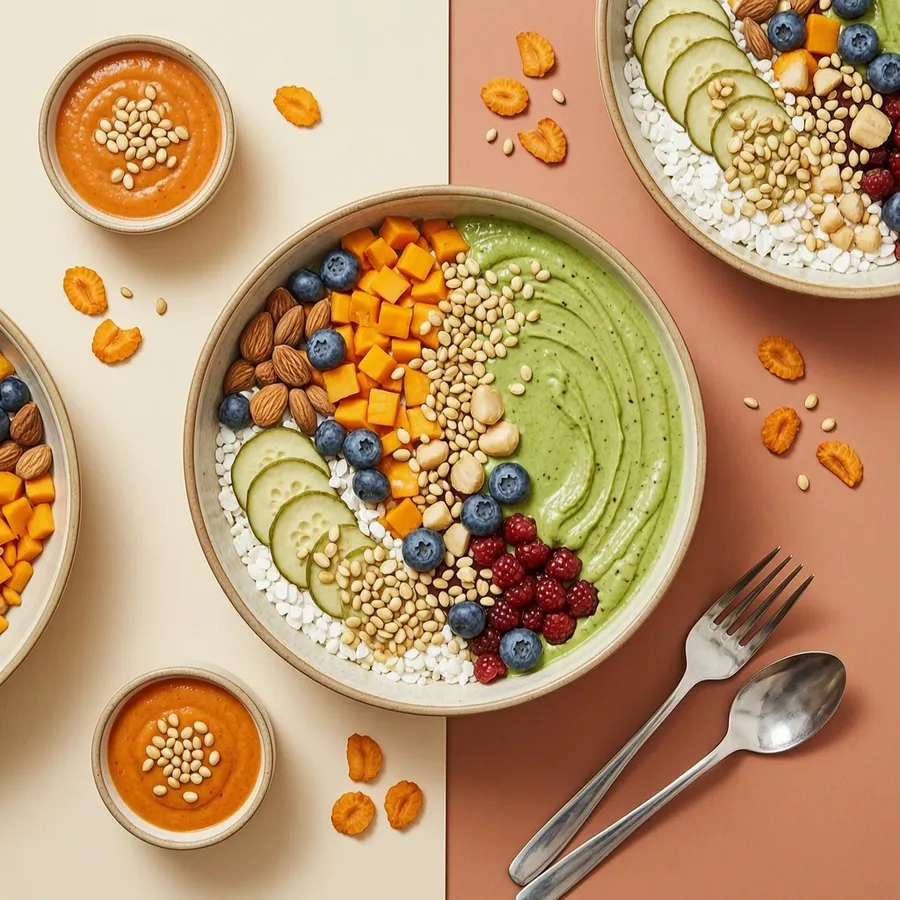

 Social 11/3
Reframe to square, vertical and wide while keeping the subject stable.
Try now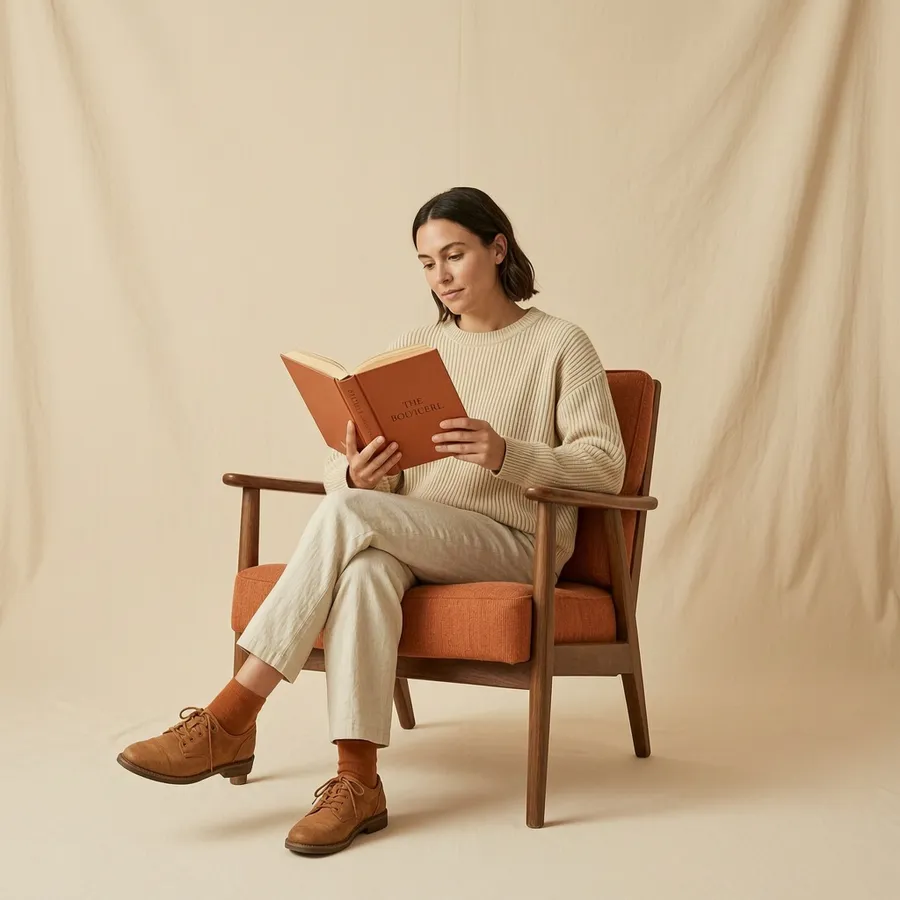 Reframe
A few habits that turn a good prompt into a production-ready render.
Attach images of your character, product or style, and it holds them consistent across every shot.
Describe subject, framing, lighting and mood, and spell out in-image text exactly as it should appear.
Rough out ideas fast with a lighter model, then switch here for the shot you'll actually publish.
Refine a render by describing the change in plain language instead of regenerating from scratch.
End every prompt with the target platform and aspect ratio, e.g. “Instagram Reels, 9:16, warm daylight.” The model adapts framing, crop and text placement to the format, so the same idea ships clean to every channel.
Two models, two jobs, pick the one that fits the shot.
Find detailed answers to 100+ questions
or check our markdown version optimized for LLMs →One of 14 image models in AI Image Chat. Switch models mid-conversation to match the job.
Join creators turning ideas into scroll-stopping videos, no crew, no software, no learning curve.
Switch models any time in AI Image Chat