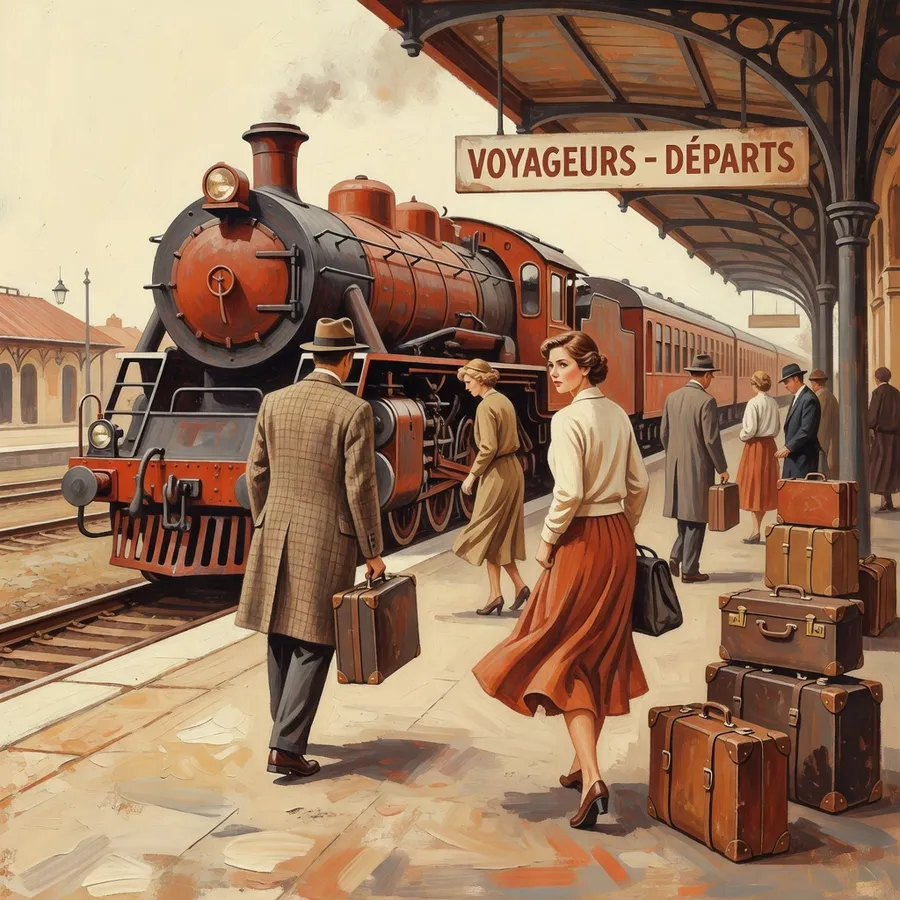
Grok Imagine

Quick, punchy visuals tuned for social feeds and fast turnarounds, so you keep posting without waiting on renders.

Perfect for
Try Grok Imagine
Trusted by creators
worldwide
How it works

From prompt to image in 3 steps.

01

Describe your vision

Write a detailed prompt, subject, style, lighting and any text to render. Add reference images to guide the look.

02

Generate with Grok Imagine

Grok Imagine returns a high-quality render in about 3-5s, tuned for quick, punchy social visuals.

03

Edit, refine, export

Adjust in plain language instead of starting over, then export watermark-free and reframe to every format.

Capabilities

Everything Grok Imagine makes production-ready.

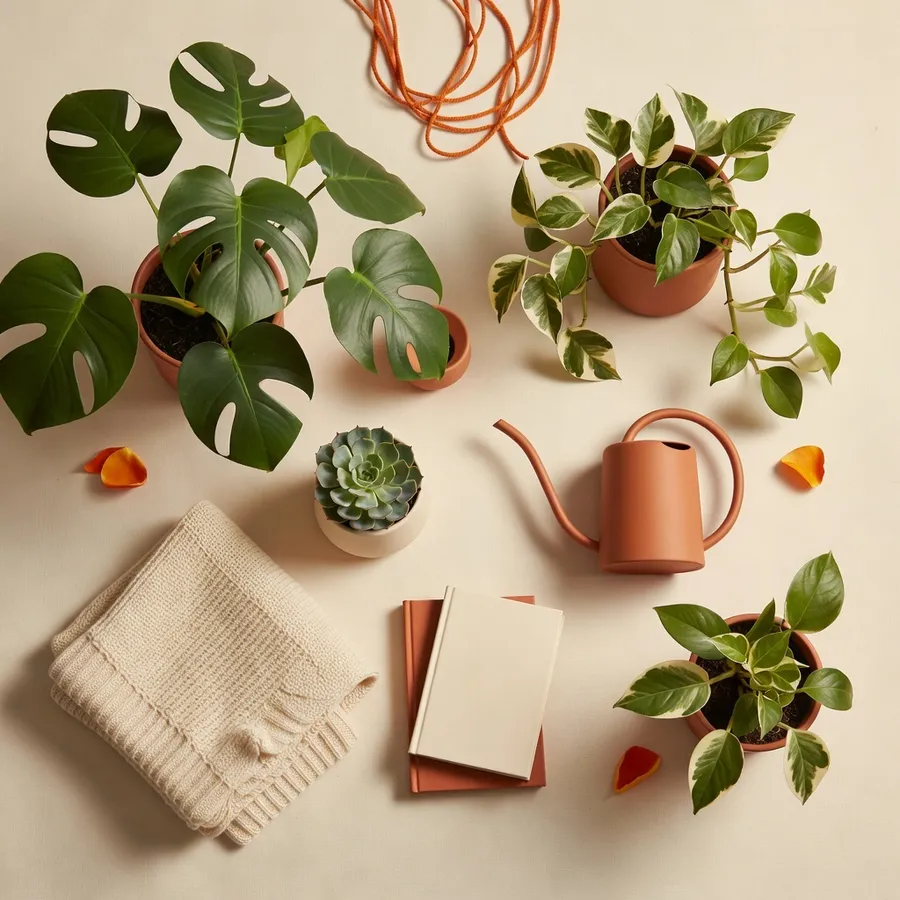
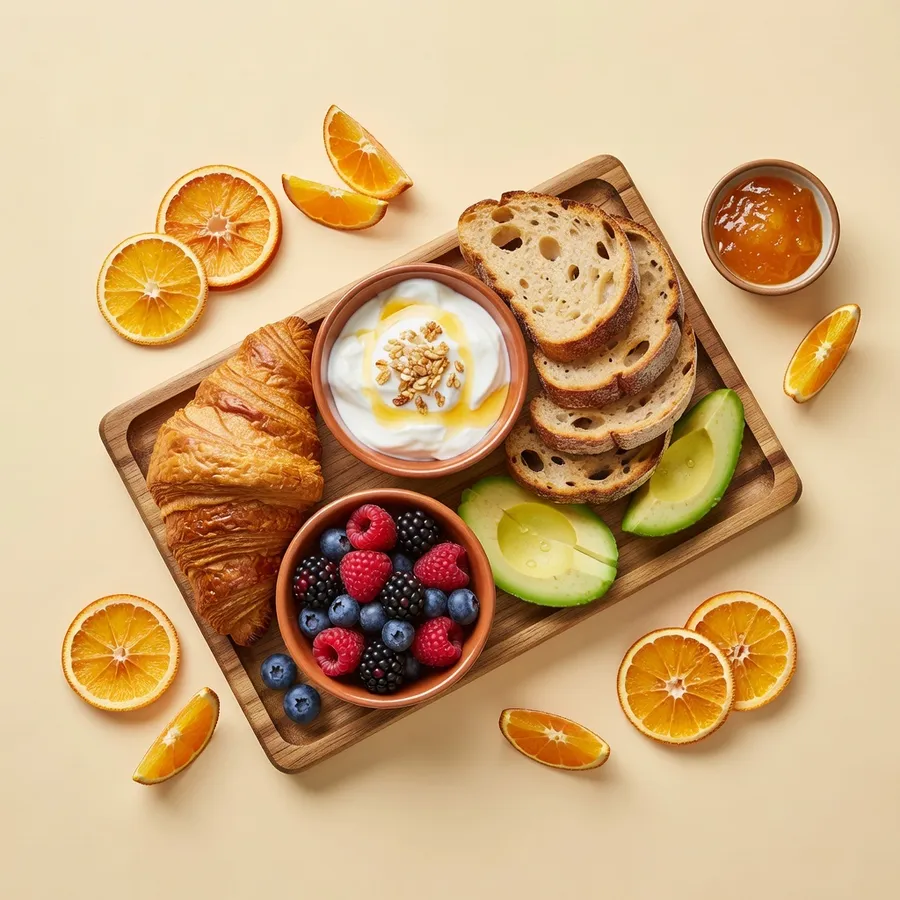
01Social

Social-ready visuals

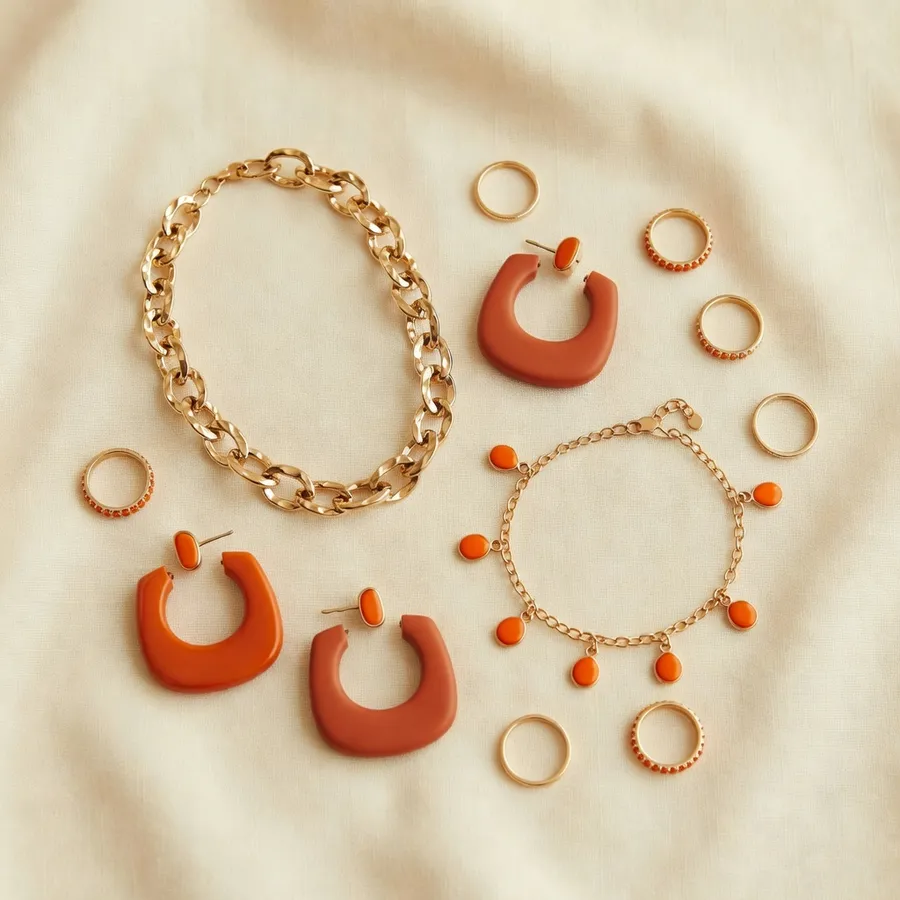
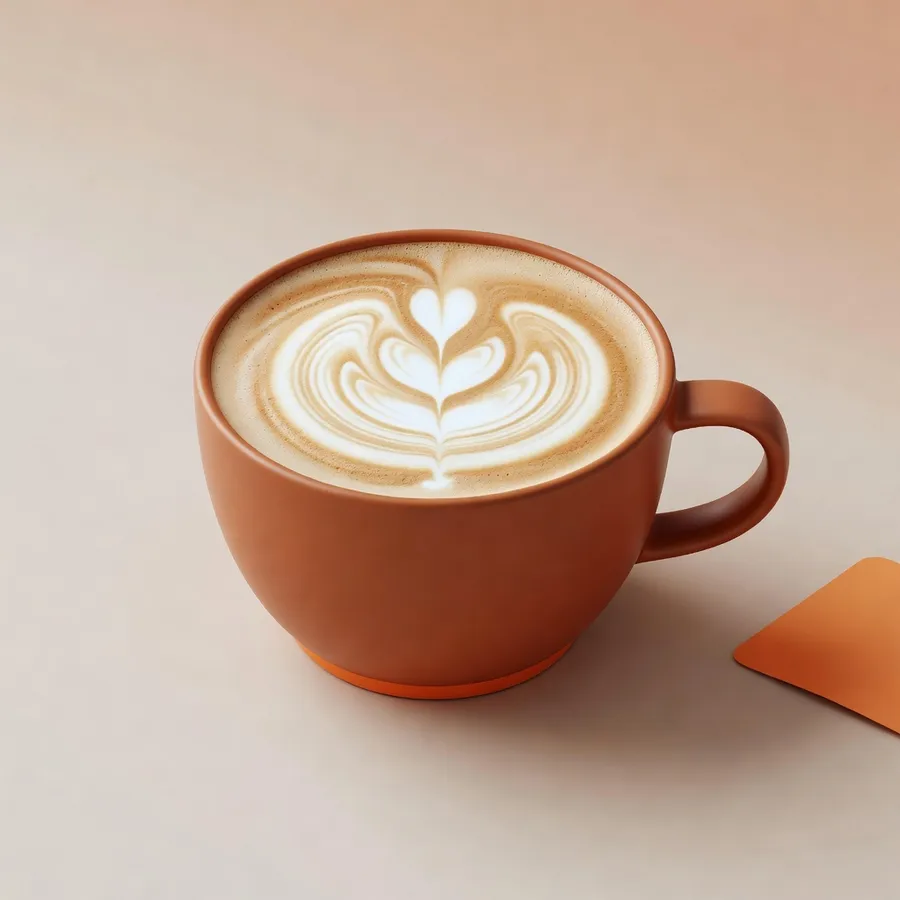
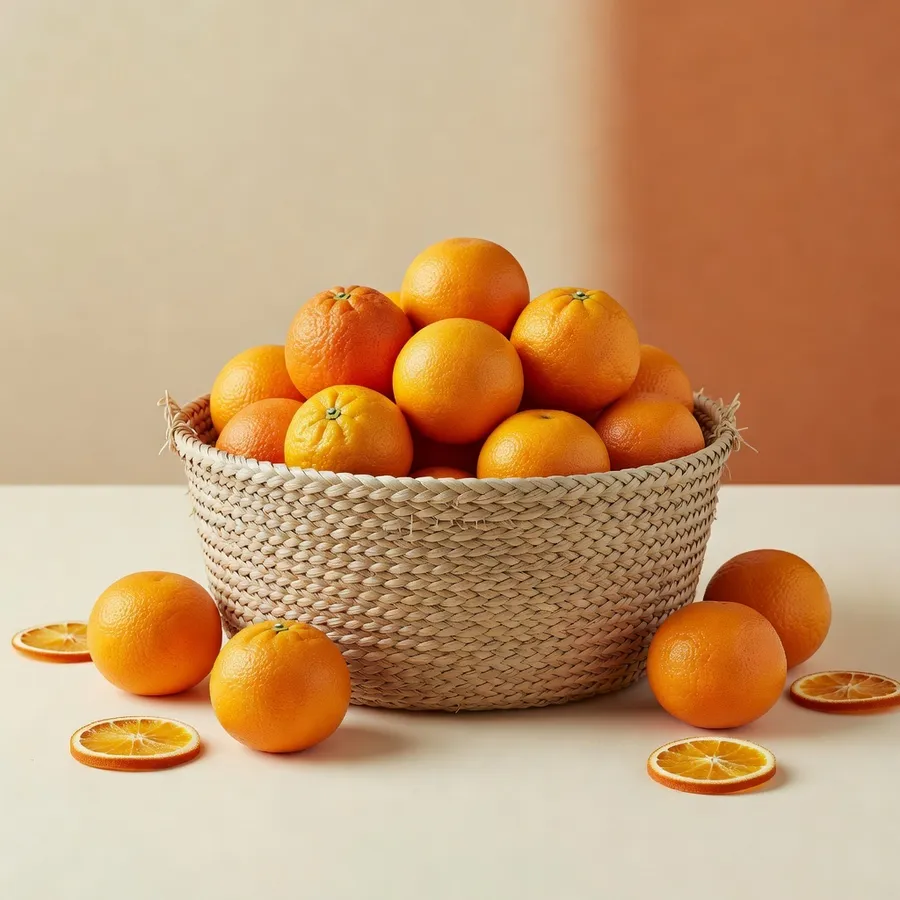
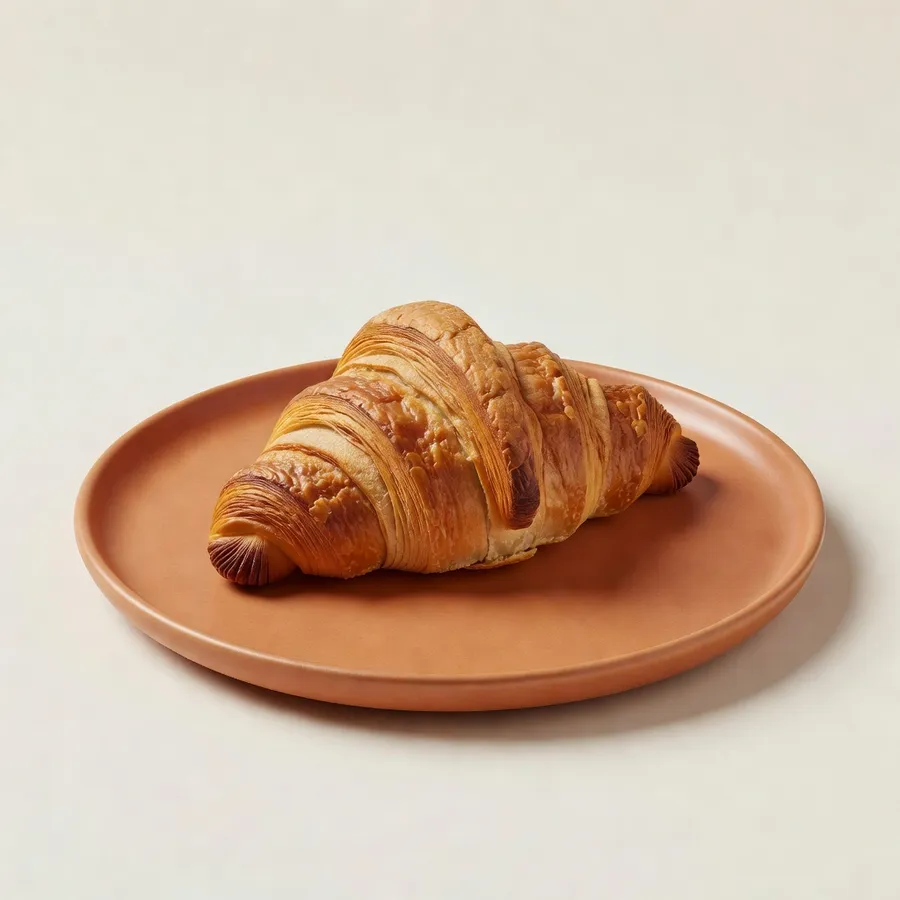
Punchy, scroll-stopping visuals tuned for feeds and fast turnarounds.

Try now
Social 1Social 2Social 3Social 11/3
02Fast

Fast to iterate

Quick renders so you can explore many directions in minutes.

Try now
Speed 1Speed 2Speed 3Speed 11/3
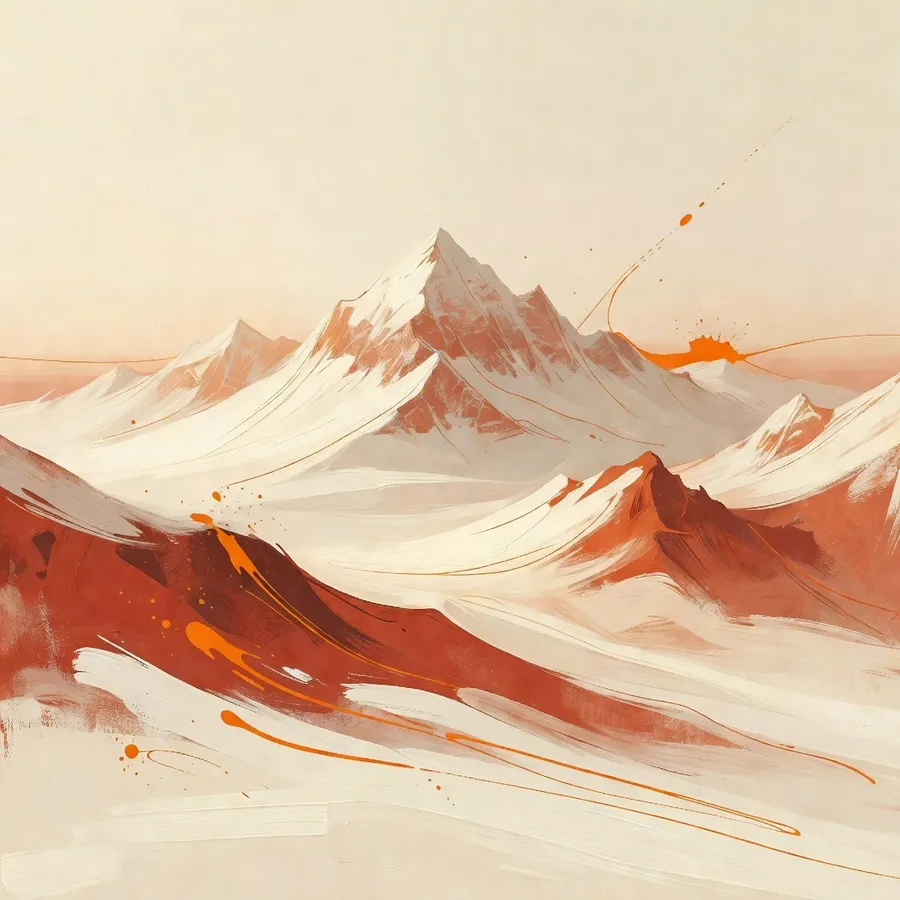
03Artistic

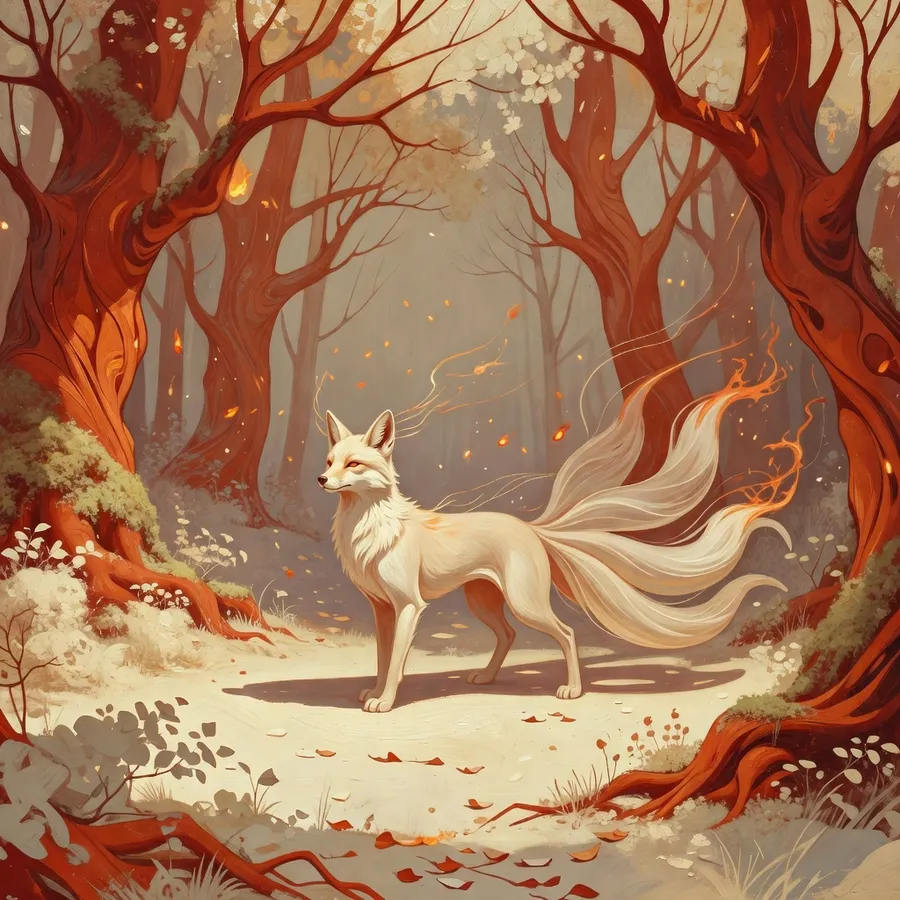
Editorial & stylised art

Rich, aesthetic renders for editorial spreads, campaigns and stylised visuals.

Try now
Art 1Art 2Art 3Art 11/3
04Multi-platform

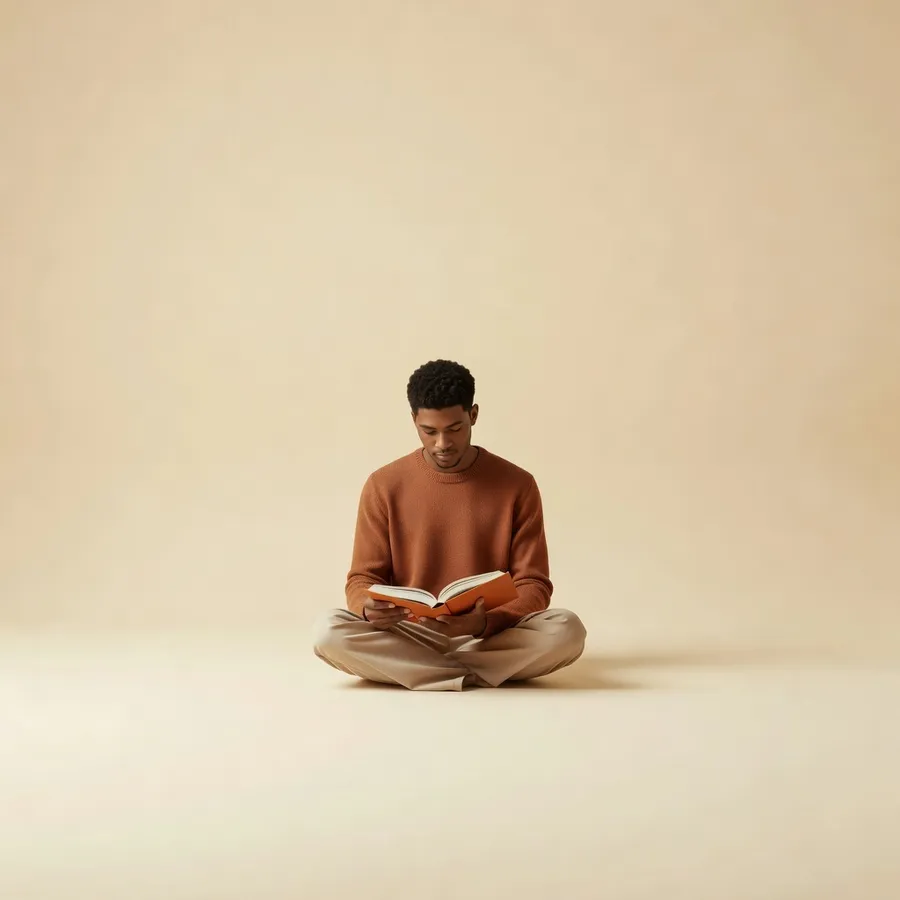
Any aspect ratio

Reframe to square, vertical and wide while keeping the subject stable.

Try now
ReframeReframe
Tips

How to get the best out of Grok Imagine

A few habits that turn a good prompt into a production-ready render.

01

Feed it reference images

Attach images of your character, product or style, and it holds them consistent across every shot.

02

Direct it like an art director

Describe subject, framing, lighting and mood, and spell out in-image text exactly as it should appear.

03

Use it for the images that ship

Rough out ideas fast with a lighter model, then switch here for the shot you'll actually publish.

04

Edit, don't restart

Refine a render by describing the change in plain language instead of regenerating from scratch.

When to use Grok Imagine

Best for
Conversion-focused ad creative at scale
Ads with on-image text and headlines that read correctly
Brand campaigns with consistent style across batches
Teams shipping many creative variations each week
Not the right pick for
Quick, throwaway drafts β€” use a faster, lighter model
A radically different art style β€” try another model in the chat
One-off experiments on a budget β€” use a cheaper model

Pro tip for ad-converting images

End every prompt with the target platform and aspect ratio, e.g. β€œInstagram Reels, 9:16, warm daylight.” The model adapts framing, crop and text placement to the format, so the same idea ships clean to every channel.

Comparison

Grok Imagine vs Nano Banana 2.

Two models, two jobs, pick the one that fits the shot.

Feature
Grok Imagine
Nano Banana 2
Best for
quick, punchy social visuals
A different trade-off
Speed
3-5s
3-4s
Max resolution
Up to 1K
Up to 2K
In-image text
Supported
Supported
Reference images
Supported
Supported
Watermark-free export
Yes
Yes
FAQs

Frequently asked.

What is Grok Imagine?
Grok Imagine is an AI image-generation model available in AI Image Chat, tuned for quick, punchy social visuals. It renders in about 3-5s at up to 1K, watermark-free.
How do I use Grok Imagine?
Open AI Image Chat, pick Grok Imagine from the model list, write your prompt, and generate. You can switch to another model at any time in the same thread.
What is Grok Imagine best at?
Grok Imagine is a strong pick for quick, punchy social visuals. For other needs you can switch models mid-conversation without losing your thread.
What resolution does Grok Imagine output?
Up to 1K, ready for social, web, ads and print depending on the format you choose.
Can I use the images commercially?
Yes. Images you generate can be downloaded watermark-free and used in your commercial projects, subject to your plan.
How does Grok Imagine compare to Nano Banana 2?
Grok Imagine focuses on quick, punchy social visuals (3-5s, up to 1K), while Nano Banana 2 makes a different trade-off. AI Image Chat lets you try both side by side.
View complete help center

Find detailed answers to 100+ questions

or check our markdown version optimized for LLMs β†’
More models

Explore the other models.

One of 14 image models in AI Image Chat. Switch models mid-conversation to match the job.

Nano Banana 2 ProNano Banana 2Nano Banana 2 LiteFlux-2 ProFlux-2Seedream 4.5Seedream 5.0 LiteWan 2.7 ProWan 2.7Ideogram V3Qwen2GPT Image 2GPT Image 1.5
See all models in AI Image Chat
Start creating today

Generate images with Grok Imagine.

Join creators turning ideas into scroll-stopping videos, no crew, no software, no learning curve.

Try Grok Imagine

Switch models any time in AI Image Chat