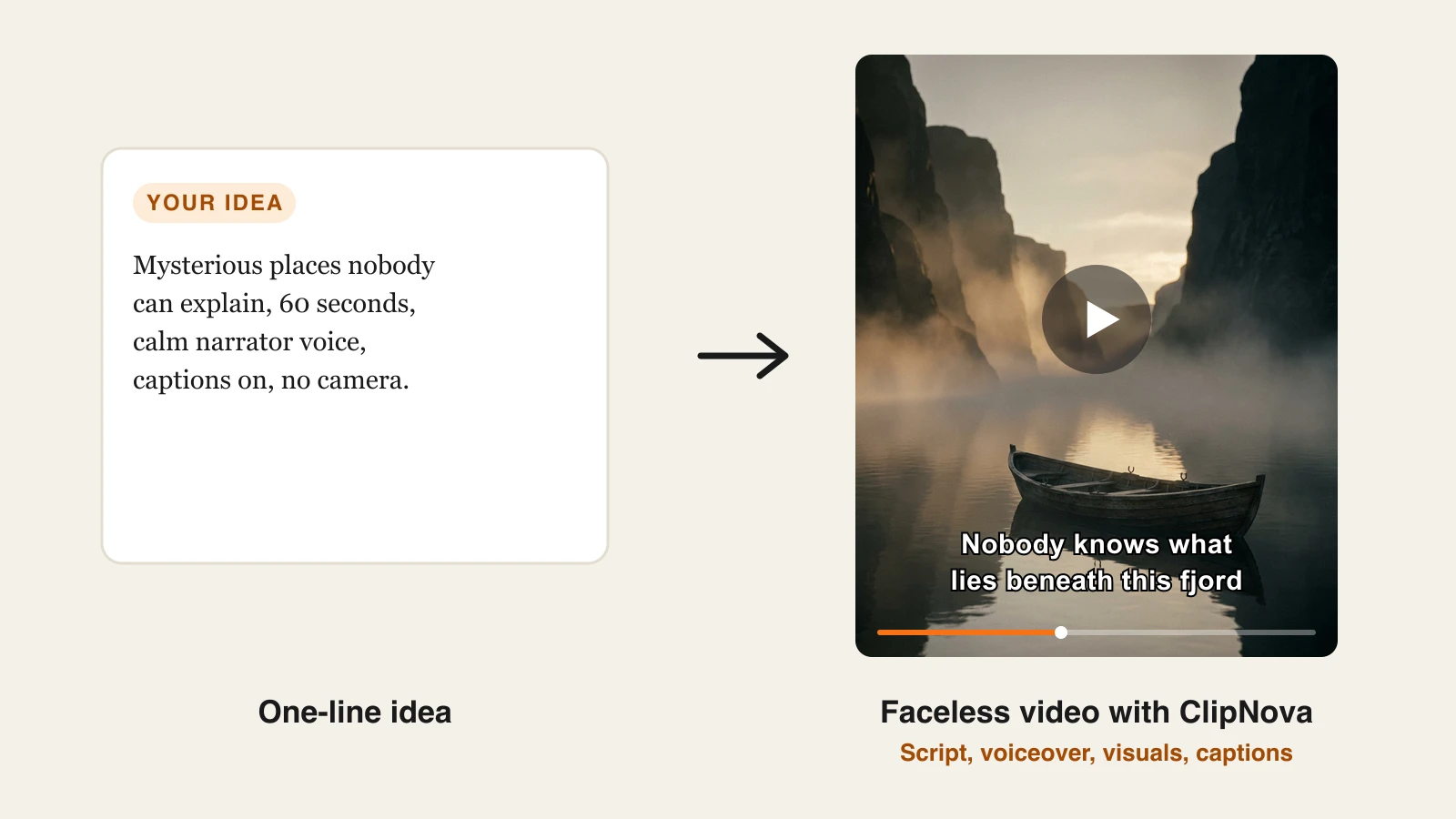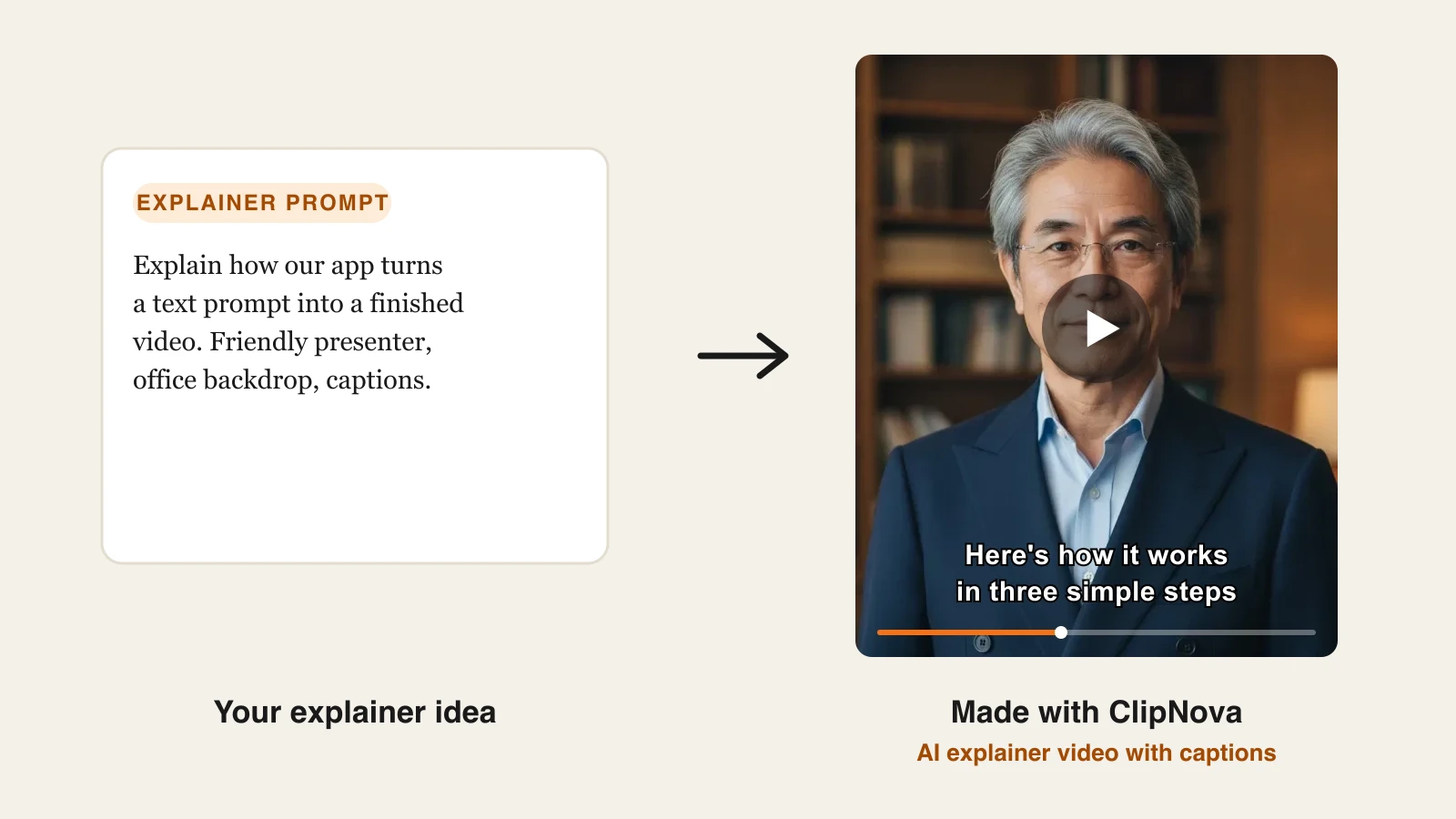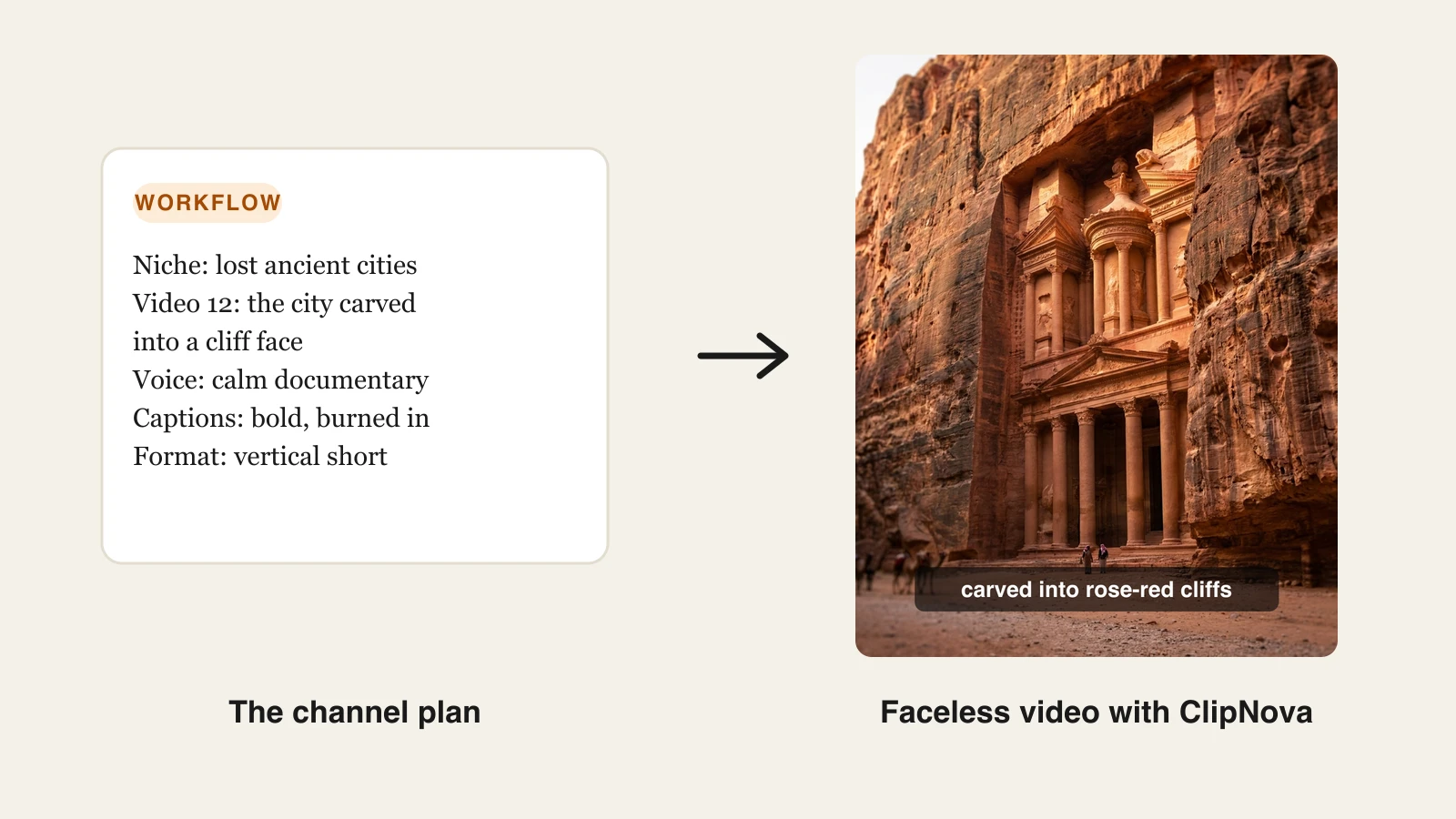
A two-host podcast used to mean two microphones, a free evening for both people, and an hour in an audio editor. An AI podcast skips all of that: you give it a topic or a document, two AI hosts discuss it, and you get an episode you can post the same afternoon.
The hard part is not the technology. It is making two synthetic voices sound like a conversation instead of a script being read aloud. This guide shows how to make an AI podcast that people actually finish, from choosing the source to publishing it as a video, with the exact steps in ClipNova.
What an AI podcast is made of
Every AI podcast generator runs the same four steps, whether it shows them to you or not:
- A source. A topic, or material to discuss: a PDF, an article, notes, a transcript.
- A script. A dialogue written for two hosts, one turn per line.
- Voices. A text-to-dialogue model performs both hosts, ideally in one pass so they react to each other instead of reading isolated lines.
- A format. An audio file for podcast apps, or a video for YouTube and social.
You get better episodes when you control steps 2 and 3. A tool that lets you read and edit the script before the voices are recorded saves you from paying for a take you would throw away.
Pick a source that holds a conversation
The best AI podcasts are about something specific. "Productivity tips" makes two hosts trade clichés. "Why a 20-minute nap beats a third coffee, for people who work night shifts" gives them something to discuss.
- A topic works for opinion, explainers, and news-style episodes. Name the angle and the audience in one line.
- A document works for reports, lessons, research, and long articles. The script is written to stay faithful to it, which is exactly what you want for a company update or a course recap.
- Avoid scanned PDFs. A scanned page is a picture of text, so there is nothing for the AI to read. Export a text-based PDF or paste the text.
Write a script that sounds like two people
Even when the AI drafts the script, read it before you generate. These are the edits that matter most:
- Give the hosts different jobs. One explains, the other asks the questions the listener is thinking. Two experts agreeing for five minutes is the fastest way to lose an audience.
- Open with a hook, not a welcome. The first turn should be the most surprising fact or question in the episode.
- One idea per turn. Long monologues sound read. Short turns with quick reactions ("Wait, really?") sound recorded.
- Write numbers the way people say them. "About a third" lands better by ear than "33.4%".
- End with a one-line wrap-up. Tell the listener what to remember, then stop.
A 5-minute episode is about 750 spoken words. If the script runs longer, cut a section rather than speeding the voices up.
Choose two voices and direct them
Pick two voices that are easy to tell apart: different pitch, pace, or accent. If listeners have to guess who is talking, they stop listening.
Then direct the performance with audio tags: short cues in square brackets, such as [laughs], [chuckles], [sighs], [excited], [curious], [surprised], [whispers], [sarcastic], [thoughtful], or [pause]. Expressive dialogue models perform these instead of reading them aloud. Use about one every three or four turns, right before the words they color: "Sam: [laughs] No way, that's the whole study?" More than that and the hosts sound like they are acting.
How to make an AI podcast with ClipNova
ClipNova's AI podcast generator runs all four steps in one tool: it writes a two-host script you can edit, voices both hosts in one ElevenLabs text-to-dialogue pass, and renders the episode as a video ready for YouTube, TikTok, or Reels.
Podcasts are one format inside a wider job: ClipNova makes finished long videos with consistent characters. An episode runs up to 5 minutes, you can keep the same two voices from show to show, and the script, voices and captions come back finished.
- Sign in at app.clipnova.io.
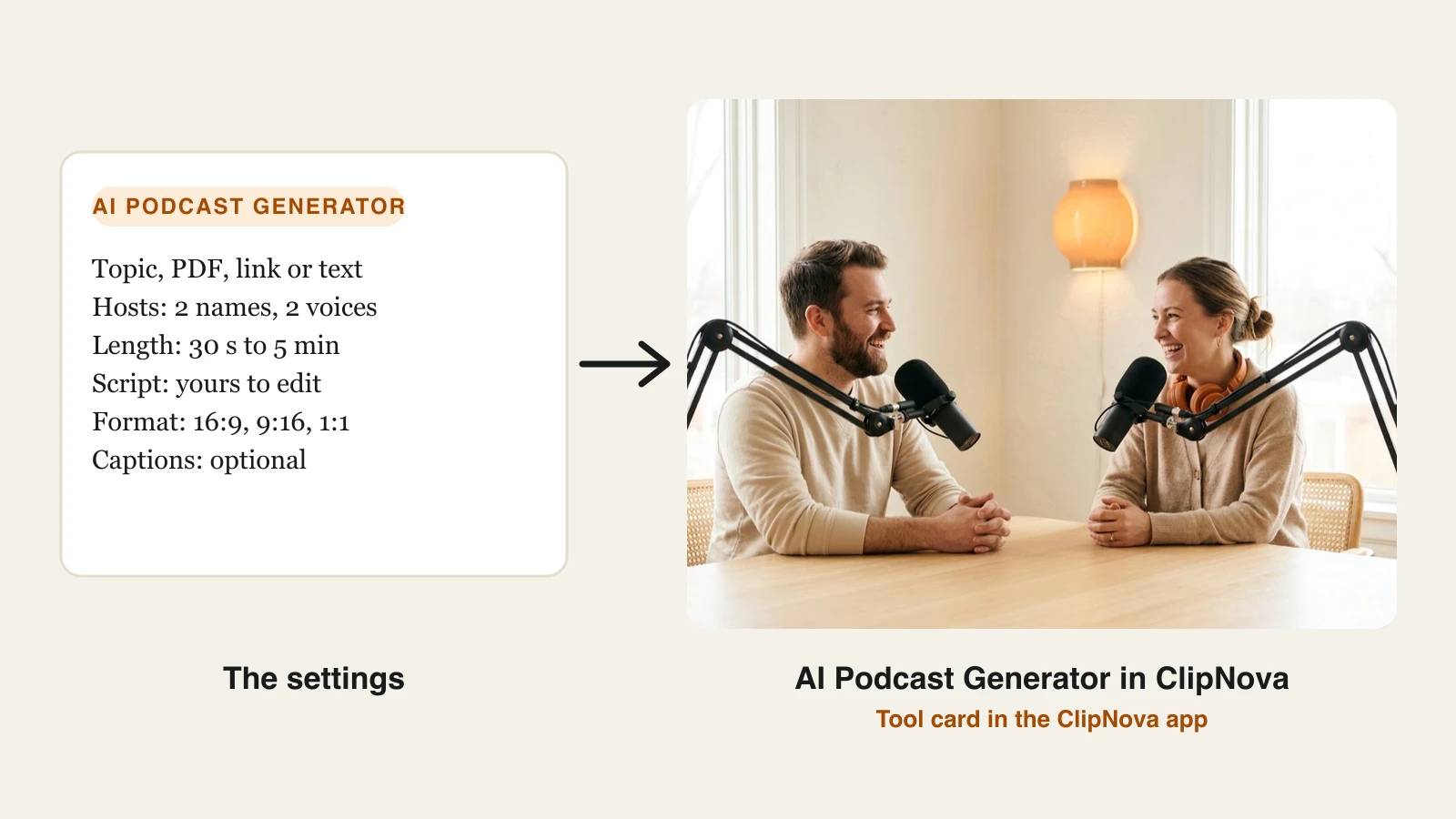
- Open AI Video Studio and choose AI Podcast Generator.
- Under Episode topic, write what the hosts should talk about. To base the episode on a document, open Base it on a PDF, article or text and upload a PDF, DOCX, or TXT file (text-based, up to 20 MB), paste a public article link, or paste the text.
- Under Hosts, name both hosts and pick two different voices. Every voice has a play button, so listen before you choose.
- Choose the Episode length: 30 seconds, 1, 2, 3, or 5 minutes.
- Click Write the script. Writing it uses no credits. Edit any line you like, keeping each host's name and a colon at the start of the line, and add or remove audio tags.
- Under Video, pick 16:9, 9:16, or 1:1, switch Captions on and choose a style, and upload a Cover image (PNG, JPG, or WEBP up to 10 MB) or keep ClipNova's default cover.
- Click Generate podcast. ClipNova records both hosts, puts the episode title over your cover, adds the captions, and saves the video to your library.
An episode is priced on the length of its script plus a flat render fee, and the cost shows before you generate. Plans start at $49.99 a month with full commercial rights, and the pricing page has the credit breakdown.
If you only need one narrator rather than two hosts, the AI voice generator turns a script into a single voiceover instead.
Publish it where people will watch
- YouTube: use 16:9 with captions on. Put the main question of the episode in the title and the cover, not the show name.
- Shorts, Reels, and TikTok: use 9:16 and keep it short. YouTube Shorts can run up to 3 minutes, so pick the 30-second, 1, 2, or 3-minute lengths.
- A recurring show: keep the same two host names, voices, and cover style for every episode, so returning viewers recognise it in a second.
If you plan to post several episodes a week, read our guide to faceless YouTube automation for how to keep a channel running on a schedule.
Mistakes to avoid
- Discussing material you do not have rights to. Summarizing someone else's paywalled report or book chapter into a public episode can still infringe. Use your own material, public sources, or sources you have permission to use.
- Letting the AI invent facts. On a topic-only episode, check every number and name before you generate. With a document as the source, the script is written to stick to it, but read it against the document anyway.
- Two voices that sound alike. Listeners lose track of who is speaking. Pick contrasting voices.
- Cloning a real person's voice for a host. Only use a voice that is yours or that you have permission to use.
- Skipping the read-through. Read the script out loud once. Anything you stumble on, the voices will make sound worse.
Make your first episode short, about 1 minute, from a document you know well. If the conversation holds up, the 5-minute version will too.
Frequently asked
How do I make an AI podcast?
Pick a topic or a source such as a PDF or an article, let an AI podcast generator write a two-host script, edit the script so it sounds like a conversation, choose two clearly different voices, and generate the episode. In ClipNova's AI Podcast Generator the whole episode is voiced in one pass and rendered as a video with your cover and optional captions.
How long can an AI podcast episode be?
It depends on the tool. ClipNova's AI Podcast Generator makes episodes of 30 seconds, 1, 2, 3, or 5 minutes, which suits YouTube, Shorts, and social clips. For half-hour or hour-long shows, use a long-form podcast studio and plan the episode in segments.
Can AI turn a PDF into a podcast?
Yes. Upload a text-based PDF, DOCX, or TXT file (scanned PDFs have no text to read), or paste an article link or the text itself, and the hosts discuss that material, with the script written to stay faithful to it. Long documents are condensed, so pick a longer episode if you want more detail kept.
How do I make AI podcast voices sound natural?
Write for the ear: short sentences, one idea per turn, questions and quick reactions between the hosts, and numbers written the way people say them. Use a few audio tags such as [laughs] or [sighs] where a real host would react, and pick two voices that are easy to tell apart.
Can I publish an AI podcast on YouTube and Spotify?
Yes, as long as you own the rights to the source material and your plan includes commercial use. ClipNova episodes are videos, so they go straight to YouTube, TikTok, and Reels; for Spotify or Apple Podcasts you would host the episode with a podcast host. Check each platform's rules on labeling AI-generated or synthetic content.