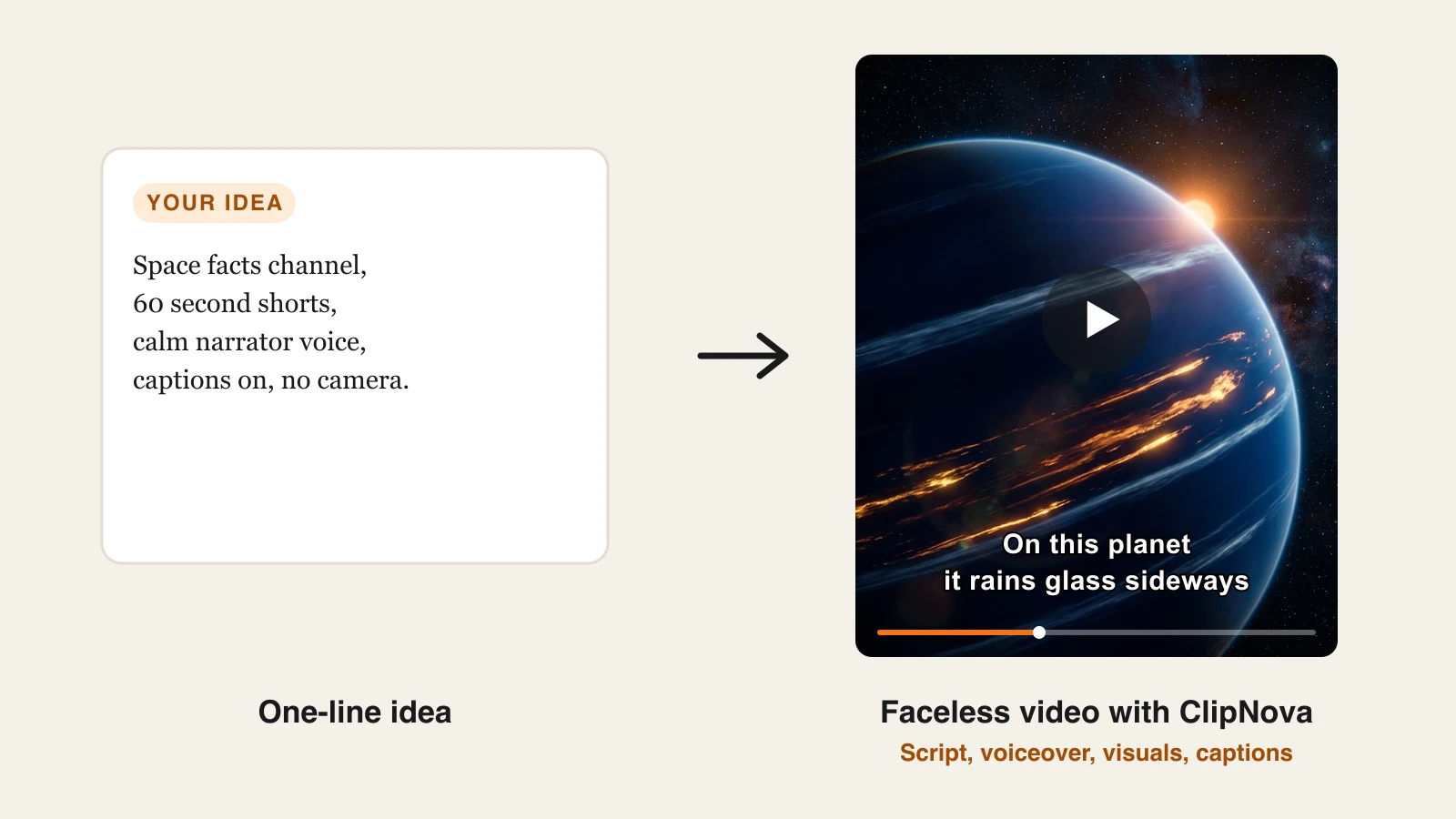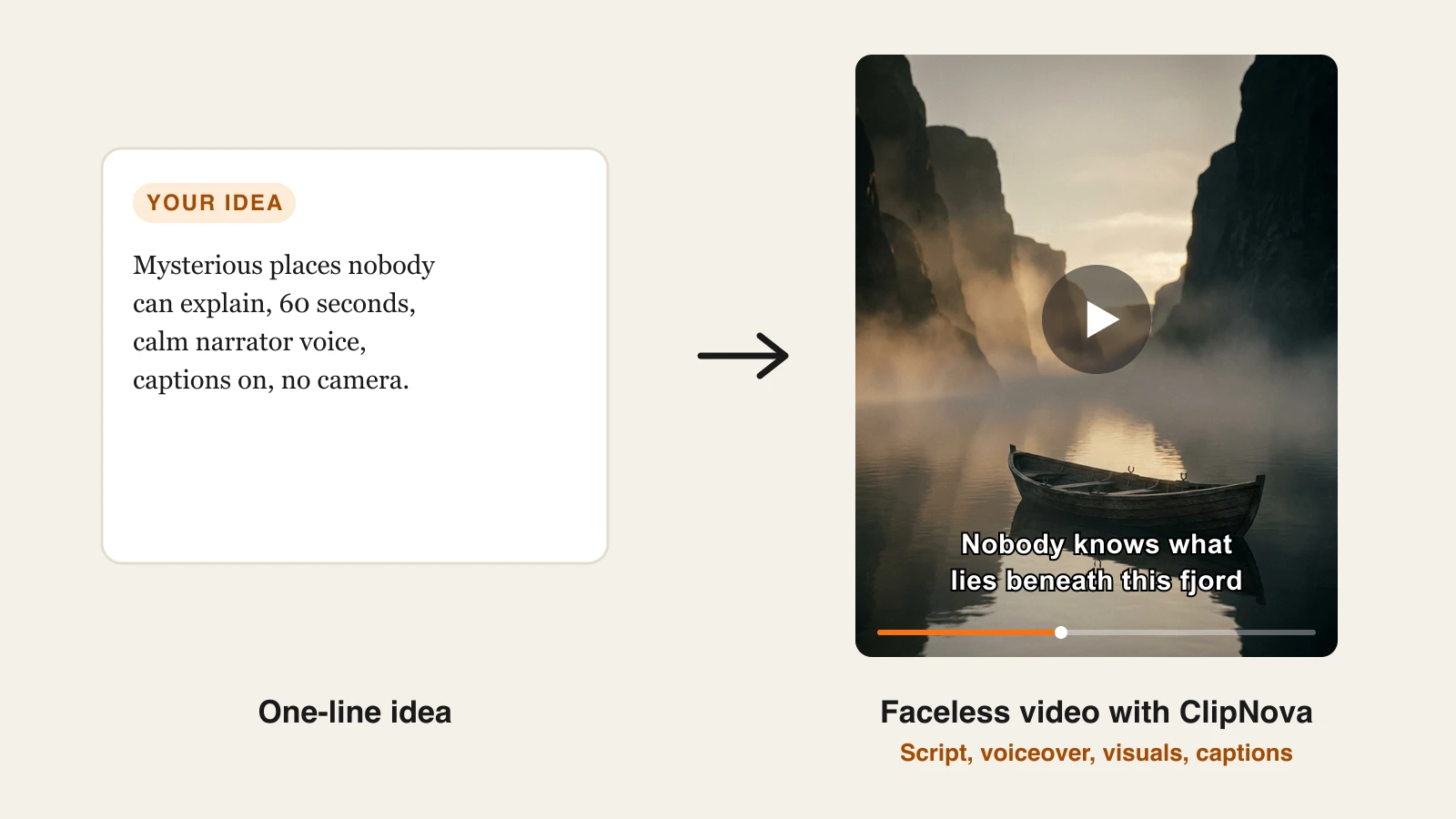
Faceless YouTube automation is a workflow where AI handles the production of every video, the script draft, the voiceover, the visuals, and the captions, while you keep control of the niche, the ideas, and the quality bar. You define a repeatable format once, generate videos in batches, review each one, and schedule the uploads, so a single person can run a channel that used to need a small team.
This guide walks the whole workflow end to end: picking a niche that suits automation, building a script template, generating a real example video with ClipNova, captioning, thumbnails, a posting cadence, and the monetization rules an automated channel has to pass in 2026. By the end you will have produced an actual video, not just read about one.
One framing note before the steps. Our post on the best AI tools for faceless YouTube channels compares the software category by category. This guide is about the system: how the pieces run together week after week.
What faceless YouTube automation actually means
Automation here does not mean a bot that uploads videos while you sleep. It means removing the production bottleneck. In a manual workflow, one video costs you a script, a voice recording, hours of editing, and a captioning pass. In an automated workflow, AI does all four in one generation, and your time goes into the two things AI cannot decide for you: what the video should say, and whether it is good enough to publish.
That distinction is not just philosophical, it is what keeps the channel monetizable. YouTube's Partner Program excludes what it calls inauthentic content, meaning mass-produced or repetitive uploads, and channels that generate videos with zero human judgment are exactly what that policy targets. Automate production, keep authorship. Step 7 covers the rules in detail.
The workflow you are about to build has seven steps: niche, script template, generation, captions, thumbnail, schedule, monetization. Once it is set up, a weekly batch session of two to three hours sustains a daily Shorts cadence.
Step 1: Pick a niche built for automation
Not every niche automates equally well. The best candidates share three traits: the visuals can be generated (no need for real gameplay or licensed footage), the format repeats cleanly, and the topic well never runs dry.
Niches that fit that profile include history and lost places, geography and "how big is X" comparisons, psychology and money facts, scary stories and mysteries, space, and luxury lifestyle. Recurring-character formats such as skeleton Shorts automate well too, because the same host carries every episode. Niches that fight automation include reaction content, news commentary that needs same-day turnaround, and anything built on footage you do not own. Reused clips without meaningful transformation fail YouTube's reused content review, so a niche that depends on other people's videos is a trap for an automated channel.
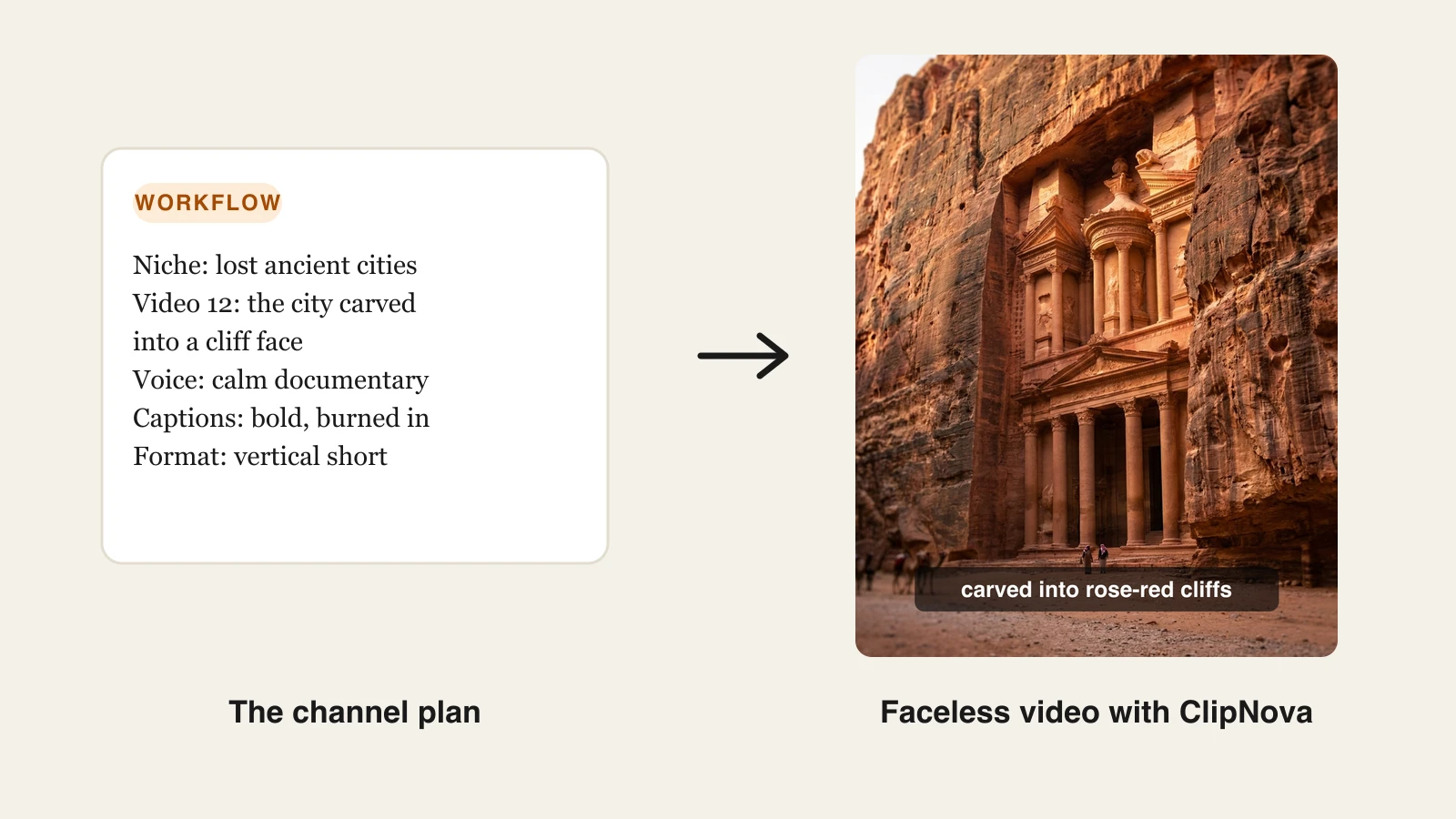
Run a quick demand check before committing: search the niche on YouTube, filter to the last six months, and look for faceless channels under a year old with videos above 100K views. If newcomers are breaking through, there is room. Then define the channel in one sentence, because that sentence becomes the seed of every prompt you write. For this guide's running example: "Lost ancient cities, told as 60 second cinematic documentary shorts."
Step 2: Turn the niche into a repeatable script template
Automation lives or dies on the template. You want a structure fixed enough to batch, but a policy-safe amount of variation between videos, which means real research and a distinct angle per topic, not the same script with nouns swapped.
A structure that works for almost every faceless niche:
- Hook (0 to 3 seconds): one line that opens a loop. "There is a city carved into a cliff face, and it was lost for 500 years."
- Story (3 to 45 seconds): three or four beats that pay off the hook, each one concrete. Numbers, names, and sensory details beat adjectives.
- Payoff and CTA (final 10 seconds): resolve the loop, then hand the viewer a reason to follow: "Next week: the city that sank in a single day."
Write ten topic ideas per batch session, not one. A list of titles is the real content calendar, and it is the part of the workflow worth the most human effort. Draft the beats yourself or let the generator write the first pass from your topic line, but always edit the hook by hand. It is three seconds of text that decides most of your retention.
Step 3: Generate the video with ClipNova
This is where the automation happens. ClipNova turns the template from Step 2 into a finished vertical video in one pass: it writes or uses your script, voices it with an AI narrator, generates the visuals, burns in synced captions, and lays music under the mix. You get a publish-ready file, not raw clips that still need an editor, which is the difference between this workflow taking minutes per video and taking evenings. The faceless video generator is built for exactly this no-camera, no-face workflow, and the AI YouTube Video Generator covers the YouTube side of it: 16:9 uploads up to 5 minutes or 9:16 Shorts from the same topic list. If you want to see how it compares with other generators in this category, we tested the field in our roundup of faceless AI video generators.
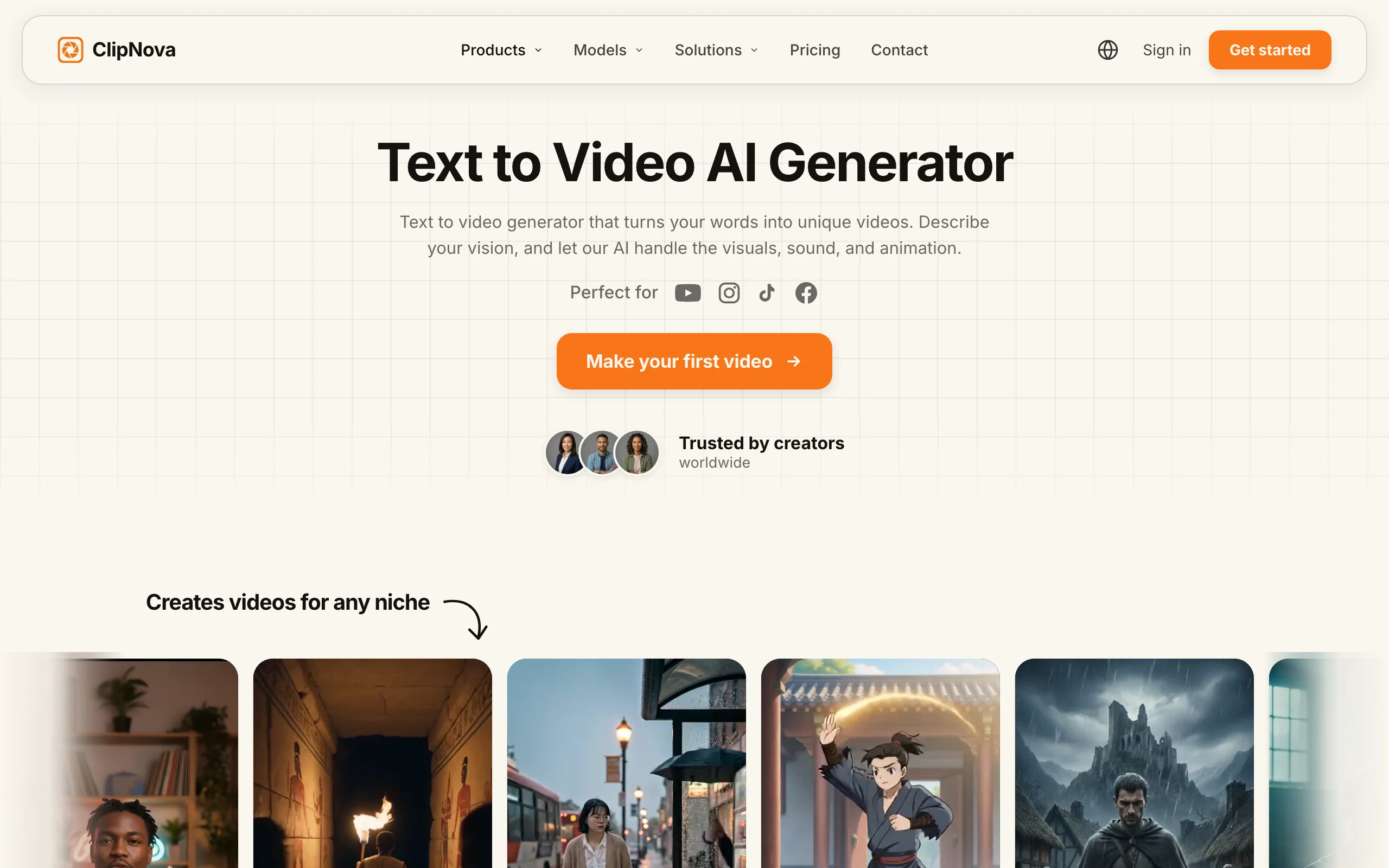
Here is the exact flow, using our lost-cities example:
- Go to app.clipnova.io.
- Open the text to video AI generator.
- Paste the prompt. Ours was: "A 60 second faceless documentary short about Petra, the lost city carved into rose-red cliffs. Calm narrator, cinematic desert visuals, bold captions, vertical format."
- Pick the narrator voice and language. A calm, low-register voice fits documentary niches; keep the same voice on every video so it becomes part of the channel's identity. Narration is available in 18 languages, which later lets you clone the whole channel into a second language without re-recording anything.
- Review the draft, regenerate any scene that misses, and export. Output is watermark-free vertical video, sized for Shorts, in 1080p or 4K.
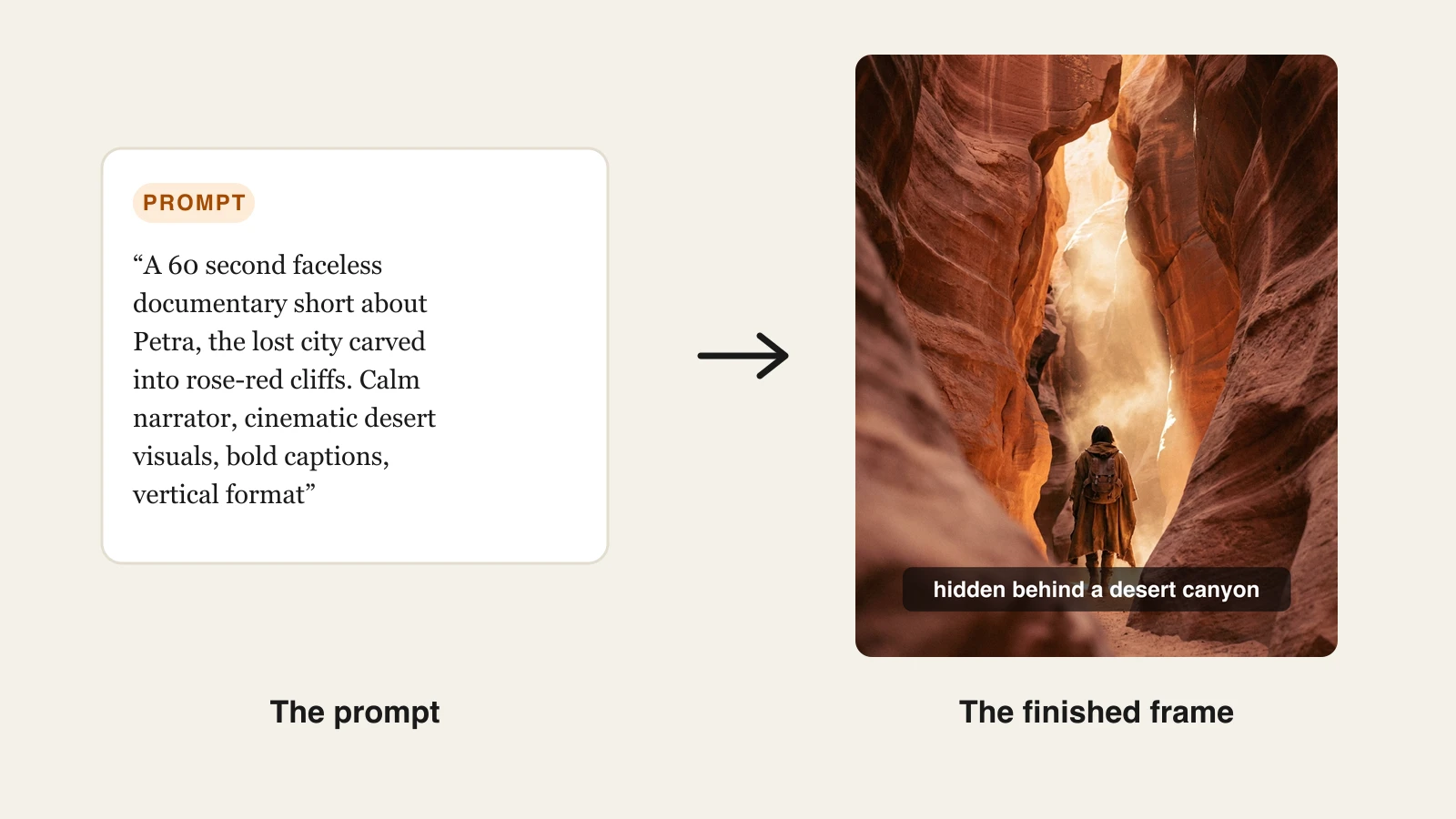
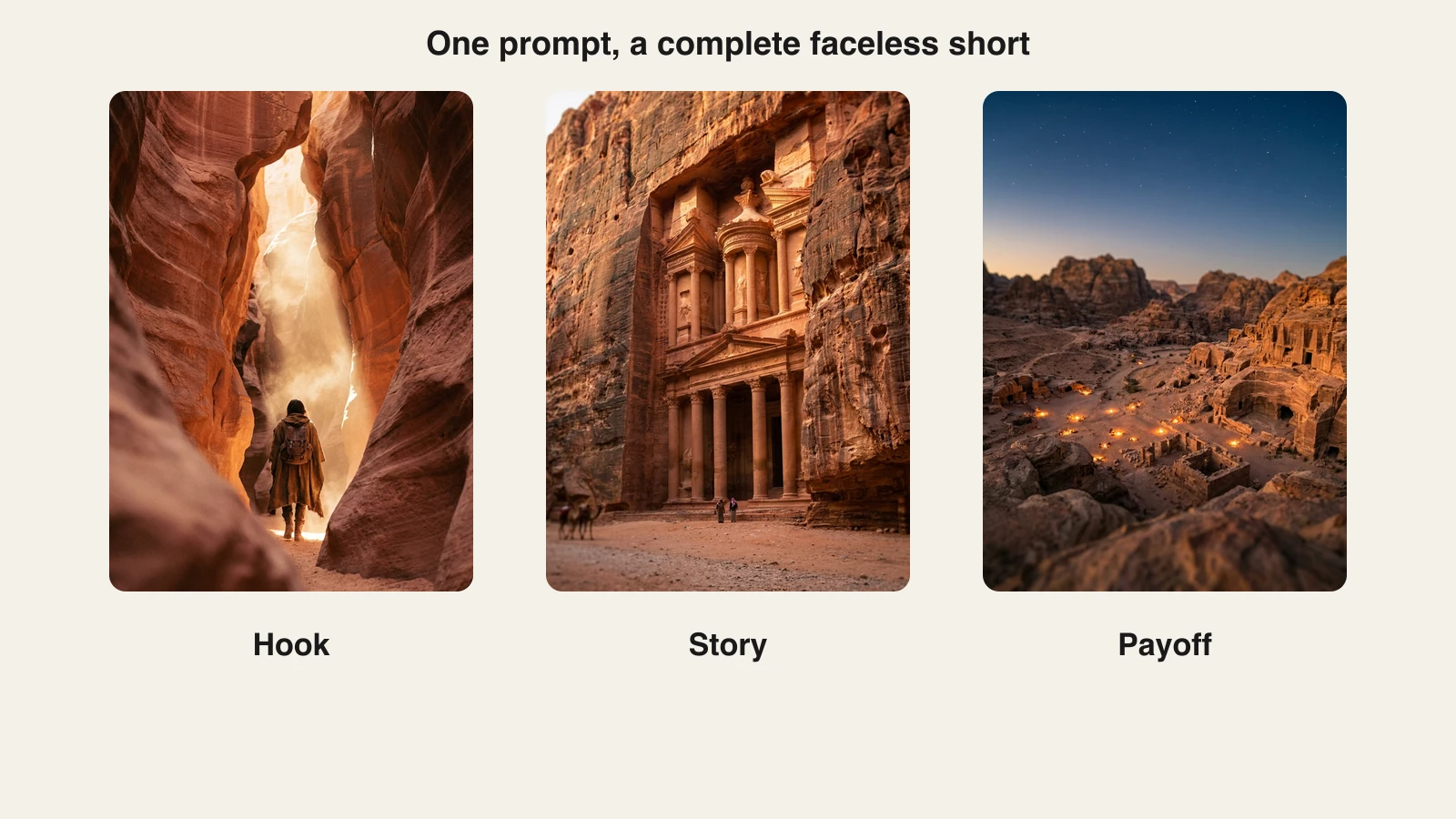
One prompt returns the full narrative arc, not a single shot. The Petra prompt came back as a hook scene in the canyon, story scenes at the carved facade, and a payoff aerial at dusk, with the narration and captions timed across all of them:
For batching, run your ten topic prompts in one session. Reviewing ten drafts takes an evening at most, and the result is a week and a half of daily content. That review pass is also your policy insurance: you are checking facts, cutting weak scenes, and making sure no two videos feel like copies.
Step 4: Captions that survive the mute test
A large share of short-form viewing happens with the sound off, so the captions are not an accessibility extra, they are the primary text of the video for many viewers. An automated channel needs captions on every upload without a manual pass.
In the ClipNova workflow this step costs nothing: captions are generated with the video, synced word for word to the voiceover, and burned in before export. What you should still check during review:
- Captions sit in the vertical safe zone, clear of YouTube's UI overlays.
- The text is high-contrast and readable on a phone at arm's length.
- Names and numbers are rendered correctly, since those are what mute viewers scan for.
If you ever need to caption footage that came from outside the generator, do it before upload rather than relying on YouTube's auto-subtitles, which viewers have to switch on themselves. Burned-in captions run unconditionally.
Step 5: Thumbnails and titles without a designer
For Shorts, the feed autoplays and thumbnails barely matter; put your effort into the first frame and the overlay title instead. For long-form uploads, the thumbnail is half the click decision, and it can be automated to a formula the same way scripts can.
A faceless channel thumbnail formula: one dramatic image related to the video's subject, three to five words of bold text, and a consistent color accent that makes your videos recognizable in a subscriptions feed. Generate the dramatic image in the same session as the video, then assemble the text layout in Canva. Titles follow the same template logic as hooks: open a loop ("The city that vanished for 500 years"), keep it under 60 characters so it does not truncate, and put the payoff word early.
Step 6: Set a cadence and schedule uploads
The algorithm rewards consistency more than intensity, and automation's whole advantage is that consistency stops depending on your mood. Pick a cadence you can hold for six months:
- Shorts channel: one per day is the standard target. With batched generation, that is one weekly session.
- Long-form or mixed: two or three uploads a week, since watch-time accumulates per video.
Schedule everything inside YouTube Studio, which lets you set each upload's publish date and time with no third-party scheduler needed. Upload the week's batch in one sitting, space the publish times at a consistent hour, and the channel runs itself until the next session. Keep a two-video buffer at all times so a missed session never breaks the streak, and check analytics weekly for one signal above all others: average view duration. Formats that hold viewers get repeated; formats that leak them get cut. That feedback loop, not any single viral hit, is what compounds an automated channel.
Step 7: Monetization, pass YouTube's rules on the first review
The rules changed names in 2025 and most advice online is stale, so here is the current state, verified against YouTube's own policy pages.
Getting into the Partner Program. There are two tiers. At 500 subscribers, plus three public uploads in the last 90 days and either 3,000 watch hours in the past year or 3 million Shorts views in 90 days, you unlock fan funding features. Full monetization, including ad revenue, requires 1,000 subscribers plus either 4,000 valid public watch hours in 12 months or 10 million Shorts views in 90 days. Shorts ad revenue is pooled and paid out at a 45 percent creator share, allocated by your share of views.
The inauthentic content policy. On July 15, 2025, YouTube renamed its "repetitious content" policy to "inauthentic content" and clarified that mass-produced and repetitive uploads do not qualify for monetization. YouTube states the policy is about the finished video, not the tools used: AI-made videos are eligible, faceless channels are eligible, but channels uploading near-identical narratives, templated slideshows, or generic AI output with minimal variation are not. Everything in Steps 1 to 3 of this workflow, original topic research, a real angle per video, and a human review pass, is what keeps you on the right side of it.
The reused content policy is unchanged: compilations and clips of other people's work need meaningful transformation and commentary. A fully generated channel is naturally safe here because it owns its footage.
Disclosure. If a video shows realistic scenes that a viewer could mistake for real events, people, or places, you must switch on the "altered or synthetic content" toggle at upload, and YouTube shows a label. Clearly stylized or animated content, and AI used for scripts or captions, does not require disclosure, and the label itself does not affect monetization.
Commercial rights. You need the right to monetize the generated output. ClipNova includes full commercial rights on every plan, entry tier included, so this is settled at the tool-choice step rather than at review time.
What faceless YouTube automation costs per month
The stack for this whole workflow is short. Verified pricing as of August 2026:
| Job in the workflow | Tool | Monthly cost |
|---|---|---|
| Long finished videos with consistent characters: script, voice, visuals, captions | ClipNova | From $39/mo |
| Topic and title research | VidIQ | Boost at $19/mo |
| Thumbnail assembly | Canva | — |
| Signature cloned voice (optional) | ElevenLabs | From $6/mo |
| Upload scheduling | YouTube Studio | Included with YouTube |
The floor is $39 a month and the realistic ceiling for a solo channel is around $44. On ClipNova's side, the Hobby plan at $39/mo includes 1,000 monthly credits, and every plan carries the identical feature set, watermark-free 1080p and 4K, 18-language narration, and commercial rights, so upgrading to Starter ($49), Growth ($99), or Ultra ($199) only buys more volume: 2,600, 5,750, and 12,000 credits. Yearly billing takes about 20 percent off. Current tiers are on the ClipNova pricing page.
Two of the optional tools earn a note. VidIQ is useful for keyword and outlier research, and its Boost plan makes sense once the channel earns. ElevenLabs matters only if you want a cloned signature voice as a brand asset; its Starter plan at $6/mo covers commercial use, though ClipNova's built-in narrator voices make it unnecessary for most channels.
Final advice: automate production, not judgment
Faceless YouTube automation works when you are ruthless about which half of the job you hand to AI. Production, the scripting pass, voicing, visuals, captions, and assembly, automates completely, and ClipNova collapses it into a prompt and a review. Judgment, meaning niche selection, topic research, hook writing, and the decision that a video is good enough, does not automate, and the channels that try are the ones the inauthentic content policy exists to catch.
Start narrow: one niche, one format, one Petra-style test batch of five videos this week. Review them honestly, schedule the ones that pass, and let thirty days of data tell you whether the format holds viewers before you scale the cadence. If you have never built a faceless format before, our walkthrough on making faceless content with AI covers the creative fundamentals that this workflow then puts on rails.
Frequently asked
What is faceless YouTube automation?
Faceless YouTube automation is a workflow where AI handles the production of a channel's videos, the script draft, voiceover, visuals, and captions, while you keep control of the ideas, niche, and quality bar. You define a repeatable format once, then generate, review, and schedule videos in batches instead of filming and editing each one. The creator's job shifts from production to direction.
Is faceless YouTube automation against YouTube's rules?
No. YouTube has no rule against faceless channels or AI-made videos. What its monetization policy prohibits is inauthentic content, meaning mass-produced or repetitive uploads with no original value, and that applies to filmed content as much as AI content. An automated channel with original scripts, a consistent style, and real variation between videos remains fully eligible.
Can AI-generated faceless videos still be monetized in 2026?
Yes. YouTube says its policy is tool-agnostic and reviews the finished video, not how it was made. AI videos monetize as long as each upload adds original value and the channel does not read as templated mass production. You also need commercial rights to the output, which ClipNova includes on every plan.
Do I need to label faceless AI videos as altered or synthetic content?
Only when the content is realistic enough to be mistaken for real events, people, or places, in which case you switch on the altered or synthetic content toggle at upload and YouTube adds the label for you. Clearly stylized visuals, animation, and AI used for scripts or captions do not require disclosure. The label does not affect monetization eligibility.
How many videos per week should an automated faceless channel post?
Pick the highest cadence you can sustain for months, not the highest you can hit in week one. For Shorts, one video a day is a common target because reach compounds with volume; for long-form, two or three uploads a week is plenty. Batching helps: generate a week of videos in one session, then schedule them in YouTube Studio.
How much does it cost to automate a faceless YouTube channel?
A working stack starts around $39 a month. ClipNova's Hobby plan at $39/mo covers video generation with script, voiceover, visuals, and captions included, YouTube Studio handles upload scheduling, and Canva covers thumbnails. Optional extras like VidIQ Boost at $19/mo or an ElevenLabs voice from $6/mo push the ceiling to roughly $44.
How long does it take a faceless automation channel to reach monetization?
You need 500 subscribers plus recent uploads for the fan-funding tier, and 1,000 subscribers plus either 4,000 public watch hours in 12 months or 10 million Shorts views in 90 days for full ad revenue. With a daily Shorts cadence in a defined niche, active channels commonly cross the first tier within a few months, but there is no guaranteed timeline: the variable is how fast a format starts hitting.
What is the best way to automate faceless YouTube videos?
Use one tool that outputs a finished video rather than stitching together five single-purpose apps. ClipNova turns a prompt or script into a complete vertical video with voiceover, visuals, captions, and music, so the whole production step collapses into writing a good prompt and reviewing the result before you schedule it.