Faceless channels win on volume, and volume is exactly what hand-editing kills. A faceless AI video generator does the whole job for you: it turns a written idea into a finished vertical video, script, voiceover, captions, and visuals included, without you ever filming or showing your face.
The catch is that "faceless AI video generator" covers very different tools. Some hand you a publish-ready short from a single prompt, some generate raw cinematic clips you still have to edit, some put an AI presenter on screen, and some only chop your existing long-form into shorts.
This guide compares the 7 best faceless AI video generators in 2026 on pricing, voiceover, output, and workflow, so you can match a tool to how you actually publish.
Best faceless AI video generators: a brief overview
- ClipNova: Best overall. One prompt returns a finished faceless video with script, AI voiceover, captions, and music in watermark-free 1080p or 4K, with full commercial rights on every plan.
- InVideo AI: Best for template and stock-driven videos. Prompt-to-video with a huge iStock and Storyblocks library and access to several generative models from one editor.
- Fliki: Best for voice and language coverage. Around 2,000 AI voices in 80+ languages for narrated, stock-backed faceless videos.
- Pictory: Best for repurposing. Turns scripts, blog posts, and URLs into narrated stock-footage videos with captions.
- HeyGen: Best for a faceless presenter. Realistic AI avatars read your script, a face on screen that is not yours, in 175+ languages.
- Runway: Best for cinematic B-roll. A frontier generative model (Gen-4.5) for raw AI footage you cut into faceless edits.
- OpusClip: Best for long-form repurposing. Clips existing videos into captioned faceless shorts with a virality score.
| Tool | Best for | Starting price | Free option | Max output |
|---|---|---|---|---|
| ClipNova | Finished faceless videos from a prompt | From $19/mo | Free to start, no card | 1080p and 4K, up to 5 min |
| InVideo AI | Template and stock-driven videos | From ~$25/mo | Free tier (watermarked) | 1080p (4K on Max) |
| Fliki | Widest voice and language coverage | From ~$10/mo (yearly) | Free tier (720p, watermark) | 1080p, up to 15 min |
| Pictory | Repurposing articles into video | $29/mo | Trial only (watermarked) | 1080p, 200 min/mo |
| HeyGen | Faceless videos with an AI presenter | $29/mo | Free tier (watermarked) | 1080p (4K on Pro), up to 30 min |
| Runway | Cinematic AI B-roll for edits | From $15/mo | Free credits (720p, watermark) | Up to 4K, ~10s clips |
| OpusClip | Long-form into faceless shorts | From $15/mo | Free tier (watermarked) | 1080p, from your footage |
1. ClipNova, best overall faceless AI video generator
The faceless format rewards whoever can publish most without burning out, and ClipNova is built for that. You describe the video in a sentence and it returns the finished vertical: script written, narration voiced, captions burned in, with matching visuals and music already assembled. There is no timeline to cut and no separate captioning pass, which is the whole point of a no-camera, no-face workflow. It is the one tool here where the AI text to video generator takes you from idea to a publish-ready video in a single step.

Everything is vertical-first and tuned for short-form. The same generation exports for TikTok, Reels, and Shorts, and narration comes in 32 languages, so one faceless concept can ship as localized versions without re-editing anything. Every plan is watermark-free in 1080p and 4K with full commercial rights, so the videos are yours to monetize from day one.
Key features
- Prompt-to-video pipeline: script, AI voiceover, visuals, captions, and music in one pass
- Vertical-first export for TikTok, Reels, and Shorts, with an AI TikTok video generator tuned per platform
- AI voiceovers in 32 languages for localized faceless channels
- Auto subtitles on every plan, no separate captioning step
- Music-to-video and talking-avatar modes when a concept needs them
- Watermark-free 1080p and 4K with full commercial rights on every plan
Best for
- Faceless creators posting daily across TikTok, Reels, and Shorts
- Solo operators running several niche channels who need volume without an editor
- Anyone localizing the same faceless video into multiple languages
Pricing
- Free to start, no card required
- Hobby $19/mo (1,000 credits) and Starter $49/mo (2,500 credits)
- Growth $99/mo and Ultra $199/mo for daily and agency-scale output; 20% off yearly; every plan includes the full feature set and differs only in monthly credits
Pros
- The only tool here that outputs a finished, captioned, voiced video from one prompt
- Watermark-free and full commercial rights on the entry plan, not just top tiers
- Simple credit-based plans with every feature included
Cons
- Newer brand than Runway or Synthesia
- Built for short-form generation, not long-form timeline editing
2. InVideo AI, best for template and stock-driven faceless videos
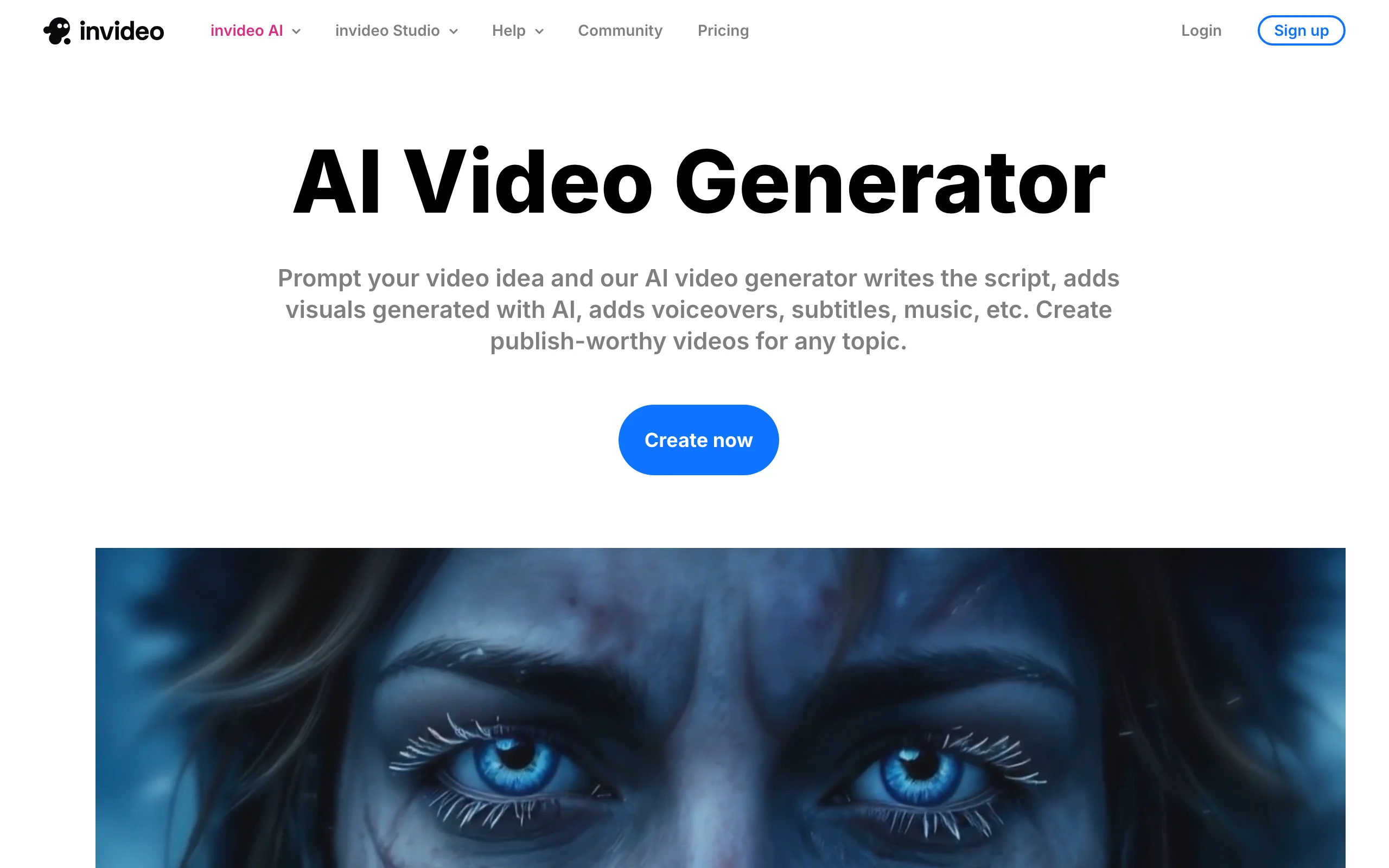
InVideo AI is the closest direct competitor to a full prompt-to-video workflow. You type a prompt or paste a script, and it assembles a complete video from large iStock and Storyblocks libraries, adds an AI voiceover, and burns in captions. A recent addition routes one credit pool to several generative models, so you can mix stock footage with AI-generated shots in the same edit. It is a strong pick when you want finished faceless videos but lean on stock B-roll rather than fully generated scenes.
Key features
- Prompt and script-to-video with automatic scene assembly
- iStock and Storyblocks stock libraries built in
- AI voiceover with voice cloning and 50+ languages
- Text-based editing: change the video by editing the script
- Access to multiple generative models from one credit pool
- Commercial rights on all paid plans
Best for
- Creators who want finished videos but prefer stock-backed footage
- Faceless niches without a presenter (facts, listicles, news recaps)
Pricing
- Free plan with a watermark, roughly 10 generation-minutes and 4 exports a week, no commercial rights
- Plus starts around $25/mo (about $20/mo billed annually) for 1080p and commercial rights
- Max (around $60/mo) unlocks 4K and higher limits
Pros
- Mature, polished prompt-to-video workflow
- Text-based editing makes revisions fast
- A big stock library reduces the "pure AI" look
Cons
- Generation-minute credits do not roll over, and premium models burn them fast
- Stock-heavy videos can look generic without customization
- No persistent AI avatars
3. Fliki, best for voice and language coverage
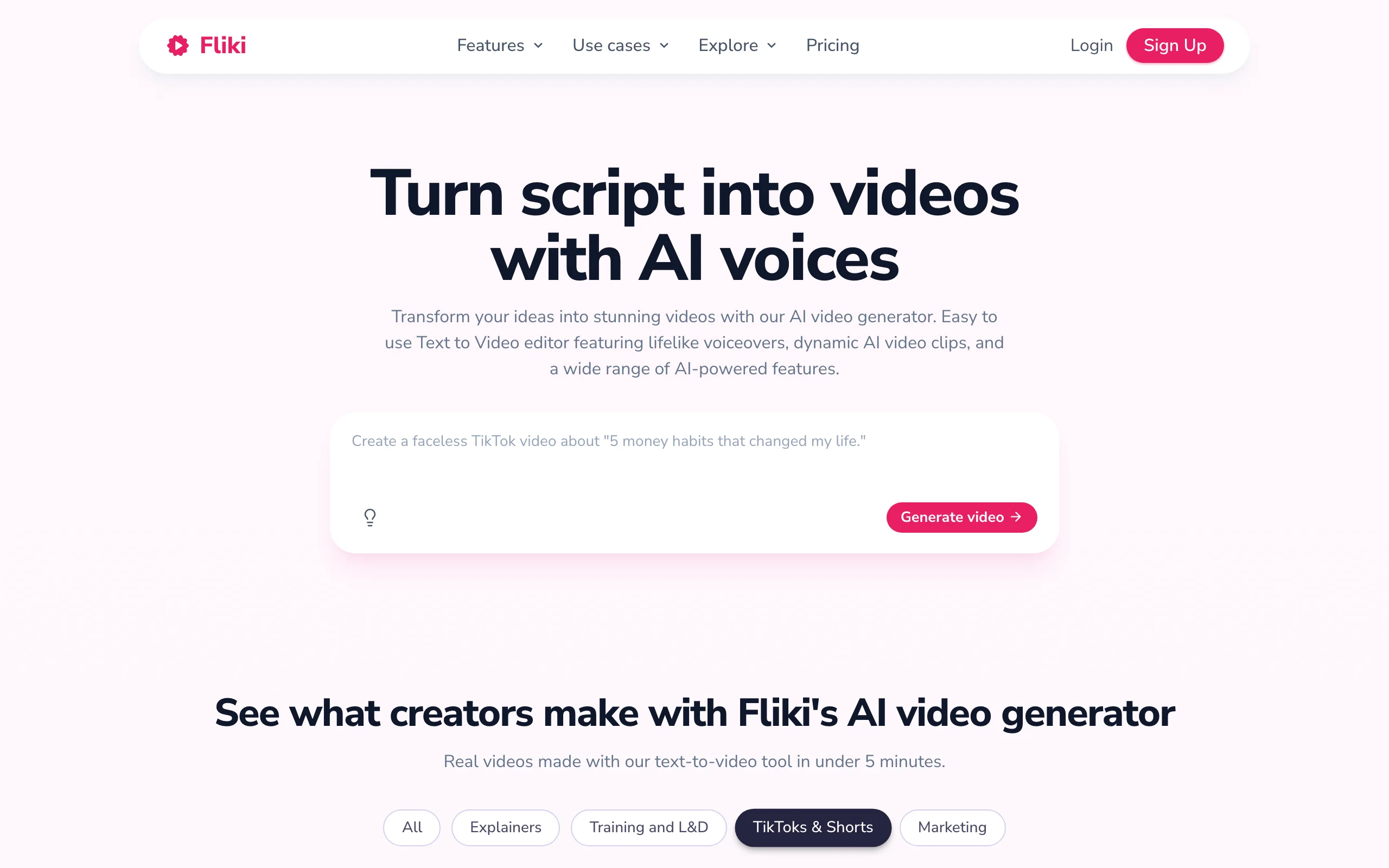
Fliki turns scripts into narrated videos and is built around its voice engine. It carries roughly 1,000 to 2,000 AI voices across 80+ languages, which makes it the go-to when narration quality or localization is the priority. Output is stock-and-text driven rather than fully generative, so the visuals sit closer to a polished slideshow than a generated scene. For voice-led faceless formats (facts, stories, explainers) that is often exactly what you want.
Key features
- Text and script-to-video with a 10M+ stock library
- Around 1,000 voices on Standard and 2,000+ on Premium, across 80+ languages
- Voice cloning (1 clone on Standard, 3 on Premium)
- AI avatars for a presenter option
- Commercial rights and YouTube publishing on paid plans
Best for
- Narration-led faceless channels (facts, stories, explainers)
- Creators localizing the same script into many languages
Pricing
- Free plan with a watermark, about 5 minutes a month at 720p, no commercial rights
- Standard starts around $10/mo billed yearly (about $13 monthly) with 1080p and up to 15 minutes per video
- Premium (around $20/mo yearly) raises the voice count and the length cap to 40 minutes
Pros
- Best-in-class voice and language selection
- Cheap annual entry price
- Simple, fast script-to-video workflow
Cons
- 1080p ceiling, no confirmed 4K
- Slideshow-style visuals, limited native generative video
- Standard's monthly minutes run out quickly at volume
4. Pictory, best for repurposing articles and scripts
Pictory specializes in turning text you already have into video. Paste a blog post, script, or URL and it summarizes the text, matches licensed stock footage, adds an AI voiceover, and captions the result. It is less a from-scratch generator and more a repurposing engine, which makes it ideal if you are converting written content or long articles into faceless videos at a steady clip.

Key features
- Script, article, and URL-to-video
- AI voiceover in 7 languages plus ElevenLabs voices in 29 languages
- Large licensed stock library (Getty and Storyblocks)
- Auto-captions on every plan
- Voice cloning on Professional and up
Best for
- Bloggers and marketers repurposing written content into video
- Faceless channels built on article-style or listicle scripts
Pricing
- No permanent free plan, trial only (3 projects, watermarked)
- Starter $29/mo ($25 billed annually) with 200 video-minutes a month at 1080p
- Professional $59/mo adds voice cloning and higher limits
Pros
- Excellent article and URL-to-video workflow
- Strong summarization and captioning
- Licensed stock keeps you copyright-safe
Cons
- Output is capped by monthly video-minutes
- Stock-driven with no generative AI B-roll, so it can feel generic at scale
- No permanent free tier
5. HeyGen, best for a faceless presenter
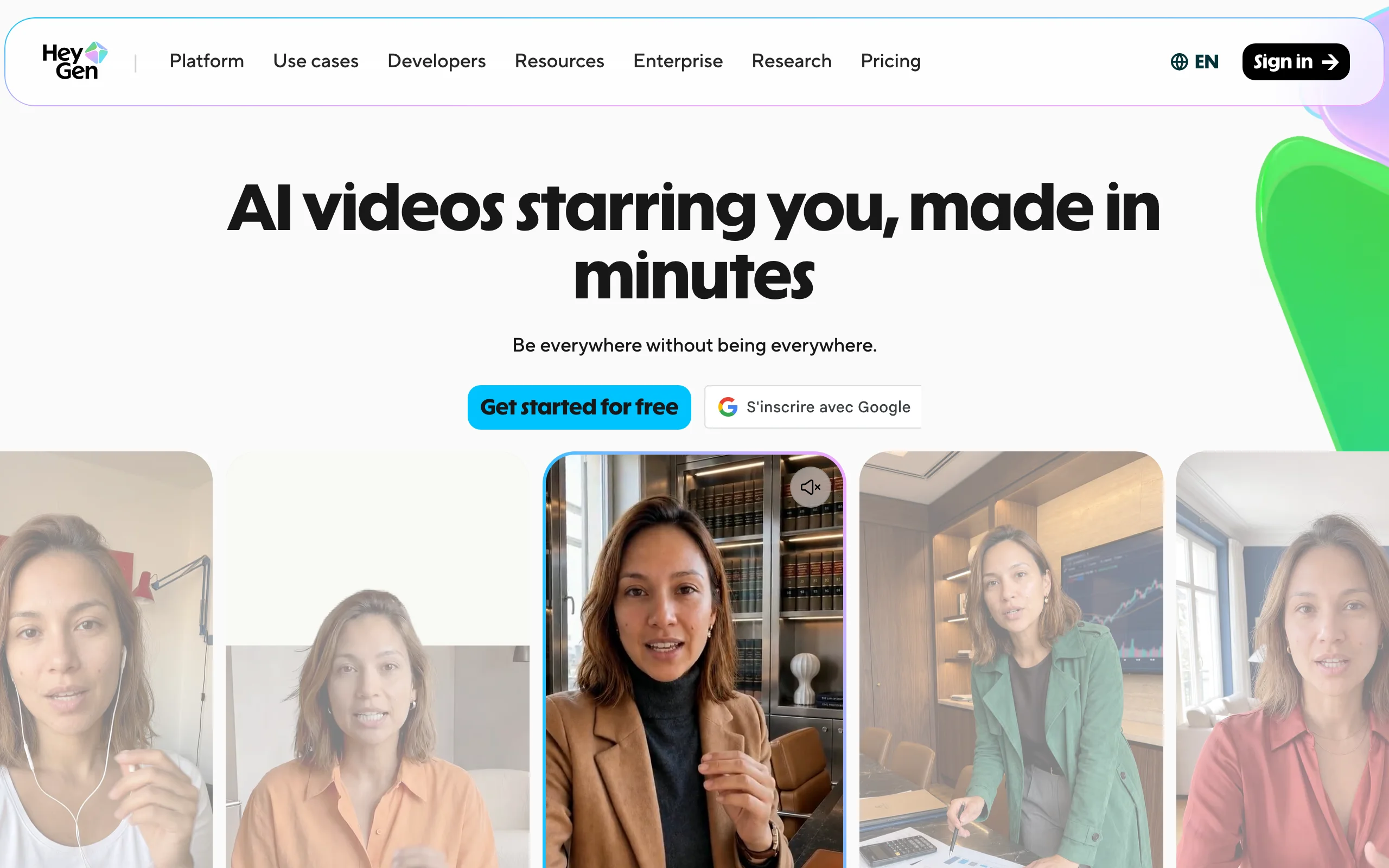
HeyGen takes a different route to faceless. Instead of hiding the presenter, it replaces you with a realistic AI avatar. You type a script and a digital presenter reads it in any of 175+ languages, with lip-sync and video translation for localizing existing footage. Strictly speaking an avatar is a face on screen, just not yours, so this is the pick for faceless creators who want a spokesperson format without ever being on camera themselves. ClipNova offers a similar option through its talking avatar generator if you want it alongside a full prompt-to-video pipeline.
Key features
- 500+ stock avatars plus custom digital twins
- Text-to-video with TTS and voice cloning
- 175+ languages with video translation and dubbing
- Credit system (600 credits a month on Creator)
- Commercial use on paid plans
Best for
- Faceless creators who want a presenter-led format
- Marketers localizing spokesperson videos across languages
Pricing
- Free plan with a watermark, 3 videos a month capped at 1 minute
- Creator $29/mo (about $24 annually), watermark-free 1080p, up to 30 minutes
- Pro $49/mo adds 4K; Business $149/mo adds seats
Pros
- The most realistic avatars and best video translation in this list
- Strong for spokesperson and explainer formats
- Generous language coverage
Cons
- Avatar-first, not built for classic faceless B-roll or montage
- Top avatar models cost roughly 20 credits per minute, so Creator's 600 credits is only about 30 minutes a month
- A talking head is not truly "faceless" for some niches
6. Runway, best for cinematic AI B-roll
Runway is a frontier generative video model, not a finished-video pipeline. Its Gen-4.5 model produces some of the most cinematic AI footage available, with consistent characters and realistic motion, which makes it the source of original B-roll for high-production faceless edits. The trade-off is that it hands you raw clips: no script, no voiceover, no captions, and each clip runs only a few seconds, so you assemble the final video yourself in an editor.
Key features
- Gen-4.5 text and image-to-video, plus Gen-4 Turbo and other models
- Consistent characters and realistic motion
- 4K upscaling on paid plans
- Credit-metered generation with one-month rollover
Best for
- Editors making high-production faceless videos who want original footage
- Creators who already have a script-and-edit workflow and need B-roll
Pricing
- Free plan with 125 one-time credits, watermarked at 720p
- Standard $15/mo ($12 annually) with 625 credits a month and no watermark
- Pro $35/mo and Max $95/mo for heavier generation
Pros
- Best-in-class generative footage quality
- Fine camera and motion control
- 4K output on paid plans
Cons
- Produces raw clips, not finished faceless videos (no voice, captions, or script)
- Clips cap around 10 seconds and credits burn fast (Standard is roughly 25 seconds of Gen-4.5 a month)
- The steepest learning curve here
7. OpusClip, best for long-form into faceless shorts
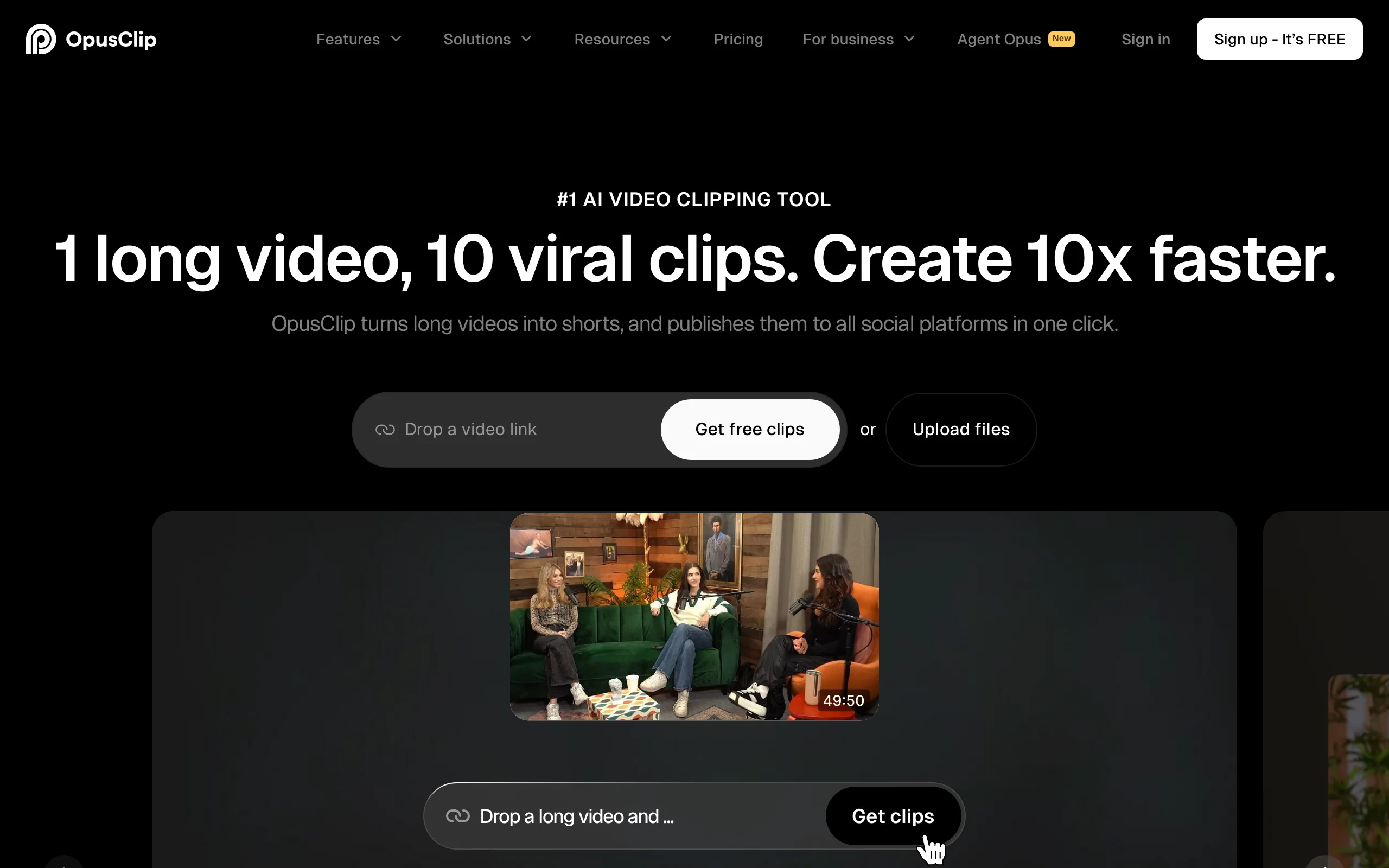
OpusClip does not generate video from a prompt at all. It takes a video you already have, a podcast, stream, or long-form upload, and uses AI to cut it into short vertical clips, reframe them to 9:16, add captions, and score each for viral potential. For faceless creators who already produce long-form (compilations, commentary over gameplay, narrated documentaries), it is the fastest way to multiply one upload into a week of shorts.
Key features
- ClipAnything: auto-clips any long video into shorts
- Virality Score to rank clips before you post
- Auto-reframe to 9:16 and auto-captions
- AI B-roll and voiceover (capped on lower tiers)
- Built-in social scheduler and direct posting
Best for
- Podcasters, streamers, and long-form faceless channels
- Anyone repurposing existing footage rather than generating new video
Pricing
- Free plan, permanent, with watermarked captions and exports that expire after 3 days
- Starter $15/mo, watermark-free
- Pro $29/mo (about $14.50 annually) for higher limits
Pros
- The best auto-clipping and reframing in the category
- Virality scoring saves editing time
- Publishes and schedules directly
Cons
- Not a generator: it needs existing footage and creates nothing from scratch
- Credits are charged on source length, so long inputs cost more
- Overlaps little with a prompt-to-video workflow
How to choose the best faceless AI video generator for your workflow
1) Do you want a finished video or raw footage?
- If you want a publish-ready video from one prompt: ClipNova, InVideo AI, Fliki, and Pictory hand you script, voice, and captions in one pass. ClipNova is the only one that generates the visuals rather than pulling stock.
- If you want raw cinematic clips to edit yourself: Runway gives the best generated footage, but you supply the script, voice, and captions.
2) Are you generating new video or repurposing what you have?
- Generating from scratch: ClipNova, InVideo AI, Fliki, and Pictory turn a prompt or script into a video.
- Repurposing: OpusClip clips your long-form into shorts, and Pictory converts articles and blog posts. If your channel already produces long videos, OpusClip multiplies each upload.
3) Faceless with no presenter, or faceless with an avatar?
- No face at all (B-roll, text, stock, generated scenes): ClipNova, InVideo AI, Fliki, Pictory, and Runway.
- A presenter that is not you: HeyGen leads on avatar realism, and ClipNova's talking-avatar mode covers it if you also want prompt-to-video in the same tool.
4) What does the volume math look like?
- Faceless channels live on daily posting, so price per video matters more than the sticker price. Translate credits into videos: a plan that looks cheap but yields only a handful of exports a month is expensive per video.
- ClipNova's credit-based plans include every feature at each tier (only the monthly credit count changes), which keeps the math simple as you scale from one channel to several. For a Reels-specific breakdown, see our guide to the best faceless reels generators, and if you run multiple channels, the tools built for content creators are worth a look.
- Whatever you pick, generate 3 to 5 test videos on your actual niche before you subscribe. Output quality varies a lot by topic, and the tool that wins for storytime may lose for tech news.