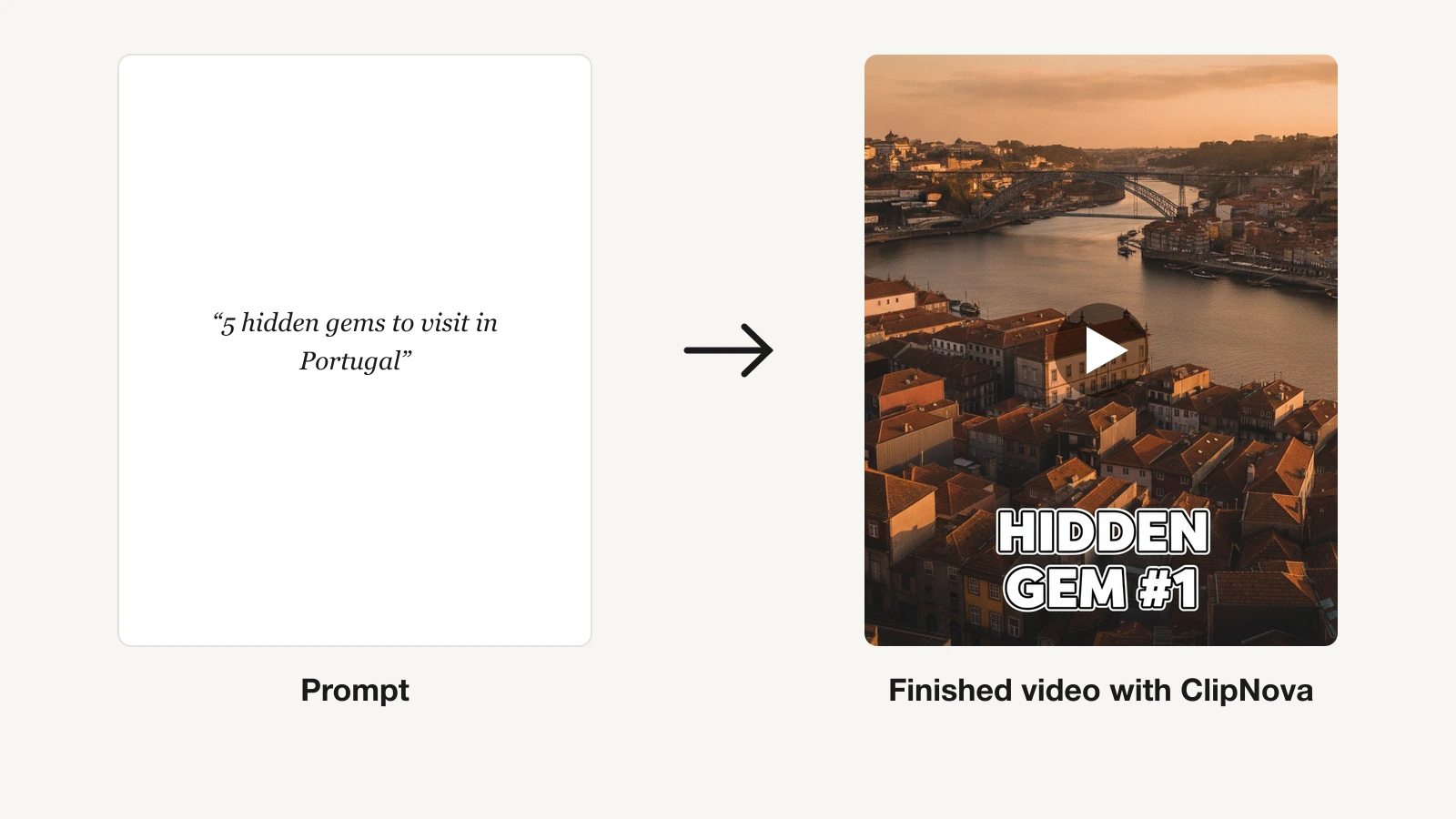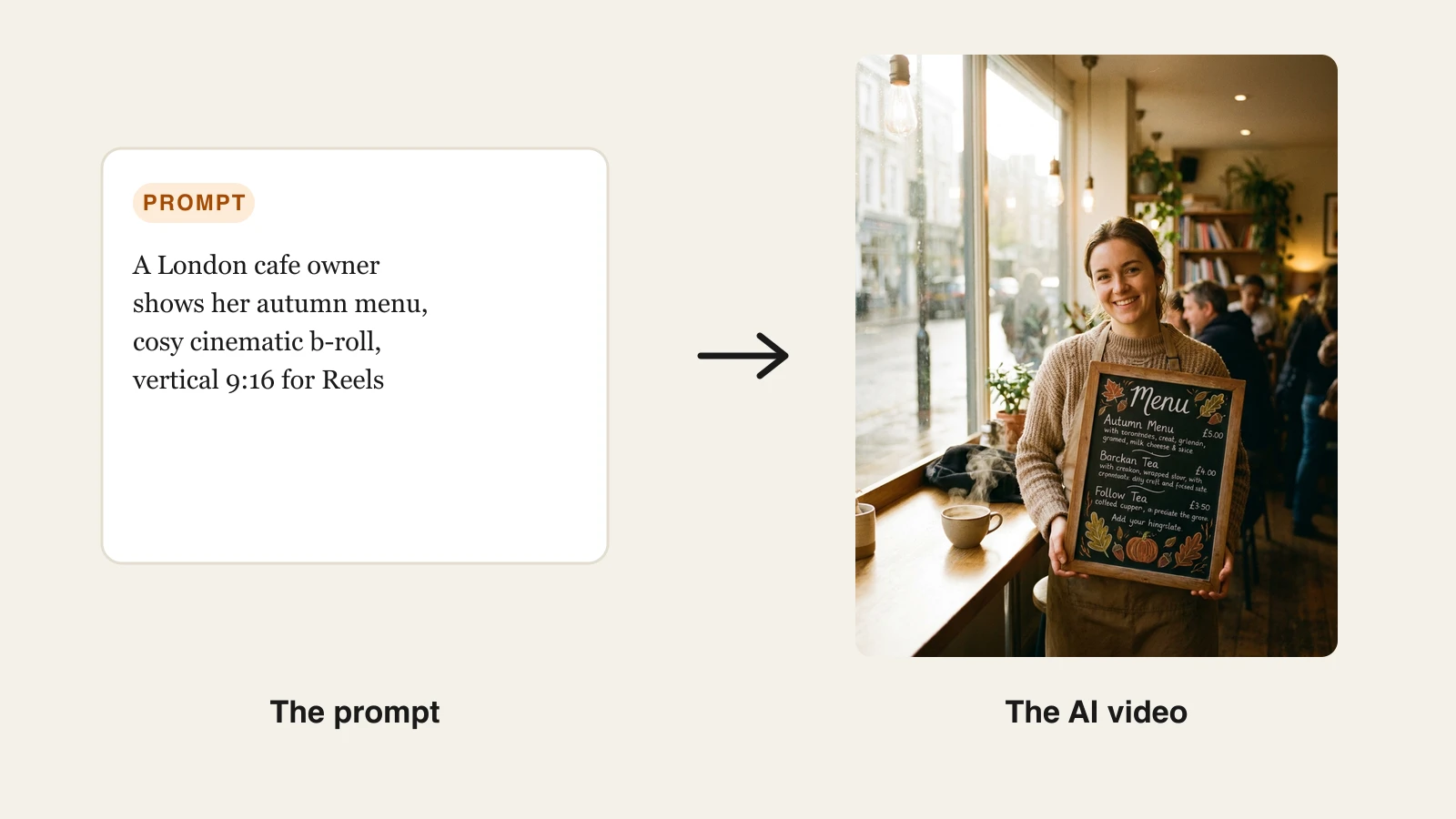
If you are a UK creator or run a small business in Britain, an AI video generator can turn a single prompt into a finished, captioned video without a camera, a studio, or an editing suite. The catch is that most roundups are written for a US audience: dollar-only pricing, no mention of VAT, and no nod to the rules the ASA enforces on advertising here.
This guide fixes that. We compare the best AI video generators for a UK workflow, with GBP figures alongside the USD list prices, a note on where VAT lands, and a reminder that any AI-made ad still has to follow the CAP Code. You will get each tool's real strengths, honest limits, and the price per month so you can organise a shortlist and pick the one that fits how you actually publish.
A quick note on pricing: almost every tool below bills in US dollars, so the pound figures are approximate conversions (around £0.79 to the dollar at the time of writing). UK consumers usually see 20% VAT added at checkout, while VAT-registered businesses can reclaim it, so factor that into your budget. We have prioritised tools that export vertical video for TikTok, Instagram Reels, and YouTube Shorts, since that is where most British creators and small brands compete for attention, and we flag where a UK English accent or localisation matters.
Best AI video generators UK: a brief overview
- ClipNova: Best overall for UK creators and small businesses that want a finished short from one prompt, script, voiceover, captions, and music included.
- InVideo AI: Best budget prompt-to-video, with the lowest paid entry point of the mainstream tools.
- Pictory: Best for repurposing blogs, webinars, and long recordings into short clips.
- Fliki: Best for script-to-video with a huge voice and language library.
- HeyGen: Best for spokesperson avatars and translating existing footage with lip-sync.
- Synthesia: Best for corporate training and explainer videos with presenter avatars.
- Creatify: Best for UGC-style product ad variations from a URL.
| Tool | Best for | Starting price | Free option | Max output |
|---|---|---|---|---|
| ClipNova | End-to-end shorts for creators and SMBs | From $19/mo (≈£15) | 70 credits, no card | 1080p–4K, up to 5 min, no watermark |
| InVideo AI | Budget prompt-to-video | From $17/mo (≈£13) | None | No watermark on paid |
| Pictory | Repurposing long content to clips | From $25/mo annual (≈£20) | Free trial | No watermark on paid |
| Fliki | Script-to-video with many voices | From $28/mo (≈£22) | Free tier (watermark, 720p) | 1080p, no watermark on paid |
| HeyGen | Avatar spokespeople + translation | From $29/mo (≈£23) | Free tier (watermark) | Up to 4K on Pro |
| Synthesia | Training and explainer avatars | From $18/mo annual (≈£14) | Free tier (watermark) | Removable watermark on paid |
| Creatify | UGC-style product ad variations | From $39/mo (≈£31) | Free tier (watermark) | Watermark on Starter, none on Pro |
1. ClipNova, best overall for UK creators and small businesses
ClipNova is a video-first AI generator built for the way British creators and small teams actually publish: type an idea, and it writes the script, adds an AI voiceover, pulls or generates the visuals, burns in captions, and lays music underneath. You get a finished vertical video for TikTok, Reels, or YouTube Shorts in one pass, not raw clips you still have to organise in an editor. It hosts multiple leading models under one subscription (Veo 3.1, Kling v3, Sora, Seedance, Pixverse, and Flux), so you can pick the look you want without paying for six separate tools.
Key features:
- One prompt to a finished short: script, voiceover, visuals, captions, and music end to end
- Multiple models in one place (Veo 3.1, Kling v3, Sora, Seedance, Pixverse, Flux) so you match the style to the brief
- Vertical-first export for TikTok, Reels, and Shorts, plus wider formats
- AI voiceovers in 32 languages for localised versions of the same video
- AI UGC and ad tools for product promos, plus a text to video generator core
- Watermark-free 1080p and 4K on every plan, with full commercial rights included
Best for:
- Solo creators and faceless channels posting daily who want script-to-publish in one tool
- UK small businesses and DTC brands making their own social content without an agency
- Marketers who need AI ad generator output and organic shorts from the same subscription
Pricing (billed in USD; VAT may apply at UK checkout):
- Hobby: $19/mo (≈£15) for 1,000 credits
- Starter: $49/mo (≈£39) for 2,500 credits; Growth: $99/mo (≈£78) for 5,000; Ultra: $199/mo (≈£157) for 10,000
- Every plan includes the full feature set; only the monthly credits differ. Yearly billing takes 20% off. See ClipNova's pricing for the current breakdown
- Start free with 70 credits on signup, no card required, then move to a paid plan when you scale
Pros:
- End-to-end output: a publish-ready video, not footage you still have to caption and voice
- The $19/mo entry plan undercuts InVideo, Pictory, HeyGen, Synthesia, and Creatify while including every feature
- Multi-model access means you are not locked to one engine's look, and full commercial rights come as standard
Cons:
- Newer brand than Synthesia or InVideo, so it has a shorter public track record
- Focused on short-form generation rather than long-form timeline editing, so a 40-minute training video is not its sweet spot
- The free trial is capped at 70 credits, so sustained testing still means moving to a paid plan
2. InVideo AI, best budget prompt-to-video
InVideo AI is the closest mainstream overlap with ClipNova: you describe a video and it assembles a script, voiceover, and visuals you can refine with text commands. Its entry price is the lowest of the well-known tools, which makes it a sensible pick if you want prompt-to-video on a tight budget and do not mind a slightly more stock-driven look. For a UK creator watching every pound, the appeal is a no-watermark export even on the cheapest paid tier, so you can publish straight to social without a paywall on quality.
Key features:
- Prompt-to-video with text-command editing ("make the intro shorter")
- Access to several AI models plus a large stock and iStock library
- AI avatars and voice clones on paid tiers
- Unlimited watermark-free exports on all paid plans
Best for:
- Creators who want the cheapest credible prompt-to-video entry point
- People happy to blend AI visuals with stock footage to keep costs down
Pricing (billed in USD):
- Plus: $17/mo (≈£13) for 75 credits; Max: $85/mo (≈£67) for 390 credits
- Higher Generative and Elite tiers for heavy users
- No free plan; credits do not roll over
Pros:
- Lowest paid entry of the big names, and no watermark even on the cheapest tier
- Mature product with a deep template and stock library
- Text-command editing is quick to learn
Cons:
- Output can look stocky when it leans on library footage
- 75 credits on the entry plan disappear fast if you generate at volume
3. Pictory, best for repurposing long content to clips
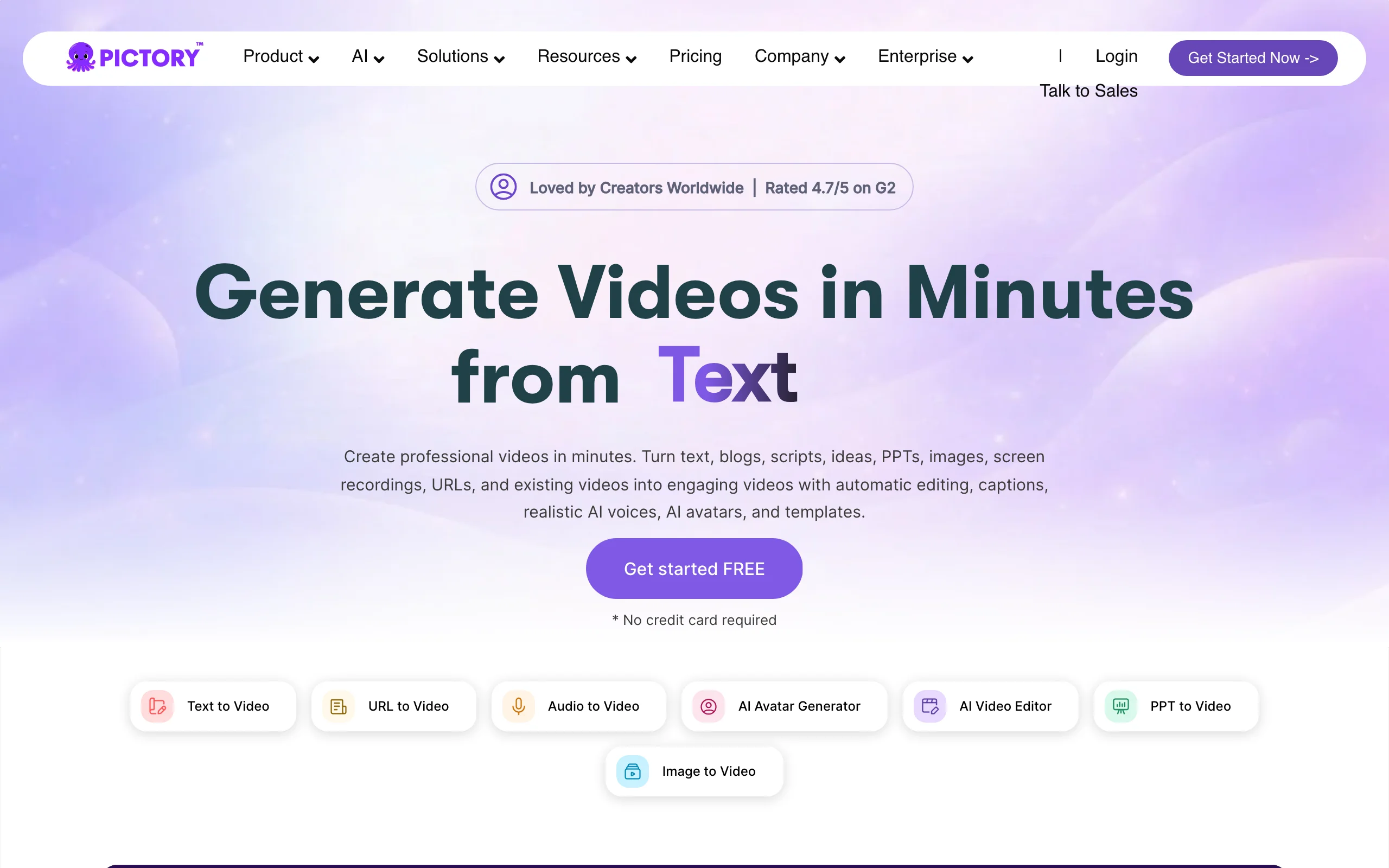
Pictory shines when you already have material: a blog post, a webinar recording, or a long video you want to chop into short, captioned clips. It auto-summarises and reframes, which is handy for UK businesses sitting on hours of content that never gets seen on social.
Key features:
- Text, URL, and long-video to short-clip workflows
- Strong auto-captioning and summarisation
- Large stock library and brand kits
- No watermark on paid plans
Best for:
- Marketers and educators repurposing blogs, webinars, or podcasts
- Teams that need captions and reframing more than fresh generative footage
Pricing (billed in USD):
- Starter: $25/mo billed annually (≈£20), or $29/mo monthly (≈£23), for 200 minutes/month
- Professional: $59/mo monthly (≈£47); Team: $199/mo (≈£157)
- Free trial available
Pros:
- Genuinely good at turning existing content into tidy clips
- Free trial lets you test before you commit
- Minute-based plans are easy to budget
Cons:
- It is a repurposing tool, not a from-scratch generative creator
- Templates can feel dated next to frontier-model output
4. Fliki, best for script-to-video with many voices
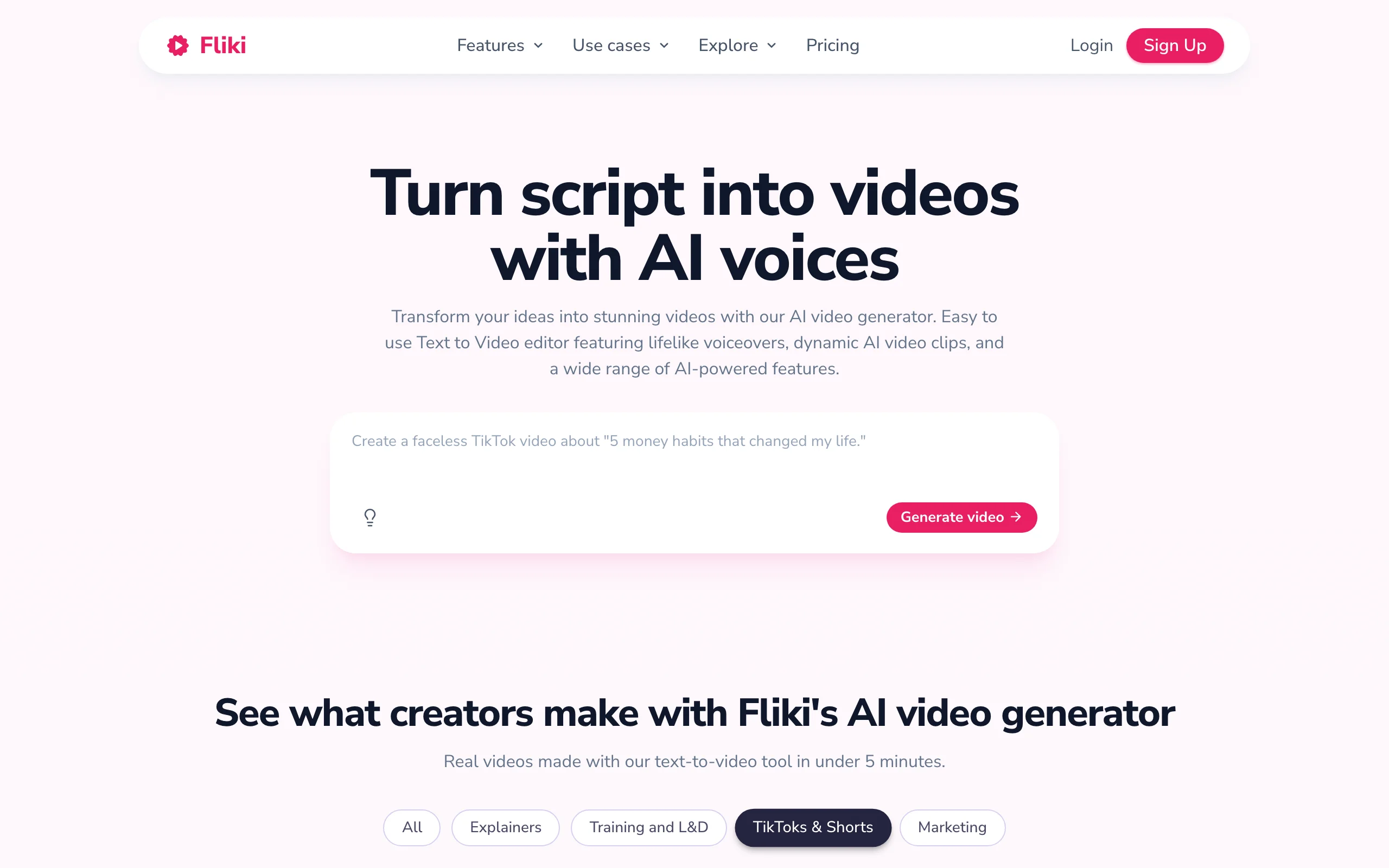
Fliki turns a script or article into a narrated, slideshow-style video, and its main draw is voice: a very large library of realistic voices across dozens of languages. If your priority is clean narration in the right accent, including UK English, Fliki is a strong, simple option. It is a practical way to give a blog post or newsletter a British-sounding voiceover without hiring a voice artist, which matters when a US accent would feel off-brand to a UK audience.
Key features:
- Script and text to video with a huge voice catalogue
- 80+ languages, including multiple English accents
- Voice cloning and AI avatars on higher tiers
- 1080p, watermark-free export on paid plans
Best for:
- Creators turning blog posts or scripts into narrated videos
- Anyone who needs a specific accent or language for localisation
Pricing (billed in USD):
- Free tier: watermark, 720p, one-minute exports
- Standard: about $28/mo (≈£22); Premium: about $88/mo (≈£69)
- Enterprise with API access is custom
Pros:
- One of the best voice and language libraries available
- Free tier to trial the workflow, though watermarked
- Simple, fast to learn
Cons:
- Output leans slideshow-style rather than richly generative
- The official pricing page renders figures dynamically, so confirm the current monthly rate at checkout
5. HeyGen, best for avatar spokespeople and translation
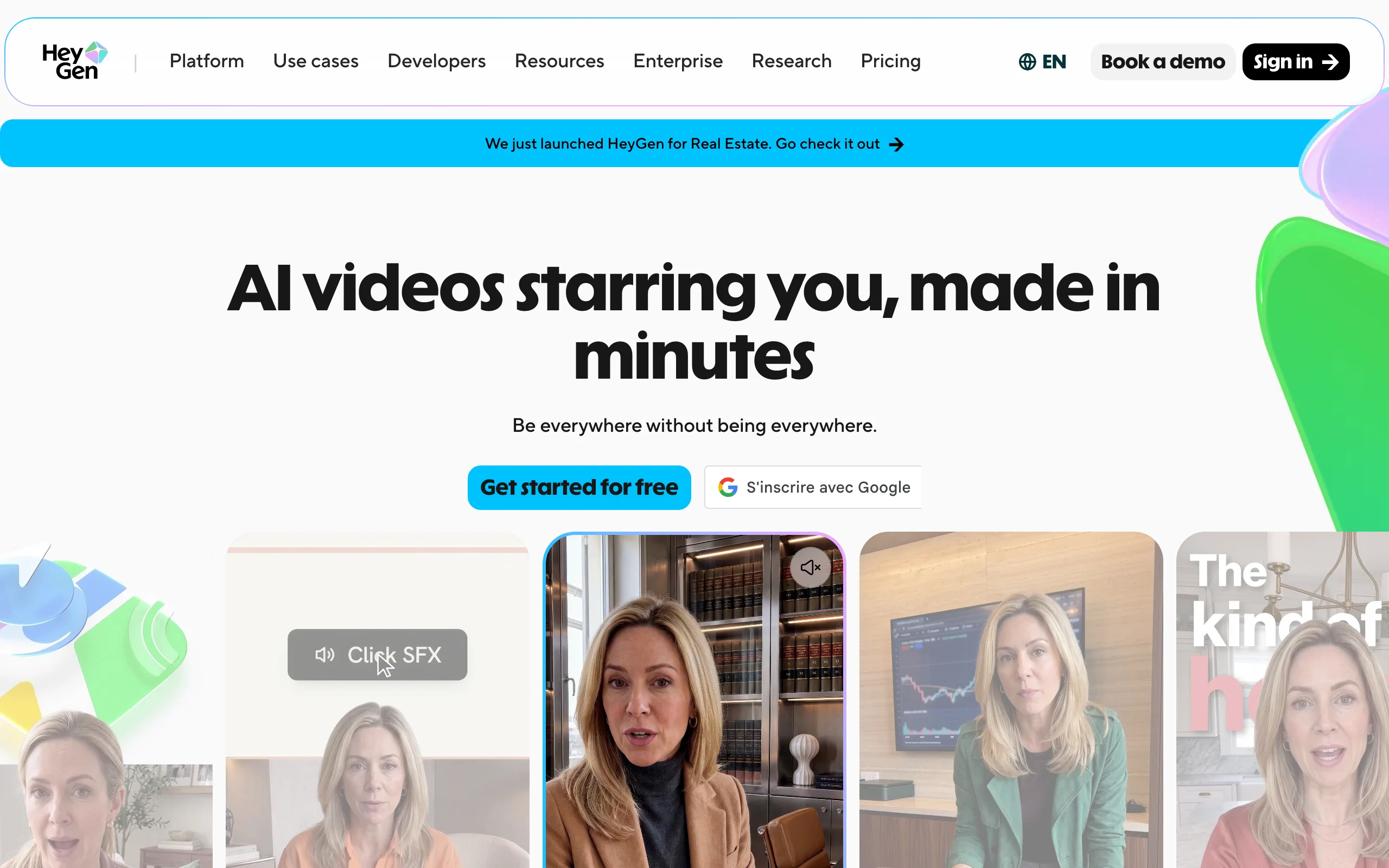
HeyGen is built around realistic avatars and video translation. You can create a spokesperson-style clip from a script, or take existing footage and translate it into another language with matched lip-sync, which is useful for UK brands selling into Europe.
Key features:
- Realistic stock and custom avatars, plus digital twins
- Excellent video translation with lip-sync in 175+ languages
- Voice cloning included on paid tiers
- 4K export on the Pro plan
Best for:
- Marketing teams making spokesperson-style videos
- Brands translating existing footage for other markets
Pricing (billed in USD):
- Free tier: three videos/month, watermark, one-minute limit
- Creator: $29/mo (≈£23) for 600 credits; Pro: $49/mo (≈£39) for 1,000 credits and 4K
- Business from $149/mo (≈£118) plus per-seat
Pros:
- Best-in-class avatar realism and translation
- Free tier to test the avatars
- Clear step up to 4K on Pro
Cons:
- Avatar-centric, so general B-roll generation is secondary
- Credit and minute caps bite if you produce at volume
6. Synthesia, best for training and explainer videos
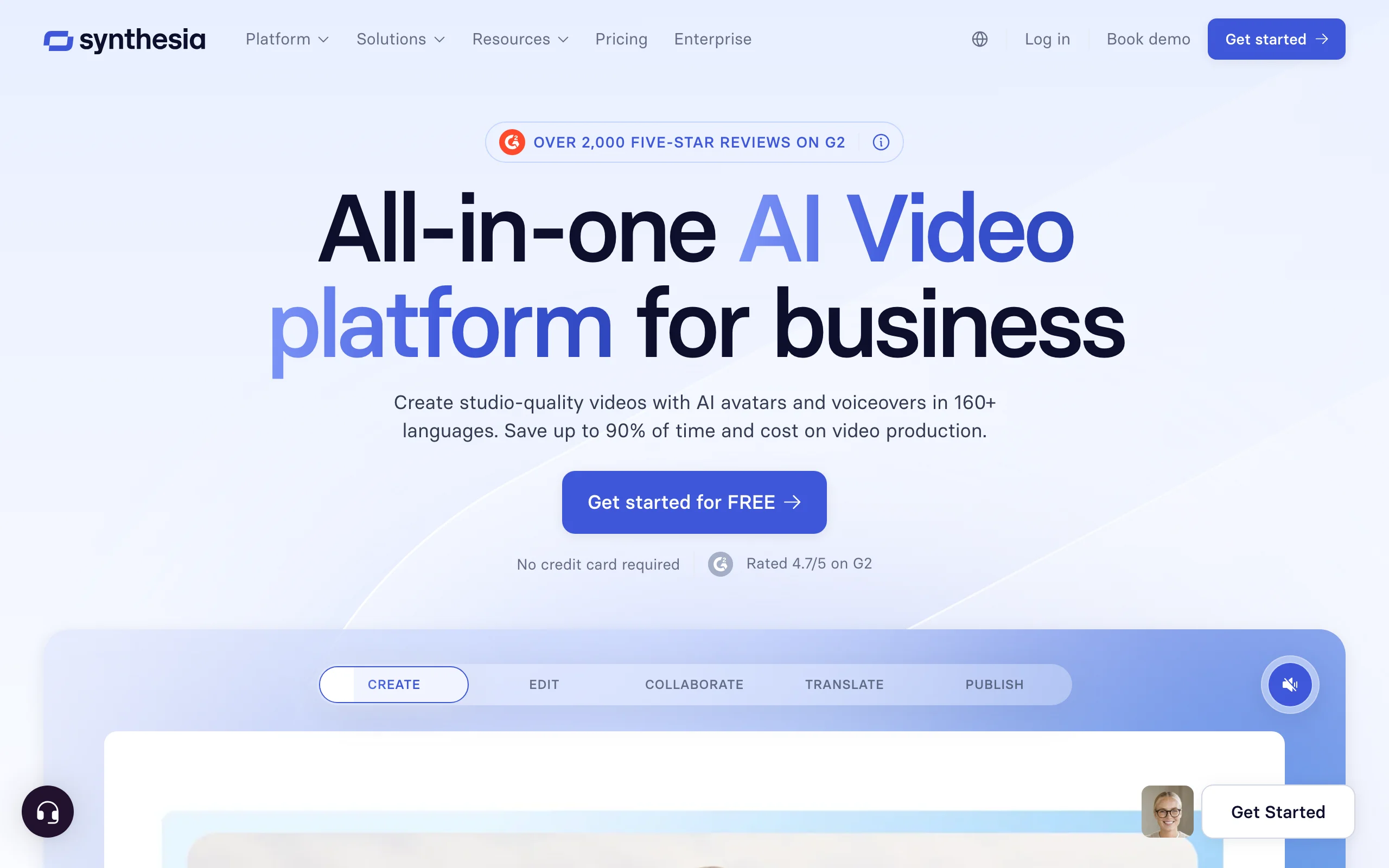
Synthesia is the enterprise standard for avatar-led training, internal comms, and how-to content. If your business needs a presenter to walk staff or customers through a process, in many languages, Synthesia is purpose-built for it.
Key features:
- 180+ AI avatars and 160+ languages
- Screen-recording, brand kits, and collaboration features
- One-click translation of finished videos
- Removable watermark on paid plans
Best for:
- L&D and internal comms teams making training modules
- Businesses needing consistent explainer videos at scale
Pricing (billed in USD):
- Free tier: 10 minutes/month, watermark
- Starter: $18/mo billed annually (≈£14), or $29/mo monthly (≈£23)
- Creator: $64/mo billed annually (≈£51); Enterprise is custom
Pros:
- Polished, professional presenter output
- Strong language coverage for global teams
- Enterprise governance features
Cons:
- Presenter-style format is not built for organic TikTok or Reels
- Minutes are capped, and the best avatars sit on higher tiers
7. Creatify, best for UGC-style product ad variations
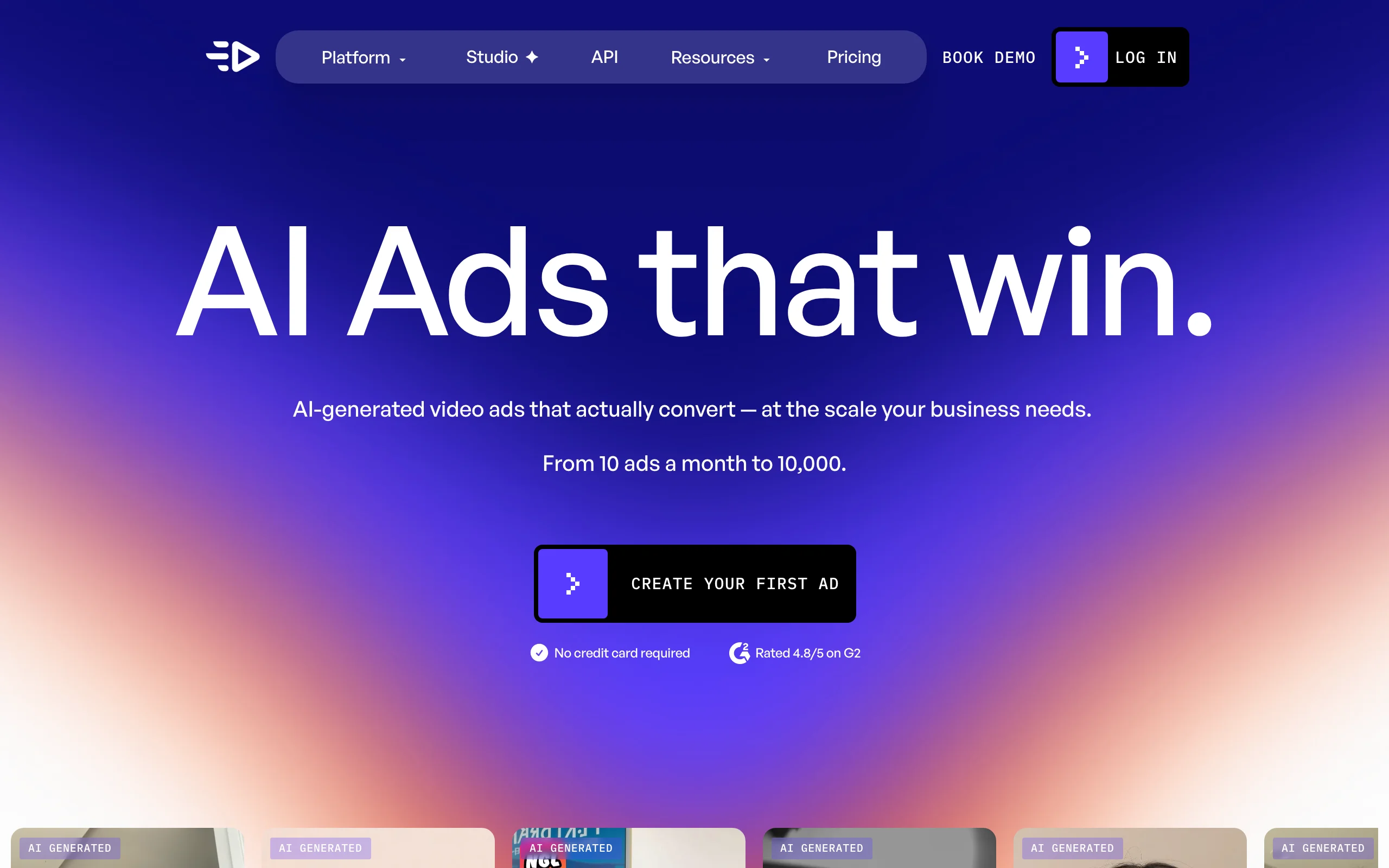
Creatify is focused on one job: UGC-style video ads for e-commerce. Paste a product URL and it generates ad variations with AI actors, which suits DTC brands that need to test lots of creative quickly. Any ad you run in the UK still has to follow the CAP Code, so keep claims honest and evidenced.
Key features:
- URL-to-ad workflow with AI actors
- Batch generation of ad variations
- Large template and avatar library
- No watermark on the Pro plan
Best for:
- E-commerce and DTC teams testing ad creative at scale
- Performance marketers who want many variations fast
Pricing (billed in USD):
- Free tier: 10 credits/month, watermark
- Starter: $39/mo (≈£31) for 100 credits, but Starter output keeps a watermark
- Pro: $99/mo (≈£78) for more credits and no watermark
Pros:
- Fast URL-to-ad flow purpose-built for product marketing
- Batch variations make A/B testing easy
- Ad-focused avatars and templates
Cons:
- Ads-only scope: organic content and music-driven video are out of remit
- The $39 Starter still watermarks output, so watermark-free means the $99 Pro plan
How to choose the best AI video generator for your UK workflow
1) What do you actually need out the other end?
- If you want a finished, captioned, voiced short from one prompt: ClipNova or InVideo AI cover the whole pipeline, with ClipNova including music and multi-model choice on the entry plan.
- If you want to repurpose existing long content: Pictory is built for it.
- If you need a presenter avatar or translation: HeyGen for marketing, Synthesia for training.
- If you need product ad variations: Creatify, or ClipNova's AI ad generator if you also want organic content from the same tool.
2) What is your price-per-video, VAT included?
Translate credits into videos, then add 20% VAT if you are a UK consumer. ClipNova's $19/mo (≈£15) entry plan gives 1,000 credits with every feature unlocked, which usually works out cheaper per finished short than paying separately for a generator, a voice tool, and a captioner. InVideo's $17 Plus is close on headline price but caps you at 75 credits. For agencies producing client videos at volume, model the monthly credit burn before you commit, and remember VAT-registered businesses can reclaim the VAT.
3) Faceless and organic, or on-camera and corporate?
- For faceless, organic short-form at volume: ClipNova and InVideo AI.
- For on-camera-style spokespeople or training: HeyGen and Synthesia.
- For ad testing: Creatify or ClipNova.
4) Do you need a British voice or accent?
Localisation is a real differentiator for UK output. A US-accented voiceover can quietly undercut trust with a British audience, so look for genuine UK English voices. Fliki has one of the widest voice libraries for this, ClipNova offers narration in 32 languages for localised cuts of the same video, and HeyGen and Synthesia cover translation and multilingual avatars if you sell across Europe.
5) Test before you subscribe
Generate three to five videos on your real niche before you pay for a year. Tools with a free tier (Fliki, HeyGen, Synthesia, Creatify) let you sample watermarked output first. ClipNova starts you with 70 free credits (no card required), while InVideo has no free tier, so use those credits or a single monthly plan to trial full, watermark-free export, then move to annual for the 20% saving once you know it fits. Whatever you pick, if the video is an ad, keep it compliant with the ASA and CAP Code: no misleading claims, and disclose paid partnerships.
Frequently asked
What is the best AI video generator in the UK in 2026?
For most UK creators and small businesses, ClipNova is the best overall pick because it turns one prompt into a finished short with script, voiceover, captions, and music, and it starts at $19/mo (about £15). InVideo AI is the closest budget alternative, while Synthesia and HeyGen are better suited to avatar-led training and spokesperson videos.
Do these tools show pricing in pounds?
Most bill in US dollars and do not display GBP on their pricing pages, so the pound figures in this guide are approximate conversions at roughly £0.79 to the dollar. UK consumers usually see 20% VAT added at checkout, while VAT-registered businesses can reclaim it. Always check the final charge in your account before subscribing.
Is there a free AI video generator I can use in the UK?
Fliki, HeyGen, Synthesia, and Creatify offer free tiers, but they add a watermark and cap length or minutes. ClipNova and InVideo AI do not have a free tier, so you use a paid monthly plan to get full, watermark-free export. If you want to test a few tools first, the free tiers are fine for sampling before you commit.
Can I use AI-generated video for adverts in the UK?
Yes, but any advert, including AI-generated ones, must follow the ASA and the CAP Code. That means no misleading claims, evidence for anything you state, and clear disclosure of paid partnerships. The tool does not change your responsibility as the advertiser, so keep AI-made ad content honest and substantiated.
Which AI video generator is cheapest for UK creators?
On headline price, InVideo AI's Plus plan at $17/mo (about £13) is the lowest of the mainstream tools, but it caps you at 75 credits. ClipNova's Hobby plan at $19/mo (about £15) includes 1,000 credits and every feature, which often works out cheaper per finished video once you account for voice, captions, and music being bundled in.
Do I own the videos and can I use them commercially?
With ClipNova, full commercial rights are included on every plan, so you own and can monetise your output. Other tools vary: check each provider's licence terms, especially on free tiers where commercial use and watermarks can be restricted. If commercial use matters, confirm the rights before you publish or run paid media.
Do AI videos get suppressed on TikTok, Reels, or YouTube?
Platforms increasingly ask creators to label AI-generated or synthetic content, and undisclosed synthetic media can be down-ranked or removed. The videos themselves are not banned, so disclose where required, avoid deceptive deepfakes, and focus on genuinely useful content. Watermark-free, high-resolution export (as on ClipNova) also helps output look native rather than templated.
I mainly need finished short-form videos for my UK business. What should I use?
Use ClipNova. It generates a complete vertical video, script, voiceover, captions, and music, from one prompt, exports watermark-free 1080p or 4K with commercial rights, and starts at $19/mo (about £15). That end-to-end workflow is what makes it the best fit for creators and small businesses shipping short-form regularly.