A podcast used to mean two microphones, a booked guest, and an evening in an audio editor for every episode. An AI podcast generator skips all three: you hand it a topic, a PDF, or a link, and it writes a script for two hosts, voices them, and gives you an episode you can publish or listen to on the train.
The tools behind that promise are not the same product, though. Some are study aids that turn your notes into a private audio overview. Some are full production studios with editable scripts, cloned voices, and an RSS feed. A few now output video, which matters if your audience lives on YouTube rather than in a podcast app.
This guide compares the 7 best AI podcast generators in 2026, with verified pricing and the limits that decide which one fits your show.
Best AI podcast generators: a brief overview
Best overall
- Gemini Notebook (formerly NotebookLM): Best AI podcast generator overall for turning your own sources into a two-host conversation.
Podcasts you publish as video
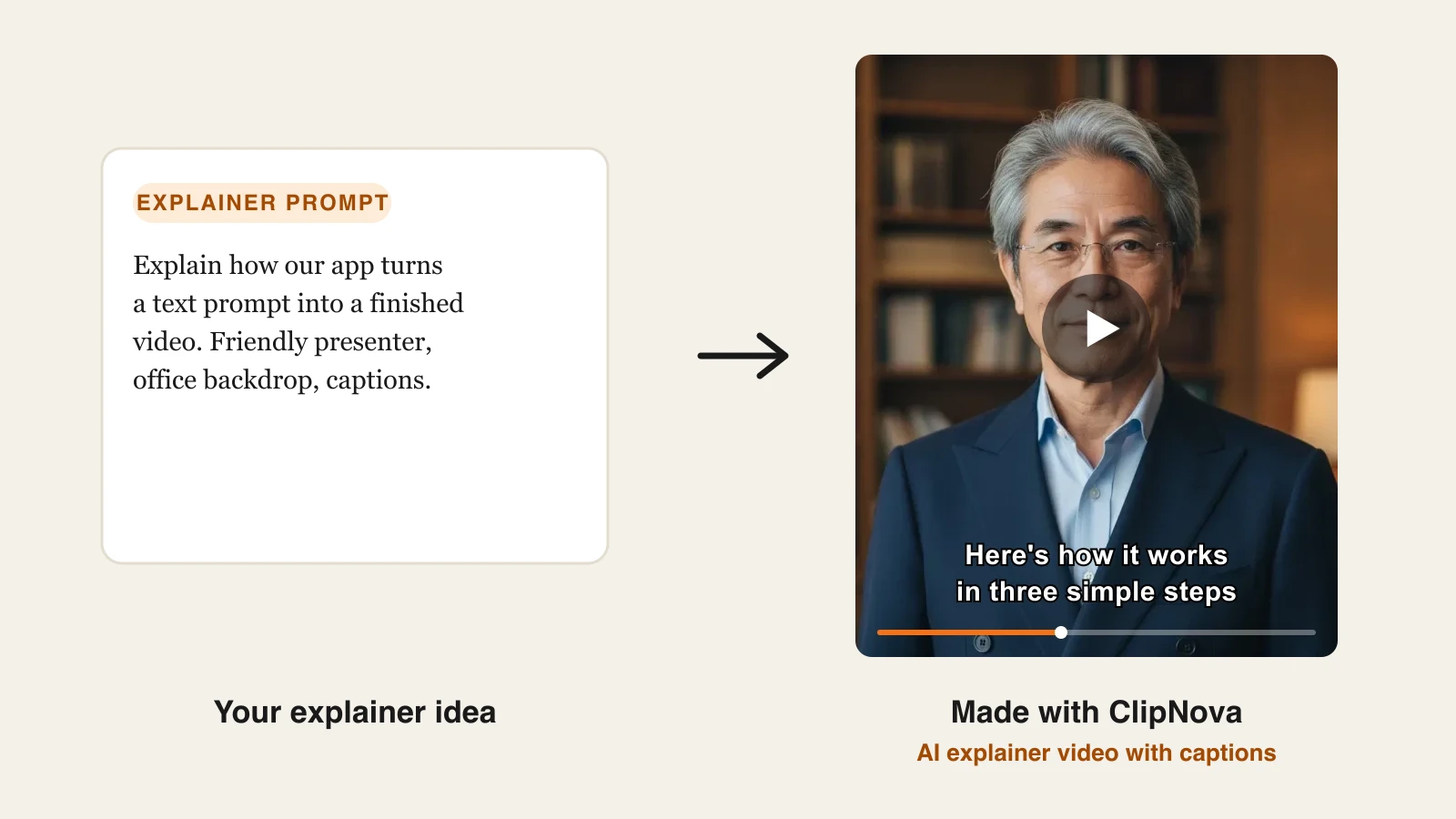
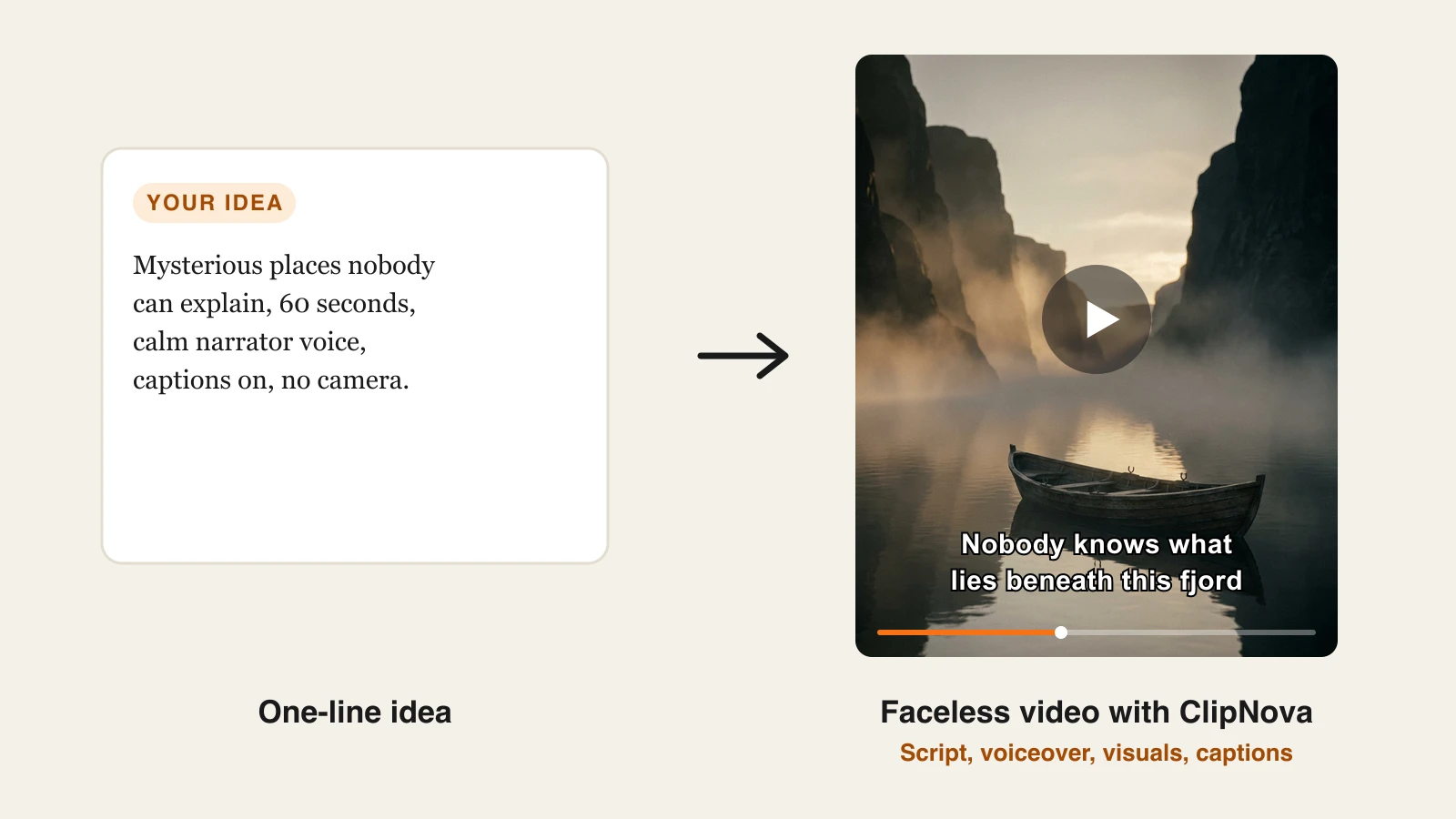
- ClipNova: Best for short video podcasts. Turn a topic, PDF, or article into an editable two-host script, voice it with ElevenLabs, and get a captioned video episode of up to 5 minutes for YouTube, TikTok, and Reels.
- Jellypod: Best for running a recurring show with custom hosts, video formats, and one RSS feed to every podcast app.
Audio-first podcast generators
- ElevenLabs (GenFM in Studio): Best for voice quality and a transcript you can edit line by line.
- Wondercraft: Best for teams that want a timeline editor, music, and approval flows.
- Podcastify: Best budget PDF to podcast AI tool.
- AutoContent API: Best for developers generating podcasts at scale through an API.
| Tool | Best for | Starting price | Output |
|---|---|---|---|
| Jellypod | Recurring shows with an RSS feed | $25/mo | Podcasts up to 60 min, video and shorts |
| Gemini Notebook | Study and research podcasts | Included with a Google account | Audio Overviews in 80+ languages |
| ClipNova | Long finished video podcasts with consistent hosts | From $49.99/mo | Two-host video episode up to 5 min, captions optional |
| ElevenLabs | Voice quality, editable transcript | $6/mo | Two-host GenFM audio, 32 languages |
| Wondercraft | Team production with a timeline | $25/mo ($21 yearly) | Audio up to WAV, video up to 4K on Pro |
| Podcastify | Cheapest PDF to podcast | $9.95/mo ($7.92 yearly) | Two-host audio up to 25 min |
| AutoContent API | Podcasts by API | €24/mo | Podcasts, videos, shorts via REST API |
Reading the table: the starting prices cover very different products. Gemini Notebook is private and fixed in format, while the production tools add editable scripts, commercial licenses, hosting, or video.
1. Gemini Notebook (formerly NotebookLM), best overall AI podcast generator
Google renamed NotebookLM to Gemini Notebook in July 2026, but the feature that made it famous is unchanged. Upload sources (PDFs, Google Docs, websites, YouTube links, or pasted text) and Audio Overview turns them into a conversation between two AI hosts who explain, connect, and joke about your material.
You can steer it with a prompt, pick a length, and choose a format: Deep Dive (the default two-host conversation), The Brief (one speaker, under two minutes), The Critique, or The Debate. In English, you can even interrupt the hosts and ask a question out loud.
Key features
- Audio Overviews in 80+ languages from your own sources
- Four formats: Deep Dive, Brief, Critique, and Debate
- Interactive mode to ask the hosts questions (English only)
- Video Overviews that turn sources into narrated explainer videos
Best for
- Students and researchers who want to listen to their reading list
- Anyone testing whether a two-host format suits their content before committing to a production tool
Pricing
- Included with a Google account: usage refreshes every 5 hours up to a weekly limit (since September 2, 2026)
- Google AI Plus, Pro, and Ultra plans raise those limits (2x, 4x, and 5x or 20x)
Pros
- The conversation quality is excellent
- Grounded in your sources, so it summarises rather than invents a topic
Cons
- You cannot pick or design the hosts, and the script is not editable
- Built for private listening: no RSS feed, no publishing workflow, and AI audio can contain glitches
2. ClipNova, best for short video podcasts
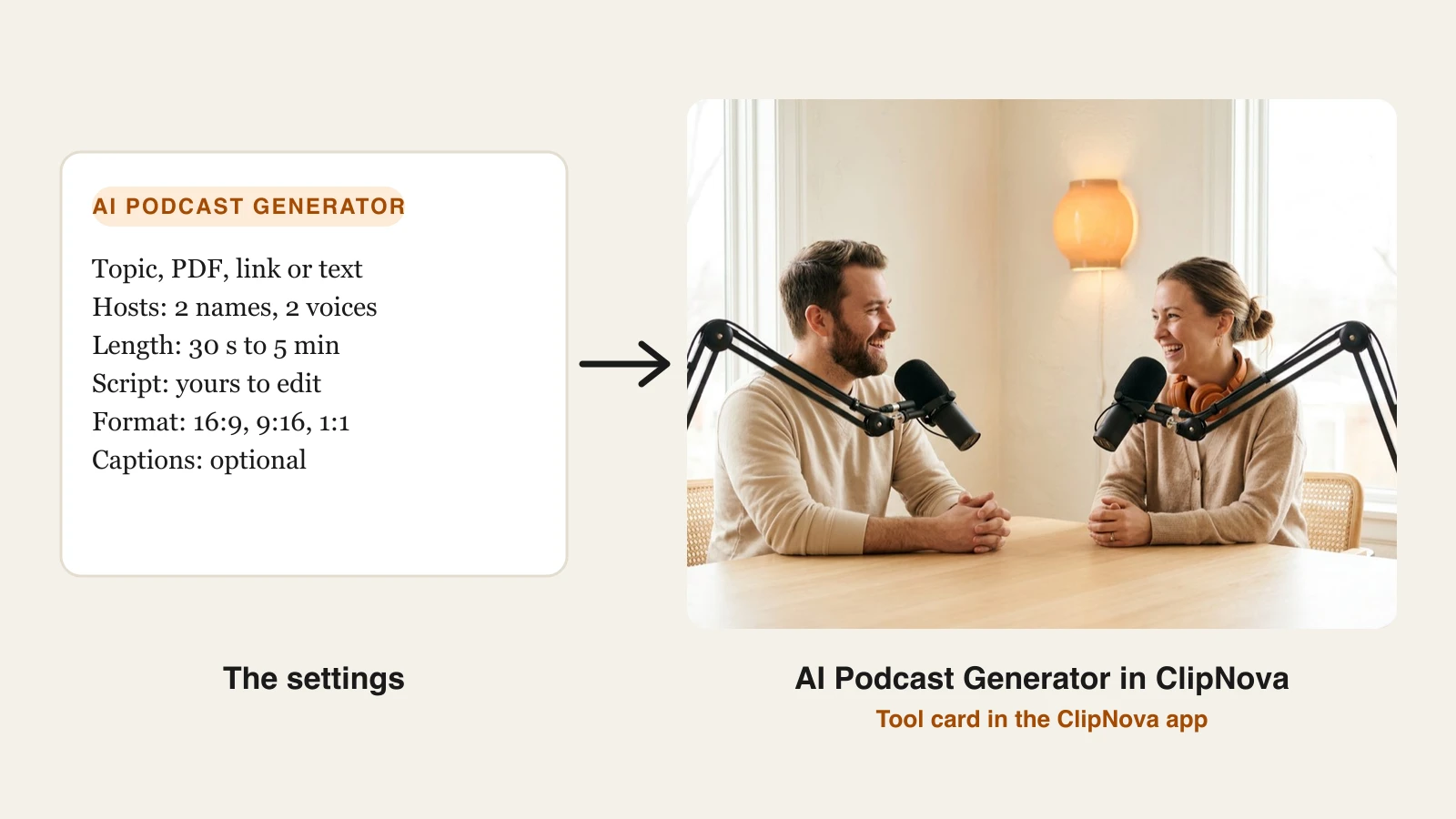
Most AI podcast generators stop at an audio file. ClipNova is built for creators whose audience watches rather than listens. Its AI Podcast Generator takes a topic, or a source you want discussed (a PDF, DOCX, or TXT file, an article link, or pasted text), writes a natural back-and-forth between two hosts you name, and voices the whole episode in one ElevenLabs text-to-dialogue pass, so the hosts actually take turns instead of reading isolated lines.
A video podcast is one format inside what ClipNova does best: finished long videos with consistent characters.
- Long: an episode runs up to 5 minutes, not a short clip.
- Consistent characters: keep the same two voices for the show, and use saved characters when you move on to story videos.
- Finished: script, voices and captions come back as a video you can post.
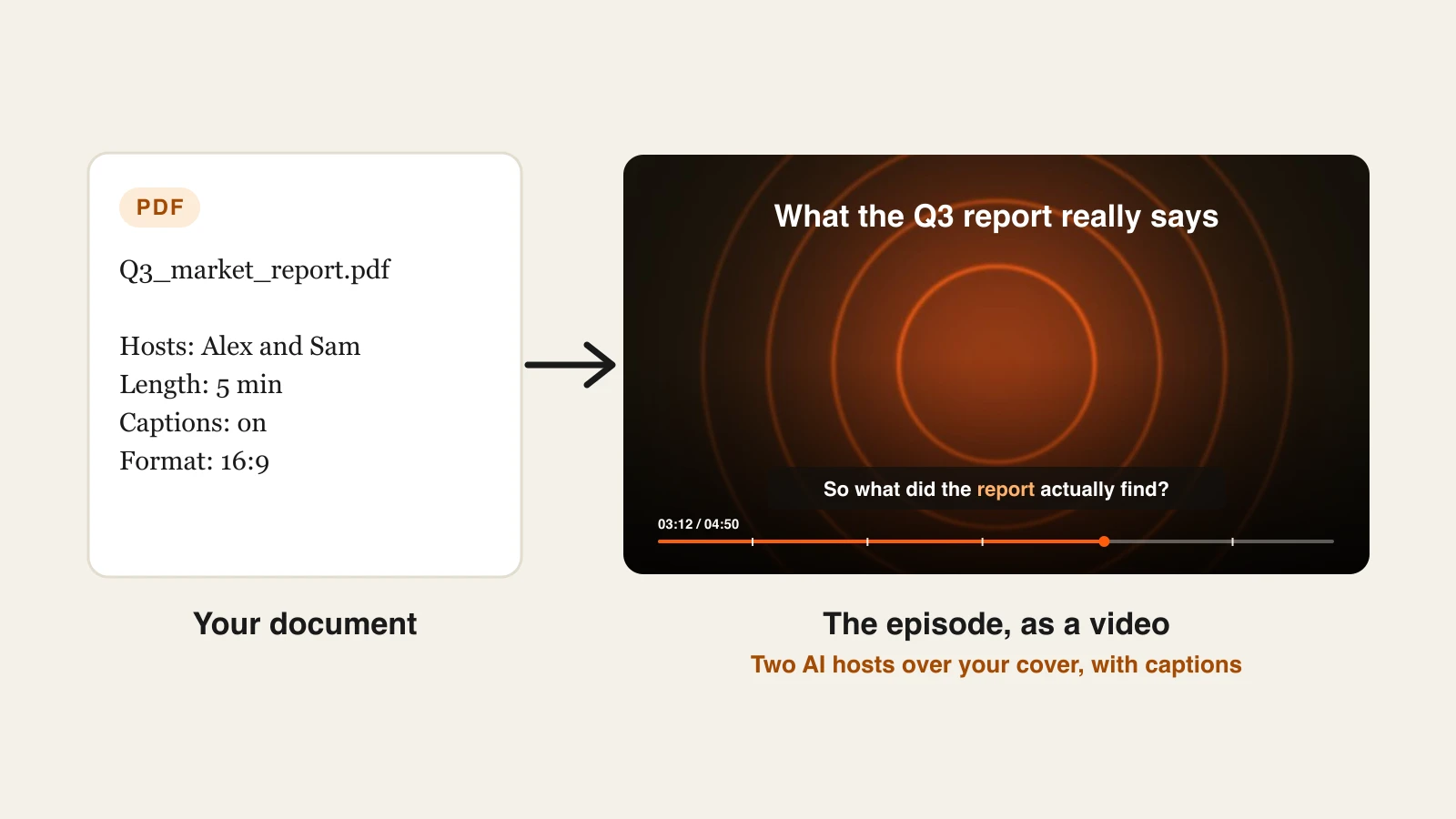
The script is yours before anything is recorded. It appears as plain "Name: line" text you can rewrite, and audio tags such as [laughs], [sighs], or [excited] are performed, not read aloud. Writing the script uses no credits; credits are only spent when you generate the episode. ClipNova then renders the episode as a video: your cover image (or ClipNova's default) with the episode title, optional burned-in captions, in 16:9, 9:16, or 1:1, saved to your library.
How to make a podcast with ClipNova
- Sign up for the ClipNova app and pick a plan (from $49.99/mo).
- Open AI Video Studio and choose AI Podcast Generator.
- Type the episode topic, or open Base it on a PDF, article or text and add your source.
- Name the two hosts, pick two different voices (play them to preview), and choose the episode length: 30 seconds, 1, 2, 3, or 5 minutes.
- Click Write the script, edit any line, then pick the format, captions, and an optional cover.
- Click Generate podcast. The video episode lands in your library.
Key features
- Topic, PDF, DOCX, TXT, article link, or pasted text in; the hosts stick to the source's facts
- Editable two-host script with performed audio tags
- Both voices in one ElevenLabs dialogue pass, from the same voice library as the rest of ClipNova
- Video output with your cover, the episode title, and optional captions in three aspect ratios
Best for
- YouTube and faceless channel owners who want a short talk-show format without recording
- Educators and marketers turning a PDF or an article into an episode their audience will actually watch
Pricing
- Starter $49.99/mo (2,600 credits), Growth $99/mo (5,750), Ultra from $199/mo (12,000)
- An episode is priced on the length of its script plus a flat render fee, shown before you generate; yearly billing is 20% off
Pros
- The episode comes out as a video, so one generation covers YouTube and short-form
- You approve and edit every line before any credits are spent on voices
Cons
- Episodes top out at 5 minutes and always have two hosts, so long-form shows belong in Jellypod or Wondercraft
- No RSS hosting and no separate audio export: it is a video-first tool
3. ElevenLabs (GenFM in Studio), best for voice quality
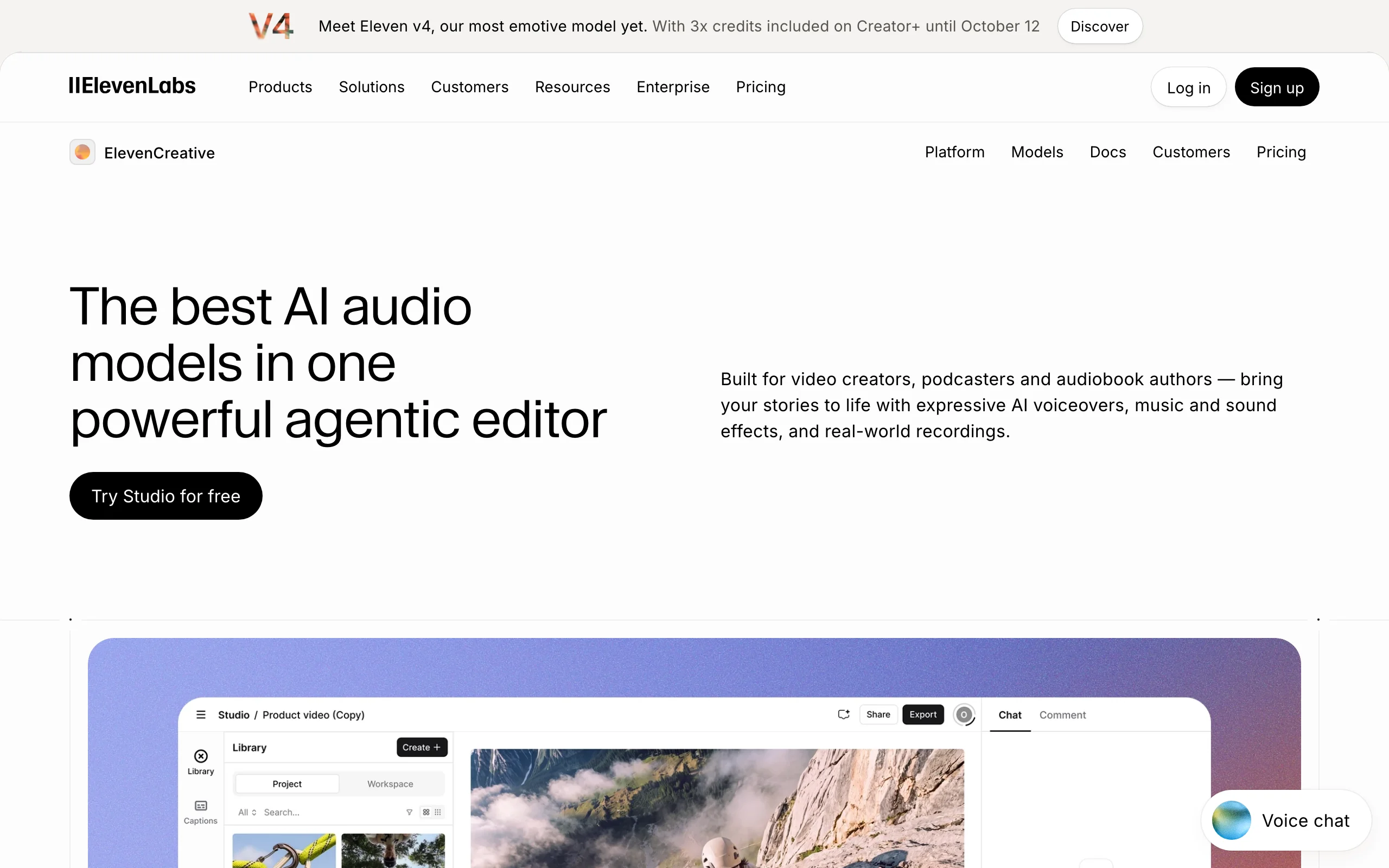
ElevenLabs makes some of the most natural AI voices available, and its GenFM podcast mode sits inside Studio, its long-form audio editor. Import a PDF, EPUB, article link, or text, choose GenFM podcast, and two AI co-hosts discuss it. The difference from Gemini Notebook is control: you can edit the transcript, swap or add speakers, and regenerate lines before you export.
Key features
- Two-host GenFM podcasts in 32 languages
- Editable transcript with replaceable speakers
- Imports PDF, EPUB, TXT, HTML, or a URL
- Instant voice cloning from the Starter plan, Professional cloning from Creator
Best for
- Narrative shows and branded podcasts where voice quality is the product
- Creators who want to fix every line of the script before publishing
Pricing
- Starter $6/mo (30,000 credits, commercial license); Creator $22/mo (121,000 credits); Pro $99/mo (600,000 credits)
- Introductory first-month discounts run often, so budget on the regular price
Pros
- Best-in-class voices and a large voice library
- Real editing control over what the hosts say
Cons
- Credits are shared with every other ElevenLabs product, so long episodes eat them quickly
- Audio only: a video version means another tool
4. Jellypod, best for running a recurring show
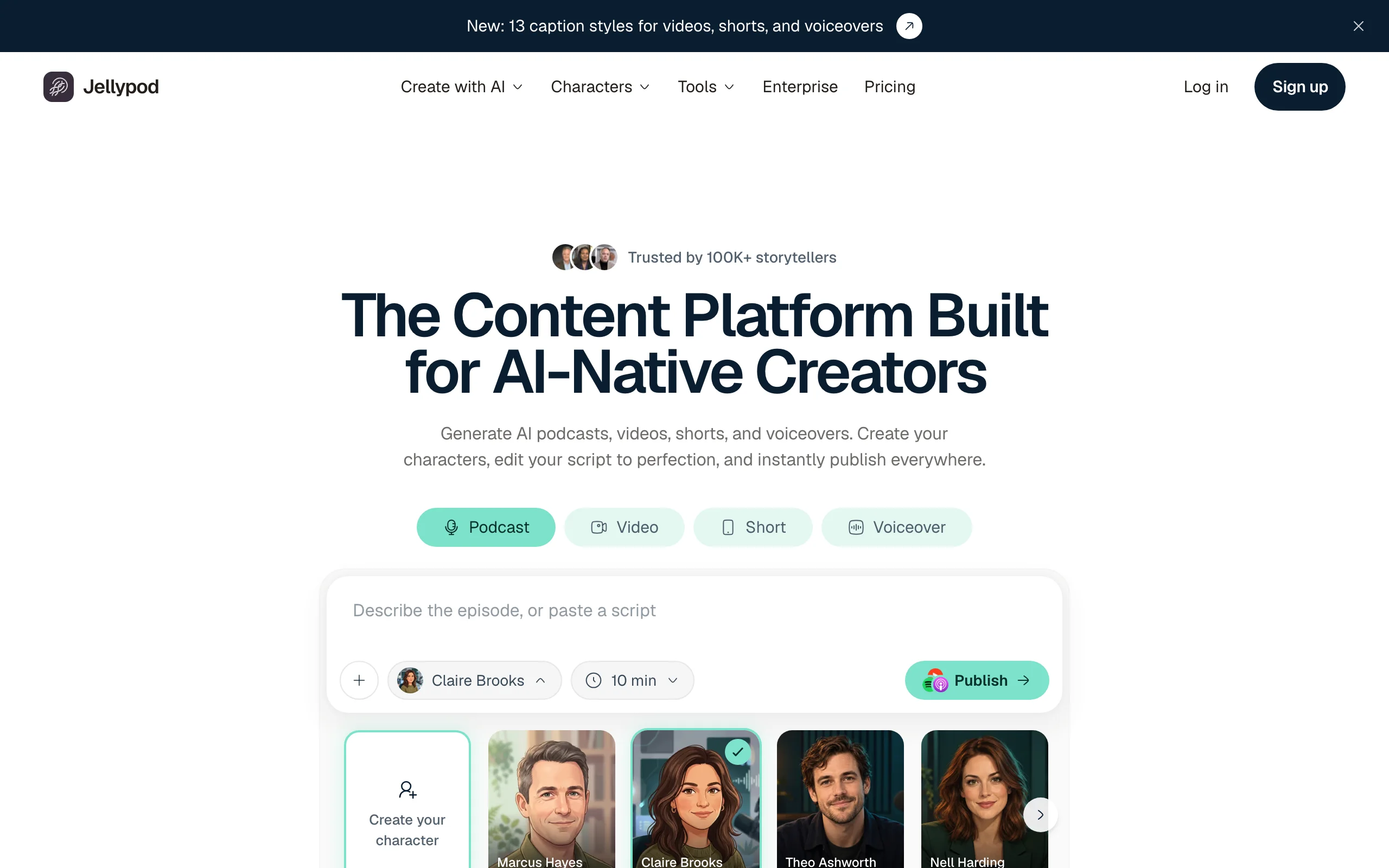
Jellypod is built around the idea of a show, not a single file. You design up to four hosts per episode (from a library of 3,300+ voices in 121 languages, a cloned voice, or a character you describe), feed it a topic, PDF, slide deck, or URL, edit the script line by line, and publish. Each podcast gets its own website and one RSS feed that reaches Spotify, Apple Podcasts, and YouTube.
It has grown into video too, with shorts and over a dozen art-directed visual styles such as whiteboard explainers and paper cutout animation.
Key features
- Up to four AI hosts per episode, with custom and cloned voices
- Podcasts up to 60 minutes on every paid plan
- Built-in hosting: RSS feed, podcast website, distribution to major apps
- Video podcasts and shorts in multiple visual styles
Best for
- Brands and creators running a weekly AI-hosted show
- Teams that need hosting and production in one place
Pricing
- Starter $25/mo (5,000 credits, 2 voice clones); Creator $50/mo (11,000 credits, API access); Business $125/mo (30,000 credits)
- About 30 credits per minute of audio, so Starter covers roughly 165 minutes a month
Pros
- The most complete "show" workflow, from casting hosts to the RSS feed
- Multi-host episodes beyond the usual two voices
Cons
- More setup than a one-click generator
5. Wondercraft, best for team production with a timeline
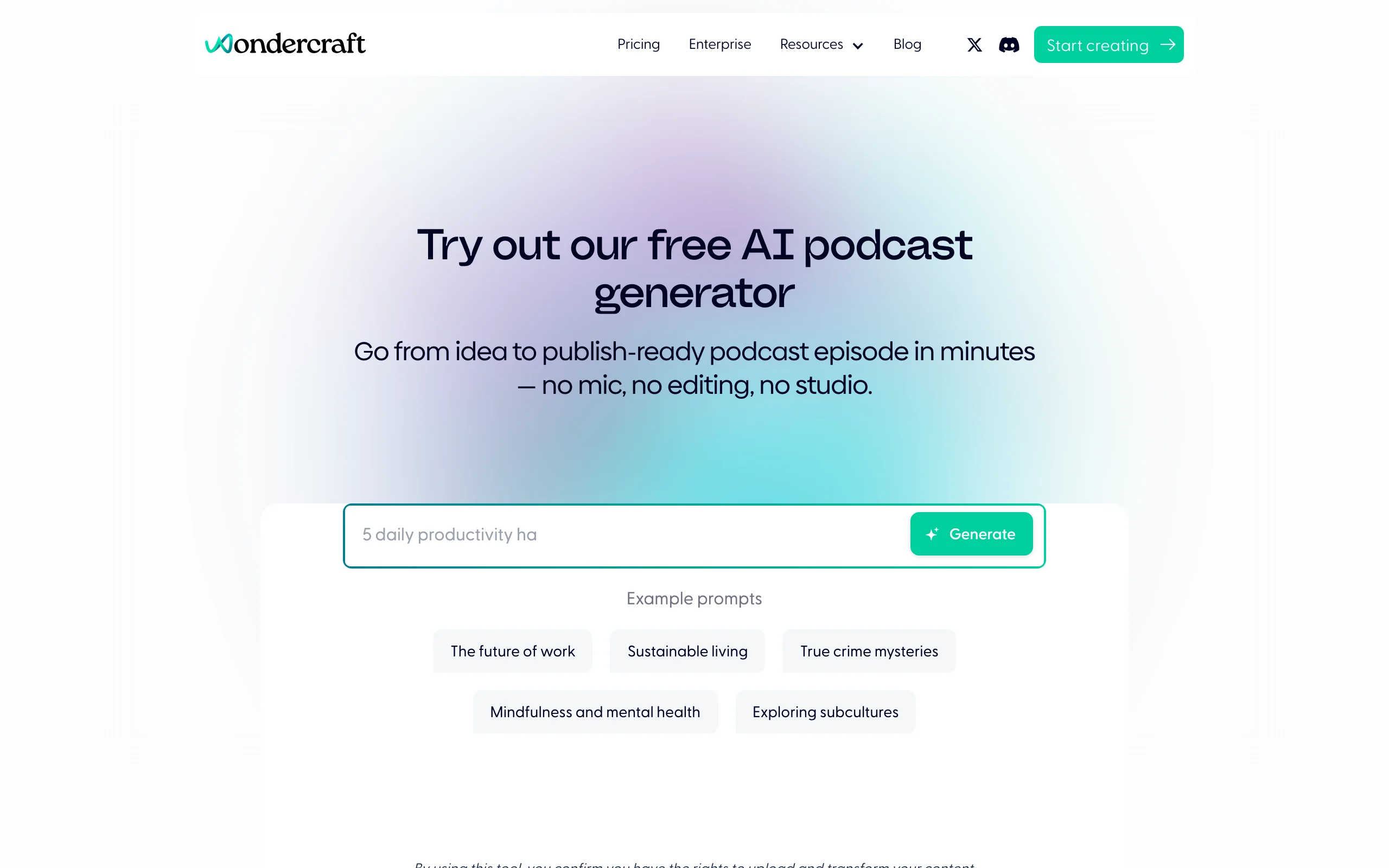
Wondercraft started as an AI podcast studio and now pitches itself mainly as an AI video studio, but its podcast generator is still one of the most hands-on. Type an idea or paste a doc or URL and it drafts a conversation in seconds; then you move into a drag-and-drop timeline to add music, sound effects, emphasis, and laughs. Its new Convo Mode is pitched as an editable take on the NotebookLM-style overview.
Key features
- Prompt, doc, or URL to a scripted podcast conversation
- Timeline editor with royalty-free music and an AI sound effects generator
- Voice library, voice design, and voice cloning
- Comments, shared review links, and approval flows for teams
Best for
- Marketing and comms teams producing internal or branded podcasts
- Producers who want to polish delivery, not just accept the first take
Pricing
- Creator $25/mo ($21 yearly, 1,000 credits, no watermark, commercial rights)
- Pro $45/mo (from 2,000 credits, 3 users, 4K upscaling); Enterprise custom
Pros
- The best collaboration and review tools on this list
- Detailed control over pacing, emphasis, and sound design
Cons
- The product's focus has shifted toward video, so podcast-only users pay for features they skip
- Credits are shared across audio, video, and images
6. Podcastify, best budget PDF to podcast AI
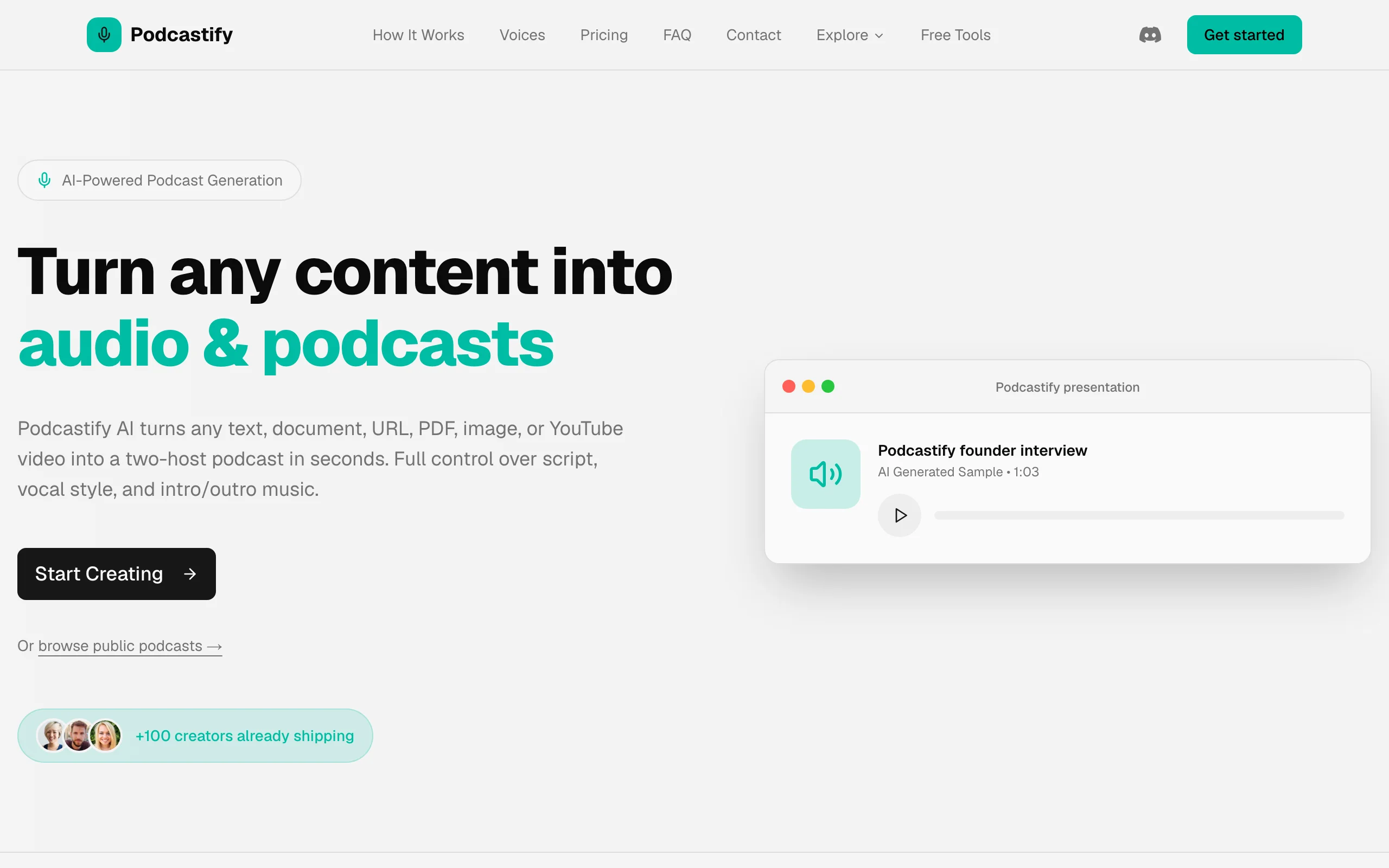
Podcastify does one job: it turns text, a PDF, a URL, an image, or a YouTube video into a two-host podcast, usually in under three minutes. You keep control over the script, voice style, and intro or outro music, and you can clone your own voice from a 10 to 90 second sample.
Key features
- Two-host podcasts from PDF, URL, text, image, or YouTube
- 20+ premium voices plus 2 custom voice clones
- Episodes up to 25 minutes
- 15 languages and an embeddable player
Best for
- Bloggers and newsletter writers adding an audio version of each post
- Anyone who wants PDF to podcast at the lowest monthly price
Pricing
- Hobby: $9.95/mo, or $7.92/mo billed yearly, for 200,000 audio characters a month
Pros
- The lowest monthly price here
- Fast and simple, with no studio to learn
Cons
- Fewer languages (15) than ElevenLabs or Gemini Notebook
- Audio only, with no hosting or video version
7. AutoContent API, best for podcasts by API
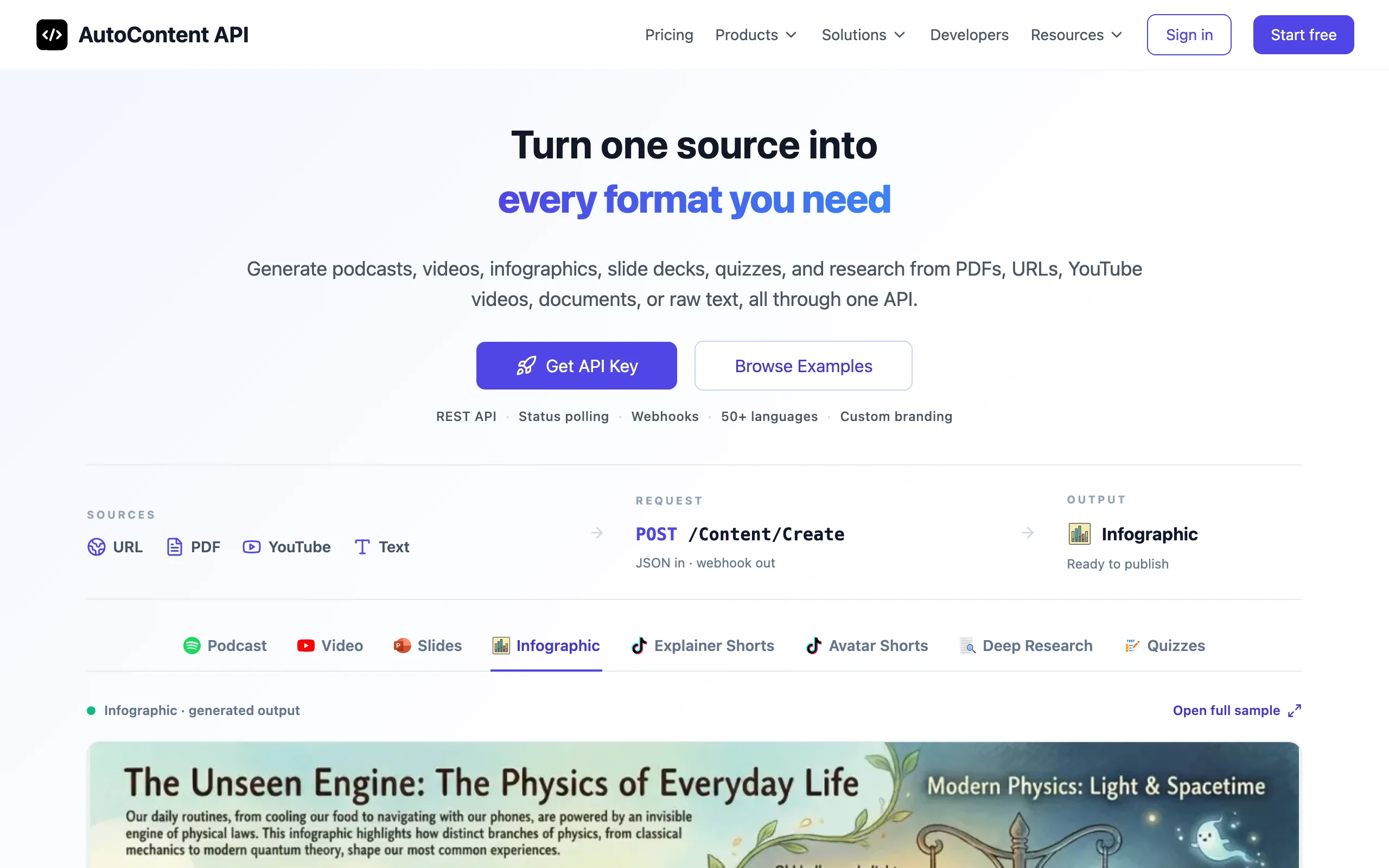
AutoContent API is for builders. One REST call turns a PDF, URL, YouTube video, document, or text into a podcast, and the same API can produce explainer videos, avatar shorts, slide decks, and infographics from that source. It supports 50+ languages, custom voice cloning on higher plans, webhooks, and auto-publishing to Spotify, Apple Podcasts, and YouTube Music.
Key features
- REST API with status polling and webhooks
- Podcasts from PDFs, URLs, YouTube, documents, or text in 50+ languages
- The same source also becomes videos, shorts, slides, and quizzes
- Distribution to Spotify, Apple Podcasts, and YouTube Music
Best for
- Developers and SaaS teams adding "listen to this" to their product
- Publishers converting a large archive into podcasts automatically
Pricing
- Amateur €24/mo (1,000 credits), Professional €58/mo (5,000), Enterprise €108/mo (10,000)
- A podcast costs 10 credits
Pros
- Built for automation and volume
- One source fans out into many formats
Cons
- Priced in euros and aimed at developers, not casual creators
- Little hands-on editing compared with ElevenLabs or Wondercraft
How to choose the best AI podcast generator for your show
Decide where people will hear the episode first. That one answer rules out half the list.
1) Podcast app, YouTube, or just you?
- Private listening and study: Gemini Notebook
- A podcast app with an RSS feed: Jellypod (built-in hosting) or ElevenLabs and Podcastify exported to your own host
- YouTube and short-form video: ClipNova (a captioned video episode of up to 5 minutes) or Jellypod's video formats
If YouTube is the destination, a video version is not optional. Audio-only tools leave you rendering a waveform or a static image in another app for every episode.
2) How much do you want to edit?
- Accept the first take: Gemini Notebook, Podcastify
- Fix the script line by line: ElevenLabs, Jellypod, ClipNova
- Produce it like a show, with music and approvals: Wondercraft
3) Do you need commercial rights?
Check the plan, not just the tool. ElevenLabs licenses commercial use from its Starter plan, and Wondercraft adds commercial rights and removes the watermark from Creator. If the podcast promotes a business or runs ads, budget for a paid plan from day one. ClipNova includes commercial rights on every plan.
4) What does one episode cost?
Translate plans into minutes. Jellypod's Starter at about 30 credits per minute covers roughly 165 minutes a month. Podcastify's Hobby gives 200,000 characters, enough for several long episodes. AutoContent charges 10 credits per podcast. Generate two or three test episodes from the same PDF on your shortlist before you commit; voice quality and how well the hosts handle your subject vary more than the feature lists suggest.
For the voices themselves, our text to speech glossary entry explains how AI narration works, and if your episodes are really explainers, compare them with the tools in our AI explainer video generator roundup. Plans are on the ClipNova pricing page.
Frequently asked
What is an AI podcast generator?
An AI podcast generator turns a topic, a document, or a link into a finished podcast episode. It writes a script, usually as a conversation between two AI hosts, voices it with synthetic speech, and exports audio, and some tools also export a video version. You skip the microphones, the recording session, and the audio edit.
Can AI turn a PDF into a podcast?
Yes. Gemini Notebook, ElevenLabs GenFM, ClipNova, Jellypod, Podcastify, Wondercraft, and AutoContent API all accept a PDF and return a two-host episode. Long or dense PDFs work best when you add a short prompt telling the hosts which sections and audience to focus on.
Is NotebookLM still available?
Yes, under a new name. Google renamed NotebookLM to Gemini Notebook on July 16, 2026. Your notebooks and Audio Overviews carried over, and the two-host podcast feature works as before; on September 2, 2026 the fixed daily caps were replaced by limits that refresh every 5 hours up to a weekly total.
Can I publish AI-generated podcasts on Spotify and Apple Podcasts?
Yes, as long as you hold the rights to the source material and your plan includes a commercial license. Jellypod and AutoContent API distribute through an RSS feed for you; with ElevenLabs, Podcastify, or Wondercraft you export the audio and upload it to a podcast host.
Can I make a video podcast with AI?
Yes. Jellypod offers video podcasts and shorts in several visual styles, Wondercraft has video podcast support in its studio, and ClipNova's AI Podcast Generator renders every episode as a video with your cover, the title, and optional captions. Audio-only tools like Podcastify and ElevenLabs GenFM need a separate editor to add visuals before you upload to YouTube.
Can I use my own voice in an AI podcast?
Most paid tools support voice cloning. ElevenLabs includes instant cloning from its $6 Starter plan, Jellypod allows 2 clones on Starter, Podcastify includes 2 custom voices, and Wondercraft clones voices from samples. Only clone a voice you own or have written permission to use.
If I want to grow a podcast on YouTube, which AI podcast generator should I use?
Pick a tool that outputs video, since YouTube needs more than an audio file. ClipNova turns a topic, PDF, or article into an editable two-host script and renders the episode as a captioned video of up to 5 minutes, next to its AI video tools, from $49.99 a month. Jellypod is the stronger pick for longer episodes or built-in RSS hosting.