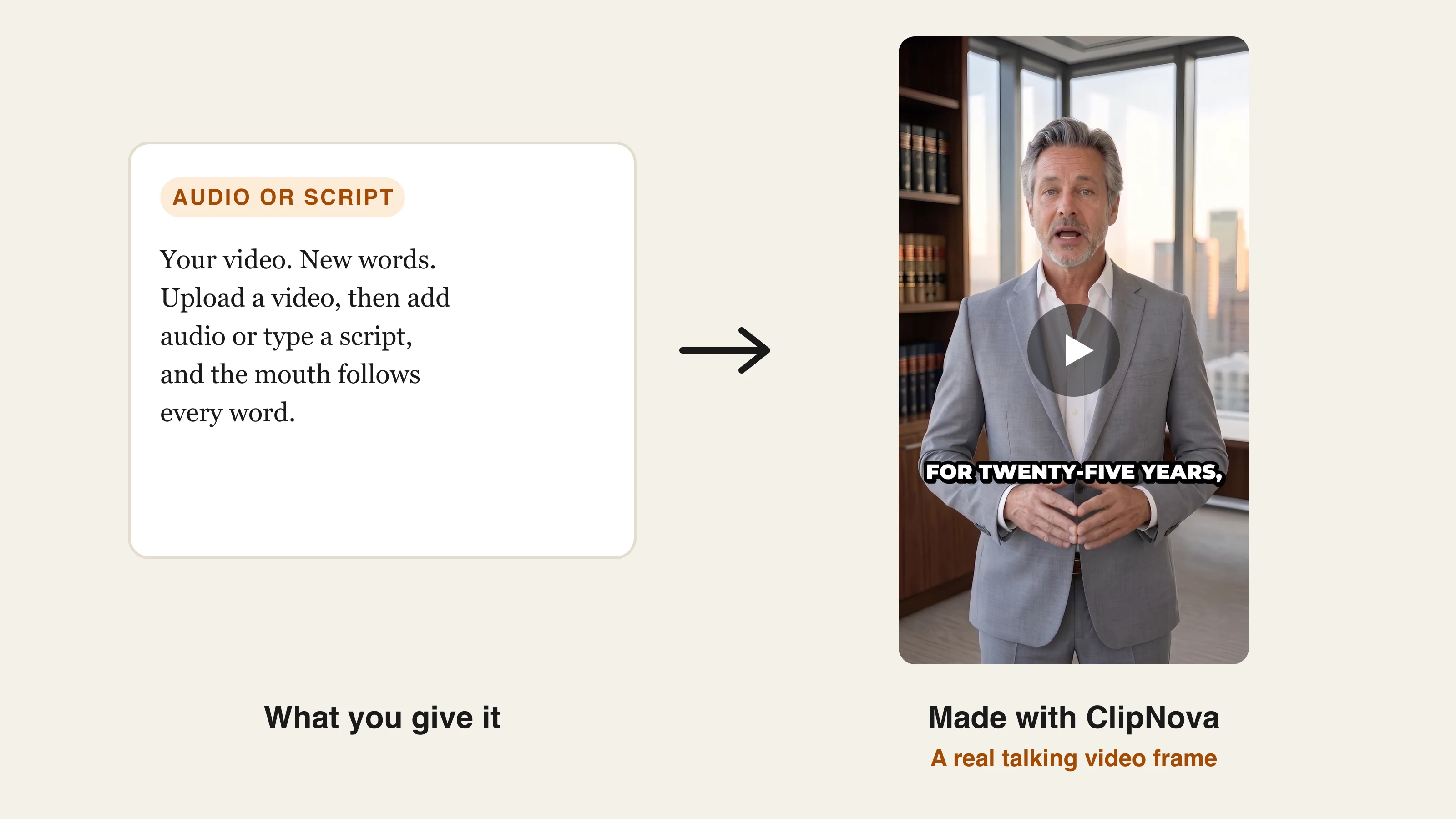
A good lip sync makes dubbed speech, a new script, or a talking photo look natural. A bad one is obvious within a second, and the tools differ more than their landing pages suggest. Some sync footage you already filmed, some animate a still photo, and some only work inside a translation workflow.
This guide compares the best AI lip sync tools by what each one accepts, what it costs, and where it falls short. If you want to try it inside ClipNova, start with AI Lip Sync.
Best AI lip sync tools: a brief overview
- ClipNova: Best overall for creators, because lip sync sits next to finished story videos with consistent characters.
- Sync: Best for professional footage, with several models, usage pricing, an API, and editing plugins.
- Vozo: Best for scenes with several speakers, with face selection and partial-video sync.
- HeyGen: Best for translating presenter videos at scale, across 175 languages and dialects.
- Hedra: Best for turning a single portrait into an expressive talking character.
| Tool | Best for | Starting price | Free option | Works on existing video | Max video length |
|---|---|---|---|---|---|
| ClipNova | Lip sync plus finished story videos | Plans from $39/mo | Plans from $39/mo | Yes | 60 s per lip sync, 5 min finished videos |
| Sync | Professional footage and API work | $5/mo plus $0.05 per second | Not listed | Yes | 1 to 30 min by plan |
| Vozo | Multi-speaker scenes | $29/mo | 20 points, about 2 min | Yes | 60 min per file |
| HeyGen | Translated presenter videos | $29/mo | 3 videos a month, watermarked | Through translation | 30 to 60 min by plan |
| Hedra | Talking characters from a portrait | Reported from $20/mo | Varies, check current plans | No, portrait and audio | Check current plans |
1. ClipNova, best overall for creators who want finished videos
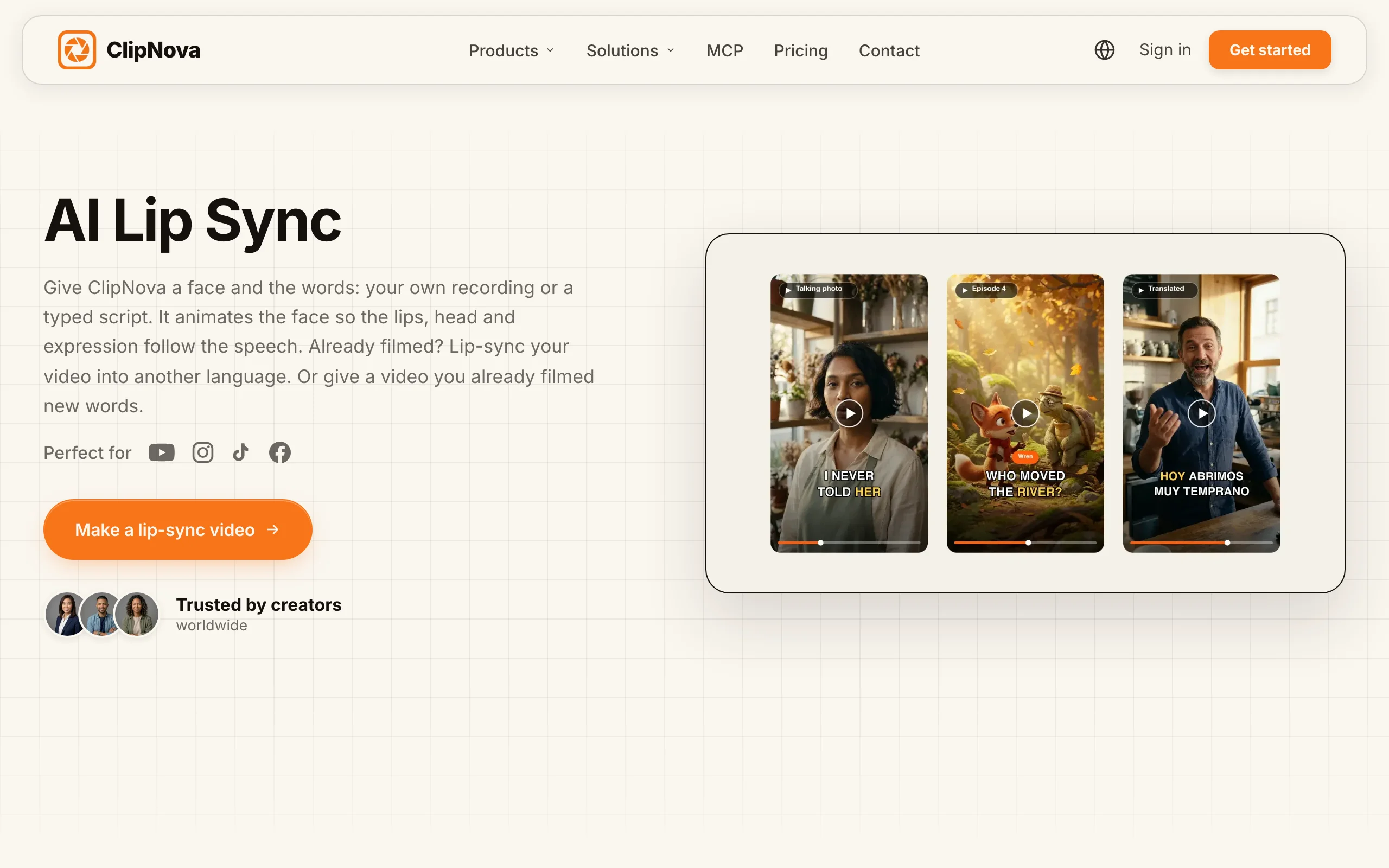
ClipNova covers the three jobs people mean by lip sync. The AI Lip-Sync tool makes a video you already filmed say new audio or a typed script. Talking Avatar makes a photo speak, with a saved character keeping the same look in every video. Talking characters make a cast speak on screen inside a story, in 3D, cartoon, or realistic styles.
Lip sync matters most when it is part of something you can publish, and that is where ClipNova differs from a single-purpose sync tool.
- Long: one script or idea becomes a finished video of up to 5 minutes, so a talking scene can sit inside a full story.
- Consistent characters: save a character once and the same face comes back to speak, and with Series the same cast returns in every episode.
- Finished: script, scenes, voice, captions, and music come in one pass, and you can fix a single scene in Studio before posting.
Key features
- Lip sync a 2 to 60 second video to uploaded audio or a typed script
- Choose from ClipNova voices or a voice you cloned
- Talking Avatar for photos, in 9:16, 16:9, or 1:1
- AI Video Translator for dubbing filmed clips into 18 languages in the speaker's own voice
- Talking characters with their own voices in Series and Prompt to Video
How to lip sync a video in ClipNova
- Open AI Lip-Sync in AI Video Studio.
- Upload a 2 to 60 second MP4, MOV, or WEBM of someone talking.
- Upload audio about as long as the video, or type a script and pick a voice.
- Check the credit cost on the button, then run it and download the result.
Best for
- Faceless and story channels that need characters to speak
- Creators who want lip sync and finished videos on one plan
- Small teams fixing a line in a short talking clip
Pricing
- Plans from $39/mo: Starter is $39 for the first month and $49 after that, with 2,600 credits
- Growth $99/mo (5,750 credits), Ultra from $199/mo (12,000 credits), yearly billing 20% off
- Lip sync uses 14 credits per second, with a 5 second minimum, so Starter covers about 3 minutes
- Commercial rights on every plan
Pros
- Handles photos, filmed video, and story characters in one account
- Shows the credit cost before you run anything
- Lip sync and full video generation share one balance
Cons
- Lip sync on existing footage is capped at 60 seconds per video
- No controls for choosing which face to sync in a group shot
- Output tops out at 1080p, so it is not suited to 4K finishing
2. Sync, best for professional footage and developers
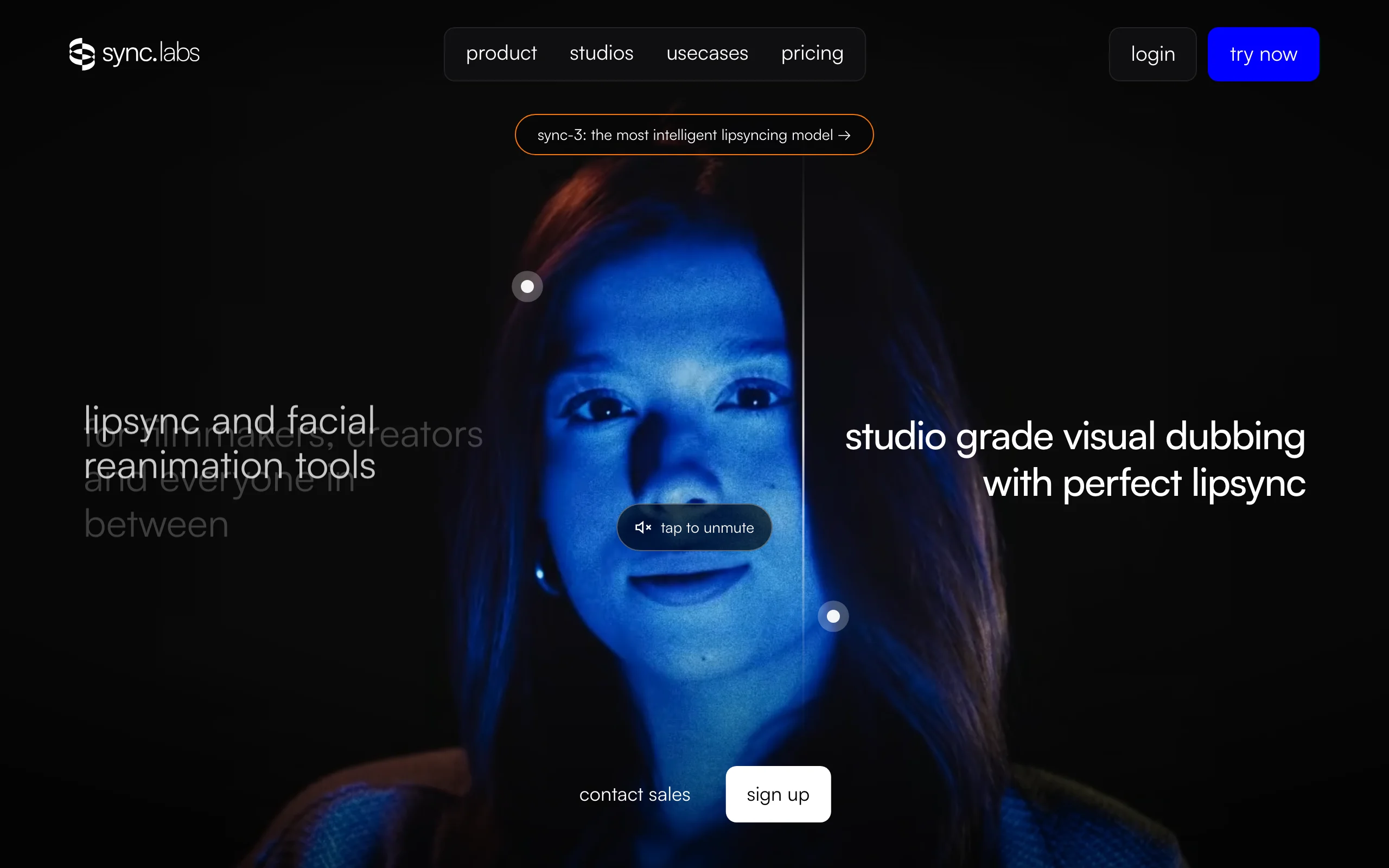
Sync is built around lip sync and visual dubbing. You upload a video and give it a voice by cloning one, generating one, or using audio from your clip. A web studio offers a one-step mode, an assistant, and a full timeline editor, and there are plugins for Premiere, DaVinci Resolve, and ComfyUI.
Pricing is unusual: a monthly plan sets your maximum length and concurrency, and you pay for each second of output.
Key features
- Several models, including sync-3 and lipsync-2-pro at 4K
- Works on films, podcasts, games, and animation, according to Sync
- API and SDKs on every plan
- Plugins for professional editing software
Best for
- Editors and post-production teams working on long footage
- Developers building lip sync into a product
Pricing
- Hobbyist $5/mo (1 minute maximum), Creator $19/mo (5 minutes)
- Growth $49/mo (10 minutes), Scale $249/mo (30 minutes)
- Usage from $0.05 per second, with lower rates on Growth and Scale
Pros
- Widest choice of lip sync models here
- Fits a professional editing workflow
Cons
- Costs rise with every second, on top of the plan
- It syncs footage, so you still need another tool to create the video
3. Vozo, best for scenes with several speakers
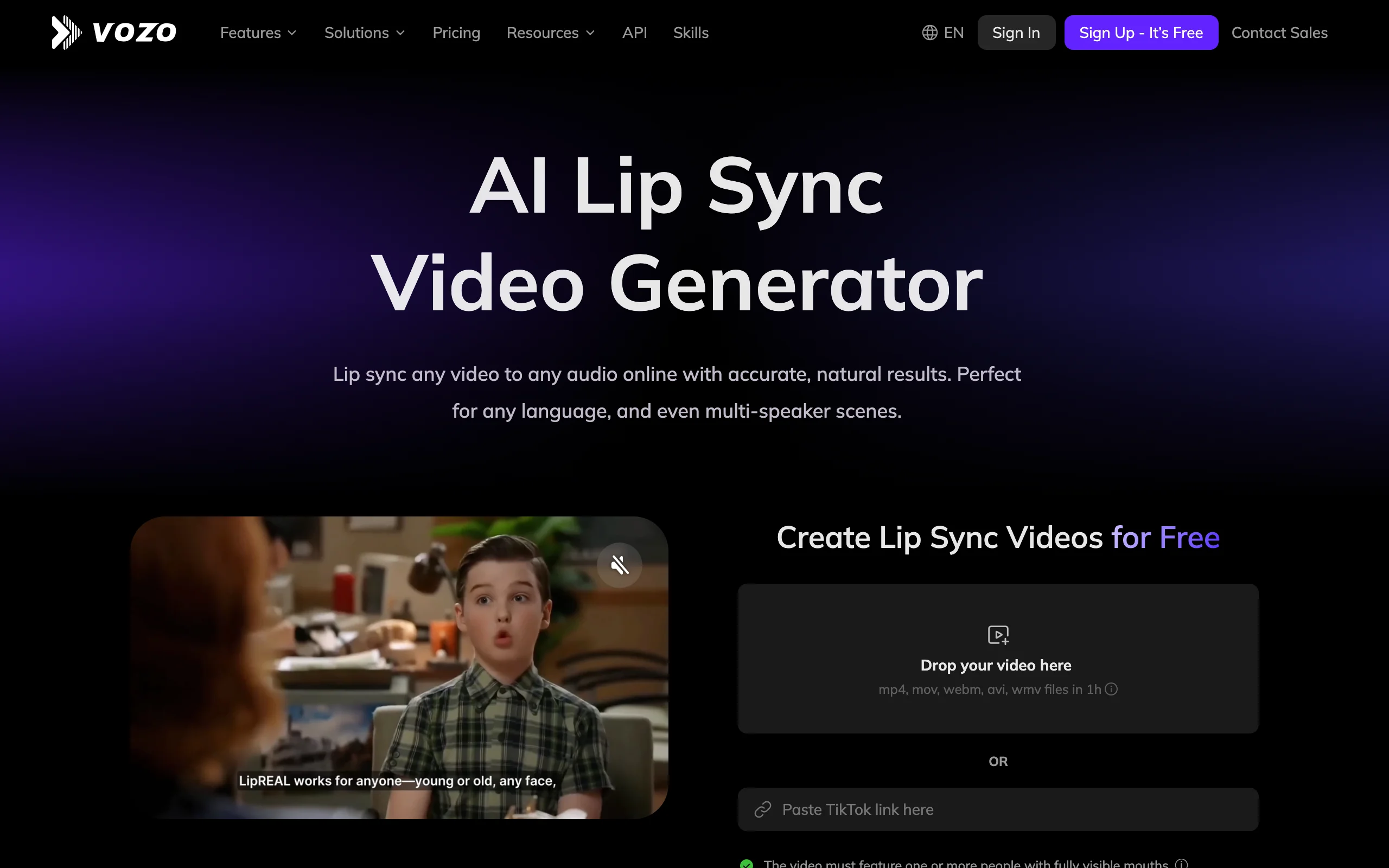
Vozo lets you upload a video or paste a link, then use your own audio or the audio already in the clip. Its most useful feature is control: it detects each speaker, and you can choose specific faces, audio clips, or just part of the video instead of processing everything.
Key features
- Standard mode for frontal faces and Precision mode for side angles or beards
- Automatic multi-speaker detection
- Sync only selected parts of a video
- Up to 60 minutes per file and up to 4K on plans that include lip sync
Best for
- Interviews, podcasts, and scenes with more than one person
- Creators who want to change one line without reprocessing a whole video
Pricing
- A free allowance of 20 points, about 2 minutes of lip sync
- Creator $29/mo (150 points, about 15 minutes)
- Studio $99/mo (600 points, about 60 minutes)
Pros
- Fine control over faces and sections
- Long file limit compared with most tools
Cons
- Mouths must be fully visible
- Lip sync uses points faster than dubbing, so minutes run out sooner
4. HeyGen, best for translating presenter videos
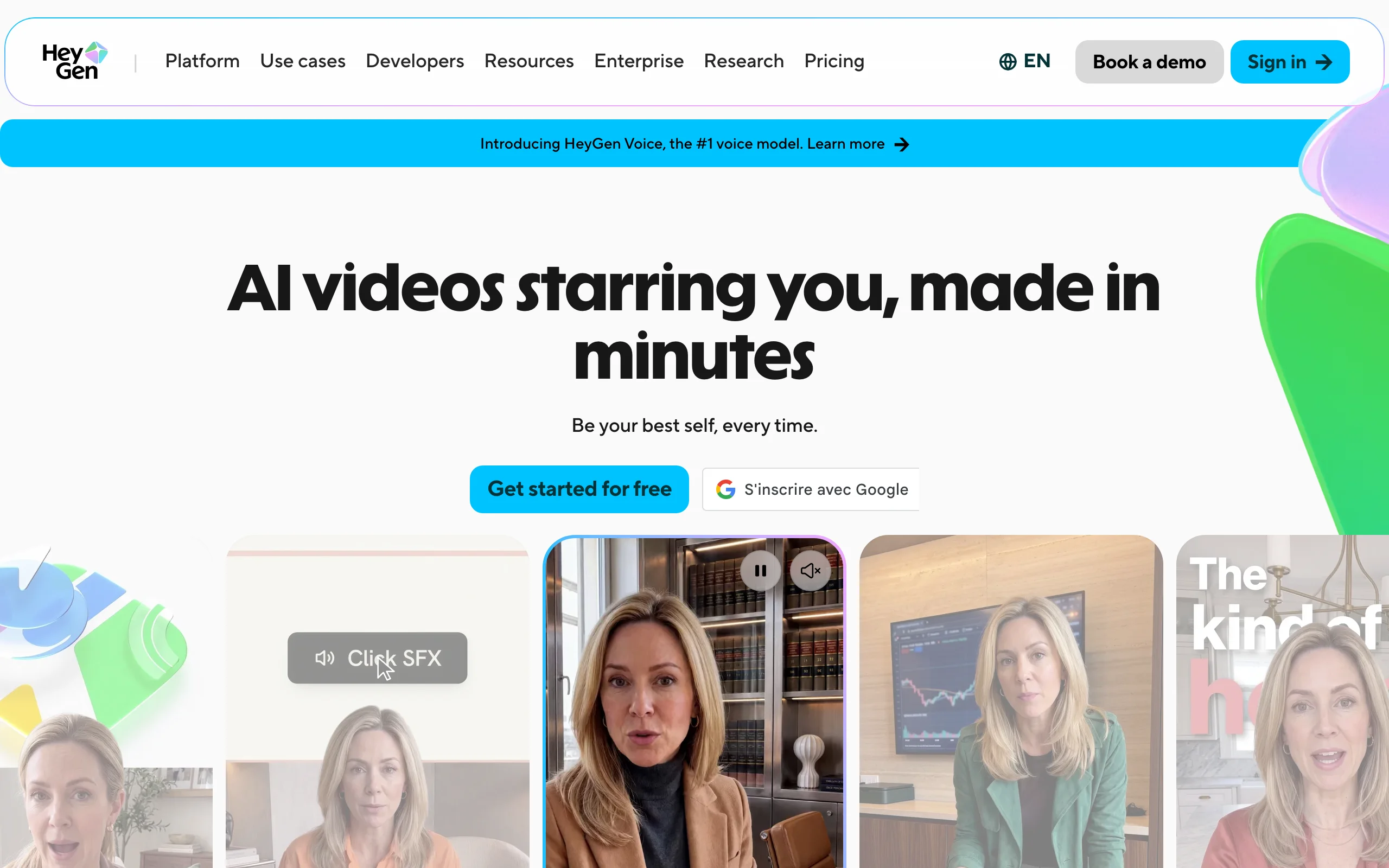
HeyGen is mainly an avatar platform, and its lip sync shows up most clearly in video translation. That makes it a strong choice if you need one presenter video in many languages, and a weaker one if you only want to change a line in existing footage.
Key features
- 175 languages and dialects on paid plans
- Custom video avatars and a large library of presenters
- Translation length matches each plan's video limit
- Script editing for translations on Pro
Best for
- Marketing and training teams localizing presenter videos
- Brands that already use avatars
Pricing
- Free: 3 watermarked videos a month, up to 1 minute, with limited trial access to lip-sync translation
- Creator $29/mo ($24 billed yearly), up to 30 minutes
- Pro from $49/mo, Business $149/mo plus $20 per seat
Pros
- Very wide language coverage
- Polished workflow for presenter content
Cons
- Built around presenters, not stories
- Less suited to syncing arbitrary footage to your own audio
5. Hedra, best for talking characters from a portrait
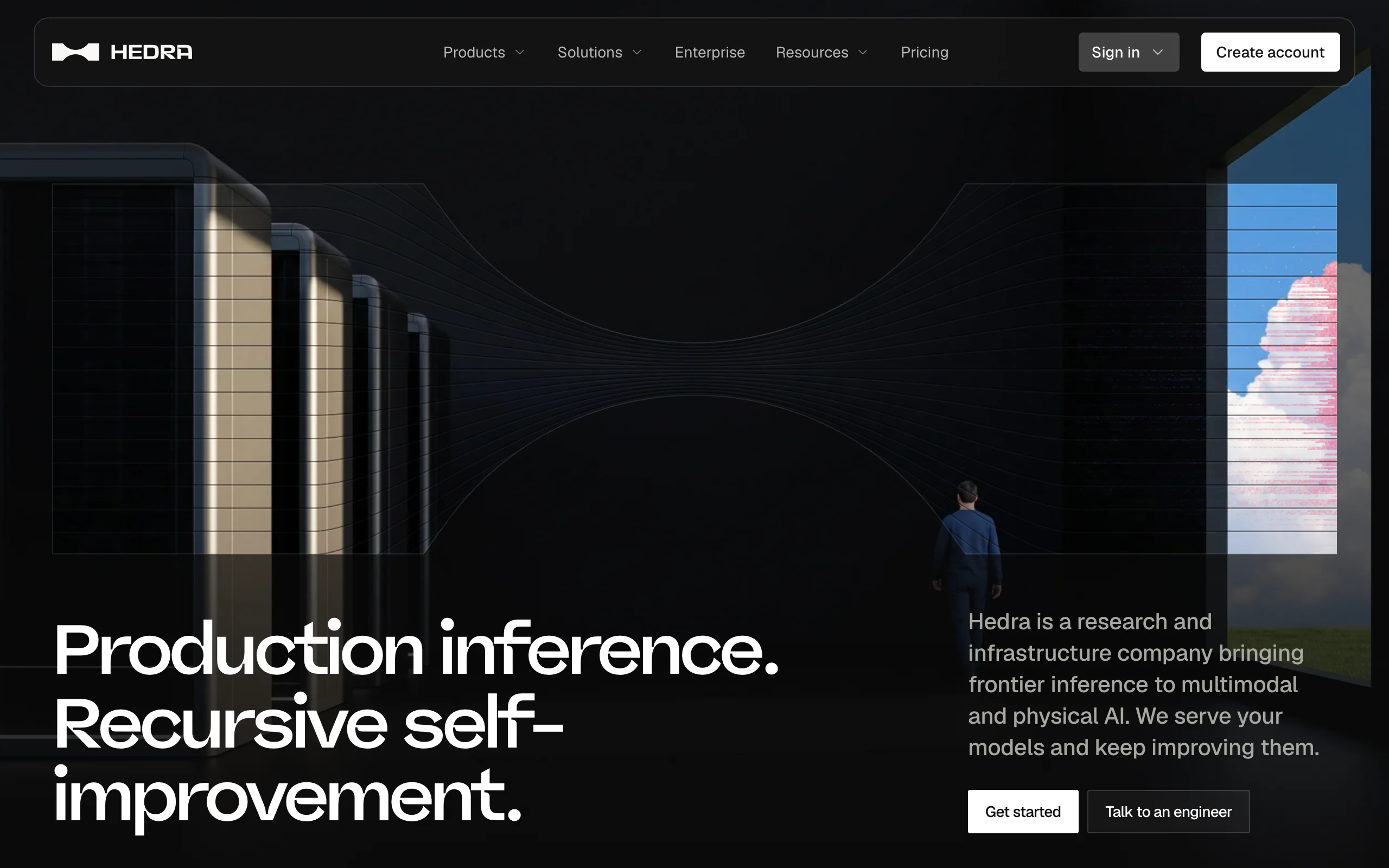
Hedra is known for its Character-3 model, which turns a single portrait and an audio file into an expressive talking character. It suits illustrated, stylized, or photographic faces when you have no footage at all. Hedra's site now also presents the company as an AI infrastructure provider, so check its current studio plans before you commit.
Key features
- Portrait plus audio to talking video
- Lip sync with facial animation from one image
- Studio and API access
Best for
- Creators animating a single character for a short clip
- Developers who want usage-based API pricing
Pricing
- Third-party trackers report Basic at $20/mo, Pro at $50/mo, and Ultra at $100/mo after a September 2026 repricing, so confirm on Hedra's site
- API usage is prepaid, from a published rate per second
Pros
- Works from a single image
- Expressive results on stylized faces
Cons
- Starts from a portrait, so it can't sync a video you filmed
- Credit rates vary by resolution, which makes costs harder to predict
How to choose the best AI lip sync tool for your workflow
1) What are you starting from?
- If you have a photo or character: ClipNova Talking Avatar or Hedra.
- If you have footage of one speaker: ClipNova for short clips, Sync for long or professional footage.
- If you have footage of several speakers: Vozo, because you can pick the faces.
- If you have a script and no visuals: ClipNova, which creates the whole video.
2) Are you changing words or changing language?
- If you need new words in the same language: ClipNova AI Lip-Sync, Sync, or Vozo.
- If you need another language: ClipNova AI Video Translator for short clips, HeyGen for many languages at once.
3) How do you want to pay?
- For occasional clips, per-second pricing on Sync is easy to predict.
- For regular publishing, compare monthly minutes. Starter on ClipNova covers about 3 minutes of lip sync, and Creator on Vozo about 15, but only ClipNova's credits also make full videos.
Whatever you choose, test one real clip from your own channel first. Faces, angles, beards, and hands in front of the mouth affect the result more than any spec on a pricing page.
Frequently asked
What is the best AI lip sync tool?
It depends on your starting point. ClipNova is the best overall for creators who want lip sync next to finished story videos, Sync suits professional footage and developers, and Vozo is strongest for scenes with several speakers.
Can AI lip sync an existing video?
Yes. ClipNova, Sync, and Vozo can all take a video you filmed and match the mouth to new audio. ClipNova handles clips of 2 to 60 seconds, while Sync and Vozo support longer footage depending on the plan.
What is the difference between lip sync and a talking avatar?
Lip sync changes the mouth in a video that already exists. A talking avatar starts from a photo or a character and generates the whole speaking performance from audio or a script.
Is there a free AI lip sync tool?
Some tools include a small free allowance. Vozo lists 20 points, about 2 minutes of lip sync, and HeyGen's free plan has limited trial access to lip-sync translation. Expect limits on length or a watermark.
How much does AI lip sync cost?
Sync charges a monthly plan plus about $0.05 per second, Vozo's Creator plan is $29 a month for about 15 minutes, and ClipNova uses 14 credits per second on plans from $39 a month.
Can AI lip sync cartoon characters?
Yes, depending on the tool. Sync says its models work on animation, and ClipNova's Talking characters let a 3D or cartoon cast speak their lines on screen in their own voices.
Does HeyGen have lip sync?
Yes, mainly through video translation, where the speaker's mouth is matched to the translated speech. HeyGen's free plan includes limited trial access to it, and paid plans cover 175 languages and dialects.
If I want characters to talk in a finished video, what should I use?
ClipNova is built for that. Save a character once, switch on Talking characters, and it speaks its lines on screen in a finished story video with captions and music, on plans from $39 a month.