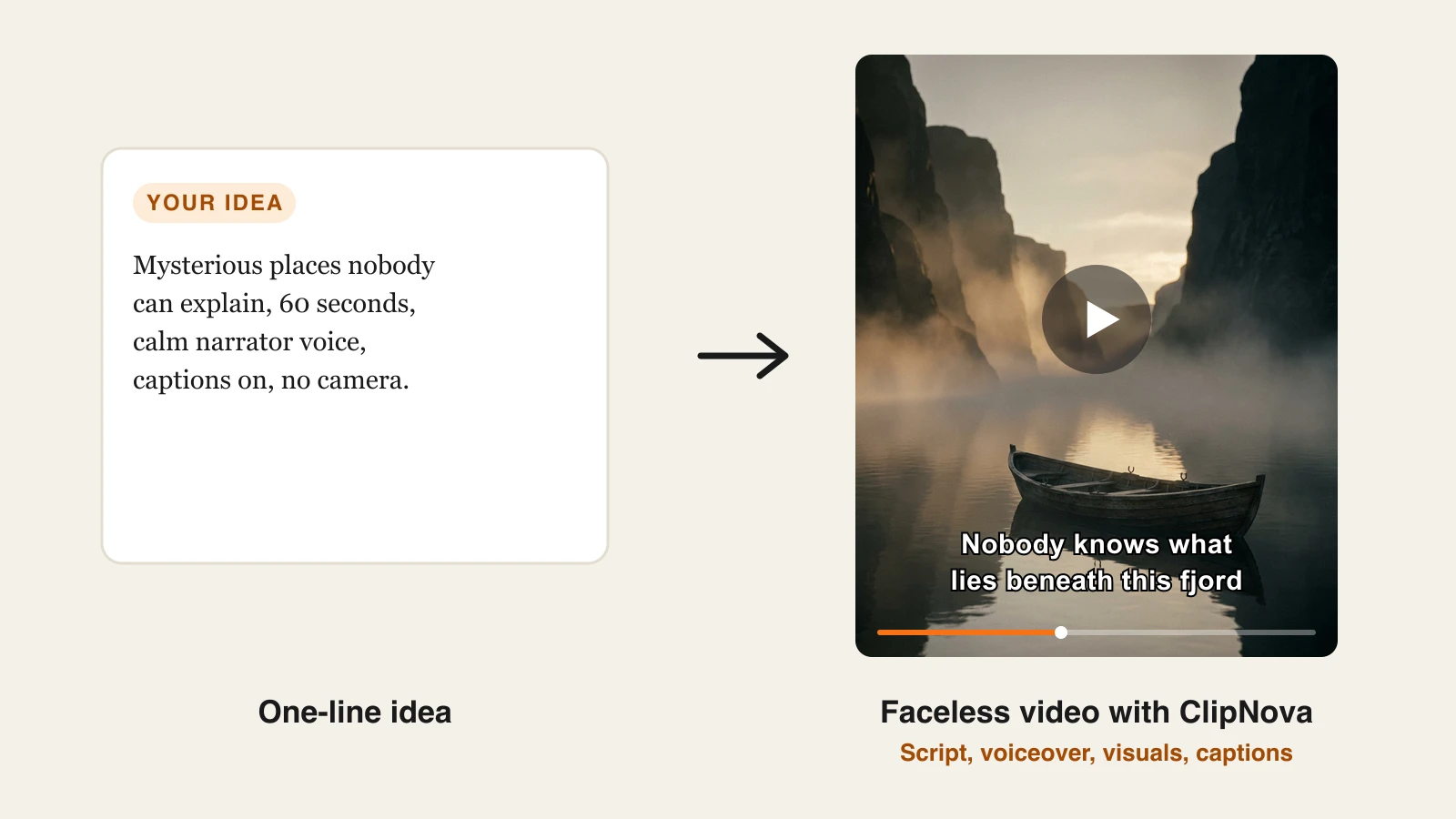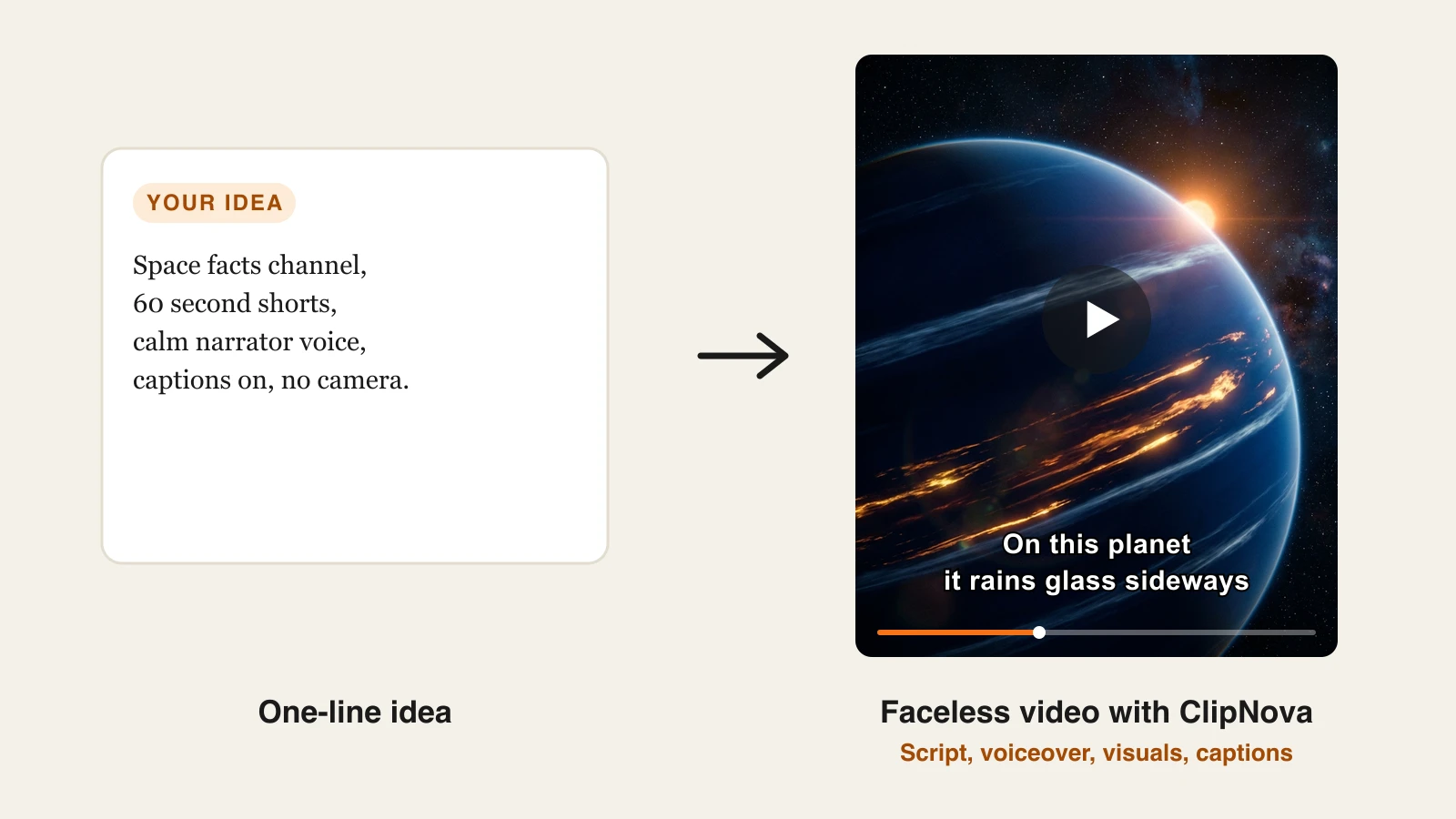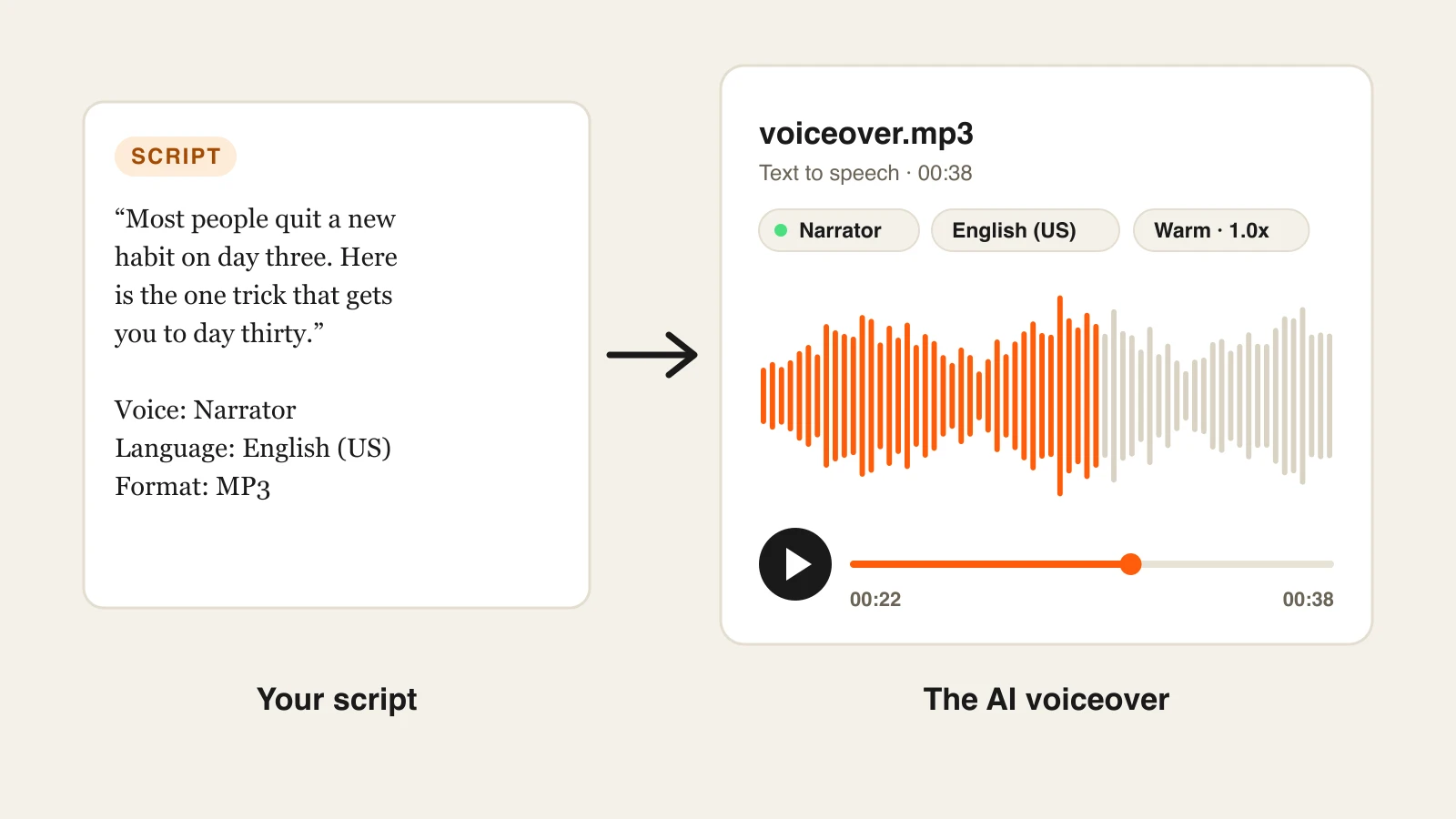
A good voiceover used to mean booking a voice actor, waiting two days, and paying again for every script change. The best AI voice generator now does it in seconds: paste a script, pick a voice, and download an MP3 that most listeners will not clock as synthetic.
The hard part is choosing. Some tools are built for audiobooks and long narration, some for live voice agents that answer in under a tenth of a second, and some simply read your articles aloud while you walk. Pricing is just as scattered: characters, credits, minutes, and hours all mean different things.
This guide compares the 9 best AI voice generators in 2026, from creator studios to the best text to speech AI APIs, with verified pricing, voice cloning rules, and a framework for picking the right one.
Best AI voice generators: a brief overview
Voiceover studios for creators and teams
- ElevenLabs: Best overall AI voice generator, with the most natural voices, the largest voice library, and cloning from the $6 plan.
- ClipNova: Best for voiceovers that end up in a video. Its AI Voice Generator runs on ElevenLabs v4, and the same voices narrate the videos you make in ClipNova.
- Murf: Best studio for business narration, with a timeline editor for e-learning and presentations.
- Fish Audio: Best value for voice cloning, with a huge community voice library and the lowest cost per cloned minute among the creator studios.
- Hume (Octave): Best for emotional acting, and for designing a brand-new voice from a text description.
- WellSaid: Best for brand-safe English corporate voiceovers.
Readers and developer APIs
- Speechify: Best text to speech app for listening to documents, books, and web pages.
- Cartesia: Best for real-time voice agents that need ultra-low latency.
- OpenAI TTS: Best cheap text to speech API for developers.
| Tool | Best for | Starting price | Voice cloning |
|---|---|---|---|
| ElevenLabs | Most natural voices overall | $6/mo ($5 yearly) | Instant from Starter, Professional from Creator |
| ClipNova | Voiceovers inside a video workflow | From $39/mo | Yes, from a 5 to 60 second sample |
| Murf | Business and e-learning narration | $19/mo billed yearly | Add-on, English |
| Fish Audio | Affordable cloning at volume | $15/mo (promos lower) | Yes, from 10 to 15 seconds of audio |
| Hume (Octave) | Emotional delivery, voice design | $3/mo | Unlimited on every plan |
| WellSaid | English corporate voiceovers | $19/mo ($10 yearly) | Not on self-serve plans |
| Speechify | Listening to text | $29/mo (Premium) | Not in the reader app |
| Cartesia | Real-time voice agents | $5/mo | Instant from Pro, Professional from Startup |
| OpenAI TTS | Low-cost API | Pay as you go | No, 13 built-in voices |
Reading the table: credits and characters are not interchangeable. ElevenLabs counts roughly one credit per character on its standard models, Fish Audio says a minute of audio costs about 600 to 625 credits, WellSaid sells download minutes, and ClipNova charges 20 credits per 1,000 characters on its AI Voice Generator.
1. ElevenLabs, best overall AI voice generator
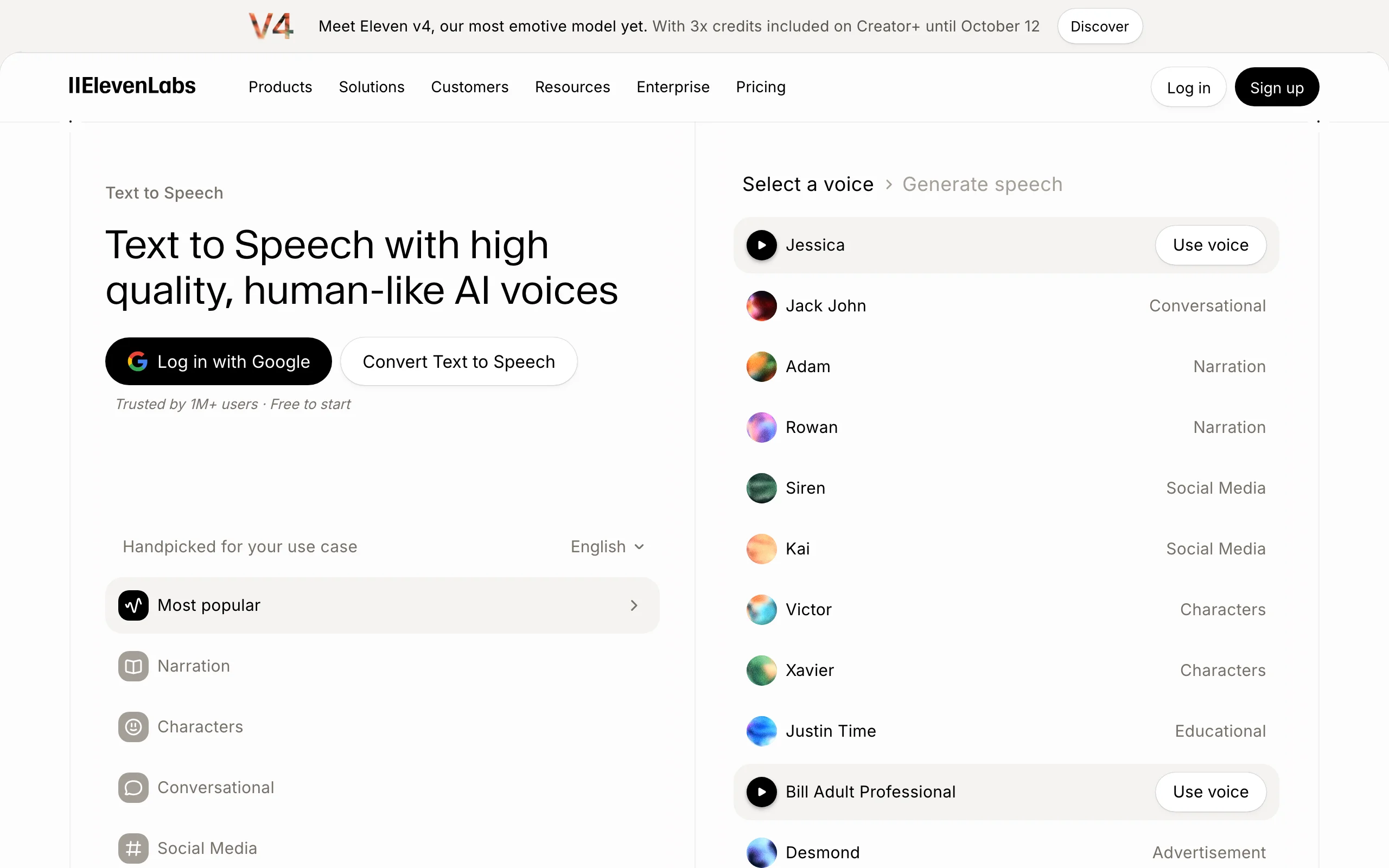
ElevenLabs is still the reference point for AI voices. The delivery is the most natural in this list, with breaths, pacing, and emphasis that hold up across long narration, and the voice library is enormous: more than 11,000 voices, including premade, community-shared, and licensed iconic voices.
Model choice is the part beginners miss. Multilingual v2 is the steady narrator (29 languages), Flash v2.5 trades a little nuance for very low latency (32 languages), and Eleven v3 and the newer v4 add expressive delivery across 70+ and 90+ languages respectively.
Key features
- 11,000+ voices across premade, community, and iconic libraries
- Several models tuned for narration, expressiveness, or latency
- Instant voice cloning from the Starter plan, professional cloning from Creator
- Voice design, sound effects, speech to text, and dubbing in the same account
- Full API for apps and automations
Best for
- Creators and studios that want the most convincing narration available
- Anyone who needs one platform for voices, cloning, and dubbing
Pricing
- Starter $6/mo ($5 yearly, 30,000 credits, commercial use); Creator $22/mo, often $11 for the first month (121,000 credits)
- Pro $99/mo (600,000 credits); Scale $299/mo and Business $990/mo add seats
Pros
- The most natural, consistent voices in this comparison
- Cheapest commercial license of the major studios
Cons
- Credits go fast on expressive models and retakes
- So many models and settings that the first week is a learning curve
2. ClipNova, best for voiceovers that end up in a video
Most voiceovers are not the final product. They sit under a TikTok, a YouTube explainer, or an ad. ClipNova is built around that. Its AI Voice Studio holds two tools: the AI Voice Generator, which turns a script of up to 5,000 characters into a downloadable audio file on ElevenLabs' Eleven v4 model, and AI Voice Cloning, which makes a reusable voice from a short sample of your own. The same ClipNova voices narrate the videos you make in the app, so the audio and the edit never have to meet in a third tool.
A voice matters most inside a finished video, and that is where ClipNova sits: it makes finished long videos with consistent characters.
- Long: one script becomes a narrated video of up to 5 minutes, not a loose audio file.
- Consistent characters: a saved character keeps the same face in every scene, and talking characters can speak in their own voices.
- Finished: narration in 18 languages arrives with scenes, captions and music.
Cloning works from 5 to 60 seconds of one person speaking clearly with no music (10 to 30 seconds is the sweet spot). Your clone then shows up in the voice list next to the ClipNova voices. Cloned voices speak through a separate model and cover 10 languages (English, Spanish, French, German, Italian, Portuguese, Russian, Japanese, Korean, and Chinese); for the other languages, pick a ClipNova voice. Only clone a voice that is yours or that you have permission to use.
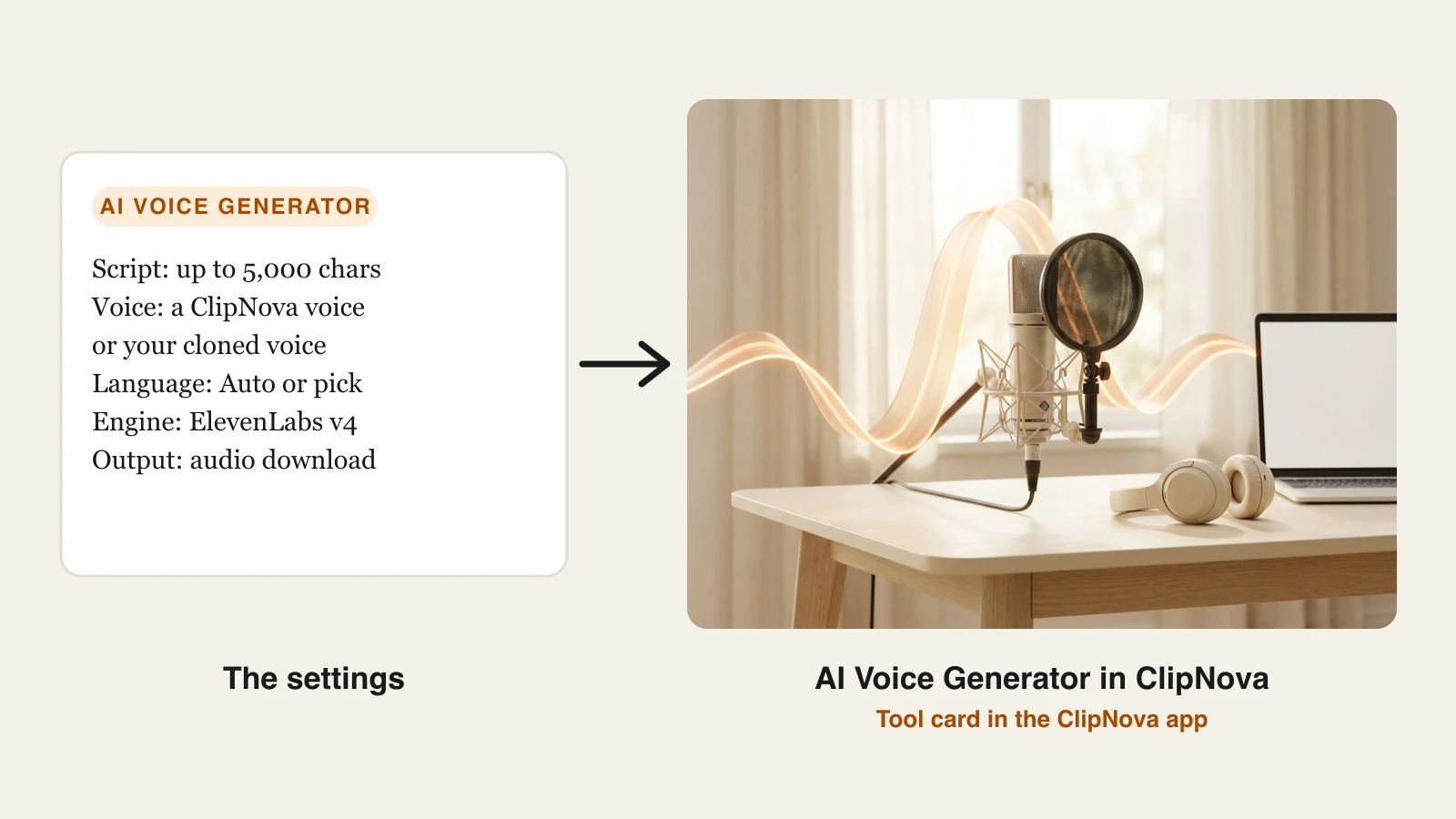
How to make an AI voiceover with ClipNova
- Sign up for the ClipNova app.
- Open AI Voice Studio and choose AI Voice Generator.
- Paste your script. Write it the way it should be said: punctuation sets the pauses.
- Pick a voice (play any of them to preview) and leave the language on Auto, or pick one to pin the accent on short lines.
- Generate, listen, adjust the wording if a line lands wrong, and click Download audio.
- To use your own voice on a paid plan, open AI Voice Cloning, upload a clean MP3, WAV, M4A, WEBM, or OGG sample, name the voice, and click Clone voice.
Want a full video instead of just audio? Use the same script in Prompt to Video and the narration, visuals, music, and captions are generated together.
Key features
- Text to speech on ElevenLabs Eleven v4, up to 5,000 characters per generation
- Language on Auto (detected from the text) or pinned to one of 18 languages
- Voice cloning from a 5 to 60 second sample, reusable in the voice generator
- The same voices narrate ClipNova videos, with captions generated from the script
Best for
- Faceless channels and creators who turn scripts into videos every week
- Marketers who need a voiceover and the ad it belongs to in one place
Pricing
- The voice generator costs 20 credits per 1,000 characters
- Starter $49/mo (2,600 credits, $39 the first month), Growth $99/mo (5,750), Ultra from $199/mo (12,000)
- Voice cloning is included in the paid plans; every plan includes every feature, and yearly billing is 20% off
Pros
- One subscription covers the voiceover and the video it narrates
- Commercial rights on every paid plan
Cons
- A much smaller voice catalog than ElevenLabs, with no speed, pitch, or style sliders
- No voice API for developers, and cloned voices cover 10 languages, not 18
3. Murf, best studio for business and e-learning narration
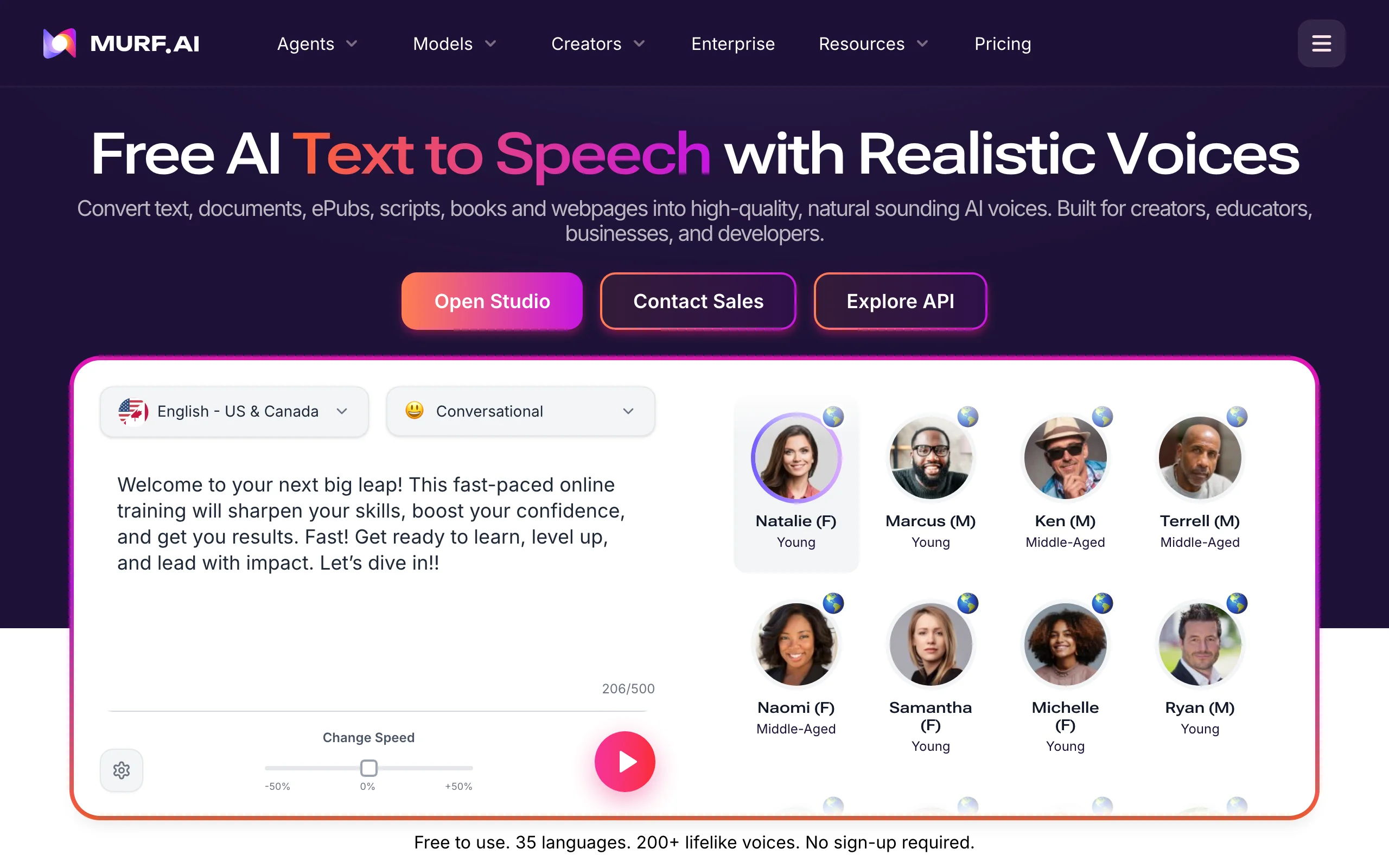
Murf feels less like a voice lab and more like a production studio. Its timeline lets you sync narration to slides or video, adjust pitch, speed, and pauses line by line, and keep a project tidy when the script is twenty minutes long. It offers 200+ voices in 35+ languages, each with selectable speaking styles.
Key features
- 200+ voices in 35+ languages, with selectable speaking styles
- Timeline editor that syncs voice to slides and video
- Add-ons for Canva, Google Slides, and PowerPoint; unlimited downloads on paid plans
- Voice cloning as an add-on (English)
Best for
- L&D teams producing training modules and course narration
- Agencies voicing explainers and product walkthroughs
Pricing
- Creator: $19/mo billed yearly ($228/yr), about $29 month to month, 24 hours of voice generation a year, commercial rights
- Business: about $66/mo billed yearly or $99 month to month, with more generation hours
Pros
- The best editing workflow for long, structured narration
- Clear commercial rights from the entry plan
Cons
- Voice generation is capped in hours per year, which long-form users hit
- Cloning is an extra and limited to English
4. Fish Audio, best value for voice cloning
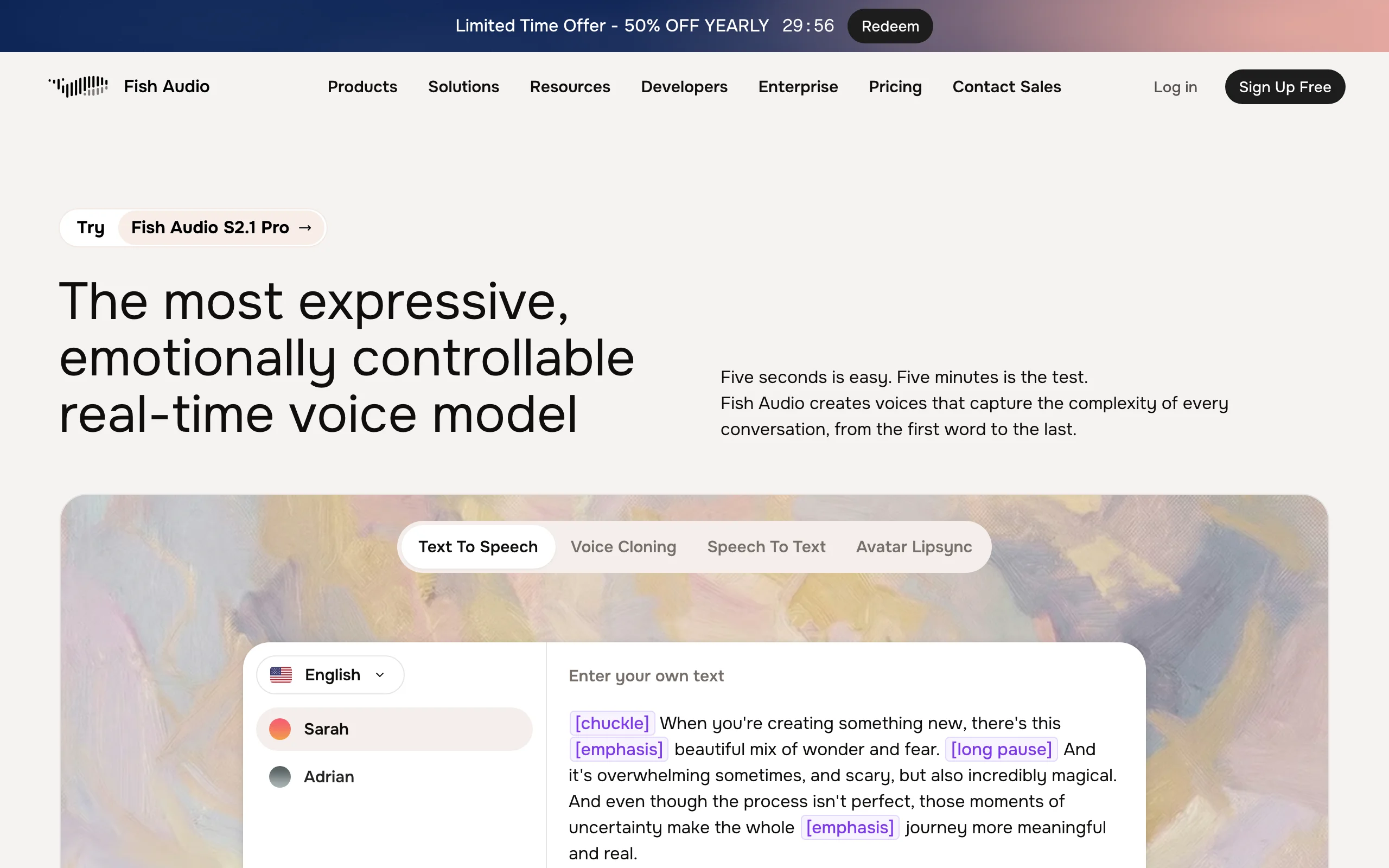
Fish Audio is where creators go when they want lots of cloned or character voices without enterprise pricing. Its community library holds more than 2 million voices, cloning works from about 10 to 15 seconds of audio, and inline emotion tags such as laughing, whispering, or emphasis give you direct control over delivery. The flagship model is S2.1 Pro.
Key features
- 2,000,000+ community voices across 30+ languages
- Voice cloning from 10 to 15 seconds of audio
- Inline emotion and effect tags (laugh, whisper, emphasis, sob)
- API access and team seats from the Pro plan
Best for
- Creators who voice many characters for stories, games, or animation
- Budget-conscious channels that want a cloned narrator
Pricing
- Plus: $15/mo (promos from $11), 250,000 credits, about 200 minutes
- Pro: $100/mo (promos from $75), about 1,620 minutes and 3 seats; yearly billing saves about a third
Pros
- The lowest cost per cloned minute among the creator studios here
Cons
- Community voices vary a lot in quality, so audition several
- Fewer production tools (timelines, projects) than Murf or ElevenLabs
5. Hume (Octave), best for emotional delivery and voice design
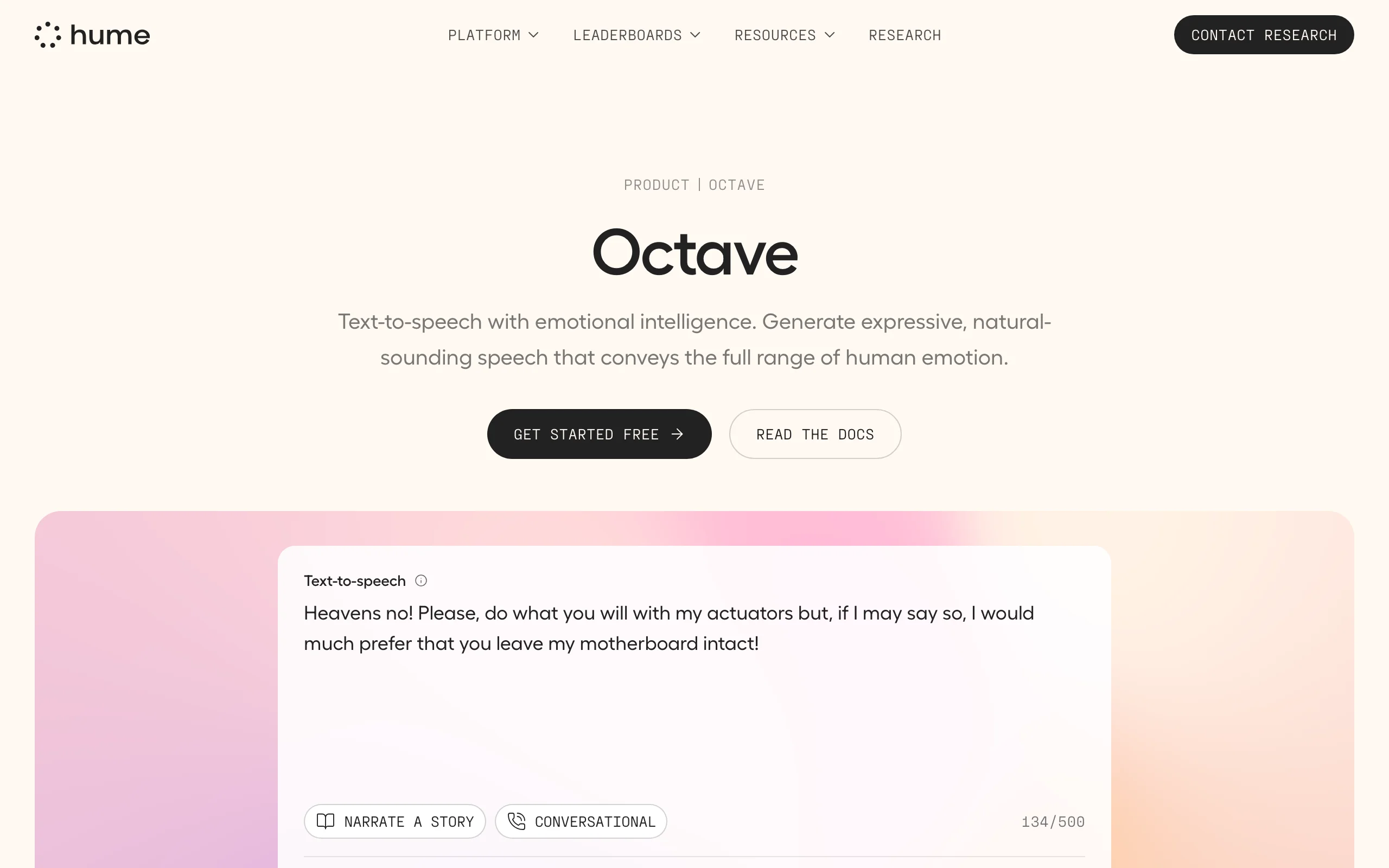
Hume built Octave as a text to speech model that understands what it is saying. You can direct each line with plain-language acting notes ("hesitant, then relieved") instead of tweaking sliders, and you can design a brand-new voice from a text description rather than picking from a list. It supports 16+ languages and streams with about 300 ms to first audio.
Key features
- Acting instructions that control tone, pacing, emphasis, and mood per line
- Voice design from a natural-language description
- Unlimited voice cloning on every plan
- Word and phoneme timestamps for lip-sync work
Best for
- Storytellers and game writers who need performances, not readings
- Brands inventing an original voice instead of borrowing a stock one
Pricing
- Starter $3/mo (30,000 characters); Creator $14/mo, promoted at $7 (140,000 characters)
- Pro $70/mo (1,000,000 characters); commercial license on paid plans
Pros
- The most directable emotional delivery in the list
- Very low entry price for a commercial license
Cons
- Fewer languages than ElevenLabs or Cartesia
- A developer-leaning product; the studio side is lighter than Murf's
6. WellSaid, best for brand-safe English voiceovers
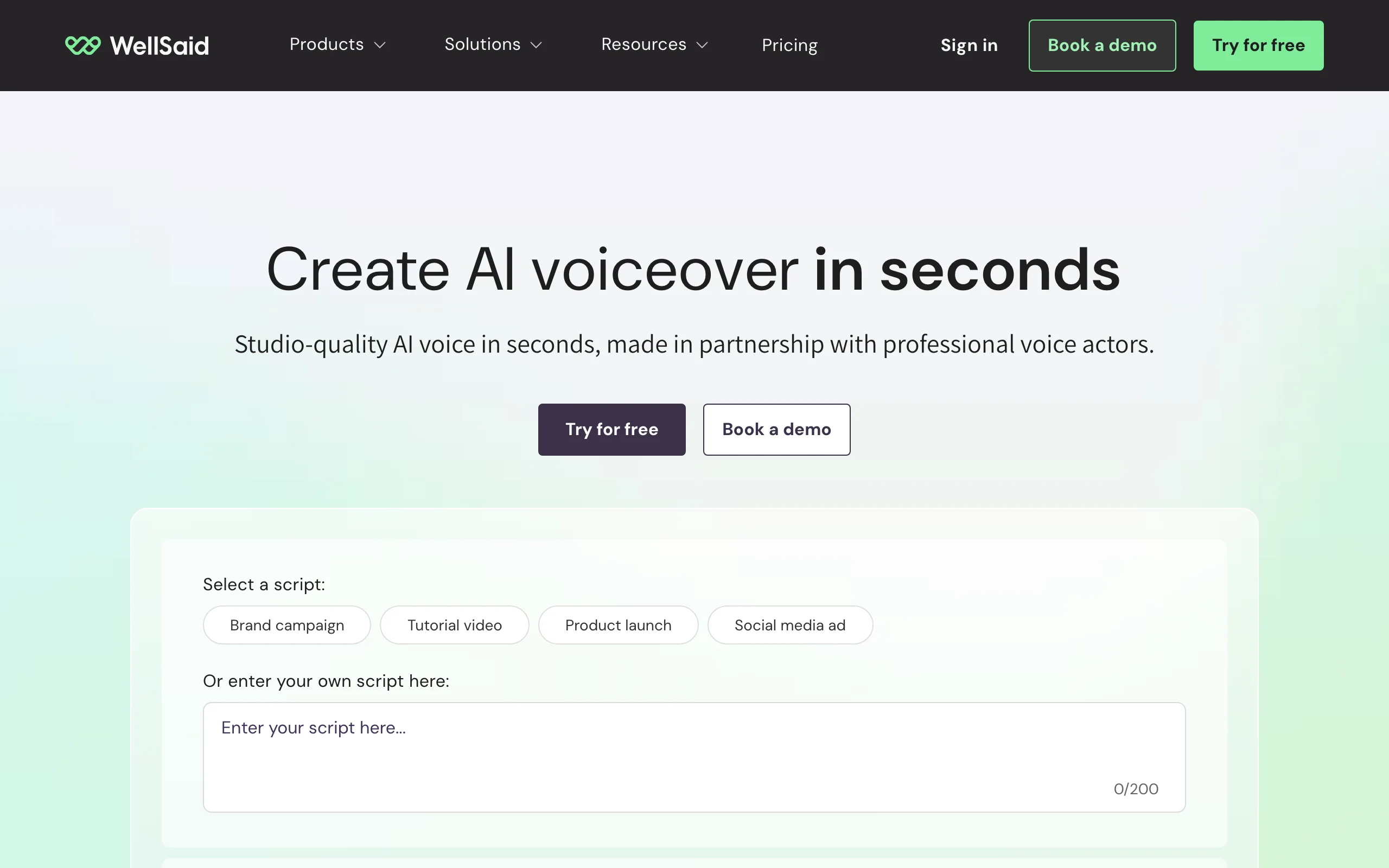
WellSaid makes a deliberate trade: fewer languages, more control over where its voices come from. Its voices are made in partnership with professional voice actors, there is no public voice cloning on self-serve plans, and customer data is not used for model training, which is why compliance-minded companies like it.
Key features
- Hundreds of voices recorded with consenting professional actors
- Unlimited regenerations on paid plans; you pay for downloaded minutes
- Team workspaces, commenting, and SSO on higher tiers
- No customer data used for model training
Best for
- Corporate comms, HR, and training teams with strict brand and legal review
- English-only voiceovers where voice provenance matters
Pricing
- Starter: $19/mo or $120/yr (20 download minutes a month); Pro: $49/mo or $396/yr (180 minutes a month)
- Business: $1,920/yr per user; Enterprise is custom and adds more languages
Pros
- Clean licensing story for risk-averse brands
- Edit and re-render freely; only downloads count
Cons
- English only below Enterprise
- No voice cloning for self-serve customers
7. Speechify, best text to speech app for listening
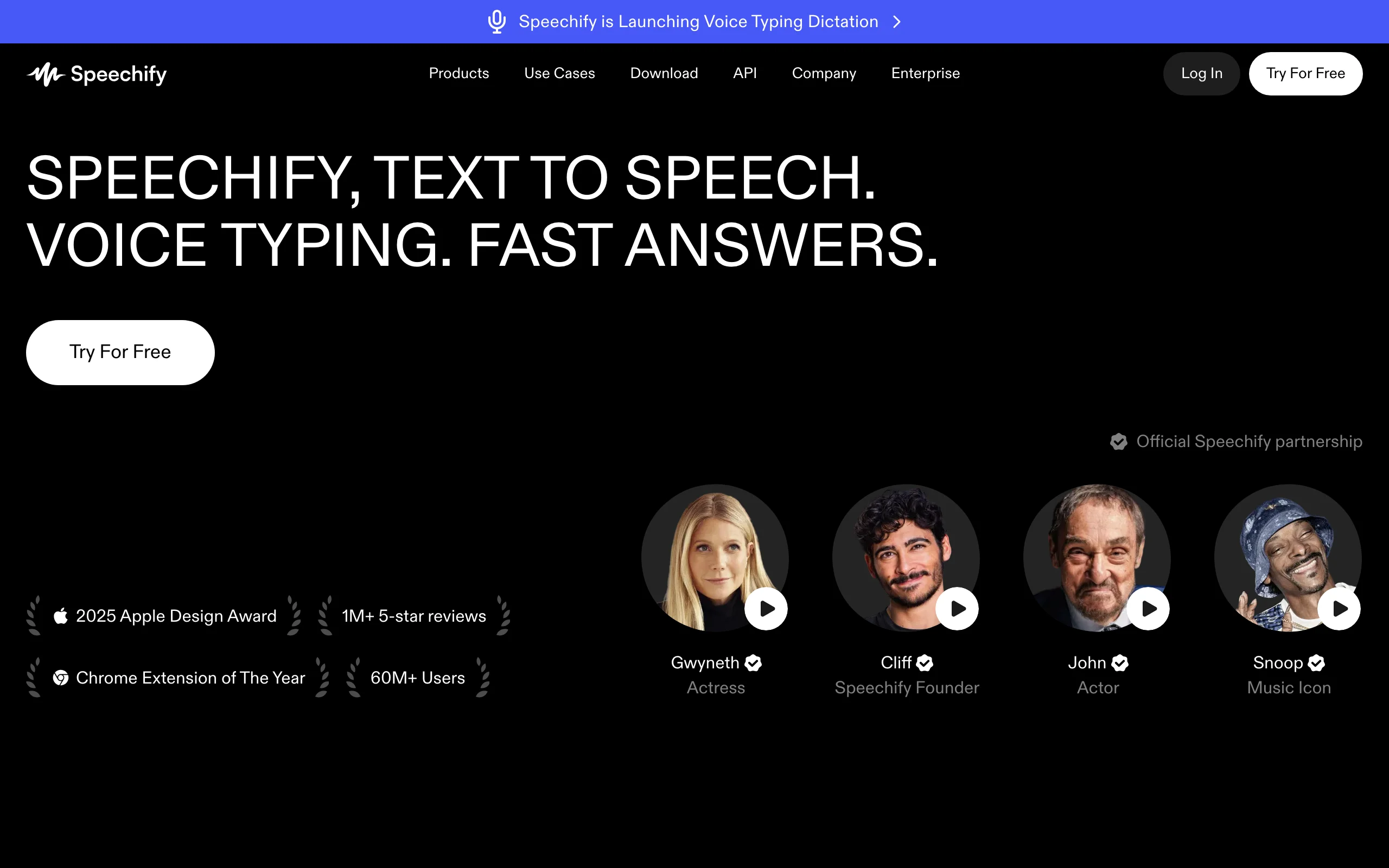
Speechify solves a different problem: you have text and you want to hear it. Its apps and browser extension read documents, PDFs, books, emails, and web pages aloud at up to 5x speed, and Scan and Listen reads printed pages from a photo. For people who search "best text to speech AI" to get through a reading list, it is the most polished choice.
Key features
- 1,000+ natural voices in 60+ languages on Premium
- Mobile and desktop apps plus a Chrome extension
- Up to 5x listening speed, Scan and Listen, AI summaries
- A separate Speechify Studio product for voiceovers and dubbing
Best for
- Students and professionals listening to documents and articles
- Readers with dyslexia or visual fatigue
Pricing
- Premium: $29/mo, with yearly billing advertised as up to 60% cheaper
- Speechify Studio (voiceover) is priced separately
Pros
- The best listening experience across devices
- Simple: no credits to manage on the reader
Cons
- The reader is not a voiceover tool; exporting narration needs Studio
- Basic voices sound noticeably robotic next to Premium
8. Cartesia, best for real-time voice agents
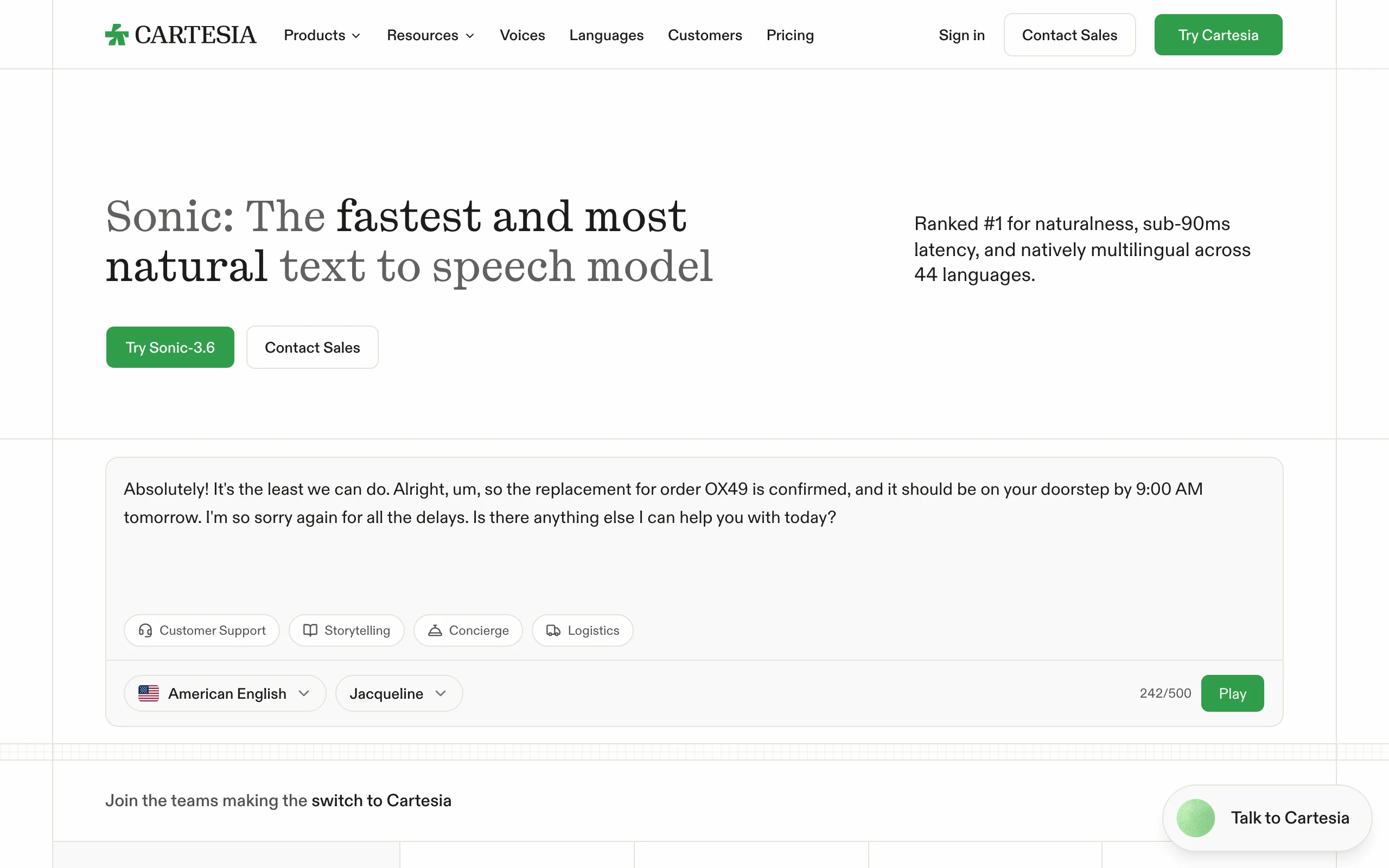
Cartesia is built for conversation, not narration. Its Sonic model claims sub-90 ms latency and native support for 44 languages, and it reads emotional context from the transcript, including inline laughter. If you are building a phone agent, a game character that talks back, or a live assistant, speed is the feature, and Cartesia leads on it.
Key features
- Sonic text to speech with sub-90 ms latency
- 44 languages, natively multilingual
- Instant cloning from about 10 seconds of audio
- Speech to text (Ink) and voice agent tooling in the same plans
Best for
- Developers building voice agents and customer support bots
- Live, interactive experiences where every millisecond counts
Pricing
- Pro: $5/mo (100,000 credits, instant cloning, commercial license)
- Startup $49/mo (1.25M credits, professional cloning); Scale $299/mo (8M credits)
Pros
- The fastest response time in this list
- Unlimited workspace seats on every plan
Cons
- A developer platform first; there is no voiceover studio
- Overkill if you only render finished MP3s
9. OpenAI TTS, best low-cost text to speech API
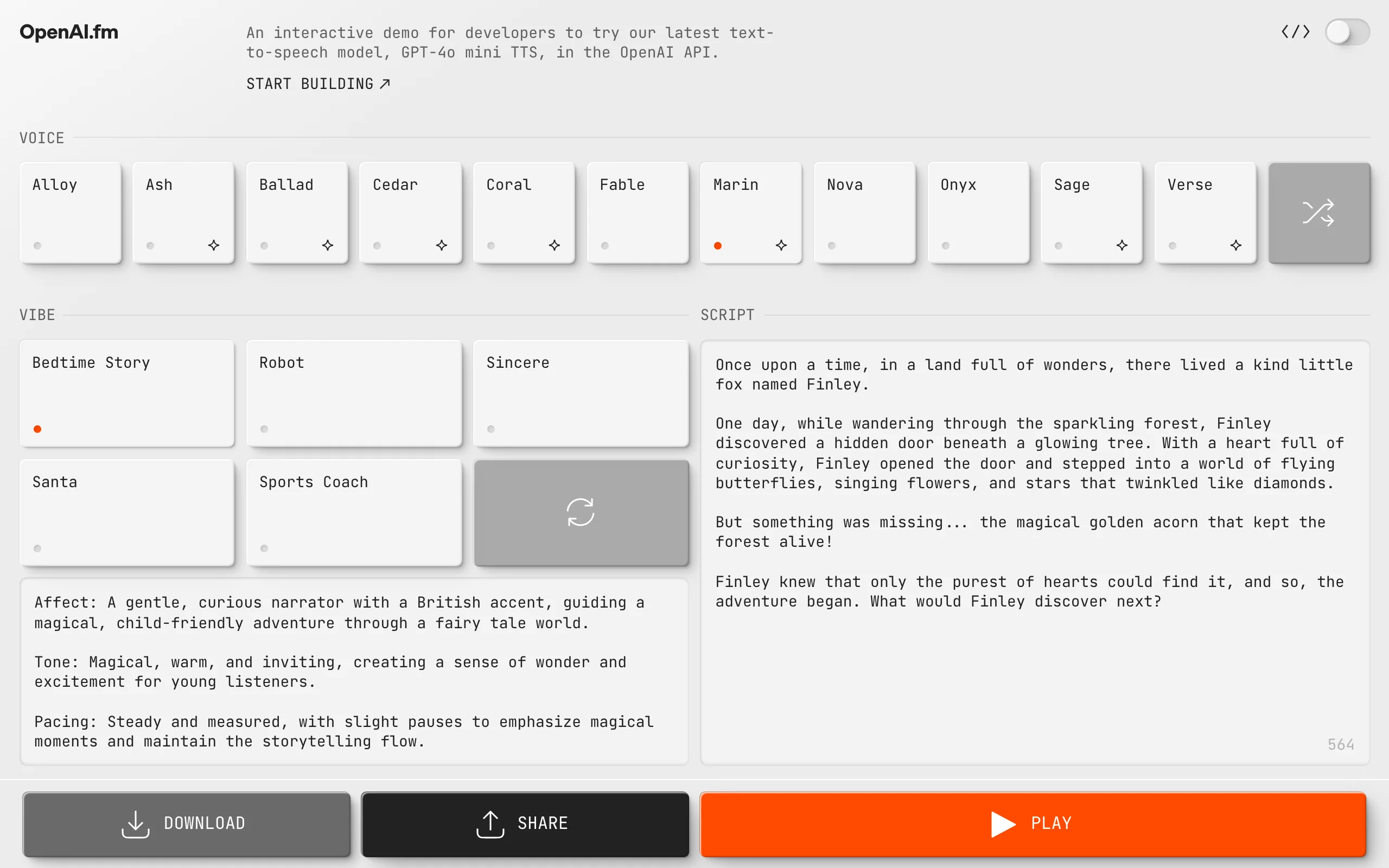
OpenAI TTS is the pragmatic choice for developers who already use the OpenAI API. The gpt-4o-mini-tts model takes plain-language instructions for accent, emotion, intonation, speed, and even whispering, and it returns MP3, WAV, FLAC, and other formats. You can hear every voice and style at openai.fm.
Key features
- 13 built-in voices, including Marin and Cedar
- Steerable delivery through written instructions
- Broad language coverage, though voices are optimized for English
- Six output formats, from MP3 to raw PCM
Best for
- Apps that need cheap, decent narration at scale
- Prototypes and internal tools already built on OpenAI
Pricing
- gpt-4o-mini-tts: $0.60 per 1M text input tokens and $12 per 1M audio output tokens
- tts-1: $15 per 1M characters; tts-1-hd: $30 per 1M characters
- Pay as you go, no subscription
Pros
- Very low cost per minute of speech
- Instructions make tone easy to adjust in code
Cons
- No custom voices: you choose from 13
- OpenAI's usage policy requires telling listeners the voice is AI-generated
How to choose the best AI voice generator for your workflow
Start with where the audio goes, then work back to the tool.
1) Is the voiceover the product, or part of a video?
- Audio is the product (podcasts, audiobooks, ads read on air): ElevenLabs, Murf, or Fish Audio
- The voiceover sits under a video: ClipNova, so the same voice narrates the finished video with captions and visuals, or ElevenLabs plus a separate editor
- You want to listen to text rather than publish it: Speechify
A clean MP3 is only half the job when the destination is a Short or a Reel. If you publish video, count the time you spend syncing audio, adding captions, and finding B-roll; our roundup of faceless AI video generators covers tools that remove those steps.
2) Do you need your own voice, or just a good one?
- A good stock voice: any tool here; ElevenLabs has the widest choice
- Your own cloned voice: ElevenLabs, Fish Audio, Hume, Cartesia, or ClipNova
- A brand-new voice that belongs to nobody: Hume's voice design
- No cloning allowed by policy: WellSaid
Voice cloning only works well from a clean sample: one speaker, no music, no room echo. And only clone voices you have explicit permission to use; every platform here prohibits cloning someone without consent.
3) Studio or API?
- A visual studio with projects and a timeline: Murf, ElevenLabs, WellSaid
- An API inside your product: Cartesia for live conversation, OpenAI for low cost, ElevenLabs or Hume for quality and expression
4) What does a finished minute cost?
Translate every plan into minutes. ElevenLabs' $22 Creator plan buys roughly two hours of standard narration a month, Fish Audio's $15 Plus about 200 minutes, and WellSaid's $19 Starter 20 download minutes. Then factor in retakes: an expressive model that nails a line on the first try is cheaper than a budget voice you regenerate five times. Generate the same 60-second script in your top two picks before paying, and listen on a phone speaker, where most of your audience will hear it.
If you are new to the terminology, start with what text to speech actually covers, see how ClipNova's AI voice generator and AI voice cloning fit a video workflow, and compare plans on the pricing page.
A note on PlayHT: PlayHT used to appear on every list like this one. It was acquired by Meta in July 2025 and shut down on December 31, 2025, so it is no longer an option.
Frequently asked
What is the best AI voice generator in 2026?
ElevenLabs is the best all-round AI voice generator in 2026, with the most natural delivery, more than 11,000 voices, and voice cloning from its $6 Starter plan. Fish Audio is the best value for cloned voices, Hume is best for emotional acting, and Cartesia is best for real-time voice agents. If your voiceovers end up in videos, a tool that also builds the video saves the most time.
What is AI TTS?
AI TTS (AI text to speech) uses neural models to turn written text into spoken audio that sounds human, with natural pacing, breaths, and emphasis. Older TTS stitched recorded sounds together and sounded robotic; modern models like ElevenLabs v3, Hume Octave, and Cartesia Sonic predict the whole performance, and many can follow instructions about tone and emotion.
Can I use AI voices commercially on YouTube and in ads?
Yes, on a paid plan that includes a commercial license. ElevenLabs, Murf, WellSaid, Hume, Cartesia, and Fish Audio include commercial rights on their paid tiers. Always check the license before monetizing, and never use a cloned voice you do not have permission for.
Is AI voice cloning legal?
Cloning your own voice, or a voice you have written permission to use, is legal on all the platforms in this guide. Cloning someone else's voice without consent breaks every platform's terms and can violate publicity and impersonation laws. Keep a record of consent for any voice that is not yours.
How many languages do AI voice generators support?
It varies by tool and model. ElevenLabs covers 29 languages on Multilingual v2 and 70+ on Eleven v3, Cartesia Sonic supports 44, Murf 35+, Fish Audio 30+, and Hume Octave 16+. WellSaid is English only on self-serve plans.
What is the cheapest AI voice generator for long narration?
For an app or pipeline, OpenAI's TTS API is the cheapest per minute (tts-1 is $15 per 1M characters). For a studio with a commercial license, ElevenLabs Starter at $6 a month and Hume Starter at $3 a month are the lowest entry prices, and Fish Audio's $15 Plus plan covers about 200 minutes a month.
If I need voiceovers for videos, which AI voice generator should I use?
If the voiceover is going under a TikTok, Short, or YouTube video, use a tool that produces the video too, so the narration, visuals, and captions come out together. ClipNova does that from a script, with plans from $39 a month. If you only need audio files, ElevenLabs is the strongest standalone choice.