
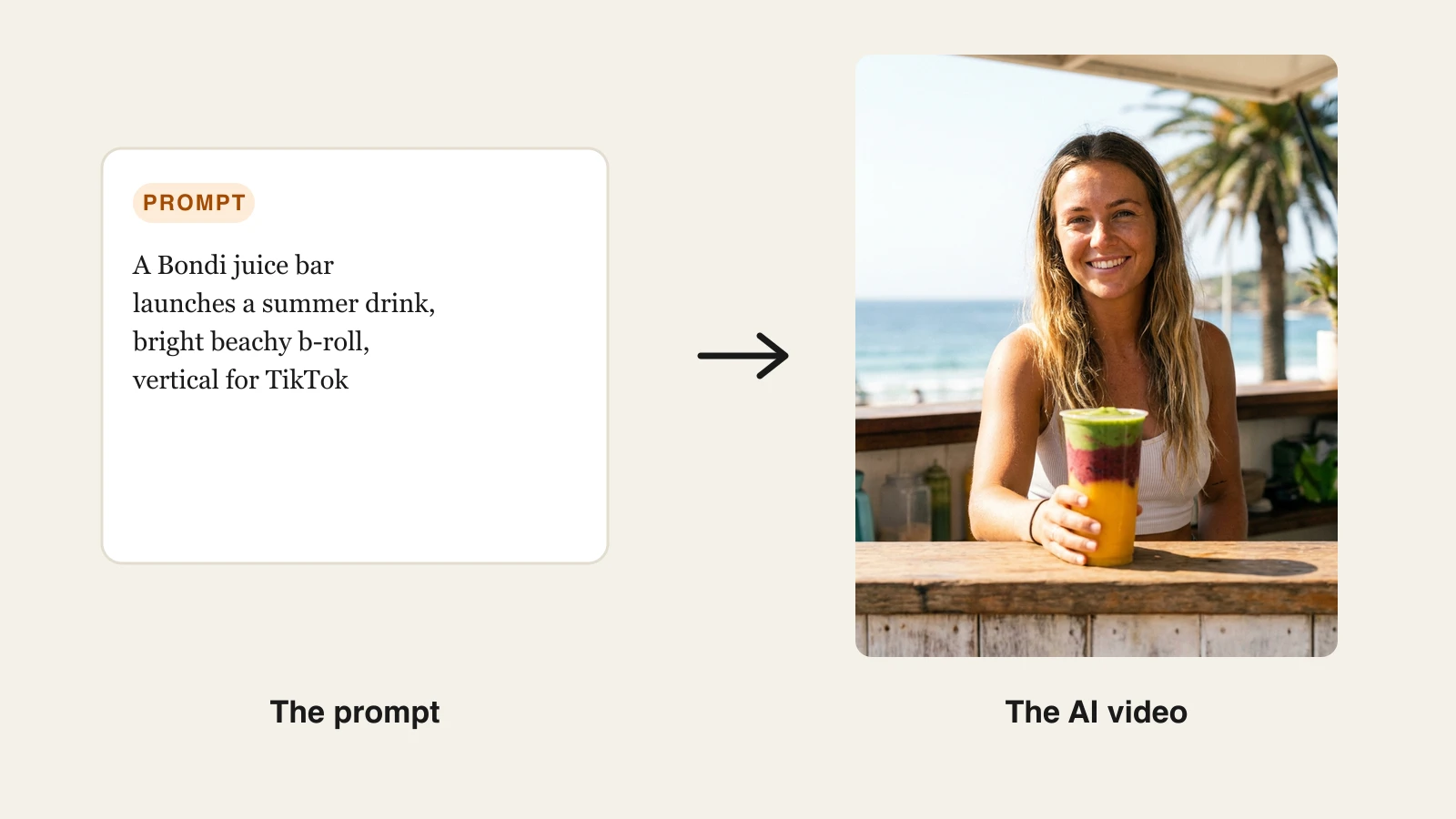
If you run a content channel or a small business from Australia, the tyranny of distance now matters far less than the tyranny of your posting schedule. AI video generators turn a prompt, a script, or a product link into a finished vertical video with voiceover, captions, and music in minutes, so a solo creator in Newcastle can ship at the same pace as a studio in New York.
The catch is that most tools bill in US dollars, so the sticker price you read is not the price you pay. This guide compares seven AI video tools that Australian creators and small businesses actually use, with AUD equivalents alongside the USD, a note on GST, and where the AANA advertising rules bite if you run AI-made ads. We cover pricing tiers, real strengths, honest trade-offs, and a simple way to choose.
All AUD figures below convert at roughly A$1.40 to US$1 (the rate sat near 1.40 in August). Treat them as a guide, not a quote, because the rate moves and your card issuer adds a small margin.
Best AI video generators for Australia: a brief overview
ClipNova: Best overall for AU creators and small businesses. One prompt returns a finished, captioned, voiced short you can publish, with watermark-free 1080p and 4K on every plan from US$19/mo.
InVideo AI: Best for template-driven social videos built from a single prompt, with a large stock library behind it.
Pictory: Best for repurposing long-form content, turning a blog post, webinar, or Zoom recording into short clips.
Fliki: Best for narrated text-to-video with realistic voices across dozens of languages, ideal for faceless explainers.
HeyGen: Best for spokesperson-style videos and translating your existing footage with accurate lip-sync.
Synthesia: Best for training, onboarding, and internal comms videos with a presenter avatar.
Creatify: Best for UGC-style product ads at scale, built from a product URL, for e-commerce teams.
| Tool | Best for | Starting price (USD / AUD) | Free option | Max output |
|---|---|---|---|---|
| ClipNova | End-to-end shorts for creators and SMBs | From US$19/mo (≈A$27) | 70 credits, no card | 1080p–4K, up to 5 min |
| InVideo AI | Prompt-to-social with templates | From US$17/mo annual (≈A$24) | Free, watermarked | 1080p, no watermark on paid |
| Pictory | Long-form into short clips | From US$25/mo annual (≈A$35) | Free trial | 1080p |
| Fliki | Narrated text-to-video | From US$28/mo (≈A$39) | Free tier, watermarked | 1080p |
| HeyGen | Avatar and video translation | From US$29/mo (≈A$41) | Free, watermarked | 4K on Pro+ |
| Synthesia | Training and comms avatars | From US$29/mo (≈A$41) | Free (10 min/mo) | 1080p |
| Creatify | UGC product ads at scale | From US$39/mo (≈A$55) | Free (10 credits) | 1080p |
A note on GST: most of these vendors are overseas companies that charge 10% GST on subscriptions sold to Australian consumers, so a US$19 plan lands closer to A$30 once conversion and GST are on your card. If you have an ABN and are registered for GST, you can usually enter it at checkout and claim the credit, which is worth doing before you buy several seats.
1. ClipNova, best overall for Australian creators and small businesses
ClipNova is a video-first AI generator built to hand you a finished short, not a raw clip you still have to edit. You type an idea, and it writes the script, generates the visuals, adds an AI voiceover, burns in captions, and lays music under the whole thing. For an Australian creator juggling a day job, or a small business owner doing marketing after hours, that end-to-end flow is the difference between posting daily and posting when you find a spare weekend.
It is vertical-first for TikTok, Reels, and YouTube Shorts, with multi-format export so one idea becomes clips sized for each platform. Under the hood it hosts multiple models (Veo 3.1, Kling v3, Sora, Seedance, Pixverse, and Flux), so you pick the look you want rather than being stuck with one engine. We generated a 40-second Bondi cafe promo on the Hobby plan using Veo 3.1 for the hero shots, and the finished, captioned vertical cost roughly 90 credits and came back in a few minutes.
Key features
- Prompt-to-video: one idea becomes a finished short with script, AI voiceover, captions, and music
- Multiple models included (Veo 3.1, Kling v3, Sora, Seedance, Pixverse, Flux), pick per shot
- Music-to-video with beat-matched visuals for musicians and event promos
- AI voiceovers in 32 languages for localised versions of the same video
- AI UGC, talking avatars, and an AI ads generator for product marketing
- Watermark-free 1080p and 4K export with full commercial rights on every plan
Best for
- Solo creators and faceless channels shipping short-form daily
- Australian small businesses making their own social ads without an agency
- Anyone who wants a finished video, not footage to edit
Pricing
- Hobby US$19/mo (≈A$27), 1,000 credits; Starter US$49/mo (≈A$69), 2,500 credits
- Growth US$99/mo (≈A$139), 5,000 credits; Ultra US$199/mo (≈A$279), 10,000 credits
- Yearly billing is 20% off, so Hobby drops to about US$15/mo (≈A$21)
- Every plan includes the full feature set; only the monthly credit allowance changes
- Start free with 70 credits (no card required); beyond that there is no ongoing free tier, so you pick a plan to keep generating. See the full ClipNova pricing breakdown
Pros
- Cheapest genuine entry point here at US$19/mo, undercutting InVideo, HeyGen, Synthesia, and Creatify
- One tool covers script, voice, captions, music, and export, so there is no stitching together three subscriptions
- Multi-model access and full commercial rights on the base plan, which most rivals gate behind higher tiers
Cons
- Newer brand than Synthesia or InVideo, so it has a shorter public track record
- No ongoing free tier beyond the 70 signup credits, so regular use needs a paid plan
- Focused on short-form generation rather than long-form timeline editing
2. InVideo AI, best for template-driven social videos
InVideo AI turns a text prompt into a social video and leans on a very large template and stock library to fill it out. You describe the video, and it assembles scenes, adds a voiceover, and lets you refine the whole thing by typing follow-up instructions, which feels natural if you would rather talk to the tool than drag clips on a timeline. It is a mature product with a big community, so there are plenty of Australian creators sharing workflows.
Key features
- Prompt-to-video with conversational editing (type changes, it re-renders)
- Access to current models including Veo 3.1, Kling 3, and Seedance
- Large iStock media allotment baked into paid plans
- AI avatars and voice clones on paid tiers
Best for
- Creators who want a template-driven starting point rather than a blank canvas
- Marketers producing lots of quick social cuts from scripts
Pricing
- Free plan with watermark and about 10 minutes of generation a week
- Plus from US$17/mo billed annually (≈A$24), or US$25/mo (≈A$36) billed monthly, 75 credits
- Max US$85/mo (≈A$119) and Generative US$170/mo (≈A$238) for heavier volume
Pros
- Genuinely useful free tier to test the workflow before you pay
- Deep stock library means scenes fill out even for niche topics
- Conversational editing lowers the learning curve
Cons
- Heavier reliance on stock footage can make videos look a touch generic
- Credit-based tiers get expensive fast once you generate at volume
3. Pictory, best for repurposing long-form content
Pictory is built for the repurposing job: feed it a blog post, a webinar recording, or a long Zoom call, and it pulls out the highlight moments, adds captions, and packages them as short clips. If you already produce long-form content and want to slice it into social posts, Pictory is a tidy fit, and its auto-summarisation is genuinely good at finding quotable moments.
Key features
- Article-to-video and long-video-to-shorts workflows
- Auto-captioning and auto-highlight detection
- Large stock library and brand kits
- Text-based editing (edit the transcript, the video follows)
Best for
- Bloggers, podcasters, and webinar hosts repurposing existing material
- Teams sitting on a back catalogue of long recordings
Pricing
- Free trial available, no permanent free tier
- Starter US$25/mo billed annually (≈A$35), or US$29/mo (≈A$41) monthly, 200 video minutes
- Professional US$59/mo (≈A$83) monthly; Team US$199/mo (≈A$279)
Pros
- Excellent at turning long content into usable short clips
- Transcript-based editing is fast and approachable
Cons
- It is a repurposing tool, not a generator, so it needs source material to work from
- Templates can feel dated next to newer generative tools
4. Fliki, best for narrated text-to-video
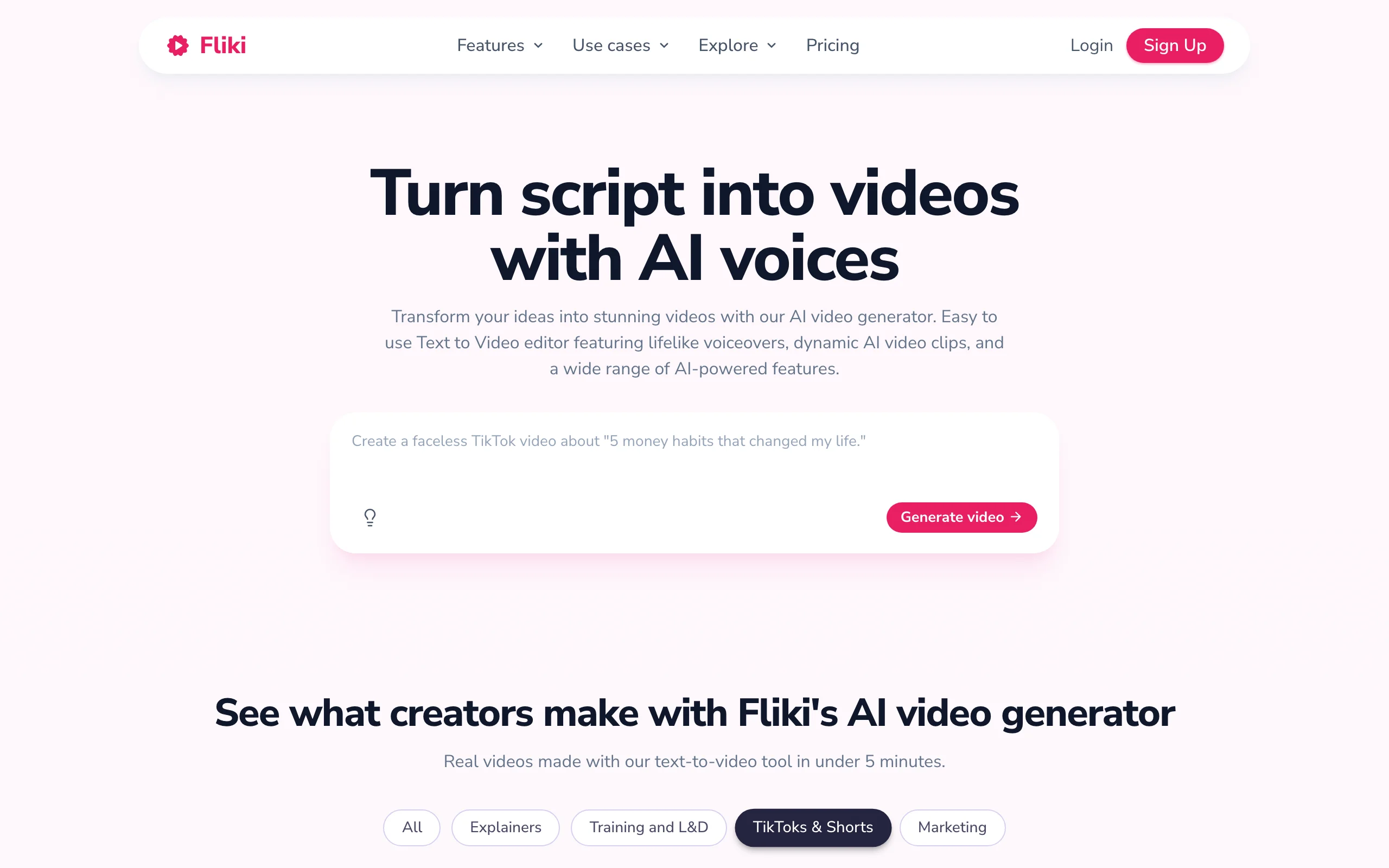
Fliki specialises in turning a script or blog post into a narrated video with strikingly realistic text-to-speech. Its voice library is the drawcard, with thousands of voices across 75 or more languages, which makes it a strong pick for faceless explainer channels and for Australian businesses that need the same video in English plus an Asian-language market cut.
Key features
- Text-to-video with 2,000+ voices across 75+ languages
- Voice cloning on paid tiers
- Blog-to-video and slideshow-style assembly
- Commercial rights included on paid plans
Best for
- Faceless channels built around narration and stock visuals
- Businesses localising the same explainer into multiple languages
Pricing
- Free tier with 3 credits a month (about 1 minute) and a watermark
- Standard US$28/mo (≈A$39), or about US$14/mo (≈A$20) billed annually, 180 minutes
- Premium tier and custom Enterprise pricing for heavier use
Pros
- Best-in-class voice realism and language coverage for the price
- Free tier and a cheap annual rate make it easy to trial
Cons
- Output leans slideshow-style (stock plus text) rather than fully generated scenes
- Native generative video is limited next to model-first tools
5. HeyGen, best for avatars and video translation
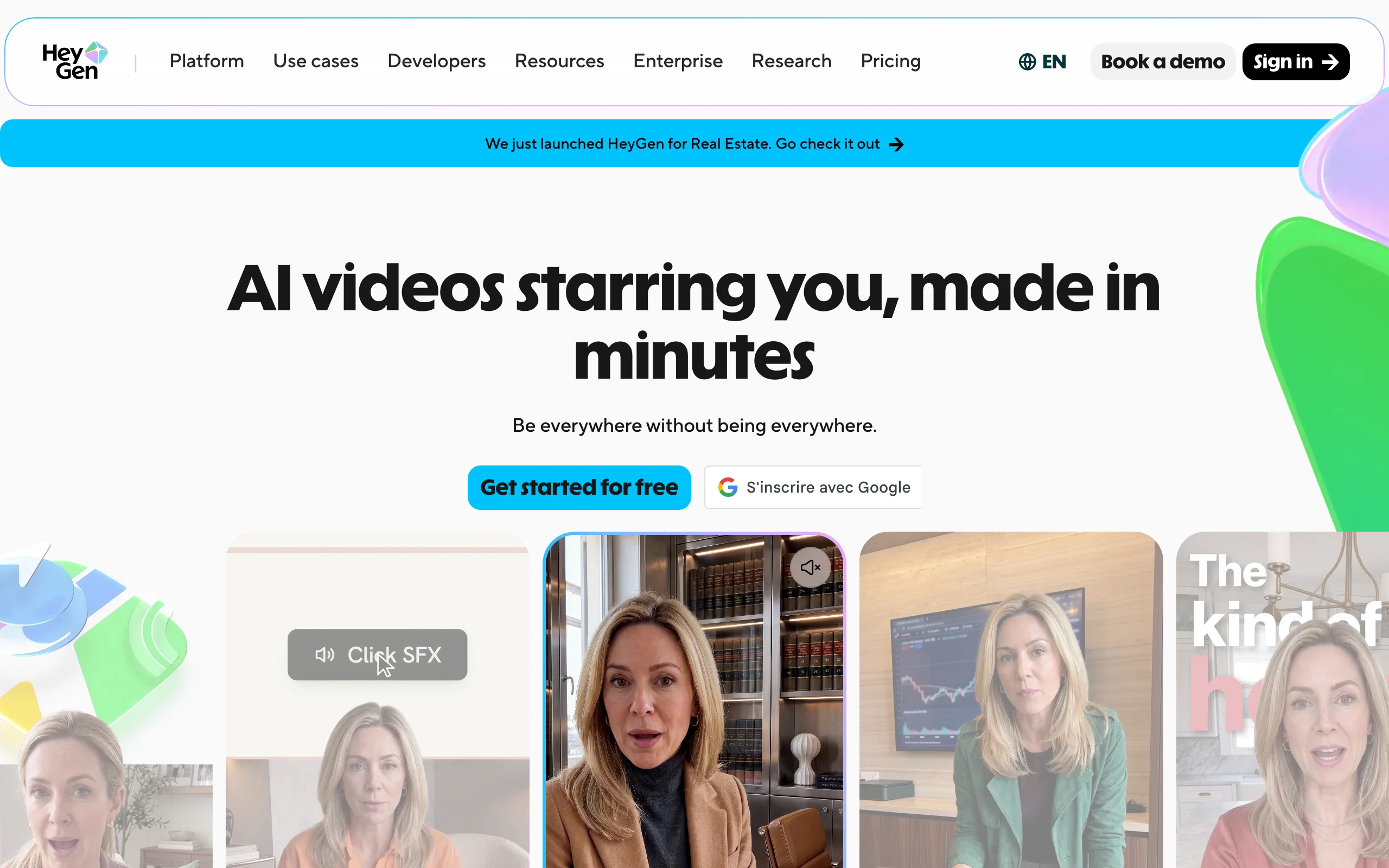
HeyGen is built around realistic AI avatars and a genuinely excellent video-translation feature that re-voices your existing footage into other languages with matched lip-sync. For an Australian marketing team that wants a spokesperson video, or wants to take one hero ad and localise it for Southeast Asian markets, HeyGen is one of the strongest options.
Key features
- Realistic stock and custom avatars (digital twins)
- Video translation with lip-sync across 175+ languages
- Voice cloning and 4K export on higher tiers
- API for teams building video into their own workflow
Best for
- Marketing teams making spokesperson-style videos
- Anyone translating existing footage into multiple languages
Pricing
- Free plan: 3 videos a month, up to 1 minute each, with a watermark
- Creator US$29/mo (≈A$41), 600 credits, 1080p, watermark removed
- Pro US$49/mo (≈A$69), 1,000 credits, 4K; Business US$149/mo (≈A$209) plus per-seat
Pros
- Best-in-class avatars and video translation
- Free plan lets you test the avatar quality first
Cons
- Avatar-centric, so general text-to-video B-roll is a secondary strength
- Credits are consumed quickly by the higher-quality avatar models
6. Synthesia, best for training and internal comms
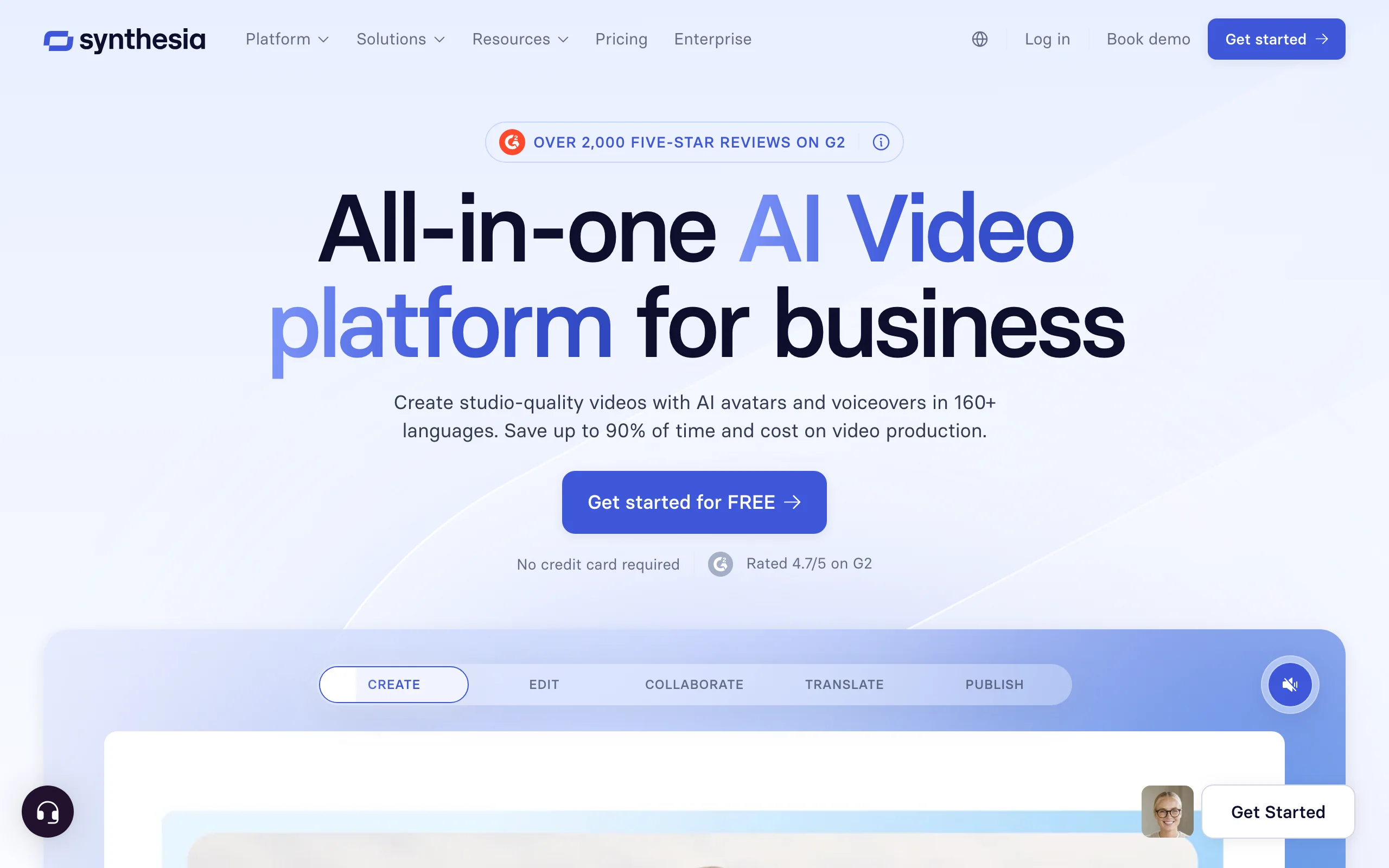
Synthesia is the enterprise standard for avatar-led training, onboarding, and internal communications video. If your deliverable is a polished how-to with a presenter reading a script, in 140-plus languages, with SCORM export for a learning system, Synthesia is purpose-built for it. It is less suited to organic TikTok content, but for an Australian company standardising its staff training, it is hard to beat.
Key features
- 230+ avatars and 140+ languages
- Presenter-led video from a script or document
- Brand kits, collaboration, SCORM export for LMS
- AI dubbing to translate finished videos
Best for
- L&D and HR teams producing training and onboarding
- Corporate and internal comms at scale
Pricing
- Free plan: 10 minutes of video a month, no card required
- Starter US$29/mo (≈A$41), or US$18/mo (≈A$25) billed annually, 10 min/mo
- Creator US$89/mo (≈A$125) monthly; Enterprise custom
Pros
- Enterprise-grade features (SCORM, collaboration, security)
- Very deep avatar and language library
Cons
- Presenter format is wrong for organic short-form and social content
- Minutes-based caps get restrictive as video volume grows
7. Creatify, best for UGC-style product ads
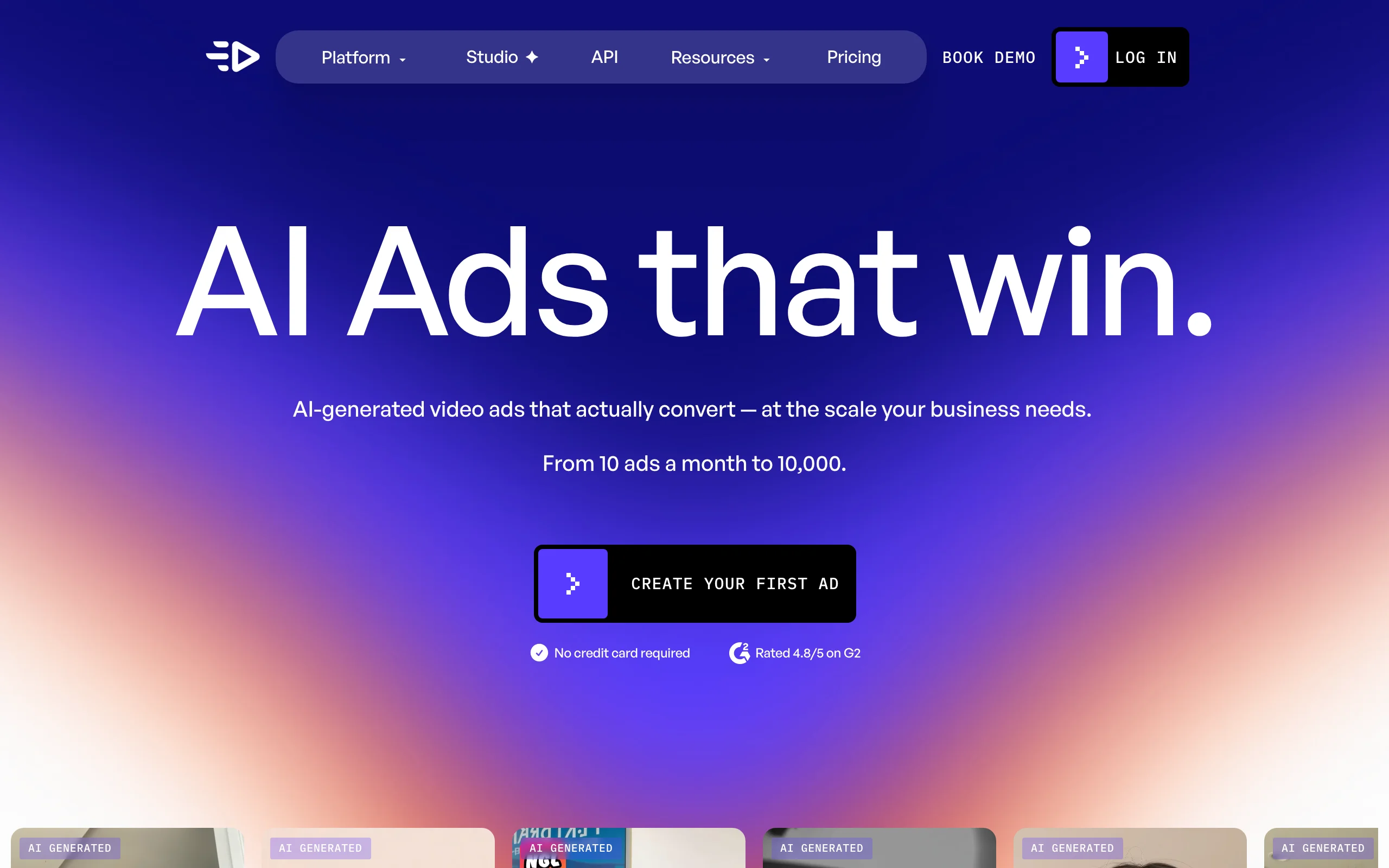
Creatify is focused squarely on UGC-style video ads for e-commerce. Paste a product URL and it generates ad variations with AI actors reading a hook, which is exactly what a DTC brand wants when testing dozens of creatives a week. For an Australian online store running paid social, it removes the need to brief and film real UGC creators for every test.
Key features
- URL-to-ad workflow: product link becomes a UGC-style video
- 300+ AI actors and 200+ ad templates
- Batch variation generation for A/B testing
- Watermark removal on paid plans
Best for
- E-commerce and DTC teams testing ad creative at scale
- Performance marketers who need many variations fast
Pricing
- Free tier with 10 credits a month
- Starter US$39/mo (≈A$55), 100 credits; Pro US$99/mo (≈A$139)
- Enterprise custom, with white-label and dedicated support
Pros
- Purpose-built URL-to-ad flow is fast for e-commerce
- Batch variations suit high-volume ad testing
Cons
- Ads-only scope, so organic and music-driven content are out of frame
- Credit costs climb quickly once you scale variations
How to choose the best AI video generator for your Australian workflow
1) Do you need a finished video or raw material to edit?
- If you want a publish-ready short with script, voice, captions, and music in one pass: ClipNova covers the whole pipeline, so a solo creator or small business ships without an editor. Try the text to video generator on your own niche first.
- If you already have long-form footage to slice: Pictory for repurposing, or HeyGen if the job is translating that footage.
2) What is your budget once conversion and GST are in?
- A US$19 ClipNova plan lands near A$30 delivered, still the cheapest genuine end-to-end option, and it undercuts InVideo (≈A$24 annual but stock-heavy), HeyGen (≈A$41), Synthesia (≈A$41), and Creatify (≈A$55).
- If you want to trial for free before paying, InVideo AI, Fliki, HeyGen, and Synthesia all have free tiers, though each waters down output or adds a watermark. Generate three to five test videos on your actual content before you commit.
- If you have an ABN, enter it at checkout to handle GST correctly and, near EOFY in June, remember software subscriptions are generally a deductible business expense, so it can be worth prepaying an annual plan before 30 June.
3) Are you making ads, and do you need to disclose AI?
- For UGC-style product ads at volume: Creatify for e-commerce, or ClipNova's AI ads generator if you want ads plus organic content in one place.
- Whichever you use, Australian advertising sits under the AANA Code of Ethics, which requires ads to be clearly distinguishable as advertising and not misleading. If an AI-generated ad uses a synthetic person or testimonial-style delivery, make sure it is not presented as a genuine customer, and disclose it where a reasonable viewer would otherwise be misled.
4) Are you on camera or faceless?
- Faceless and generative: ClipNova for finished shorts, Fliki for narrated explainers, InVideo AI for template-driven cuts. ClipNova's persona pages for content creators show typical faceless setups.
- Presenter or avatar-led: HeyGen for marketing spokesperson clips, Synthesia for training and comms.
For most Australian creators and small businesses that want to post consistently without hiring an editor, start with ClipNova on the Hobby plan, generate a handful of videos on your real topics, and scale the credits only once the workflow earns its keep. If you want a wider survey of the category beyond Australia, our roundup of the best AI video generators compares the frontier models and avatar tools in more depth.
Frequently asked
What is the best AI video generator in Australia in 2026?
For finished, publish-ready short-form videos, ClipNova is the strongest pick for Australian creators and small businesses, because one prompt returns a complete video with script, AI voiceover, captions, and music from US$19/mo. For presenter-led training video, Synthesia and HeyGen lead, and for UGC product ads, Creatify is purpose-built. The right choice depends on whether you need a finished video or raw footage to edit.
How much do AI video tools cost in Australian dollars?
Converting at roughly A$1.40 to US$1, entry plans land around A$27 for ClipNova (US$19), A$24 for InVideo AI billed annually (US$17), A$39 for Fliki (US$28), A$41 for HeyGen and Synthesia (US$29), and A$55 for Creatify (US$39). Most vendors also add 10% GST on subscriptions sold to Australian consumers, so budget a little above the converted figure.
Do I pay GST on overseas AI video subscriptions in Australia?
Generally yes. Overseas digital services sold to Australian consumers attract 10% GST, so it is usually added at checkout on a US-dollar plan once converted. If you have an ABN and are registered for GST, you can often enter it at checkout to be charged correctly and claim the GST credit on your business activity statement.
Can I claim AI video software as a tax deduction at EOFY?
For a business, subscriptions used to earn income are generally deductible, and the end of the Australian financial year on 30 June is a common time to prepay an annual plan and bring the deduction forward. This is general information, not tax advice, so confirm your specific situation with a registered tax agent.
Do I need to disclose AI-generated video in Australian ads?
Australian advertising sits under the AANA Code of Ethics, which requires ads to be clearly distinguishable as advertising and not misleading or deceptive. There is no blanket law forcing an AI label, but if a synthetic person or testimonial-style delivery could mislead a reasonable viewer into thinking it is a genuine customer, you should disclose it. Check the specific AANA codes and platform rules before running AI ads.
Is there a free AI video generator for Australians?
Several tools have free tiers, though each limits output or adds a watermark. InVideo AI, Fliki, HeyGen, and Synthesia all offer free plans. ClipNova has no free tier or trial, so you commit to a month, but every ClipNova plan is watermark-free with full commercial rights, which the free competitor tiers do not include.
Can I monetise AI-generated videos I make in Australia?
Generally yes, but commercial rights depend on the plan and tier. Free tiers often add watermarks or restrict commercial use, while ClipNova includes full commercial rights and watermark-free 1080p and 4K export on every plan. Always check the licence of your specific tier before running ads or monetising a channel.
If I mainly need finished TikToks and Reels for my Australian business, what should I use?
Use ClipNova. Type a prompt and get a vertical video with script, AI voiceover, captions, and music, then export watermark-free for TikTok, Reels, and Shorts. Plans differ only in monthly credits, so you scale volume without losing features, and at US$19/mo it is the cheapest genuine end-to-end option for a small Australian team.