

A faceless YouTube channel is a production line: ideas in, videos out, no camera, no on-screen personality, and usually one person running the whole thing. The channels that work in 2026 are the ones that automated each station of that line, because consistency beats talent when nobody sees your face.
The best AI tools for faceless YouTube channels each own one station: generating the video, writing the script, voicing it, clipping it, packaging it with a thumbnail, and deciding what to make next.
This guide covers the 7 tools worth building that line from, with verified pricing and a realistic monthly cost for the full stack.
Best AI tools for faceless YouTube channels: a brief overview
- ClipNova: Best overall. Generates the finished faceless video, script, voiceover, visuals, captions, and music, from one prompt, which collapses four stations into one.
- ChatGPT: Best for ideation and scripts. Titles, hooks, outlines, and full narration scripts on the cheapest paid tier in this list.
- ElevenLabs: Best for narration voices. The most human AI voices for channels where the voiceover carries the video.
- OpusClip: Best for clipping long-form into Shorts. Turns one long video into ranked, captioned vertical clips.
- Midjourney: Best for thumbnails and channel art. Click-through lives and dies on the thumbnail.
- VidIQ: Best for research and growth strategy. Data on what your niche actually watches, before you produce anything.
- InVideo AI: Best multi-model alternative for faceless video. One credit pool across 200+ models plus stock libraries.
| Tool | Best for | Starting price | Free option | Role in the stack |
|---|---|---|---|---|
| ClipNova | Finished faceless videos | From $49/mo | Free to start, no card | Production |
| ChatGPT | Ideation and scripts | From $5.50/mo | Free plan | Writing |
| ElevenLabs | Narration voices | From $6/mo | 10k credits/mo, non-commercial | Voice |
| OpusClip | Long-form into Shorts | From $15/mo | Free plan, watermarked | Repurposing |
| Midjourney | Thumbnails and channel art | From $10/mo | None | Packaging |
| VidIQ | Research and growth | From $16.58/mo (yearly) | Free plan, 150 AI credits | Strategy |
| InVideo AI | Multi-model faceless video | From $20/mo | Not listed on pricing page | Production (alt) |
1. ClipNova, best overall AI tool for faceless YouTube channels
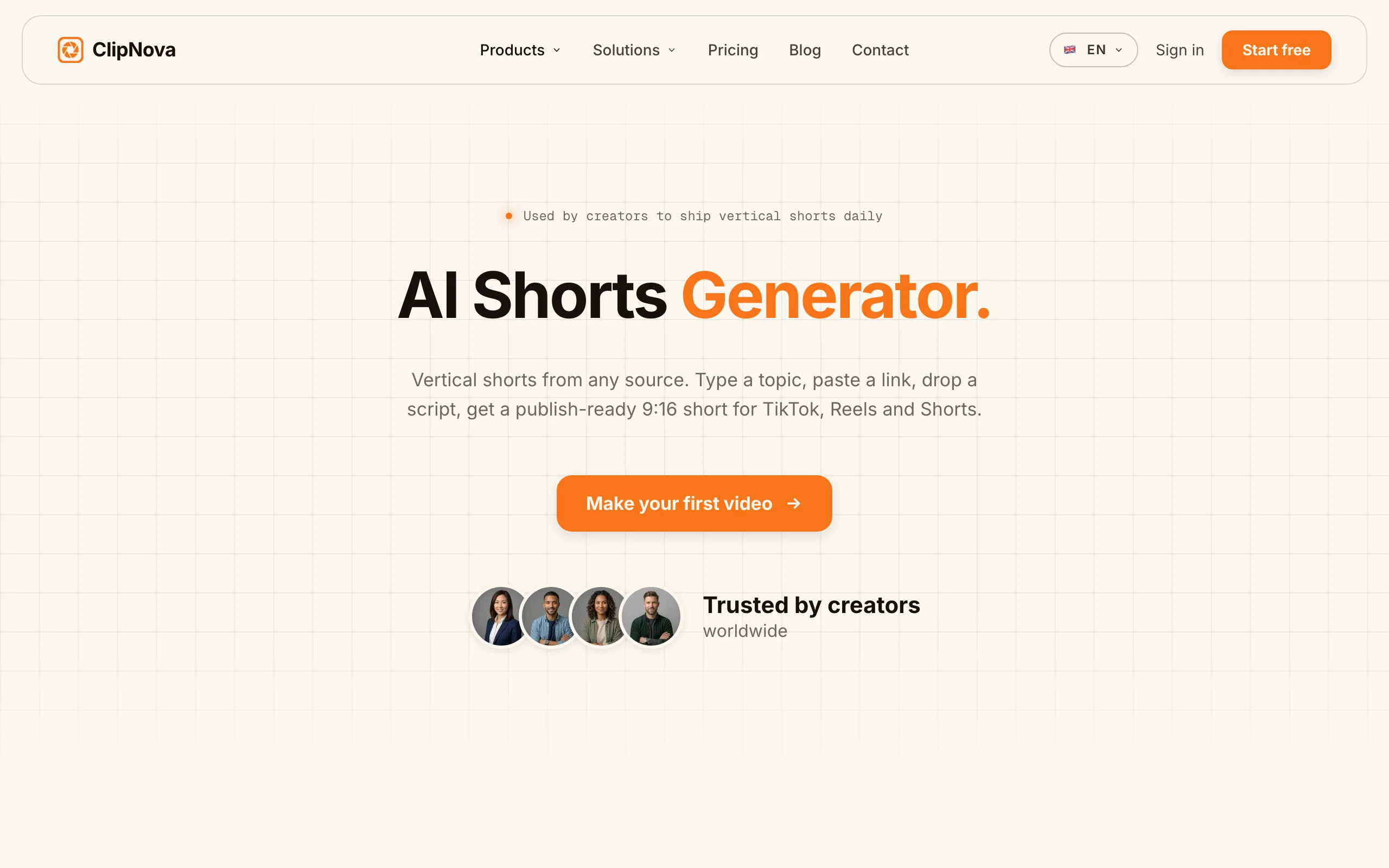
A faceless channel's whole problem is production volume, and ClipNova solves it at the root: type the video idea and it returns the finished piece, script written, narration voiced, visuals assembled, captions burned in, music underneath. No camera, no microphone, no editor, no timeline.
That single pass covers Shorts and longer uploads up to 5 minutes, vertical or widescreen, through the faceless Shorts generator workflow. Narration in 32 languages means one operator can run the same niche in three markets, which is how faceless portfolios actually scale.
Key features
- One prompt to finished video: script, voiceover, visuals, captions, and music
- Shorts-first vertical output plus widescreen, up to 5 minutes
- Narration in 32 languages for running localized channel clones
- Cartoon, anime, and stylized looks for animated story niches
- Watermark-free 1080p and 4K with full commercial rights on every plan
Best for
- Solo operators publishing daily across one or more faceless niches
- Channel portfolios that need the same video localized into several languages
Pricing
- Starter $49/mo (250 credits), Creator $99.99/mo (500 credits), Studio $199/mo (1,000 credits)
- Every plan has the identical feature set; only monthly credits differ, and yearly billing is 20% off
- Free to start with no card required
Pros
- Replaces the script-voice-edit-caption chain with one generation, which is most of a faceless channel's workload
- Credit-only tiers make cost per video predictable as you scale volume
Cons
- Long-form beyond 5 minutes still needs stitching or a separate edit
- Newer product than the incumbents in this list
2. ChatGPT, best for ideation and scripts
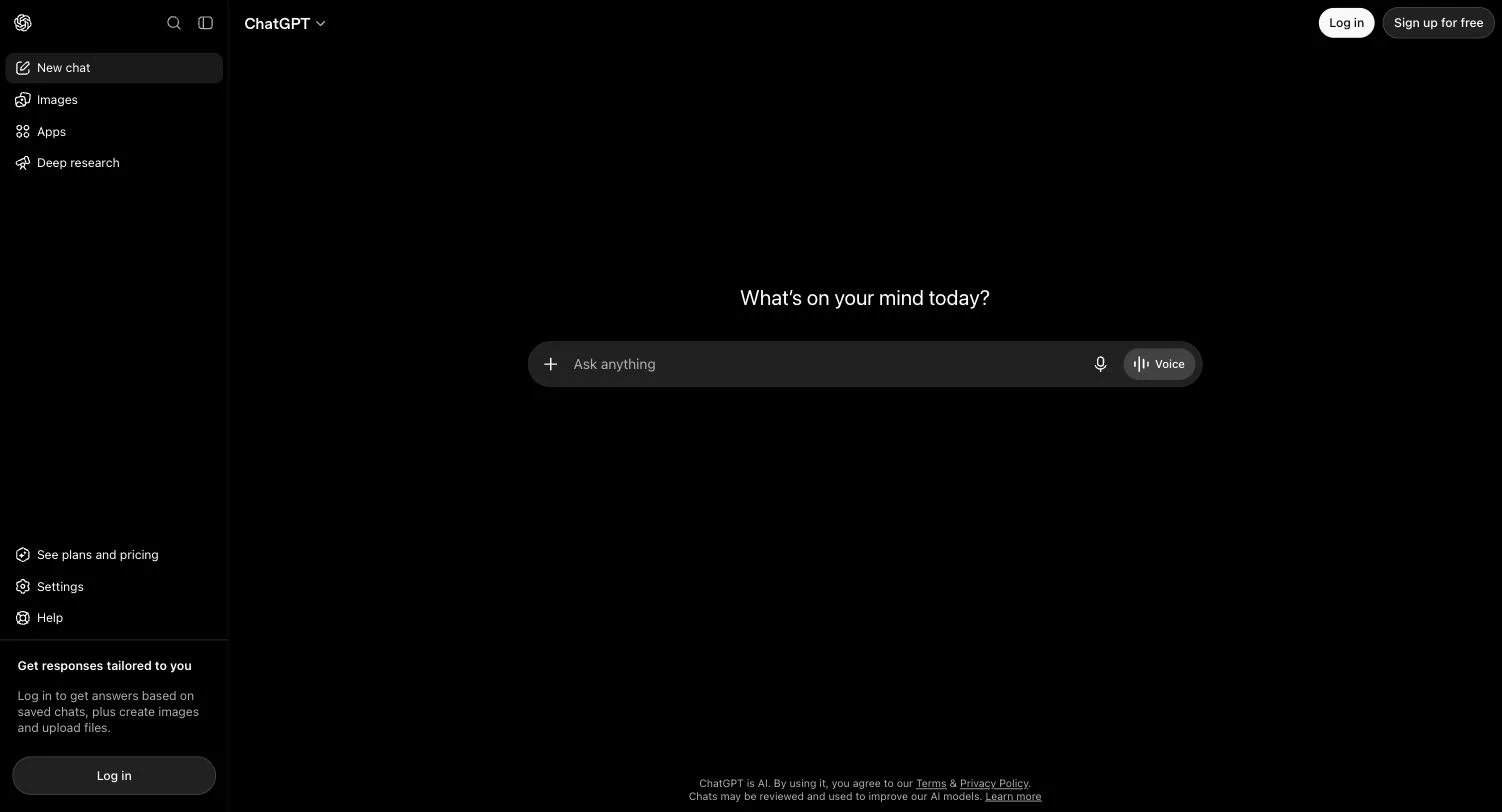
Every faceless video starts as text, and ChatGPT is the cheapest reliable engine for that text: video ideas ranked by angle, title variants, hooks, and full narration scripts in your channel's voice. Projects and custom GPTs let you encode your niche's format once and reuse it every day.
The free plan covers light use, and Go at $5.50 is the lowest paid entry in this stack.

Key features
- Scripts, hooks, and title variants from a niche brief
- Projects and custom GPTs to encode your channel format
- Reasoning models on Plus for structured, research-heavy scripts
- Image generation for storyboards and rough thumbnail concepts
Best for
- Batch-writing a week of scripts in one sitting
- Testing hooks and titles before production
Pricing
- Free plan with limited access
- Go $5.50/mo; Plus $20/mo with advanced reasoning models and expanded limits
- Pro from $100/mo for heavy unlimited use
Pros
- Cheapest way to remove the writing bottleneck
- Custom GPTs keep a channel's tone consistent across months
Cons
- Generic output unless you invest in prompts and examples
- Facts in scripts need checking before narration
3. ElevenLabs, best for narration voices
In a faceless video the voice is the personality, and ElevenLabs produces the most human synthetic narration available. Pick a signature voice for the channel and every upload sounds consistent, or clone a voice (from the Creator plan) for something nobody else has.
The $6 Starter includes the commercial license monetized channels need.
Key features
- Best-in-class text-to-speech across dozens of languages
- Professional voice cloning from the Creator plan
- Sound effects and music tools in the same platform
- Credits roll over for up to two months on paid plans
Best for
- Documentary, history, and explainer niches where narration carries the video
- Channels that want a distinctive, ownable voice
Pricing
- Free: 10,000 credits/mo (about 10 minutes), no commercial license
- Starter $6/mo (30,000 credits, commercial license); Creator $22/mo (121,000 credits, voice cloning), first month half price
- Higher tiers scale to hours of monthly audio
Pros
- Listeners rarely clock the voice as synthetic
- $6 commercial entry fits a starting channel's budget
Cons
- Standalone audio still needs pairing with visuals somewhere else
- Long videos burn credits fast at lower tiers
Note: if your videos come out of ClipNova, narration is already generated in the same pass by its built-in voiceover tool, and ElevenLabs becomes an upgrade path for channels that want a specific cloned voice.
4. OpusClip, best for clipping long-form into Shorts
OpusClip feeds the Shorts side of a faceless channel from content you already have: give it a long video (yours or licensed) and it finds the strongest moments, reframes them vertical, captions them, and scores each clip's potential. For channels built on podcasts, commentary, or compilations, it automates the whole repurposing station.
Key features
- AI clipping that detects the strongest moments in long footage
- Auto reframing to vertical with animated captions
- Virality scoring to rank which clips to post first
- Imports from local files (up to 10GB) and YouTube sources
Best for
- Faceless channels repurposing long-form into daily Shorts
- Podcast and commentary formats with existing footage
Pricing
- Free plan: watermarked exports, 1080p cap, media storage expires after 3 days
- Starter $15/mo; Pro $29/mo; Business custom
- Processing allowances scale by tier
Pros
- The best moment-detection in the clipping niche
- Removes hours of manual scrubbing per long video
Cons
- Needs existing footage; it generates nothing from scratch
- Free tier's watermark and 3-day storage make it evaluation-only
5. Midjourney, best for thumbnails and channel art
Faceless channels cannot trade on a familiar face, so the thumbnail does all the clicking. Midjourney generates the dramatic, stylized imagery that high-CTR thumbnails are built from, and its consistency controls keep a channel's visual identity recognizable video after video.
Key features
- Best-in-class stylized image quality for thumbnail bases
- Style referencing for a consistent channel look
- Unlimited relax-mode images from the Standard plan
- Fast iteration on visual concepts per video
Best for
- Thumbnail-driven niches: mystery, history, finance, true crime
- Channel branding: banners, avatars, end screens
Pricing
- Basic $10/mo (3.3 fast GPU hours), Standard $30/mo (unlimited relax images); annual 20% off
- No free tier
- Companies over $1M revenue need Pro or Mega
Pros
- Unlimited relax images on Standard make thumbnail A/B testing free
- Quality visibly above stock or template thumbnails
Cons
- Text overlays and layout still happen in an editor like Canva
- No free tier to trial
6. VidIQ, best for research and growth strategy
VidIQ is the strategy station: keyword and trend research, competitor data, and an AI coach that reads your channel's analytics and tells you what to make next. For a faceless operator choosing between niches, or deciding tomorrow's title, it replaces guesswork with the numbers YouTube itself rewards.
Key features
- Niche trend and keyword research with search data
- Personalized content ideas from your channel's analytics
- AI coach for growth strategy, plus thumbnail generation on paid plans
- Competitor and subscriber insights
Best for
- Picking and validating a faceless niche before investing in production
- Daily title, topic, and tag decisions backed by data
Pricing
- Free plan: 150 AI credits monthly and core research tools
- Boost $16.58/mo billed yearly (2,000 AI credits); Max $39/mo billed yearly (6,000 credits, clipping tools); monthly billing costs more
- Enterprise for agencies and multi-channel networks
Pros
- The free tier is enough to validate a niche before spending anything
- Turns analytics into concrete next-video decisions
Cons
- Research only; it produces no publishable content itself
- AI credit caps throttle heavy daily use on lower tiers
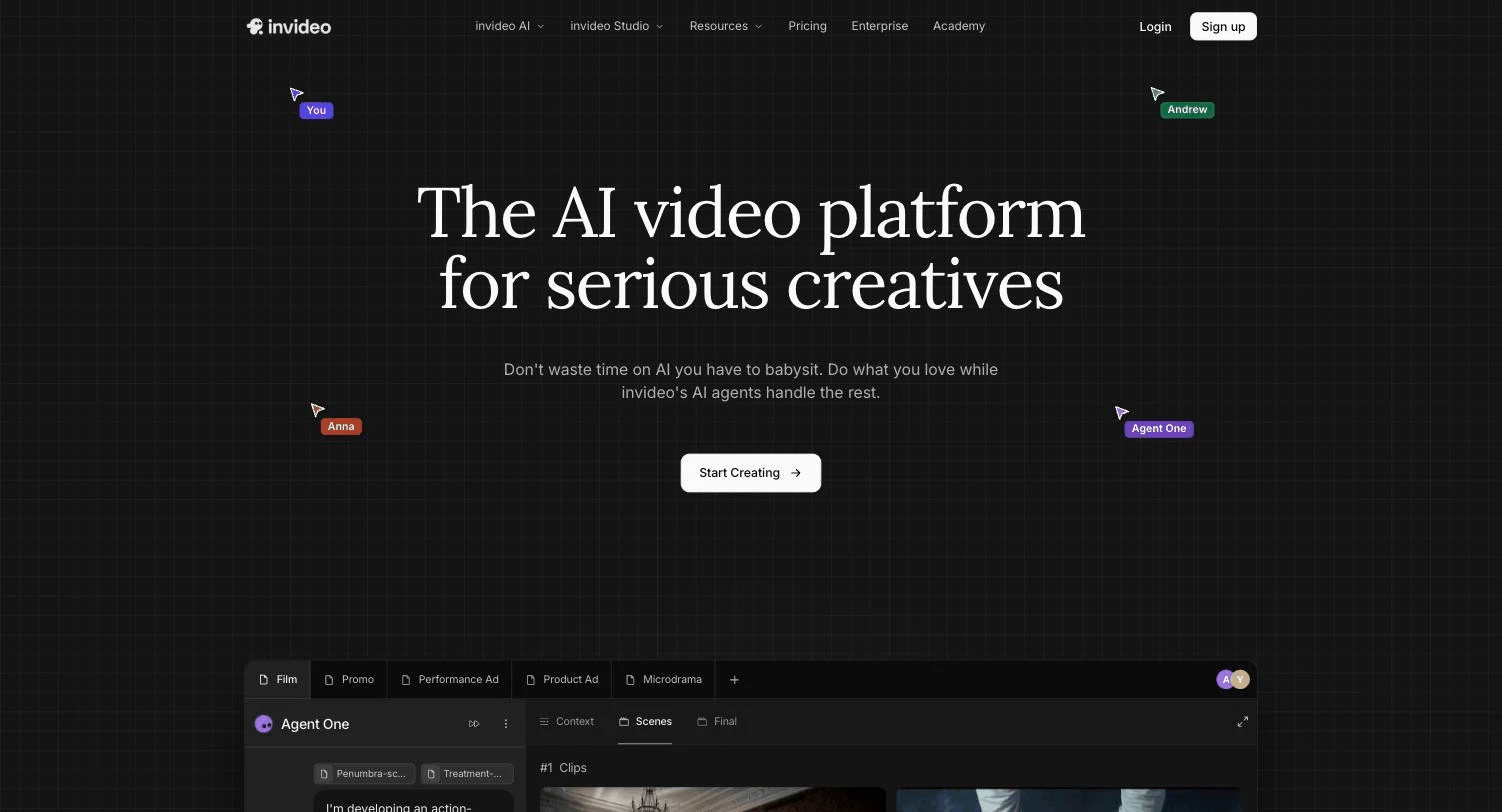
7. InVideo AI, best multi-model alternative for faceless video
InVideo AI is the alternative production engine: prompt-driven video assembly over stock libraries plus a single credit pool spanning 200+ generative models, including Veo 3.1 and Kling 3.0. Faceless channels that lean on stock-footage niches, top-10 lists, travel, finance explainers, get mature template structures and model variety in one subscription.
Per-model credit rates make monthly costs variable, and credits expire monthly.
Key features
- Prompt-based assembly with template structures
- One credit pool across 200+ models
- iStock and Storyblocks integration for stock-heavy niches
- AI avatars and voice clones by tier
Best for
- Stock-footage faceless niches with list and explainer formats
- Teams comparing generative models inside one tool
Pricing
- Plus $20/mo (75 credits), Max $100/mo (390), Generative $200/mo (800), Elite $1,000/mo (4,250)
- Annual billing 10 to 15% off by tier
- Credits bill at each model's own rate and do not roll over
Pros
- Stock integration suits niches where real footage beats generated visuals
- Wide model access under one subscription
Cons
- 75 entry credits are thin for daily publishing
- Output can look templated without manual polish
How to build your faceless YouTube stack
Do not buy seven subscriptions. Start from your niche's format and add stations only when they bottleneck.
1) What does your niche's video actually look like?
- Narrated visuals (stories, history, facts, motivation): ClipNova generates the whole video, so your stack is ClipNova plus VidIQ's free tier to start
- Clip-based (podcast cuts, commentary, compilations): OpusClip is the core, with Midjourney for packaging
- Stock-footage explainers (finance, travel, top-10s): InVideo AI or ClipNova, depending on how generated versus stock you want the look
2) What does the full line cost per month?
A complete narrated-niche stack runs about $70: ClipNova Starter $49, ChatGPT Go $5.50, VidIQ free, Midjourney Basic $10, with ElevenLabs' $6 Starter optional since ClipNova narrates in-pipeline. That is less than one freelance edit, and the daily workflow it replaces is documented in our breakdown of a solo creator's 30-shorts-a-month system.
3) One channel or a portfolio?
Faceless economics improve with parallel channels: the research, script templates, and production pipeline transfer across niches, and 32-language narration turns one working channel into localized clones. Tools priced flat (for content creators, that means credit tiers rather than per-seat or per-channel fees) keep portfolio costs linear.
4) Will it survive YouTube's monetization review?
YouTube monetizes faceless channels that add original value and demotes mass-produced, repetitious uploads. Write original scripts, use commentary and structure that a viewer cannot get elsewhere, disclose realistic synthetic media where required, and confirm commercial rights on every tool tier you use (ClipNova includes them on all plans; ElevenLabs from $6; OpusClip's free tier watermarks). Then validate the niche with VidIQ's free tools and ClipNova's free start before a single dollar of subscription spend.
Ready to ship your own?
Start creating viral videos with AI in under twenty minutes, no credit card required.