Combining two photos used to mean an hour of masking, feathering, and color matching in a desktop editor. An AI image combiner does the same job in seconds: you upload two or more pictures, describe how they should merge, and the model handles lighting, perspective, and edges on its own. That could be a product shot dropped into a lifestyle scene, a portrait moved to a new background, or two art styles fused into one image.
The catch is that these tools vary widely. Some are free chatbots with surprisingly strong compositing skills, others are professional editors with credit systems and 4K exports. This guide compares eight options tested against the same question: how well, how cheaply, and at what quality can each one merge multiple images into a single convincing result you can publish.
Best AI image combiners: a brief overview
- ClipNova: best overall for creators. Combines your images and an idea into a finished, publish-ready video with voiceover, captions, and music, which is usually what the merge was for.
- Google Gemini (Nano Banana): best free AI image combiner for most people
- ChatGPT: best for conversational, step-by-step image merging
- Canva: best for combining images inside social and marketing designs
- Adobe Photoshop: best for professional, layer-level compositing control
- Midjourney: best for artistic style blends and concept mashups
- Fotor: best for quick, beginner-friendly photo merges on a budget
- Picsart: best for mobile editing with access to multiple AI models
| Tool | Best for | Starting price | Free option | Output |
|---|---|---|---|---|
| ClipNova | Combining images into finished videos | From $49/mo | Free to start, no card | 1080p and 4K video, up to 5 min |
| Google Gemini | Free prompt-based combining | Free; Google AI Pro at $19.99/mo | Yes, with daily limits | Up to 4K with Nano Banana Pro |
| ChatGPT | Conversational, iterative merges | Free; Go at $5.50/mo, Plus at $20/mo | Yes, limited generations | About 1 MP per image; caps not published |
| Canva | Combining images inside designs | Free; Pro at about $15/mo ($120/yr) | Yes, with limited AI uses | PNG, JPG, PDF design exports |
| Adobe Photoshop | Professional compositing | $22.99/mo (single app, annual) | 7-day free trial | Any canvas size you set |
| Midjourney | Artistic style blends | $10/mo (about $8/mo yearly) | No | Roughly 2K after upscaling |
| Fotor | Fast beginner merges | Pro at $8.99/mo ($3.33/mo yearly) | Yes, starter credits | Up to 2K |
| Picsart | Mobile multi-model editing | Pro from $10.50/mo billed yearly | Free trial; limited free tier | HD exports; caps not published |
1. ClipNova, best overall for combining images into finished videos
Most tools on this list stop at a merged still. ClipNova starts where they stop: give it your images (a product shot, a character, a reference scene) plus a line about what you want, and it combines them into a complete video, scenes built around your visuals, a written and voiced script, captions, and music, all in one pass. For creators and marketers, that video is usually what the combined image was for in the first place.
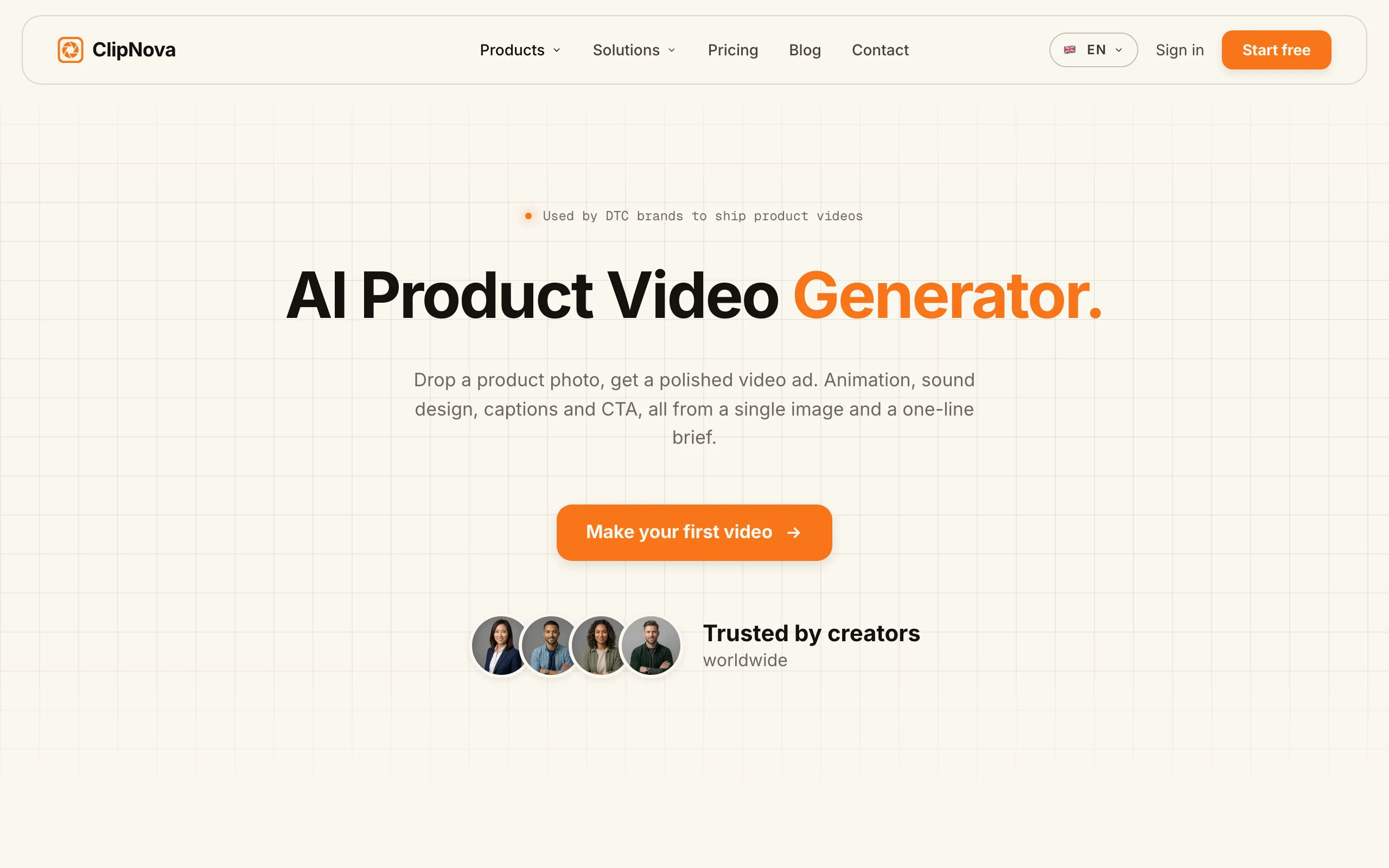
Output is vertical-first for TikTok, Reels, and Shorts, and narration comes in 32 languages, so the same combined visuals can ship as localized versions without extra editing.
Key features
- Combines uploaded images and a prompt into a publish-ready video, not just a still
- Script, AI voiceover in 32 languages, captions, and music generated in the same pass
- Vertical-first output with multi-format export for TikTok, Reels, and Shorts
- Watermark-free 1080p and 4K with full commercial rights on every plan
- Also works from a bare text idea or a music track when you have no images yet
Best for
- Marketers turning product shots and lifestyle scenes into short video ads
- Creators who combine images as raw material for daily short-form content
Pricing
- Free to start, no card required; paid plans unlock volume and full export
- Starter $49/mo (250 credits), Creator $99.99/mo (500 credits), Studio $199/mo (1,000 credits); every plan includes every feature (see ClipNova plans)
- Yearly billing is 20% off
Pros
- The only tool here whose output is ready to post on video platforms as is
- Flat credit plans with commercial rights from the entry tier
Cons
- Not a pixel-level photo compositor: for precision single-image merges, pair it with Gemini or Photoshop upstream
- No free-forever plan with full export
2. Google Gemini, best free AI image combiner
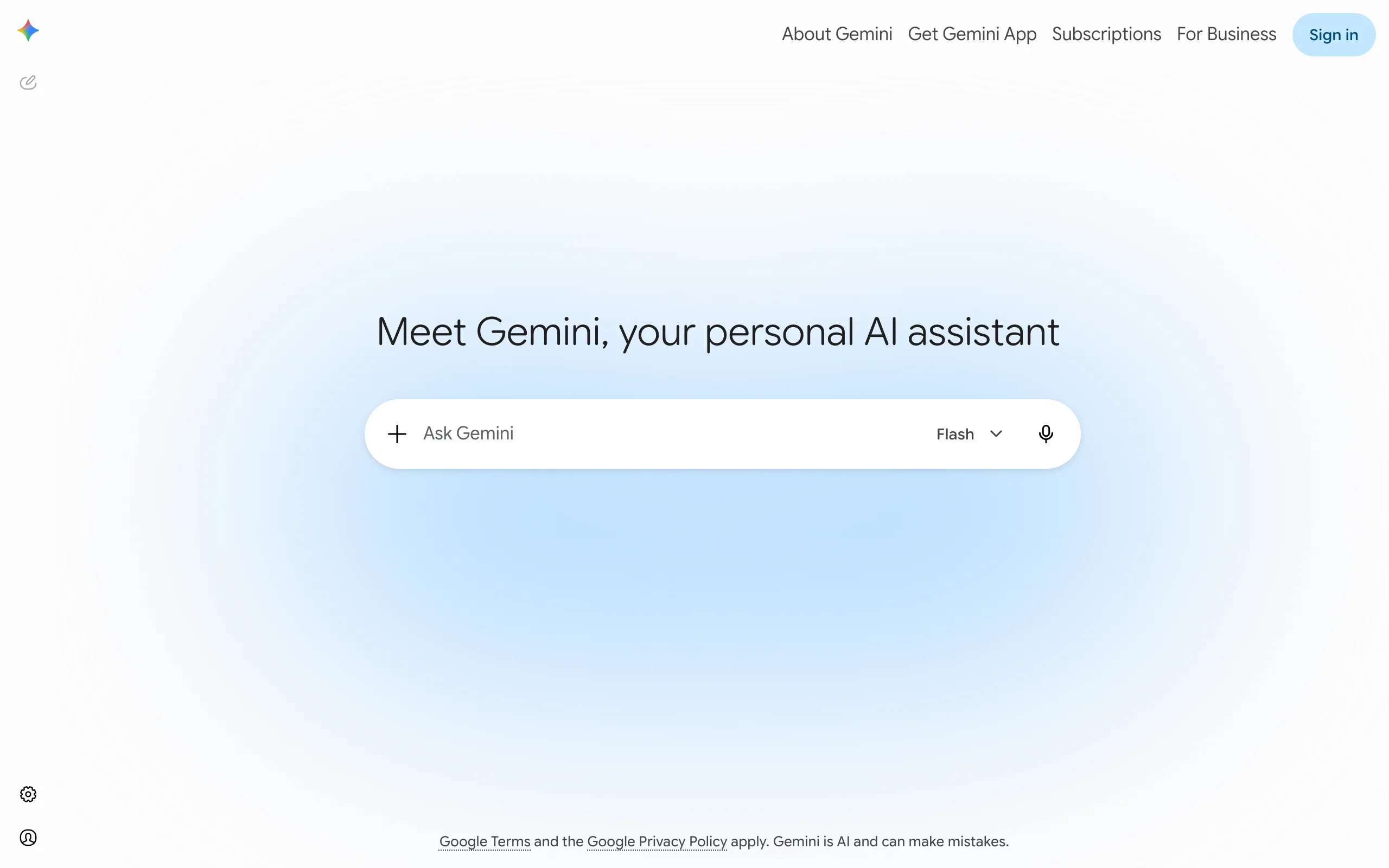
Google Gemini is the easiest way to combine images with AI right now, and the free tier is genuinely useful. The Gemini app includes Nano Banana, Google's image editing model, so you can upload photos and type instructions like "put the person from the first photo on the beach from the second photo." Paid plans add Nano Banana Pro, built on Gemini 3 Pro, which Google says can blend up to 14 input images while keeping up to 5 people consistent across the result.
That multi-image capacity matters for real work. You can feed it a product shot, a logo, a color reference, and a background scene in one request, then refine the result with follow-up prompts in plain language.
Key features
- Prompt-based combining of multiple photos directly in the Gemini app
- Nano Banana Pro accepts up to 14 reference images in a single generation
- Maintains resemblance of up to 5 people across combined images
- Up to 4K output resolution with Nano Banana Pro
- Follow-up prompts let you adjust lighting, position, and style conversationally
Best for
- Anyone who wants strong image combining without paying
- Marketers who need brand elements (logo, palette, product) merged into one scene
Pricing
- Free tier includes image creation and editing with daily limits
- Google AI Pro: $19.99/mo with higher limits and expanded model access
- Google AI Ultra: from $249.99/mo for the highest limits
Pros
- The free tier handles most casual combining jobs
- Highest published input-image count of any tool on this list
- No software to install, works in browser and mobile app
Cons
- Free limits are described as daily caps but exact numbers are not published
- Results on watermarked or low-resolution inputs can drift from the originals
3. ChatGPT, best for conversational image merging
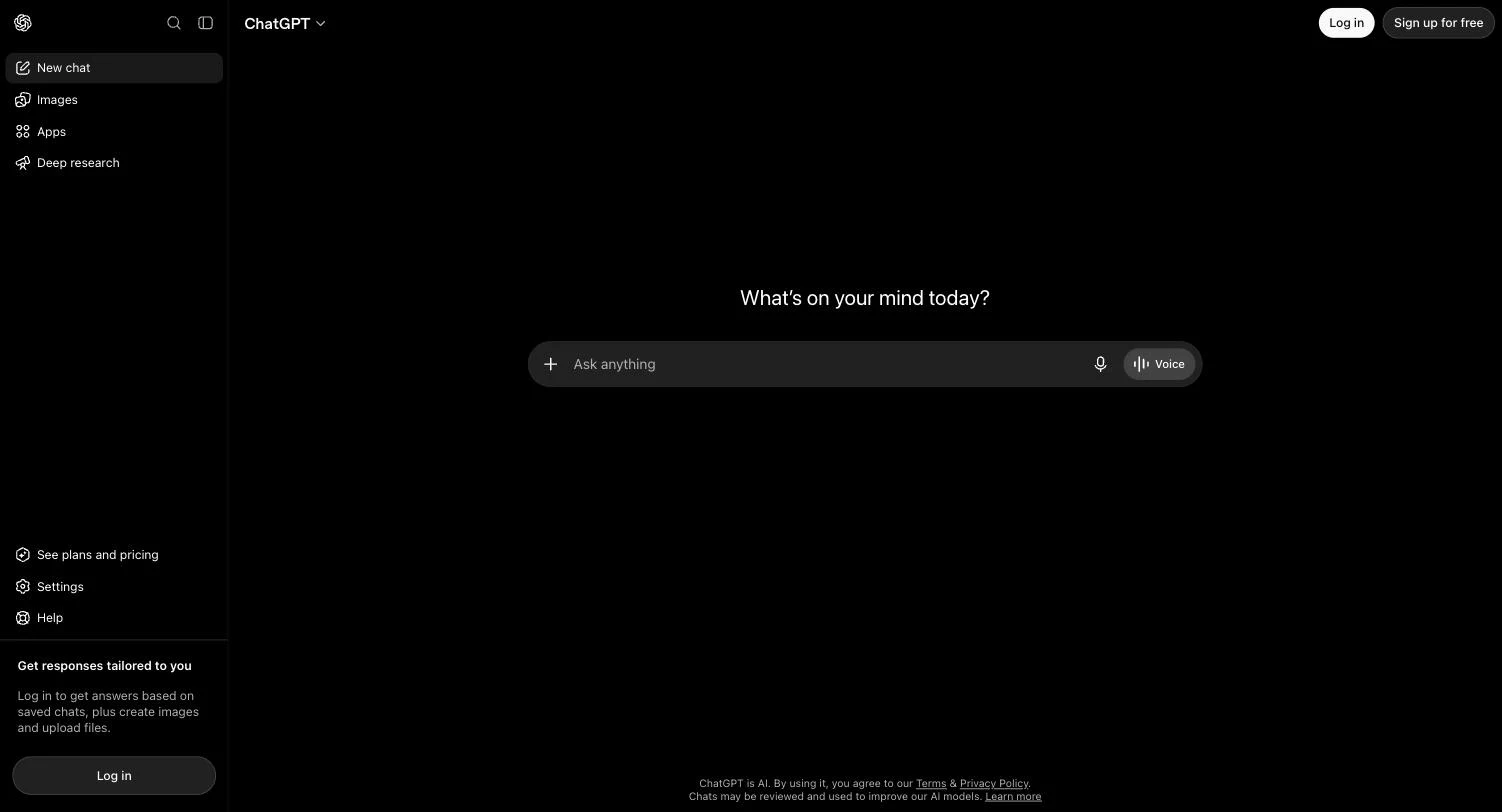
ChatGPT treats image combining as a conversation. You upload two or more photos, describe the merge you want, and the built-in image model generates a composite. Because it sits inside a chat, you can iterate naturally: "make the shadow softer," "move the bottle to the left," "match the color temperature of the background." That loop is where ChatGPT beats single-shot tools.
It is also good at understanding messy instructions. If you cannot articulate what is wrong with a composite, you can describe the feeling ("the product looks pasted on") and it will usually fix the right thing.
Key features
- Upload multiple images and direct the merge with plain-language prompts
- Iterative editing in the same thread, no need to restart
- Subject transfer, background swaps, and style fusion in one interface
- Strict safety filters around real people's faces, which limits deepfake misuse
- Available on web, desktop, and mobile apps
Best for
- People who already pay for ChatGPT and want combining included
- Iterative work where you refine a composite over several rounds
Pricing
- Free: $0 with limited image generations
- Go: $5.50/mo with higher limits; Plus: $20/mo with full model access
- Pro: from $100/mo for the highest usage tiers
Pros
- Best-in-class instruction following for complex merge requests
- No extra subscription if you already use ChatGPT for other work
Cons
- Output resolution is modest (roughly 1 MP class) and exact caps are not published
- Generation limits on the free tier are tight and not clearly documented
- May refuse edits involving photos of real people, especially public figures
4. Canva, best for combining images inside designs
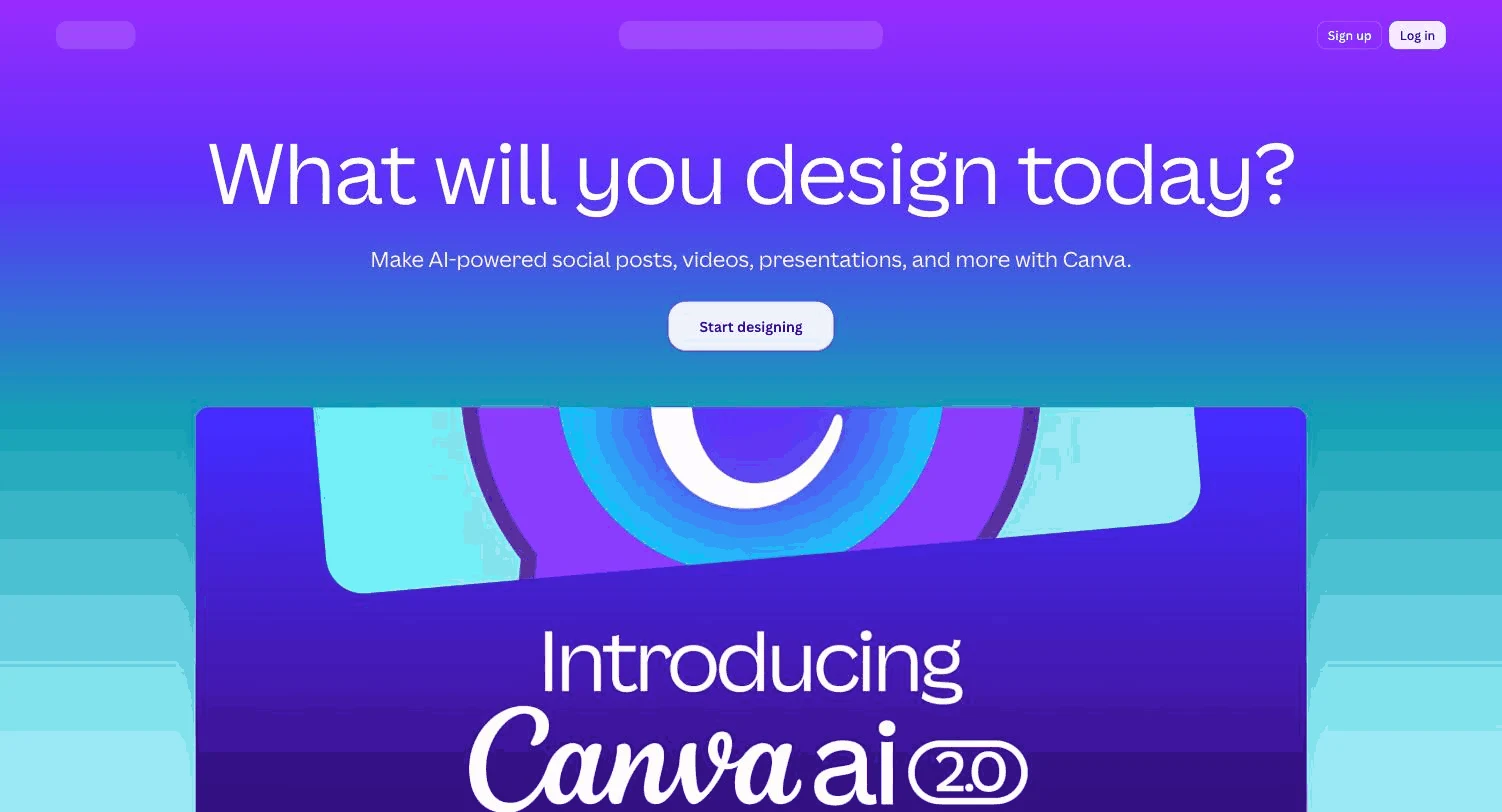
Canva approaches image combining from a designer's angle. Its image combiner and collage tools handle the layout side, while Magic Studio adds the AI: Magic Grab lifts a subject off its background with one click, Background Remover cuts clean edges, and Magic Expand generates surroundings that never existed. In April 2026 Canva added Magic Layers, which splits AI-generated images into editable layers, plus integration with OpenAI's image models.
The point is context. If your combined image is headed for an Instagram post, a pitch deck, or a product banner, Canva merges the photos and finishes the design in the same editor.
Key features
- Magic Grab isolates subjects so you can move them between images
- Background Remover and Magic Eraser for clean cutouts (paid plans)
- Magic Expand extends a photo's edges to fit new layouts
- Magic Layers splits AI images into editable layers
- Thousands of templates to place your combined image into finished designs
Best for
- Social media managers and small businesses producing posts and ads
- Teams that want combining, branding, and layout in one tool
Pricing
- Free plan with limited monthly AI uses
- Canva Pro: about $15/mo, or $120/yr, with roughly 500 AI credits per month
- Background Remover, Magic Eraser, and Magic Expand require a paid plan
Pros
- Combined images land directly in ready-to-publish templates
- Generous free plan for basic layout-style merging
Cons
- The AI cutout tools that matter most for combining sit behind the paywall
- Less convincing photorealistic blending than Gemini or Photoshop
5. Adobe Photoshop, best for professional compositing control
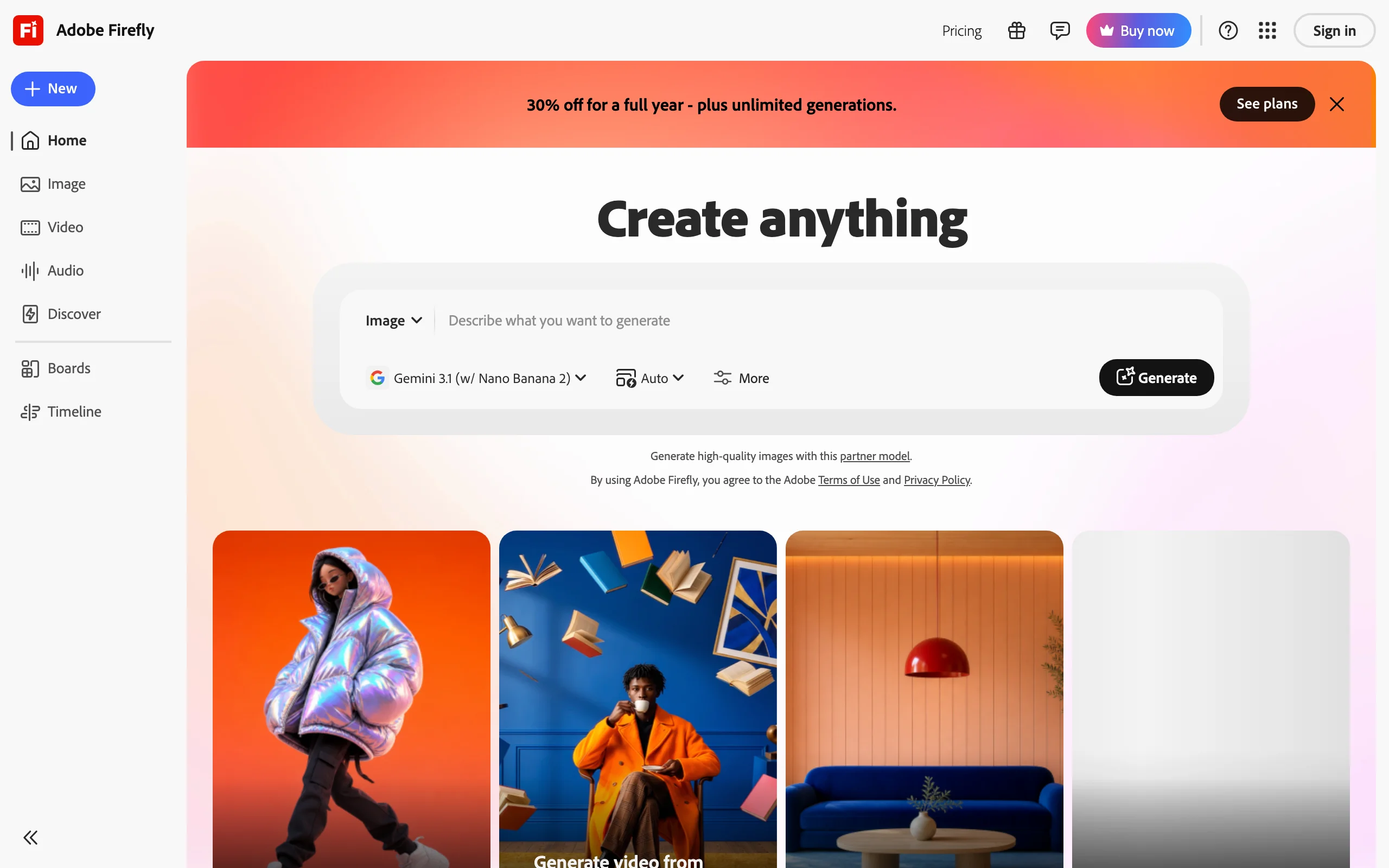
Adobe Photoshop remains the ceiling for image combining because it gives you both approaches at once: traditional layers, masks, and blend modes for precision, and Firefly-powered Generative Fill for speed. You can drop one photo onto another, select the seam, and let Generative Fill invent the transition, then hand-tune whatever the AI missed. No prompt-only tool offers that level of correction.
Adobe's generative features run on a credit system, and allowances differ by plan, so check your plan's numbers before committing to heavy use. Firefly is also trained on licensed content, which matters if your legal team asks where the pixels came from.
Key features
- Generative Fill blends seams, extends backgrounds, and inserts objects by prompt
- Full layer, mask, and blend-mode stack for manual control
- Works at any canvas size and color profile you need for print
- Firefly models positioned by Adobe as designed to be commercially safe
- Remove tool and sky replacement speed up common composite chores
Best for
- Professionals delivering client work at print resolution
- Composites where the AI gets you 90 percent there and you finish by hand
Pricing
- Photoshop single app: $22.99/mo on an annual plan, with a 7-day free trial
- Photography plan: $19.99/mo including Lightroom
- Generative credit allowances vary by plan; check Adobe's current terms
Pros
- Unmatched precision when a blend needs manual fixing
- Output size limited only by your hardware, suitable for print
Cons
- Steepest learning curve on this list
- No permanent free tier, and credit rules have changed several times
6. Midjourney, best for artistic style blends
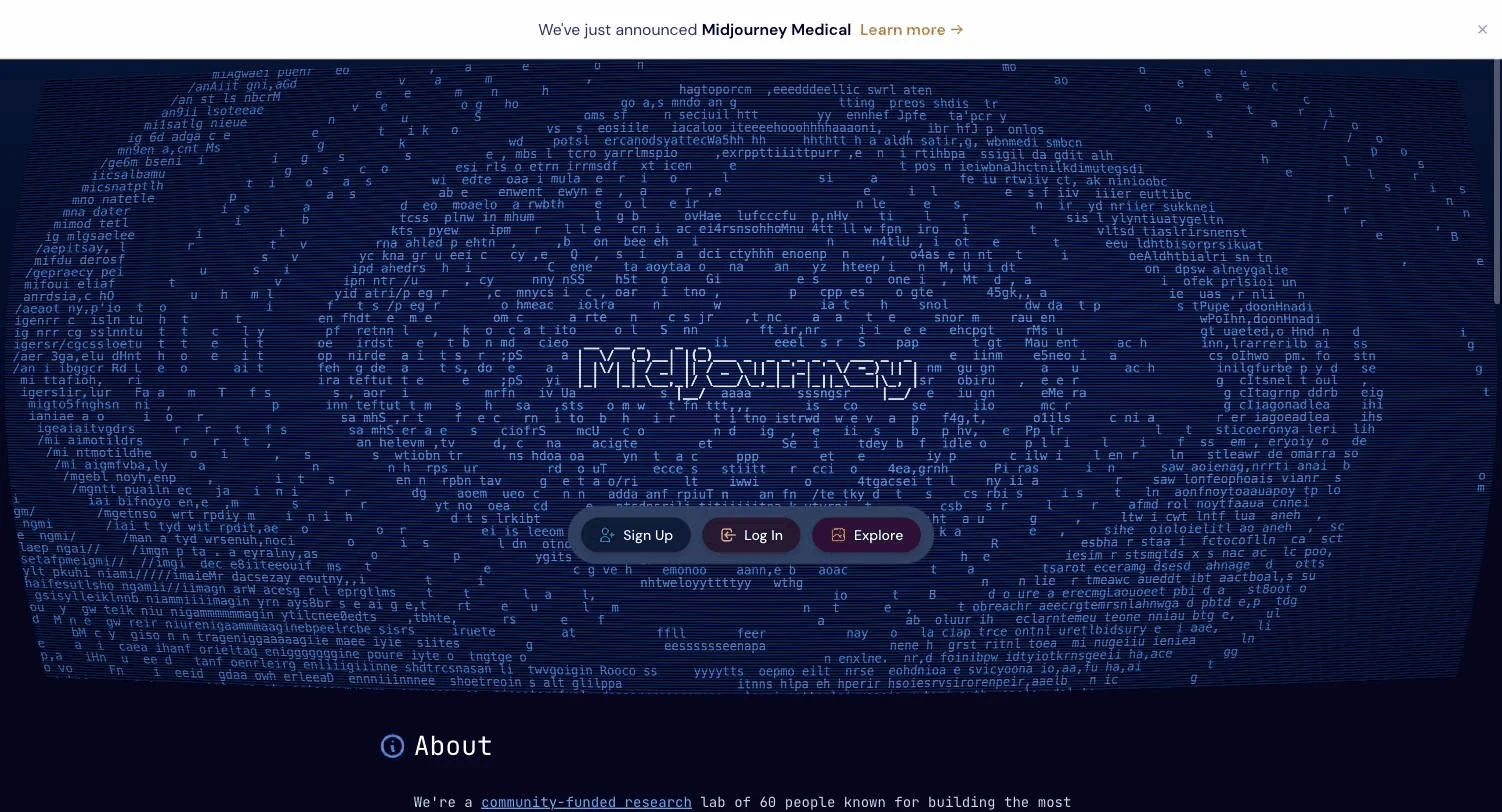
Midjourney combines images differently from the photo editors here. Its /blend command takes 2 to 5 uploaded images and fuses their concepts and styles into something new, rather than compositing subject A onto background B. Add image prompts or omni-reference to the standard /imagine command and you can carry a specific character or object into a freshly generated scene.
That makes Midjourney the pick when you want a new artwork influenced by your sources, not a faithful merge of them. Album art, concept boards, and stylized brand imagery are where it shines.
Key features
- /blend merges 2 to 5 images into one new generation
- Omni-reference carries a subject from your photo into generated scenes
- Square, portrait (2:3), and landscape (3:2) aspect ratios in blend mode
- Upscaling to roughly 2K output
- Active community and public gallery for prompt inspiration
Best for
- Artists and designers chasing a look rather than photo accuracy
- Mood boards, cover art, and stylized campaign visuals
Pricing
- Basic: $10/mo; Standard: $30/mo; Pro: $60/mo; Mega: $120/mo
- Annual billing cuts about 20 percent off each plan
- No free trial since 2023
Pros
- The most distinctive aesthetic results of any tool on this list
- Unlimited relaxed-mode generations on Standard plans and above
Cons
- Not built for faithful compositing; your originals become raw material
- Text prompts cannot be mixed into /blend itself
- Images are public by default unless you pay for Pro-level stealth mode
7. Fotor, best for quick beginner-friendly merges
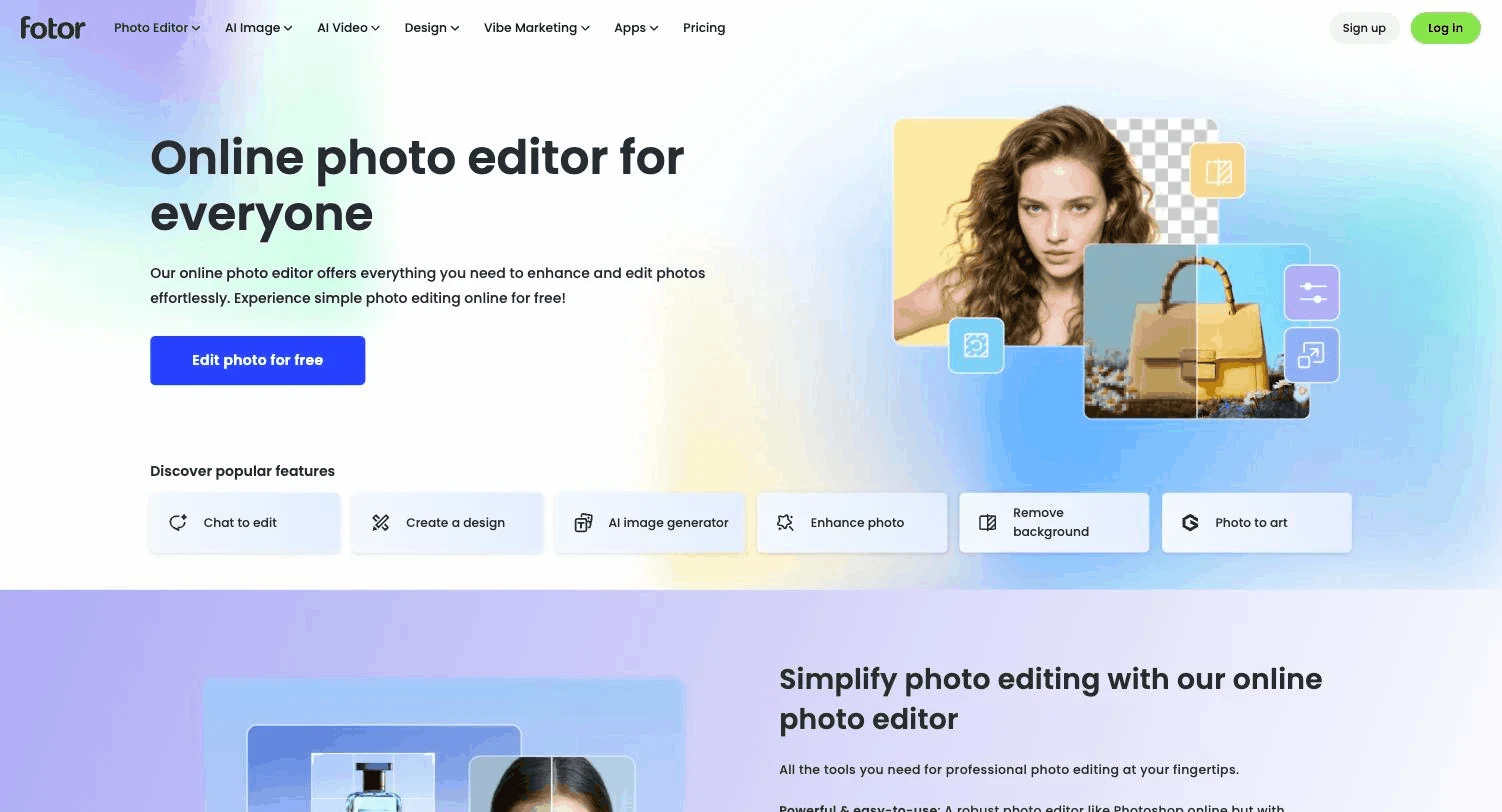
Fotor offers the most direct interpretation of an AI image combiner: a single-purpose web tool where you drop in up to 4 photos, type a short prompt describing how they should interact, and click generate. The AI matches lighting, depth, texture, and perspective automatically, and there are preset templates if you would rather not write prompts at all.
New users get starter credits to try it free, and Fotor states that generated images are watermark-free with commercial usage rights included. For a budget tool, that combination is rare.
Key features
- Dedicated AI image combiner accepting up to 4 photos per merge
- Prompt-based control plus preset templates for common combinations
- Automatic matching of lighting, depth, and perspective
- Watermark-free generated results, up to 2K resolution
- Traditional grid-style photo merger with 50+ layouts as a fallback
Best for
- Beginners who want a merge in under a minute with no learning curve
- Small sellers combining product shots with new backgrounds cheaply
Pricing
- Free starter credits for new users; unused paid credits roll over up to 5 months
- Fotor Pro: $8.99/mo, or $3.33/mo billed annually
- Fotor Pro+: $19.99/mo, or $7.49/mo billed annually
Pros
- One of the cheapest paid tiers of any tool listed here
- No account learning curve: upload, prompt, download
Cons
- 2K output ceiling rules out large-format print work
- 4-image input limit is the lowest among the AI-first tools here
8. Picsart, best for mobile editing with multiple AI models
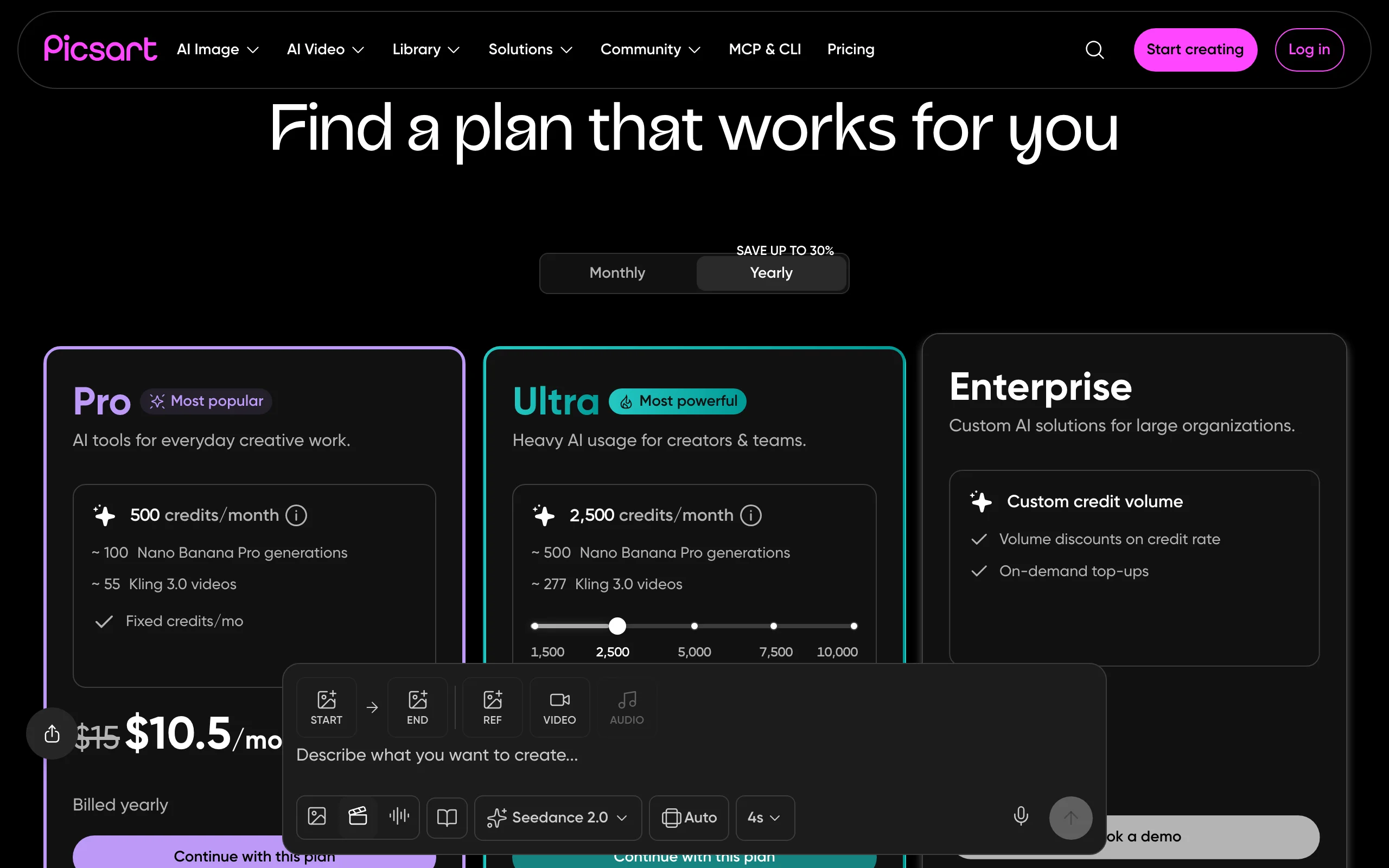
Picsart is the strongest phone-first option on this list. The mobile and web apps bundle background removal, object cutouts, collage tools, and prompt-based AI editing, and Picsart's paid plans now include access to third-party models such as Google's Nano Banana Pro for image work. That means you can run the same class of multi-image blending that Gemini offers, inside an editor built for social content.
For creators who shoot, edit, and post from a phone, that pipeline is the draw: combine a subject and a background, add text and stickers, and export for Stories or TikTok without touching a desktop.
Key features
- AI cutout and background removal for moving subjects between photos
- Access to Nano Banana Pro and other models on paid plans (140+ models on Ultra)
- Collage and layout tools for non-AI merging
- Full editing stack: filters, text, stickers, retouching in one app
- Strong mobile apps on iOS and Android alongside the web editor
Best for
- Mobile-first creators making social content daily
- Users who want one subscription covering several AI models
Pricing
- Pro: from $10.50/mo billed yearly (annual billing saves $54/yr versus monthly)
- Ultra: from $37.50/mo billed yearly with about 5x Pro's usage
- Free trial availability depends on account history; a limited free tier exists
Pros
- Bundles multiple frontier image models under one plan
- Editing, combining, and social export in a single mobile workflow
Cons
- Exact credit amounts per plan are not published on the pricing page
- Free tier applies watermarks to some AI outputs
How to choose the best AI image combiner
Match the tool to the type of merge
- If you need subject A placed convincingly into scene B, then choose Gemini, ChatGPT, or Photoshop
- If you want two images fused into a new artistic concept, then Midjourney's /blend is built for exactly that
- If the combined image is one element of a larger design, then Canva or Picsart saves you an export step
- If the merge is destined for a video post, then ClipNova combines your images straight into a finished vertical video and skips the middle step
Decide how much control you need
- If prompt-and-pray is fine, then Gemini and Fotor get you results in seconds
- If you need to fix a bad seam by hand, then only Photoshop gives you layers and masks over the AI output
- If you refine through conversation, then ChatGPT's iterative chat loop fits how you work
Check output size against your destination
- If you publish to social feeds, then every tool here is sufficient
- If you print or crop heavily, then Photoshop (any size) or Gemini's 4K Nano Banana Pro output are the safe picks
- If a tool caps output at 1 to 2K, like Fotor or ChatGPT, then plan for an upscaling step
Mind budget, rights, and watermarks
- If you spend nothing, then Gemini's free tier is the strongest, with Canva and Fotor's starter credits behind it
- If you sell what you make, then confirm commercial rights: Fotor states they are included, Adobe positions Firefly as designed to be commercially safe, and Midjourney requires an active subscription (with higher tiers for larger companies)
- If watermarks are a dealbreaker, then avoid free tiers on Fotor's general tools and Picsart, which watermark some outputs
From combined image to published video
A combined image is usually the midpoint of a workflow, not the end. Product shot merged into a lifestyle scene, character placed in a new setting: the next step is turning that still into content people actually watch. That is where ClipNova comes in. It turns prompts and images into finished videos with a script, AI voiceover in 32 languages, captions, and music, built vertical-first for TikTok, Reels, and Shorts.
A concrete example: merge your product photo with a kitchen scene in Gemini or Fotor, then feed the composite to ClipNova's AI product video generator. You get a captioned, voiced vertical ad ready for Reels and TikTok, watermark-free in 1080p or 4K with full commercial rights. Have only an idea, no images yet? ClipNova's prompt-to-video tool starts from a sentence. It is free to start, no card required.
Ready to ship your own?
Start creating viral videos with AI in under twenty minutes, no credit card required.