

Making one good video still takes most people hours: scripting, recording a voiceover, cutting footage, adding captions. The best AI video generator tools in 2026 collapse that into minutes, but they are not interchangeable. Some produce a finished, publish-ready video from a single prompt, others generate stunning raw footage you still have to edit, and a few only animate avatars.
Picking the wrong category wastes a subscription. A cinematic model will not caption your Shorts, and an avatar platform will not build a faceless TikTok channel.
This guide compares 9 AI video generators on pricing, credits, output quality, and fit, so you can match a tool to how you actually publish.
Best AI video generators: a brief overview
For finished, publish-ready videos
- ClipNova: Best overall for creators and marketers. Turns one prompt into a complete vertical video with script, voiceover, captions, and music, priced on simple credit tiers where every plan gets every feature.
- InVideo AI: Best for accessing many models in one workspace. A single subscription routes credits to Veo, Kling, Seedance, and 200+ other models plus stock libraries.
For cinematic raw footage
- Runway: Best for filmmakers who want VFX-grade control over AI footage, with camera moves, motion tools, and a pro editing suite around the model.
- Google Veo 3.1 (Flow): Best for frontier realism with native audio, inside Google's Flow storyboard tool.
- Kling AI: Best quality per dollar for realistic motion, with paid plans starting at $10 a month.
- Luma: Best for image-to-video animation and fast visual experiments across Ray and third-party models.
- Pika: Best budget option for playful, effect-driven social clips.
For avatar-led videos
- Synthesia: Best for corporate training and internal comms with presenter avatars in 140+ languages.
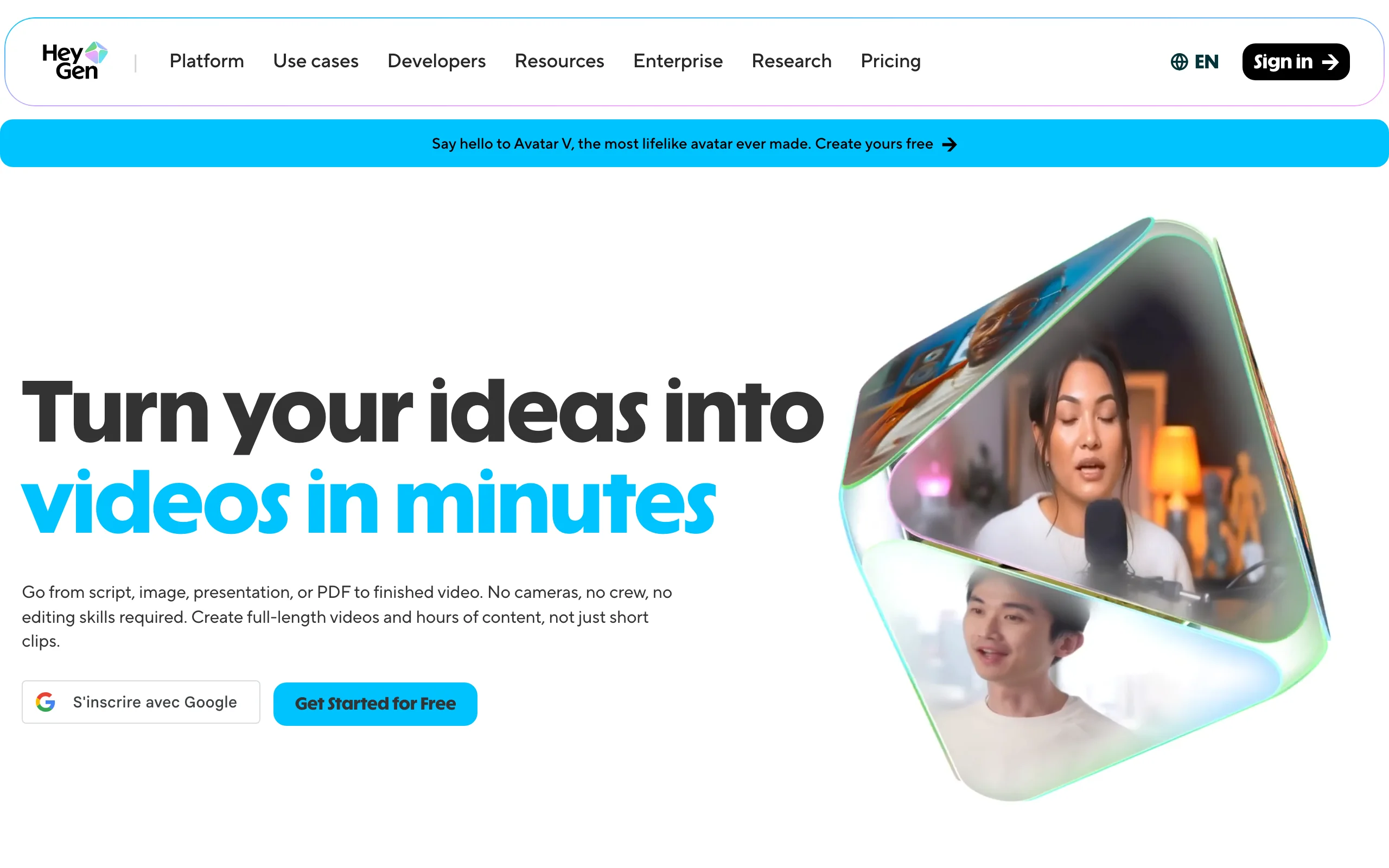
- HeyGen: Best for spokesperson-style marketing videos and translating existing footage with lip-sync.
| Tool | Best for | Starting price | Free option | Max output |
|---|---|---|---|---|
| ClipNova | End-to-end short-form for creators | From $49/mo | Free to start, no card | 1080p and 4K, up to 5 min |
| Runway | Cinematic footage and VFX control | From $15/mo | 125 one-time credits | Raw clips, 4K upscaling |
| Google Veo 3.1 (Flow) | Frontier realism with native audio | From $19.99/mo (AI Pro) | No free Flow credits | Short clips with native audio |
| Kling AI | Realistic motion on a budget | From $10/mo | Free plan, non-commercial | 1080p/4K, extensions to 3 min |
| Luma | Image-to-video animation | From $30/mo | Not shown on pricing page | Short clips, Ray + third-party models |
| Pika | Effect-driven social clips | From $8/mo (yearly) | 80 credits/mo at 480p | 1080p, watermark-free on paid |
| InVideo AI | Many models in one workspace | From $20/mo | Not listed on pricing page | Credit-based across 200+ models |
| Synthesia | Corporate training avatars | From $29/mo | Free plan, 10 min/mo | Avatar videos, minutes-capped |
| HeyGen | Avatar marketing and translation | From $29/mo | 3 videos/mo, 1 min each | 1080p, 4K on Pro |
1. ClipNova, best overall AI video generator for creators
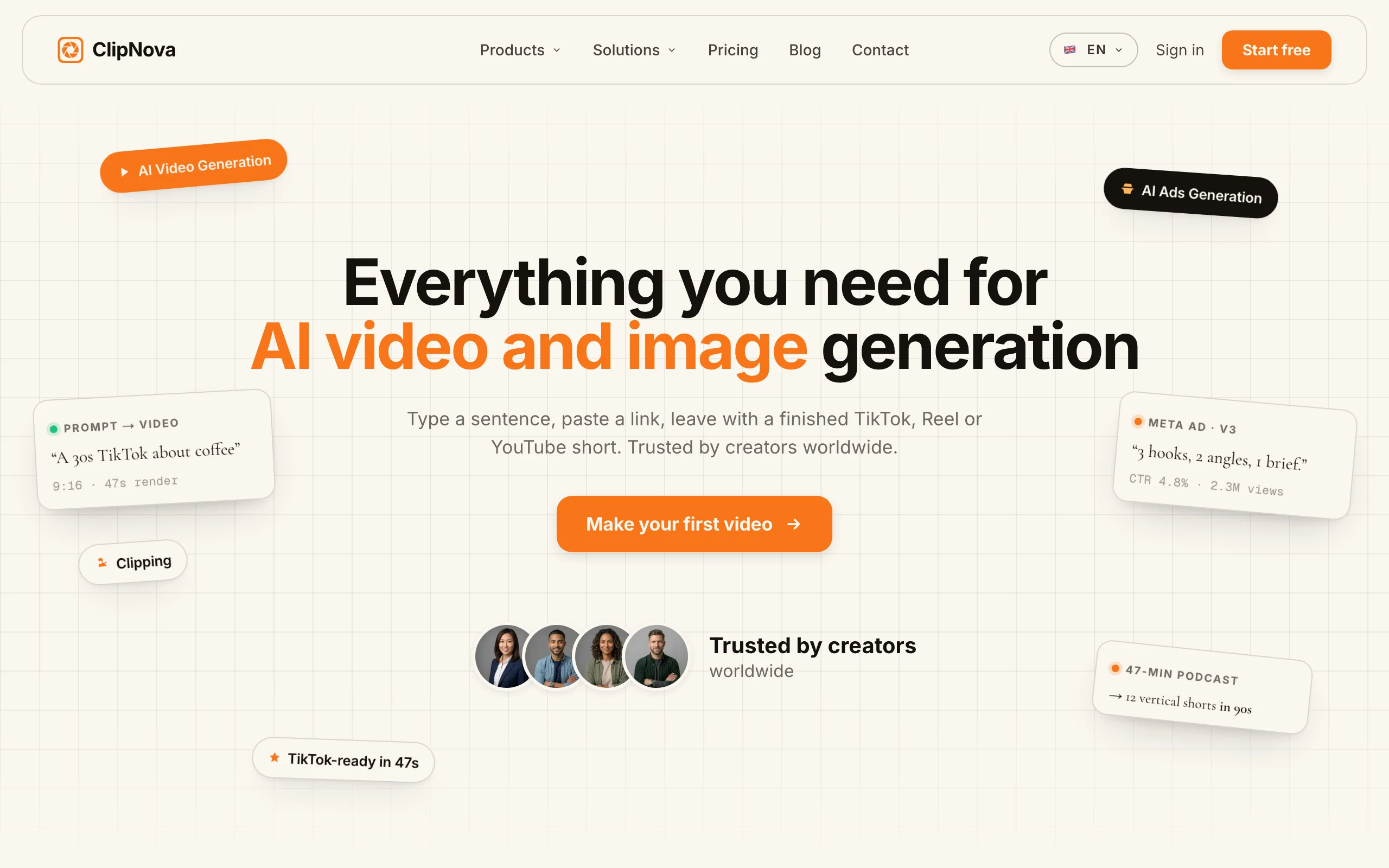
ClipNova starts where most AI video tools stop: instead of handing you a raw clip, it delivers a video you can post. Type an idea into the prompt to video workflow and it writes the script, records the voiceover, assembles the visuals, adds captions, and lays music under it, in one pass, up to 5 minutes long.
The output is vertical-first and tuned for TikTok, Reels, and Shorts, with multi-format export when you need other ratios. Musicians get their own entry point: the music to video generator turns a track into beat-matched visuals. Marketers use the same engine for talking avatars and UGC-style ad creatives.
Key features
- One prompt in, finished video out: script, AI voiceover, visuals, subtitles, and music together
- Vertical-first output with multi-format export for TikTok, Reels, and Shorts
- Music-to-video with beat-matched visuals for artists and beatmakers
- Talking avatars, AI actors, and AI UGC ad generation for performance marketers
- AI voiceovers in 32 languages, so one video localizes into many markets
- Watermark-free 1080p and 4K export with full commercial rights on every plan
Best for
- Creators and faceless-channel operators publishing short-form daily without filming or editing
- Agencies and marketers producing client videos and UGC-style ads at volume
Pricing
- Starter $49/mo (250 credits), Creator $99.99/mo (500 credits, most popular), Studio $199/mo (1,000 credits); see current ClipNova pricing
- Every plan includes the full feature set; tiers differ only in monthly credits. Yearly billing takes 20% off (about $39, $80, and $159 per month)
- Free to start with no card required; Enterprise adds custom credit volume, unlimited seats, and custom voice and avatar training
Pros
- No editing skills or camera needed; the gap between idea and published video is one prompt
- Simple plan logic: no feature gating to decode, you only choose a credit volume
- 32-language narration makes localized versions of a working video cheap to produce
Cons
- Newer brand than Runway or Synthesia, with a smaller community and template ecosystem
- Built for short-form generation, not long-form timeline editing of your own footage
- No free-forever plan; the free start is limited until you subscribe
2. Runway, best for cinematic AI footage and VFX-grade control
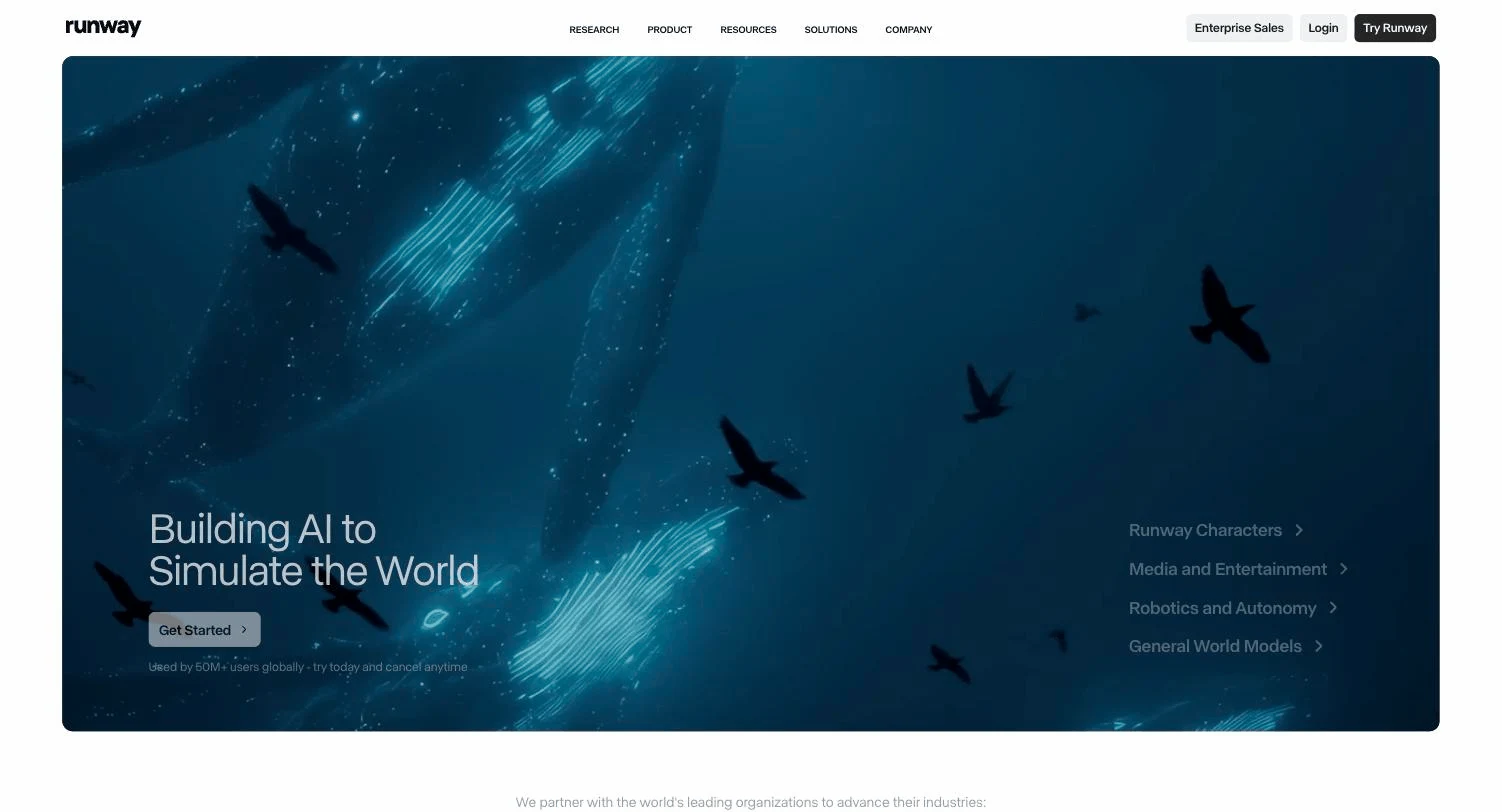
Runway is the tool serious filmmakers and video artists reach for. Its Gen-4.5 model produces some of the most controllable AI footage available, and it sits inside a full creative suite with camera controls, motion tools, and editing features that let you direct a shot rather than just prompt it.
The trade-off is that Runway produces footage, not finished social videos. There is no script, voiceover, or caption pipeline, and at 25 credits per second of Gen-4.5, heavy generation gets expensive fast.
Key features
- Gen-4.5 text-to-video and image-to-video with strong prompt adherence
- Camera controls and motion tools for directing shots
- Editing suite around the models, including 4K upscaling
- Multi-seat workspaces for teams on Standard and up
Best for
- Filmmakers, directors, and video artists making cinematic sequences
- Studios adding AI-generated shots and VFX to real footage
Pricing
- Free plan with 125 one-time credits to test
- Standard $15/mo (625 credits), Pro $35/mo (2,250 credits), Max $95/mo (9,500 credits); annual billing drops these to $12, $28, and $76
- 1 second of Gen-4.5 costs 25 credits, so Standard covers roughly 25 seconds of flagship footage a month
Pros
- Among the best visual quality and shot control in the industry
- The surrounding toolset (upscaling, editing, motion control) suits professional pipelines
Cons
- Raw clips only; scripting, voiceover, captions, and publishing stay your job
- Credit math is punishing at volume for a daily-posting creator
3. Google Veo 3.1 (Flow), best for frontier realism with native audio
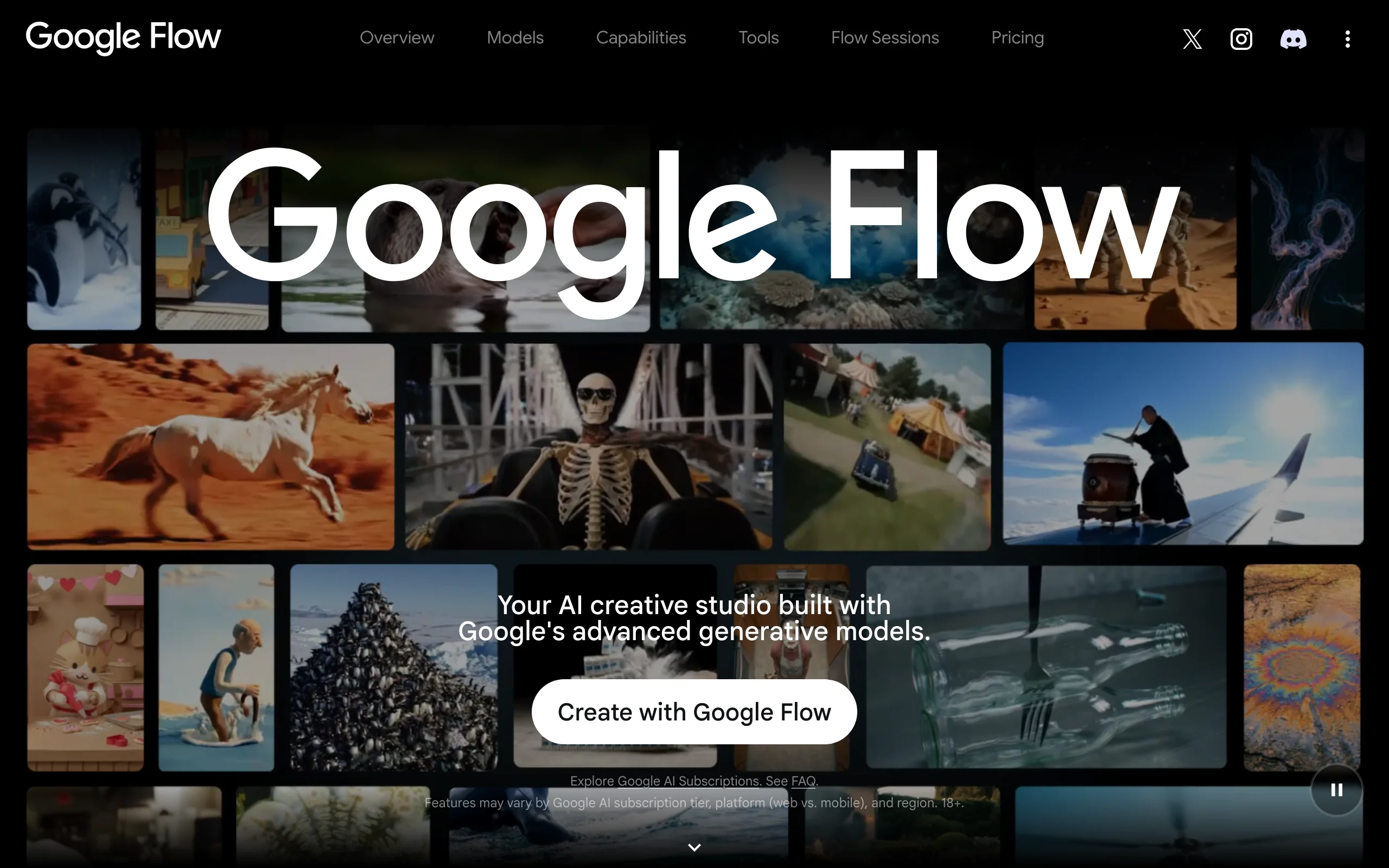
Google Veo 3.1 generates short clips with sound baked in: dialogue, ambient noise, and effects come out of the model natively, which no other mainstream tool does as well. You use it through Flow, Google's storyboard-style filmmaking tool, where clips can be extended and sequenced into scenes.
Access is bundled into Google AI subscriptions rather than sold standalone, and Flow credits only come with paid tiers. Like Runway, it outputs footage rather than finished, captioned social videos.
Key features
- Native audio generation: dialogue, sound effects, and ambience in the clip itself
- Flow storyboard tool for extending clips and building scenes
- Photo-to-video generation on the Ultra tier (US only)
- Bundled with Gemini and Google's wider AI stack
Best for
- Creators chasing maximum realism per clip, especially where sound matters
- Anyone already paying for a Google AI subscription
Pricing
- Google AI Pro $19.99/mo includes 1,000 Flow credits a month
- Google AI Ultra $249.99/mo includes up to 25,000 Flow credits plus the highest model limits
- No standalone Veo plan; credits are part of the broader Google AI bundle
Pros
- Best-in-class realism with sound, which saves a separate sound-design pass
- Strong value on AI Pro if you already use Gemini
Cons
- Clip generator, not a video pipeline; no captions, voiceover tracks, or publishing flow
- Serious volume requires the $249.99 Ultra tier
4. Kling AI, best quality per dollar for realistic motion
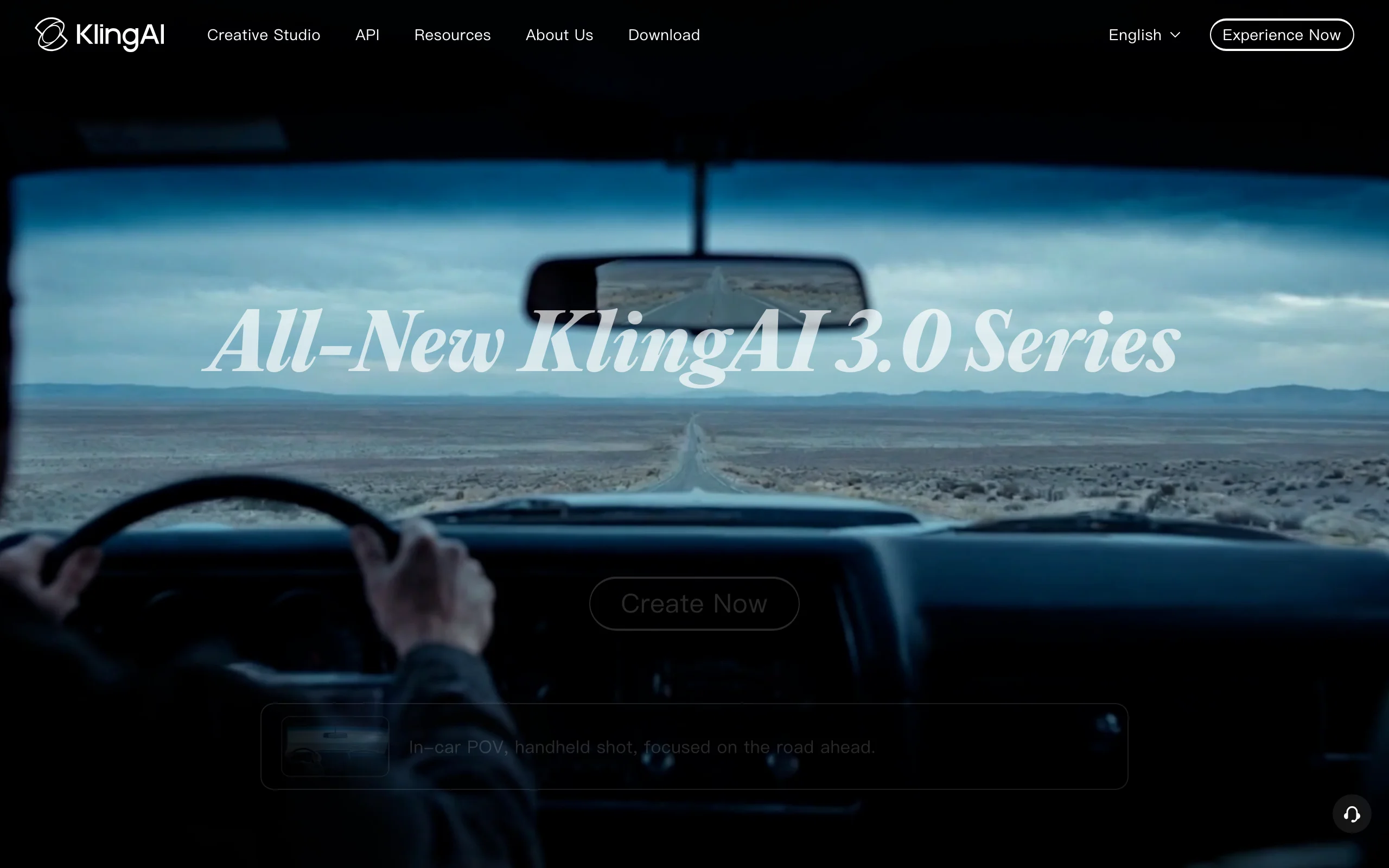
Kling AI, built by Kuaishou, delivers surprisingly realistic human motion and physics at prices well below Western rivals. The Standard plan costs $10 a month for 660 credits, roughly 33 videos at 720p, and paid plans unlock 1080p and 4K generation, watermark removal, and video extensions up to 3 minutes.
The free plan is genuinely free forever but its output is not licensed for commercial use, which matters if you monetize.
Key features
- Realistic human motion and physics from the latest VIDEO models
- Video extension for building shots up to 3 minutes
- 1080p and 4K generation with watermark removal on paid plans
- Voice control features on current video models
Best for
- Budget-conscious creators who need realistic raw clips at volume
- Longer single AI shots that most clip models cannot sustain
Pricing
- Free plan exists, but generated content is not for commercial use
- Standard $10/mo (660 credits), Pro $37/mo (3,000), Premier $92/mo (8,000), Ultra $180/mo (26,000)
- Yearly billing is about 34% off, and first-subscription promos discount the opening month
Pros
- The strongest quality-per-dollar ratio among the big video models
- Extensions to 3 minutes suit narrative shots
Cons
- Raw clips only; no script, voiceover, or caption workflow
- Queue times on cheap tiers, and billing/support can feel rough for Western users
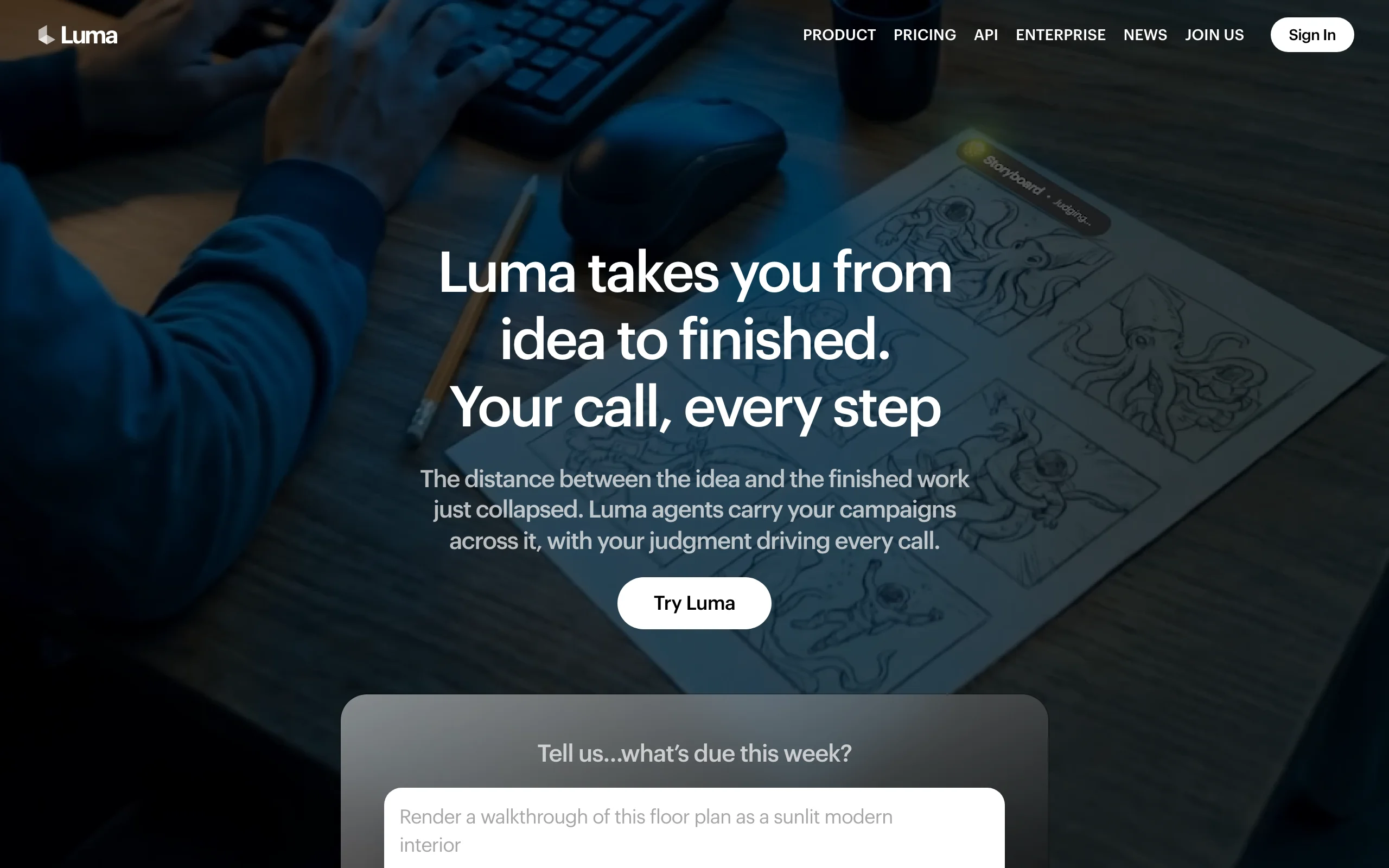
5. Luma, best for image-to-video animation
Luma (the company behind Dream Machine) pairs its own Ray models with third-party image and video models under one subscription. Its standout skill has always been image-to-video: feed it a still and it produces natural, coherent motion, which makes it a favorite for animating concept art, product shots, and B-roll experiments.
In 2026 Luma's plans center on a credit pool that spans multiple models, with commercial use included from the base paid tier.
Key features
- Strong image-to-video with natural motion from the Ray model family
- Access to Luma and third-party image and video models on one plan
- Fast iteration for visual experiments
- Commercial use included on paid plans
Best for
- Designers and creators animating stills, concept art, and product imagery
- Rapid look-development before committing budget to a bigger tool
Pricing
- Plus $30/mo (10,000 credits; $25/mo billed yearly)
- Pro $90/mo (40,000 credits) and Ultra $300/mo (150,000 credits) add multiplied usage with Luma Agents
- No free tier is shown on the current pricing page
Pros
- One subscription covers several models, useful while the model race keeps shifting
- Image-to-video quality holds up against pricier rivals
Cons
- Raw clips; everything after generation is manual
- Entry price is higher than Kling or Pika for casual use
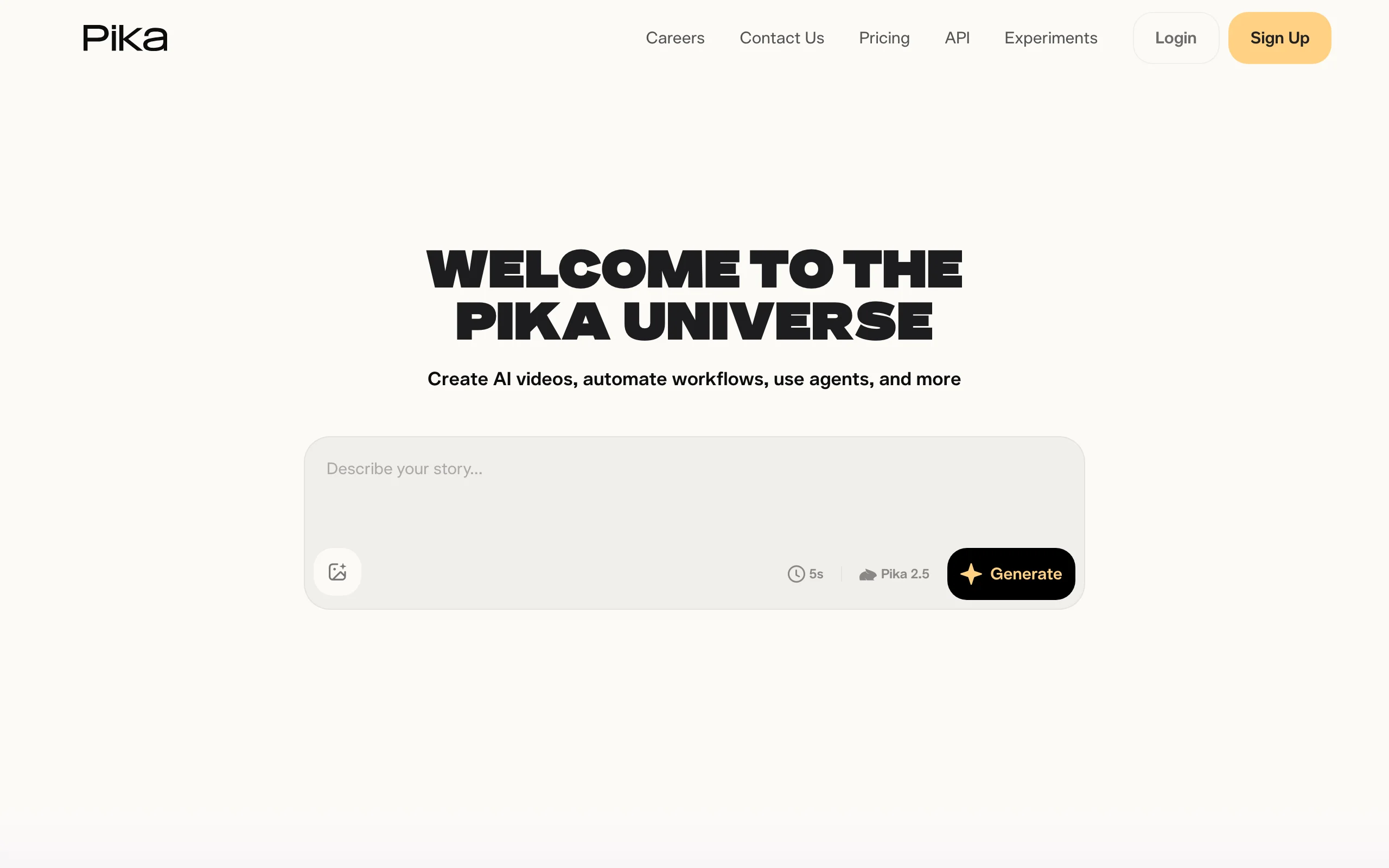
6. Pika, best budget pick for effect-driven social clips
Pika made its name on fun: meme-able effects, quick transformations, and an interface anyone can learn in minutes. It is the cheapest paid entry point in this list at $8 a month billed yearly, and its effect templates are built for the kind of visual gags that travel well on TikTok.
The free tier is limited to 480p image-to-video, and you need at least the Standard plan for meaningful credits, with watermark-free downloads and commercial use reserved for paid plans.
Key features
- Effect templates (Pikaffects) for viral-style transformations
- Text-to-video and image-to-video generation
- Watermark-free downloads and commercial use on all paid tiers
- Simple, playful interface with a shallow learning curve
Best for
- Casual creators testing AI video without a real budget
- Meme pages and social accounts built on effect-driven clips
Pricing
- Free plan: 80 monthly credits, 480p, image-to-video only
- Basic $8/mo, Standard $28/mo (700 credits), Pro $76/mo (2,300 credits), all billed yearly
- Commercial use and watermark removal start at the paid tiers
Pros
- Lowest entry price of any paid plan here
- Effects produce scroll-stopping clips with near-zero skill
Cons
- Short raw clips only; no narration or caption pipeline
- Free tier is too limited (480p) to judge real output quality
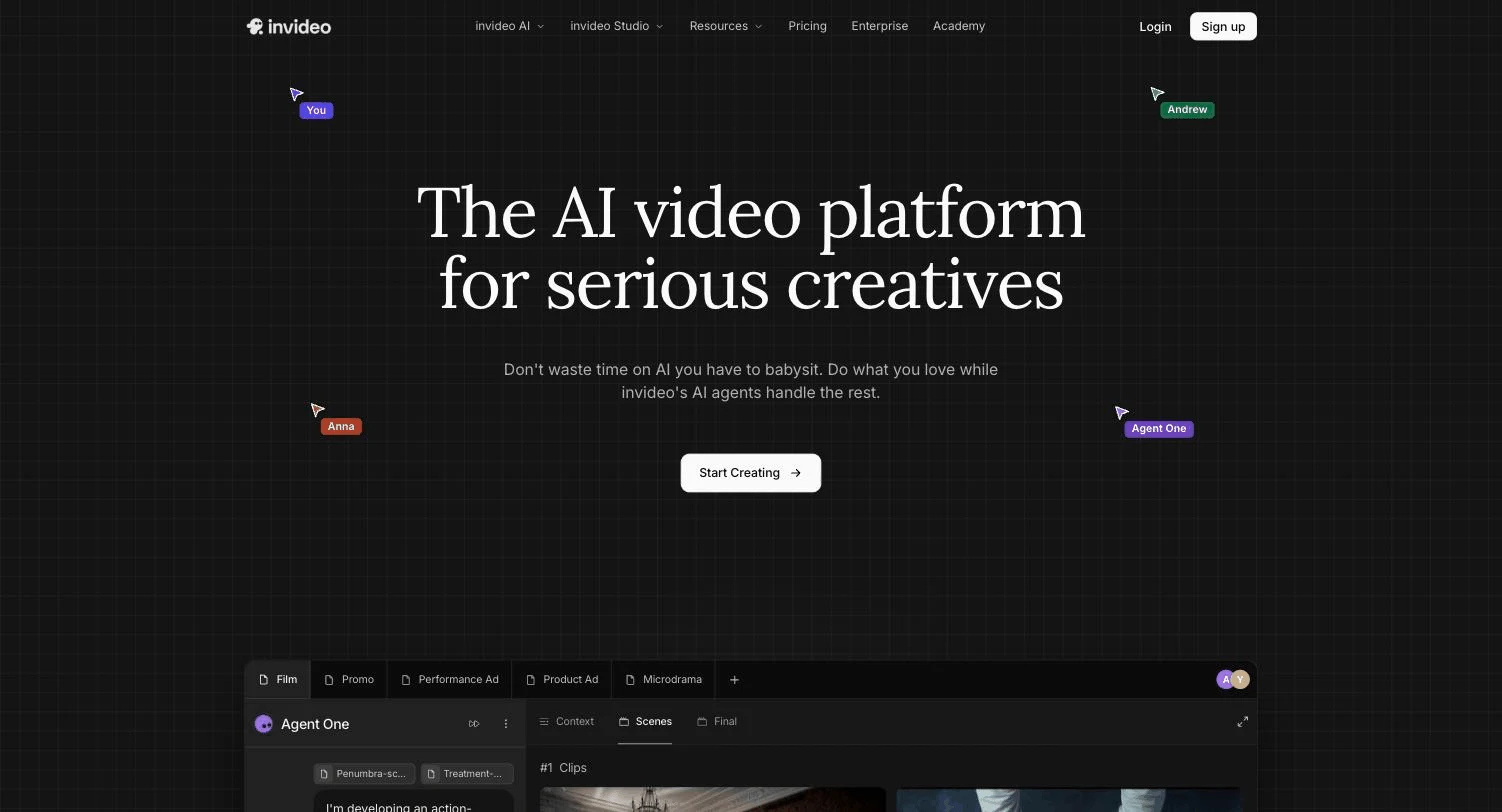
7. InVideo AI, best for accessing many models in one workspace
InVideo AI repositioned itself in 2026 as a multi-model workspace: one subscription and a single credit pool that you can spend across 200+ image, video, audio, and music models, including Veo 3.1, Kling 3.0, Seedance 2.0, and ElevenLabs, plus stock libraries like iStock and Storyblocks.
That flexibility comes with bookkeeping. Each model bills credits at its own rate, prices are subject to change, and unused credits do not roll over, so the effective cost per video varies with the models you pick.
Key features
- One credit pool across 200+ generative models
- Stock integration with iStock and Storyblocks
- AI avatars and voice clones scaling by tier
- Template-driven social video workflows from its editor heritage
Best for
- Teams that want to compare and combine frontier models without separate subscriptions
- Creators mixing stock footage with generative clips
Pricing
- Plus $20/mo (75 credits), Max $100/mo (390 credits), Generative $200/mo (800 credits), Elite $1,000/mo (4,250 credits)
- Annual billing is 10-15% off depending on tier
- Credits are spent at each model's own rate and do not roll over
Pros
- Genuine one-stop access to the current model landscape
- Established product with mature stock and template tooling
Cons
- 75 credits on the $20 plan is thin for video-heavy work
- Per-model credit pricing makes monthly costs hard to predict
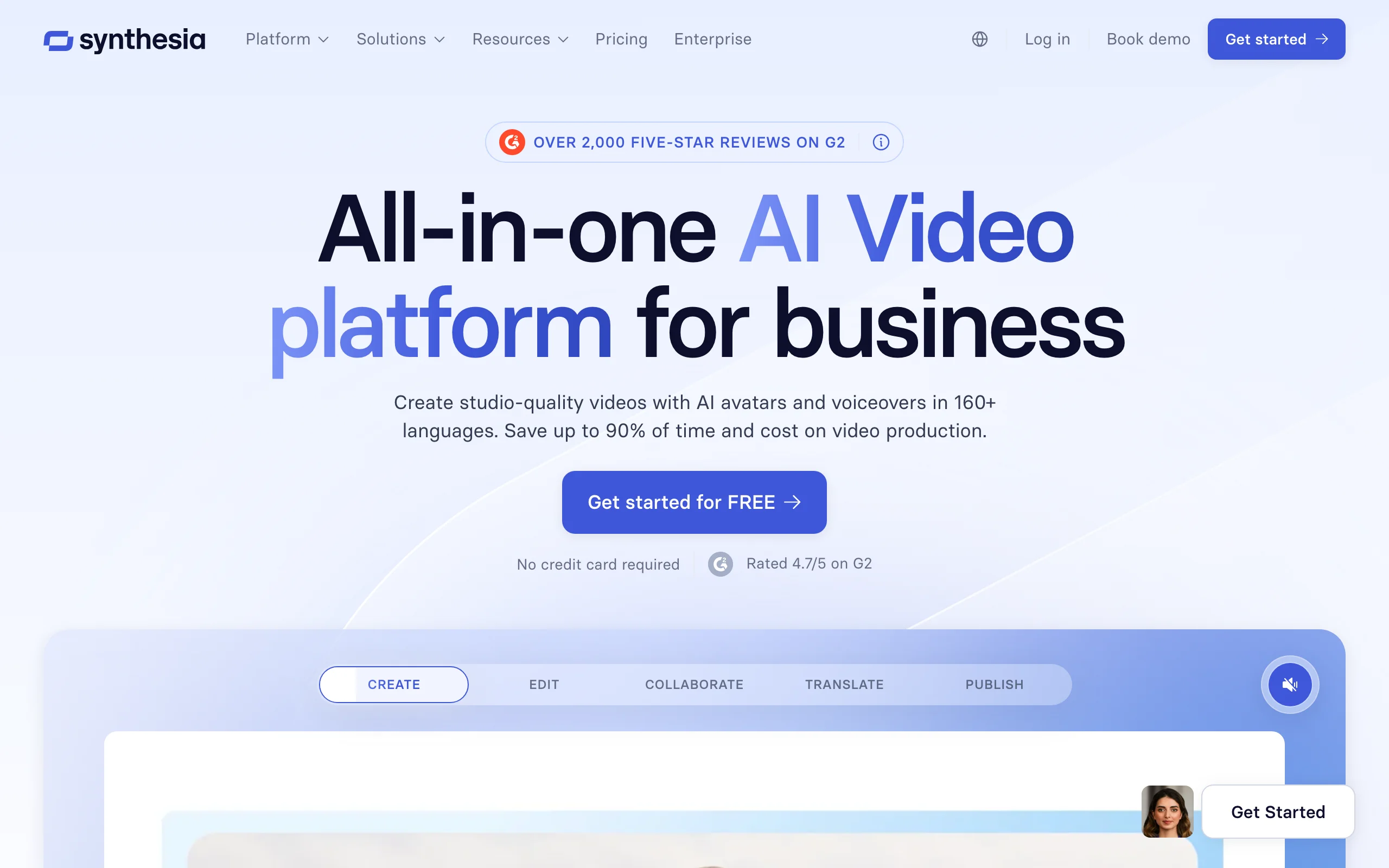
8. Synthesia, best for corporate training and comms videos
Synthesia is the enterprise standard for avatar-led video. Teams script a video, pick from 180+ stock avatars (or a custom clone), and get a polished presenter video in 140+ languages, which is why it dominates training, onboarding, and internal comms.
It is deliberately not a social-video tool. Output is presenter-style and minutes-capped, and nothing about the workflow targets TikTok-native content.
Key features
- Realistic presenter avatars with accurate lip-sync
- Translation and localization across 140+ languages
- Enterprise features: brand kits, collaboration, SCORM export for LMS platforms
- Personal avatar cloning on every tier, including free
Best for
- L&D and HR teams replacing filmed training content
- Enterprises localizing internal video at scale
Pricing
- Free plan: 10 video minutes per month
- Starter $29/mo ($18/mo billed yearly) with 10 min/mo; Creator $89/mo ($64/mo yearly) with 30 min/mo
- Enterprise with unlimited minutes is custom-priced
Pros
- The most polished avatar output and enterprise tooling in its category
- Minutes-based pricing is easy to budget for predictable video programs
Cons
- Presenter format only; unsuited to organic short-form content
- 10 to 30 minutes a month is restrictive for anyone posting daily
9. HeyGen, best for avatar marketing and video translation
HeyGen takes the avatar concept to marketing. Its custom digital twins are realistic enough for spokesperson ads, and its standout feature is video translation: upload existing footage and it re-voices the speaker in another language with matched lip movement.
Pricing is credit-based, with avatar video costing about 20 credits per minute, and the Business tier at $149/mo unlocking team features.
Key features
- Custom digital twins from a short recording
- Video translation with lip-sync across 175+ languages
- 500+ stock avatars and unlimited photo avatars
- 4K export from the Pro tier up
Best for
- Marketers producing spokesperson-style ads without repeat filming
- Teams translating winning videos into new markets
Pricing
- Free plan: 3 videos per month, up to 1 minute each
- Creator $29/mo ($24/mo yearly, 600 credits); Pro $49/mo (1,000 credits); Business $149/mo (1,500 credits) plus $20 per extra seat
- Avatar video runs about 20 credits per minute; translation 2-5 credits per minute
Pros
- Video translation is the best shortcut to multilingual ad testing
- Avatar realism leads the marketing-tier market
Cons
- Avatar-centric; general text-to-video B-roll is a secondary feature
- Credit accounting across avatars and translation takes attention
How to choose the best AI video generator for your workflow
The category label hides three different products. Answer these four questions before paying for anything.
1) Do you need finished videos or raw footage?
- If you want to type an idea and publish the result: ClipNova outputs the complete package (script, voice, captions, music), and InVideo AI gets partway there with templates plus model access.
- If you want footage to edit yourself: Runway, Google Veo 3.1, Kling, Luma, and Pika all generate clips, and the editing, narration, and captioning stay in your hands.
2) How much do you actually publish?
Do the price-per-video math against your real cadence. A daily short-form schedule is 30 videos a month; at that pace, per-second credit models like Runway's flagship get expensive, while Kling's $10 Standard tier or ClipNova's 250-credit Starter stretch much further. If you are trying to sustain a daily schedule solo, this breakdown of shipping 30 shorts a month shows where the hours really go.
- Posting daily or running multiple channels: ClipNova or Kling for volume economics.
- A few hero videos a month: Runway or Veo, where quality per clip beats quantity.
3) Faceless, avatar, or your own footage?
- Faceless channels and voiceover-led content: ClipNova's AI Shorts generator covers the script-to-captioned-video pipeline without a camera.
- A consistent on-screen presenter without filming: Synthesia for training content, HeyGen for marketing and translation.
- You already film and just want AI assists: none of these nine is ideal; look at editor-first tools instead.
4) What rights and platforms do you need?
Check the commercial-use fine print before you monetize. Kling's free plan excludes commercial use, Pika reserves it for paid tiers, and ClipNova includes full commercial rights on every plan. Then test before committing: generate 3 to 5 videos in your actual niche on free tiers or starter months, post them, and let retention data pick your tool.
Ready to ship your own?
Start creating viral videos with AI in under twenty minutes, no credit card required.